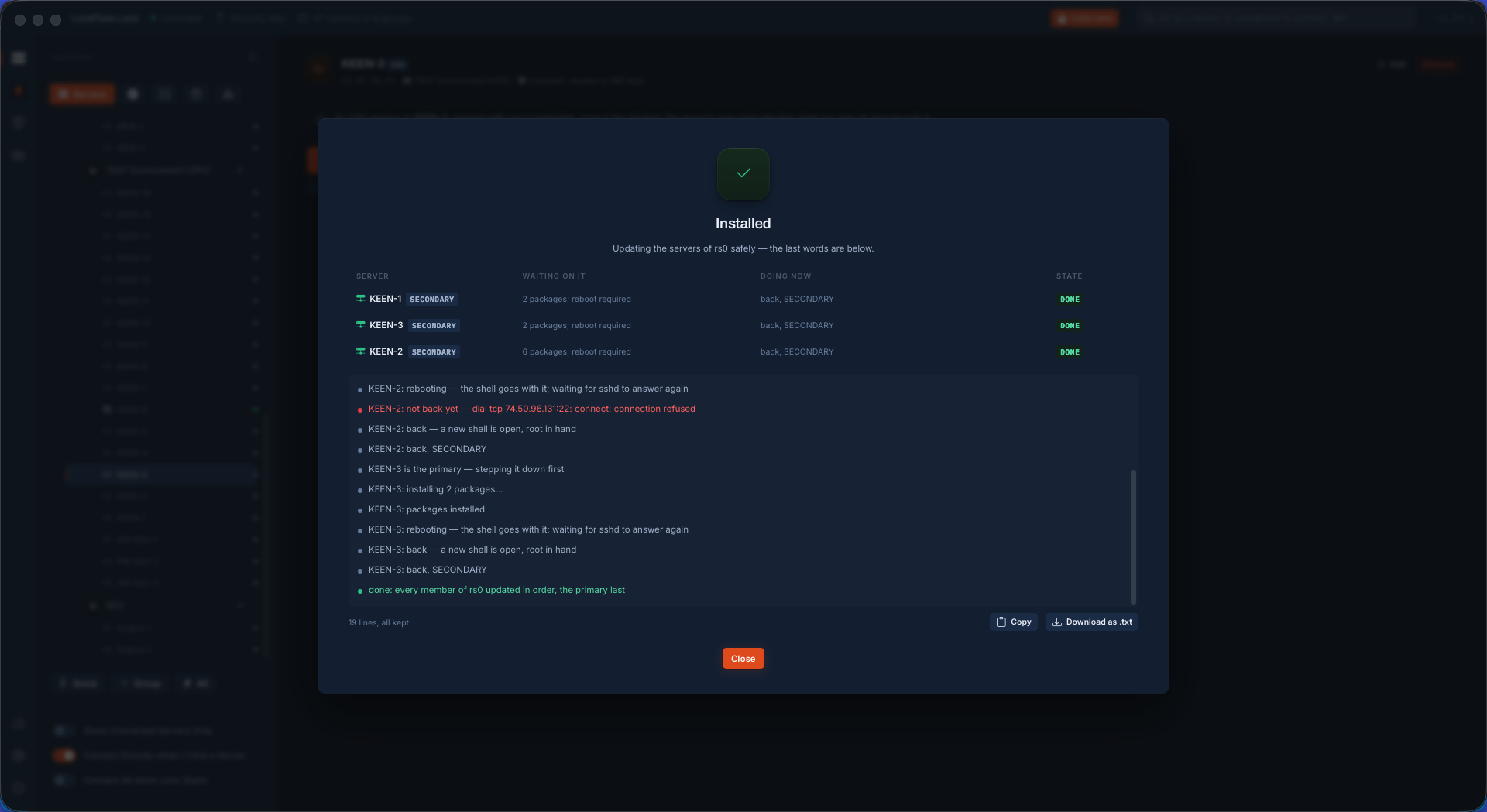
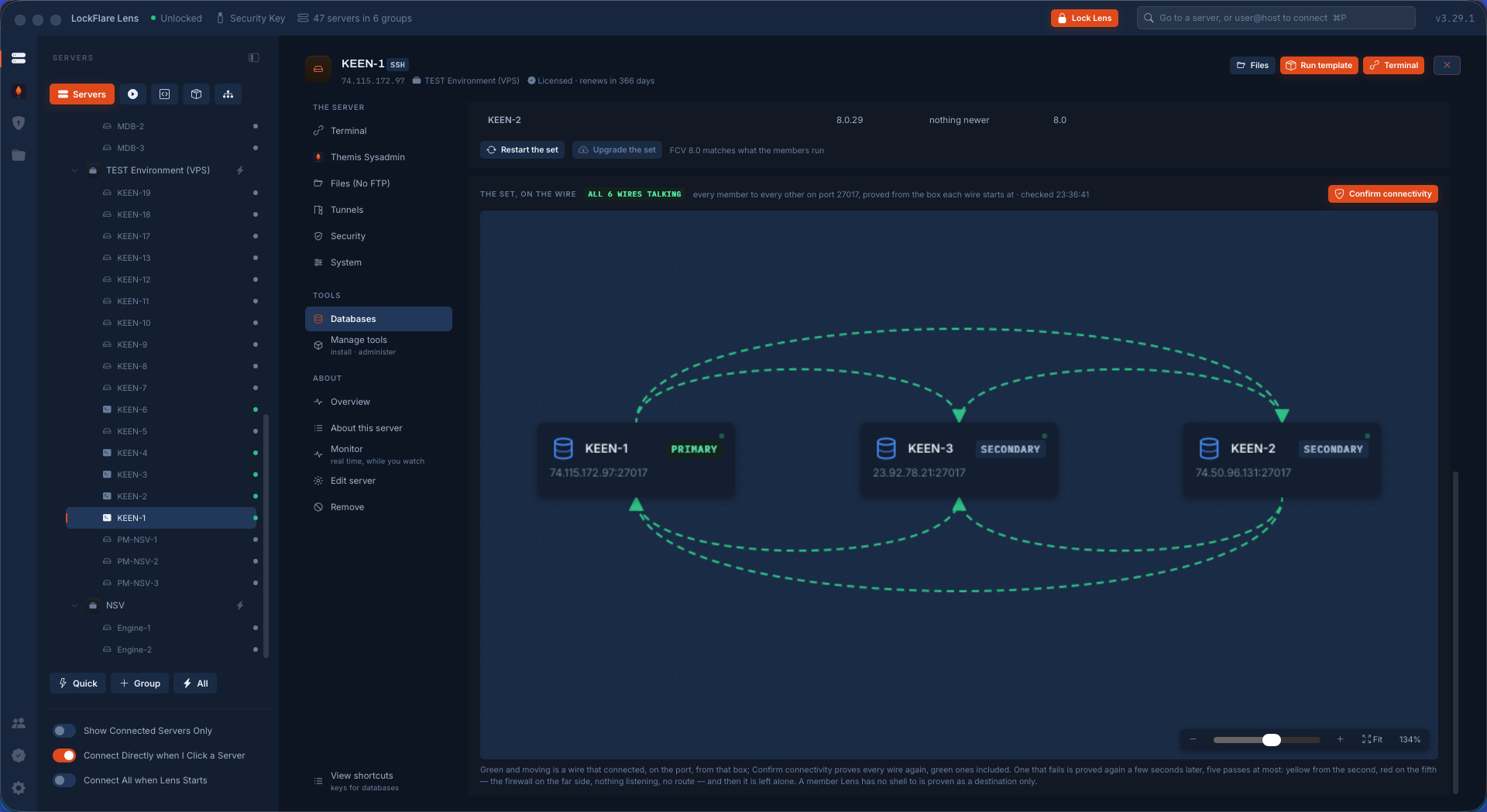
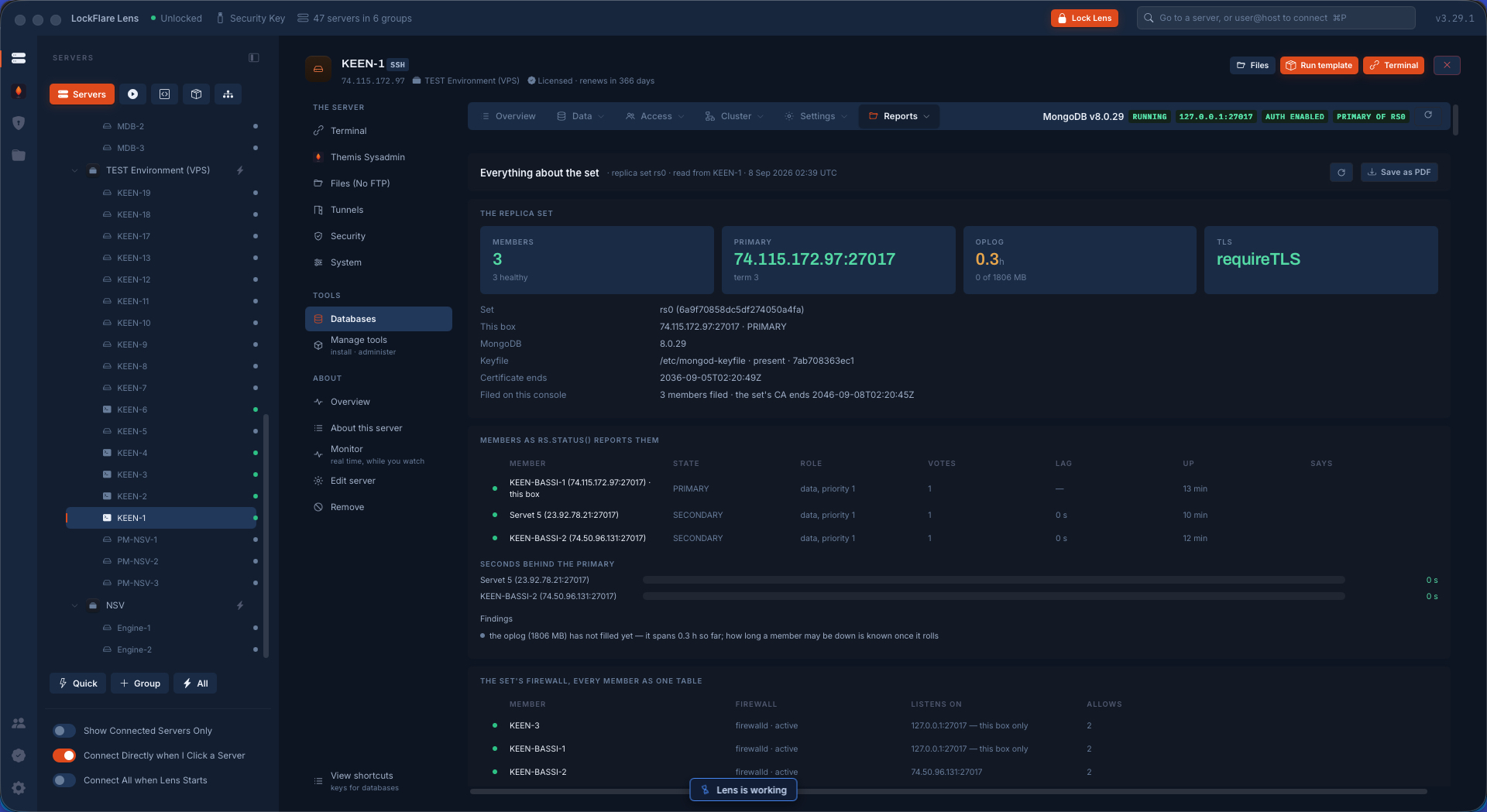
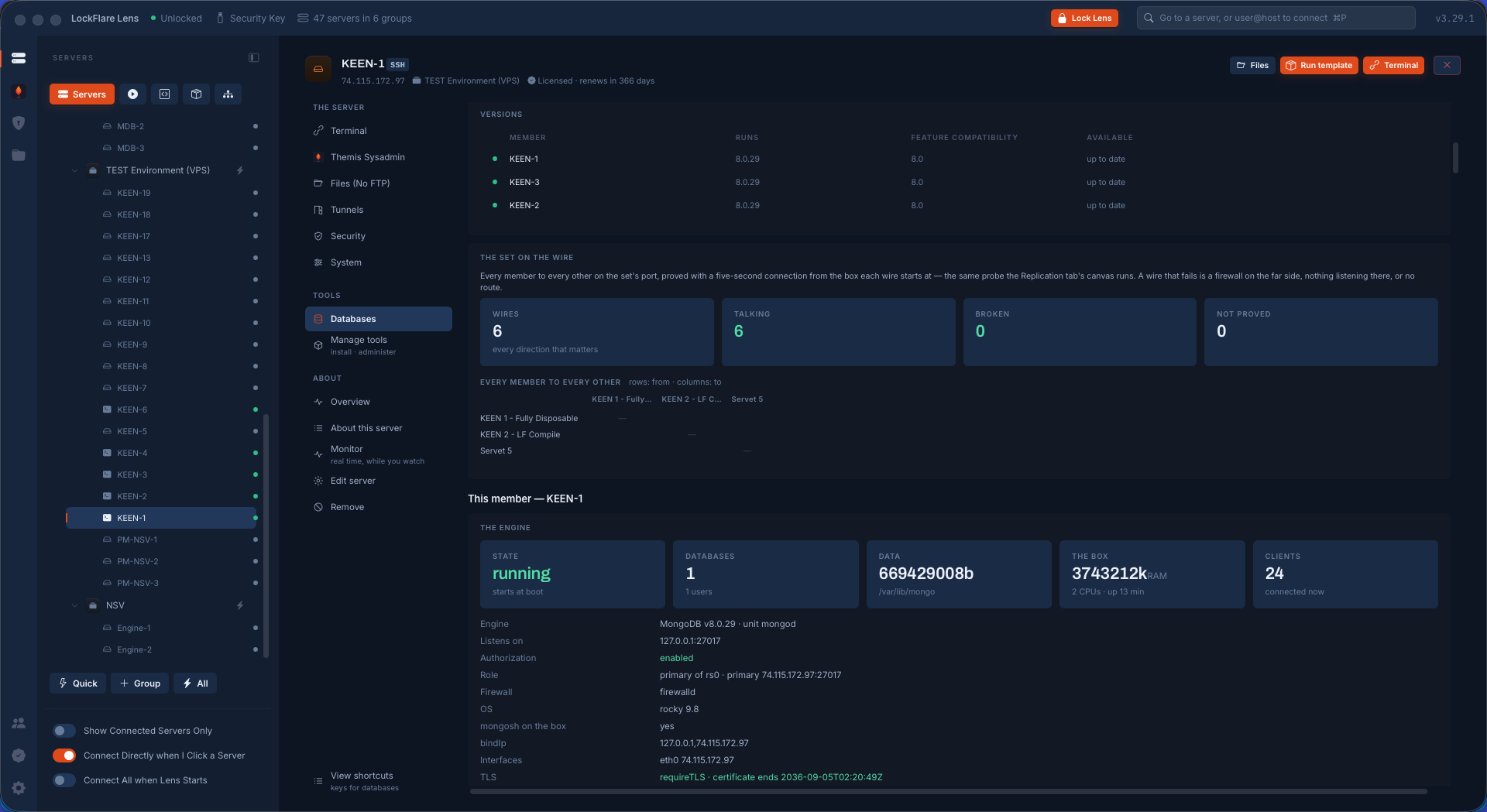
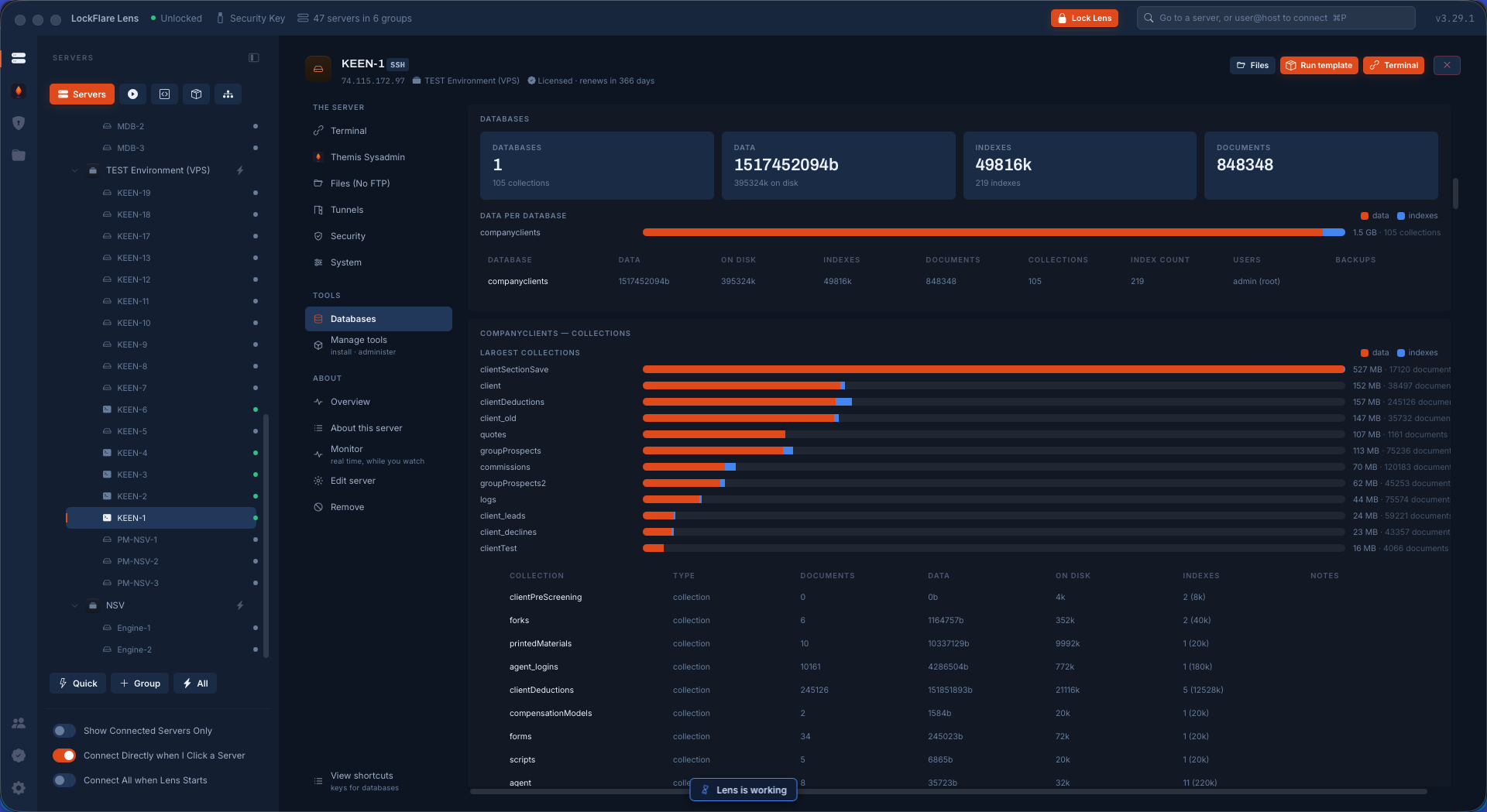
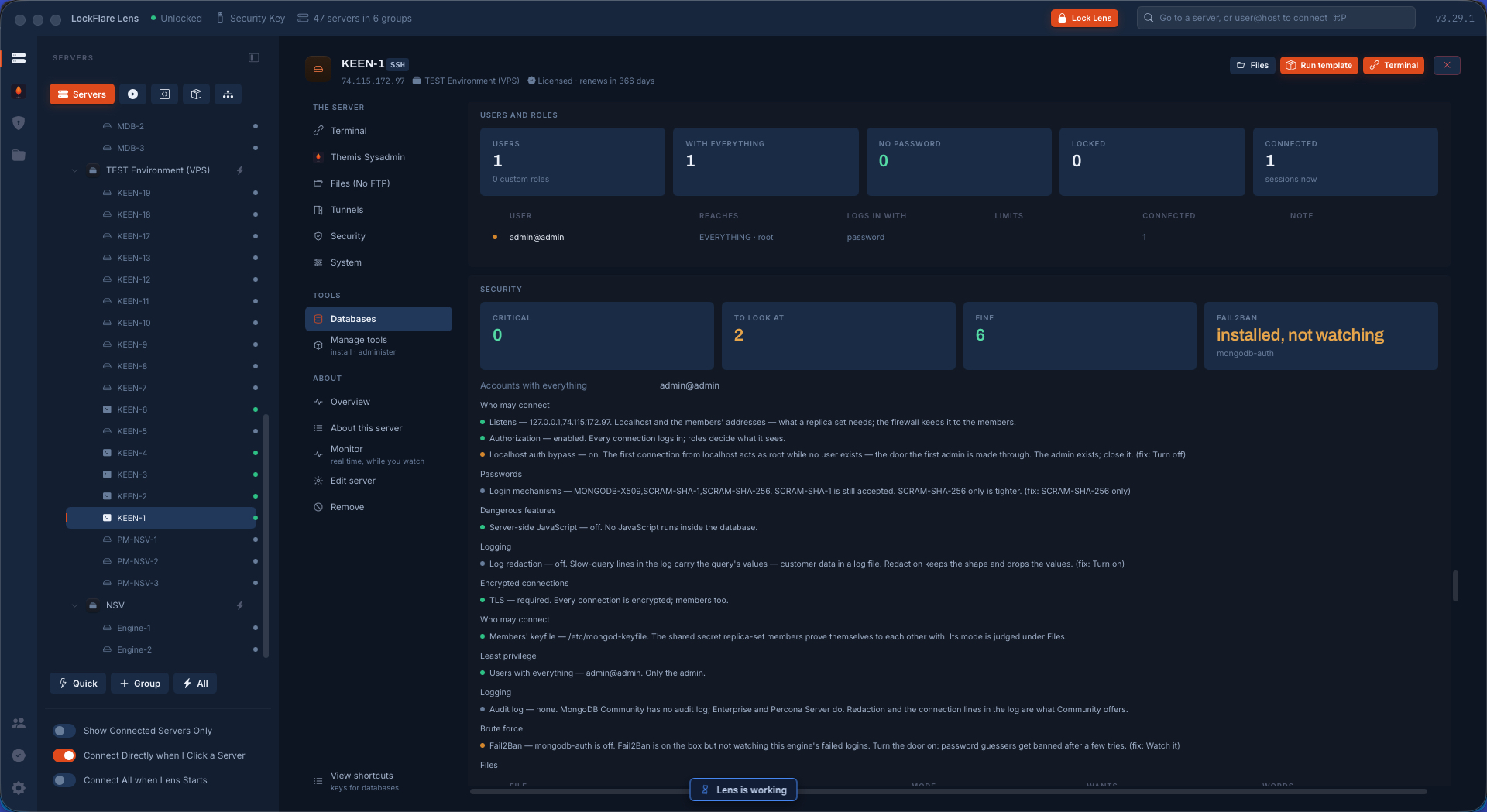
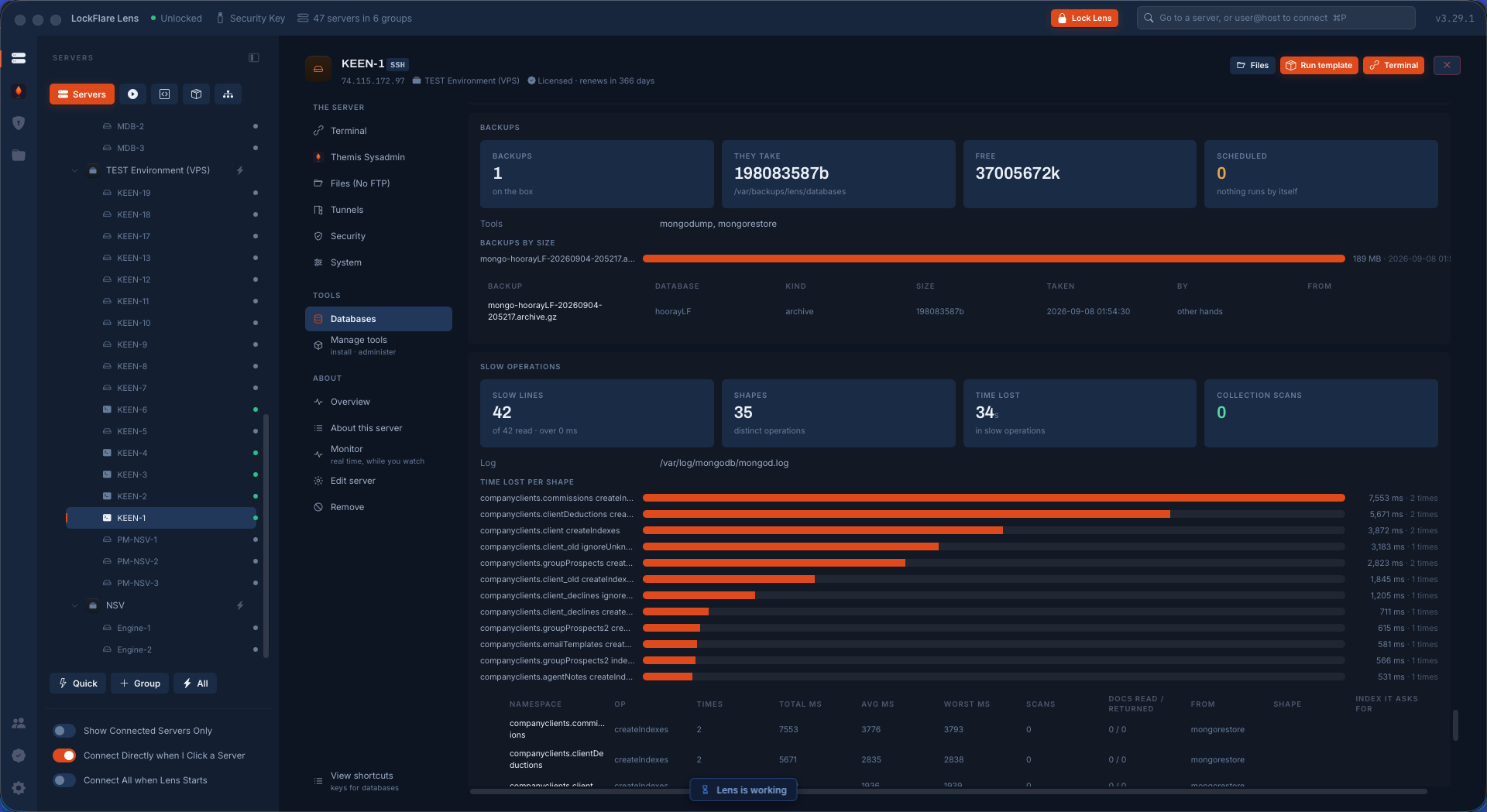
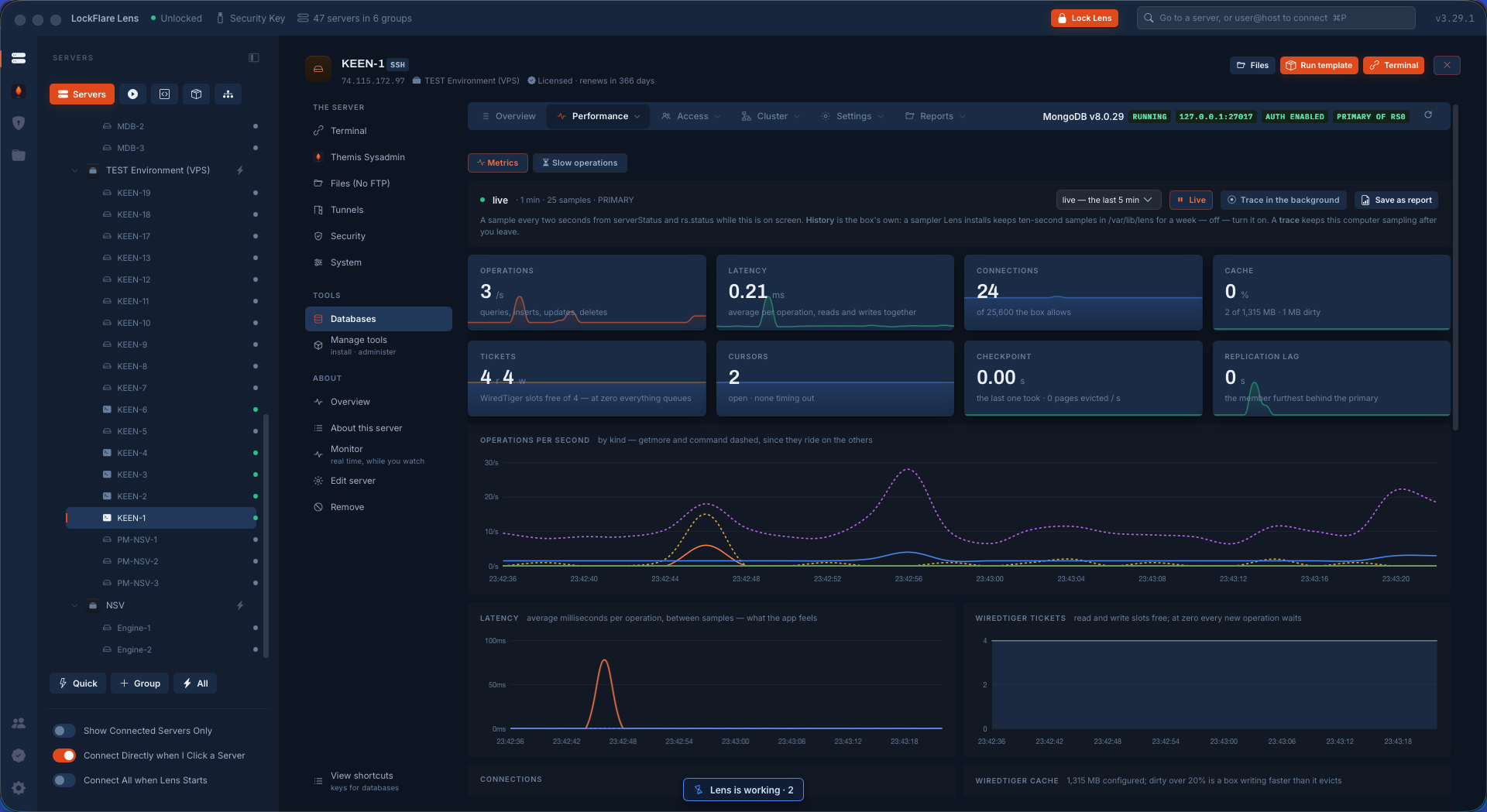
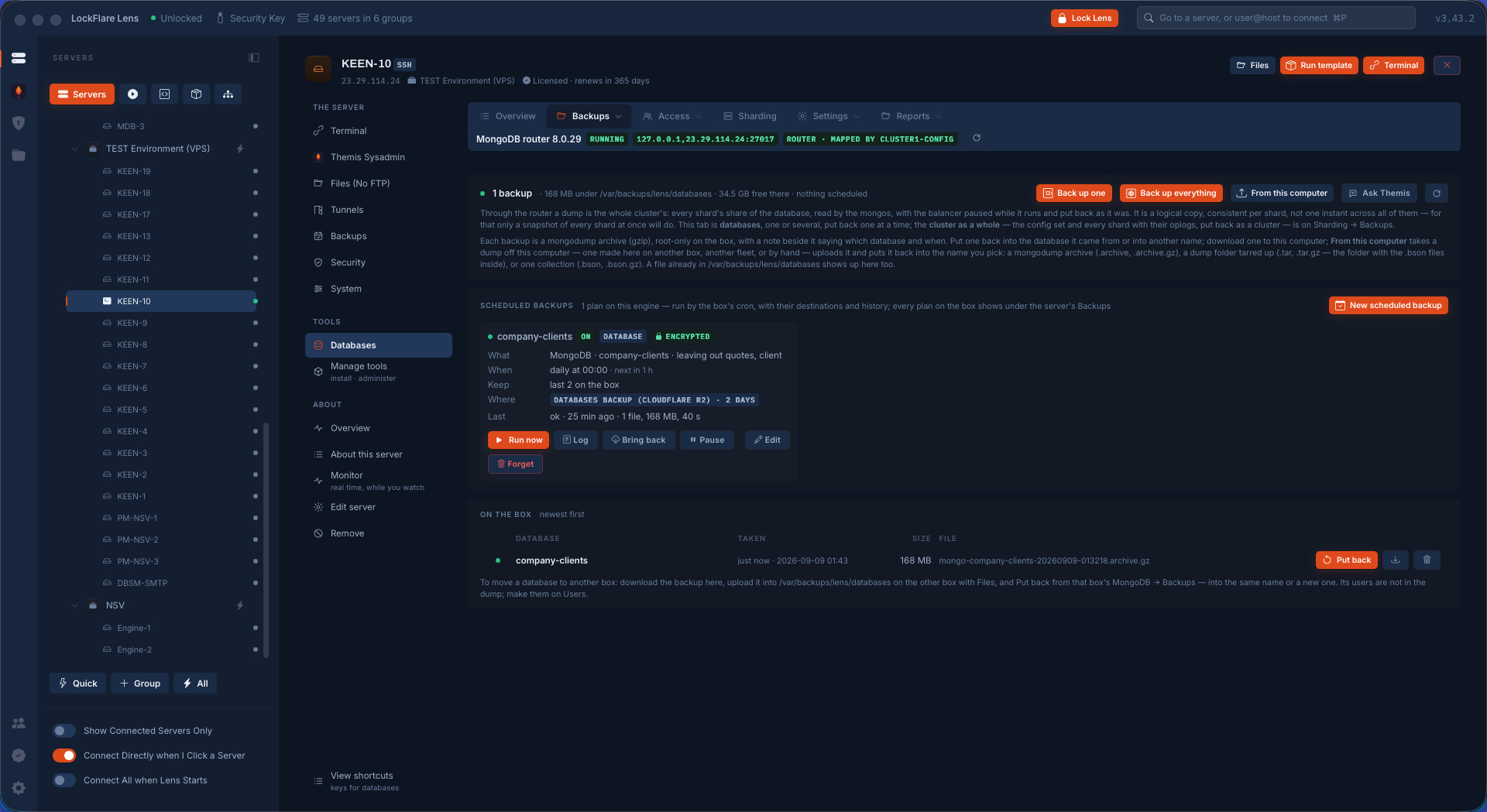
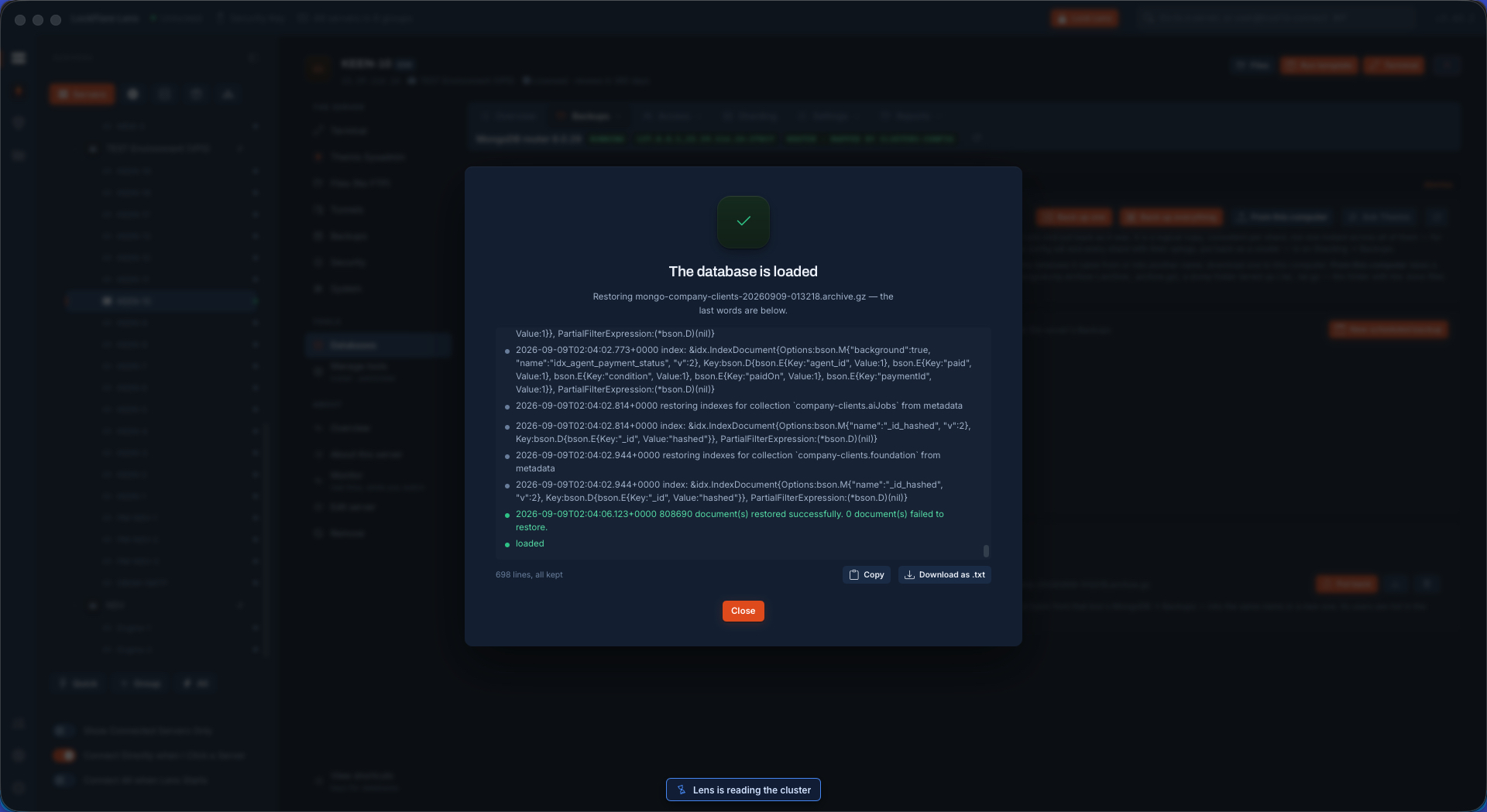
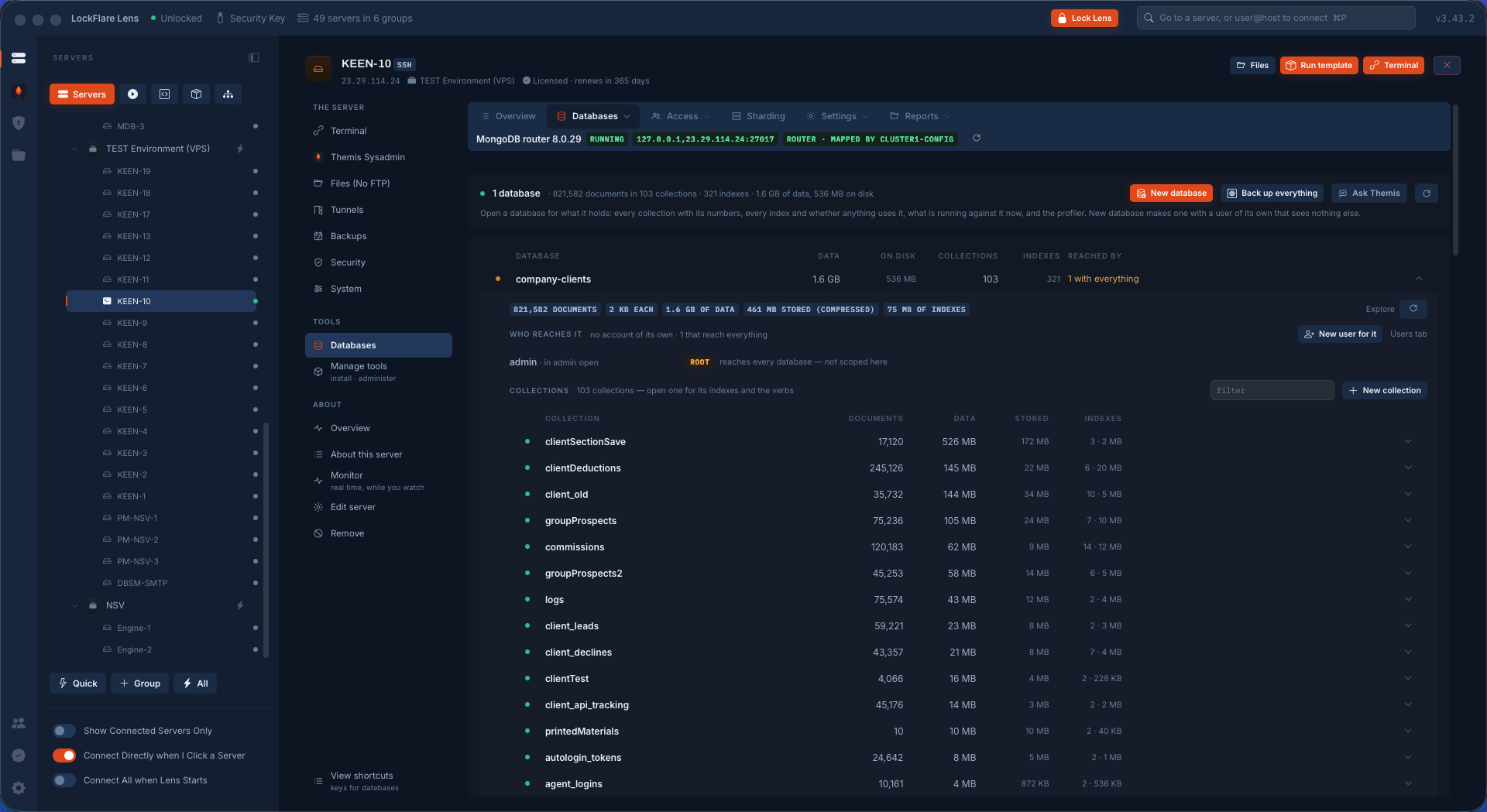
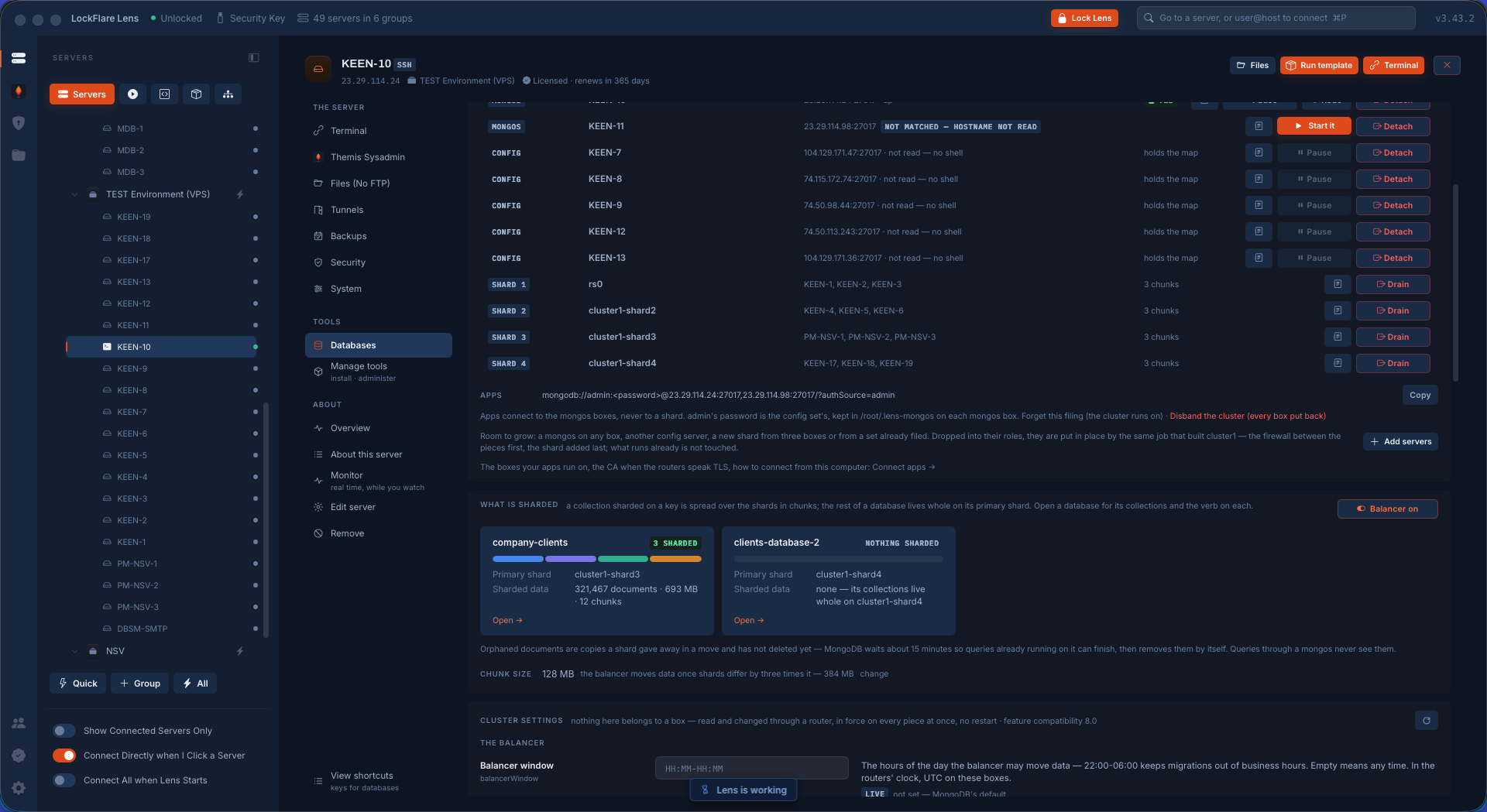
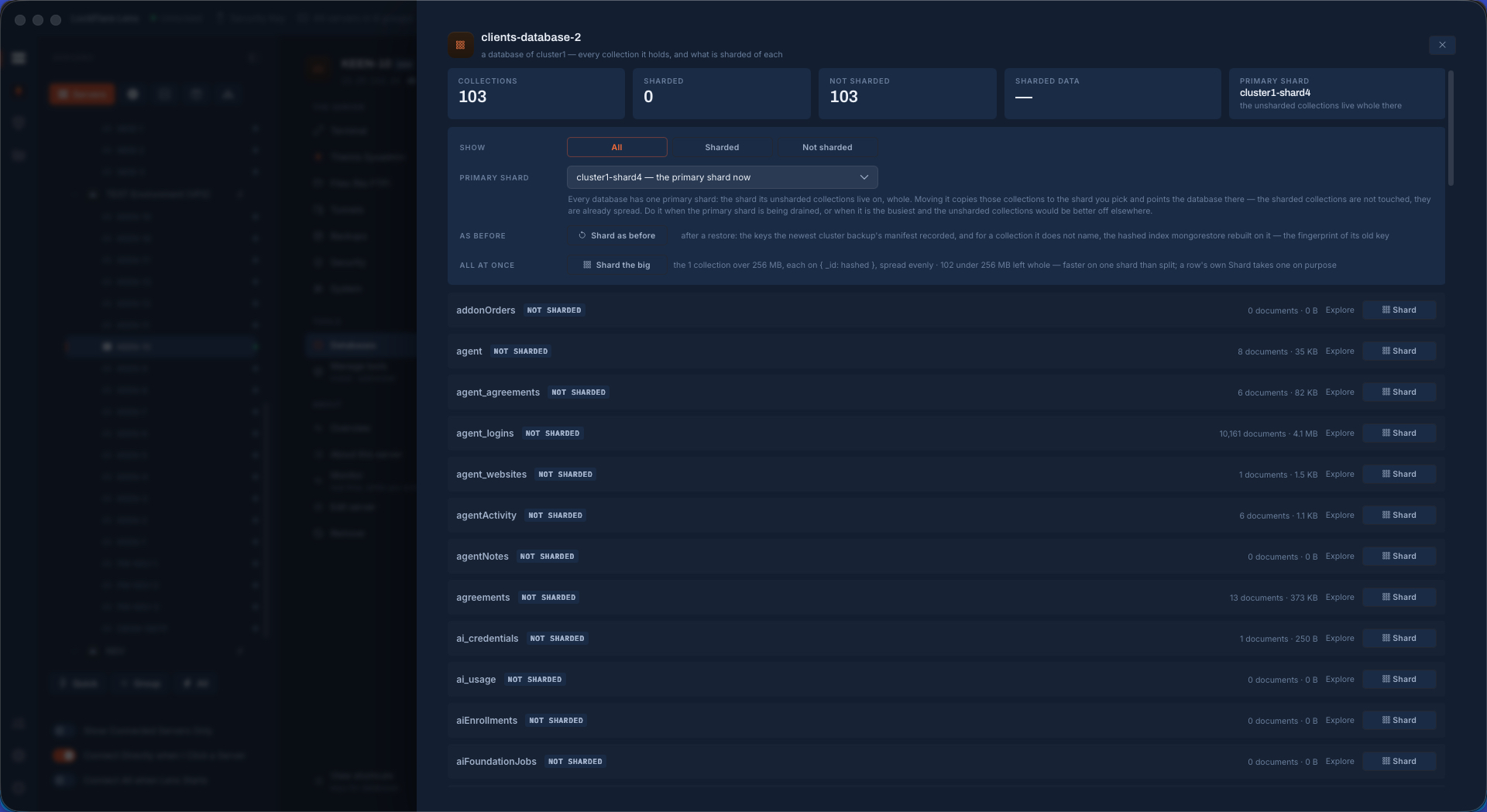
213 screens, all of them Lens on real servers. Click any to see it large and walk through them.
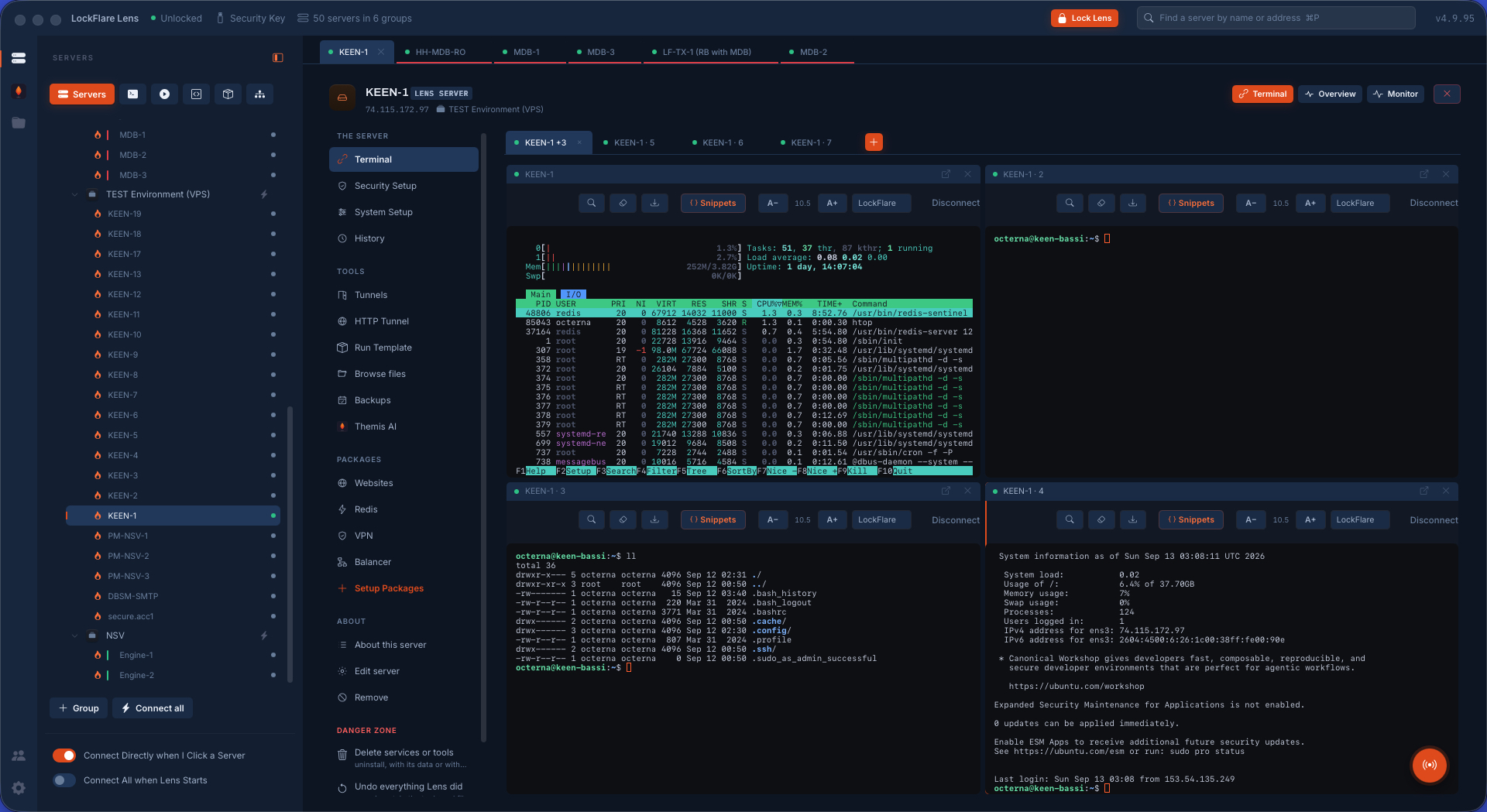
The console The server tree on the left, four terminals split across one page, each with its server's colour band. This is Lens with nothing installed anywhere.
Fifty servers on one map Groups as cards, servers as rows: the state, the address, what each runs and what it is waiting on. One board, one line, fifty answers.
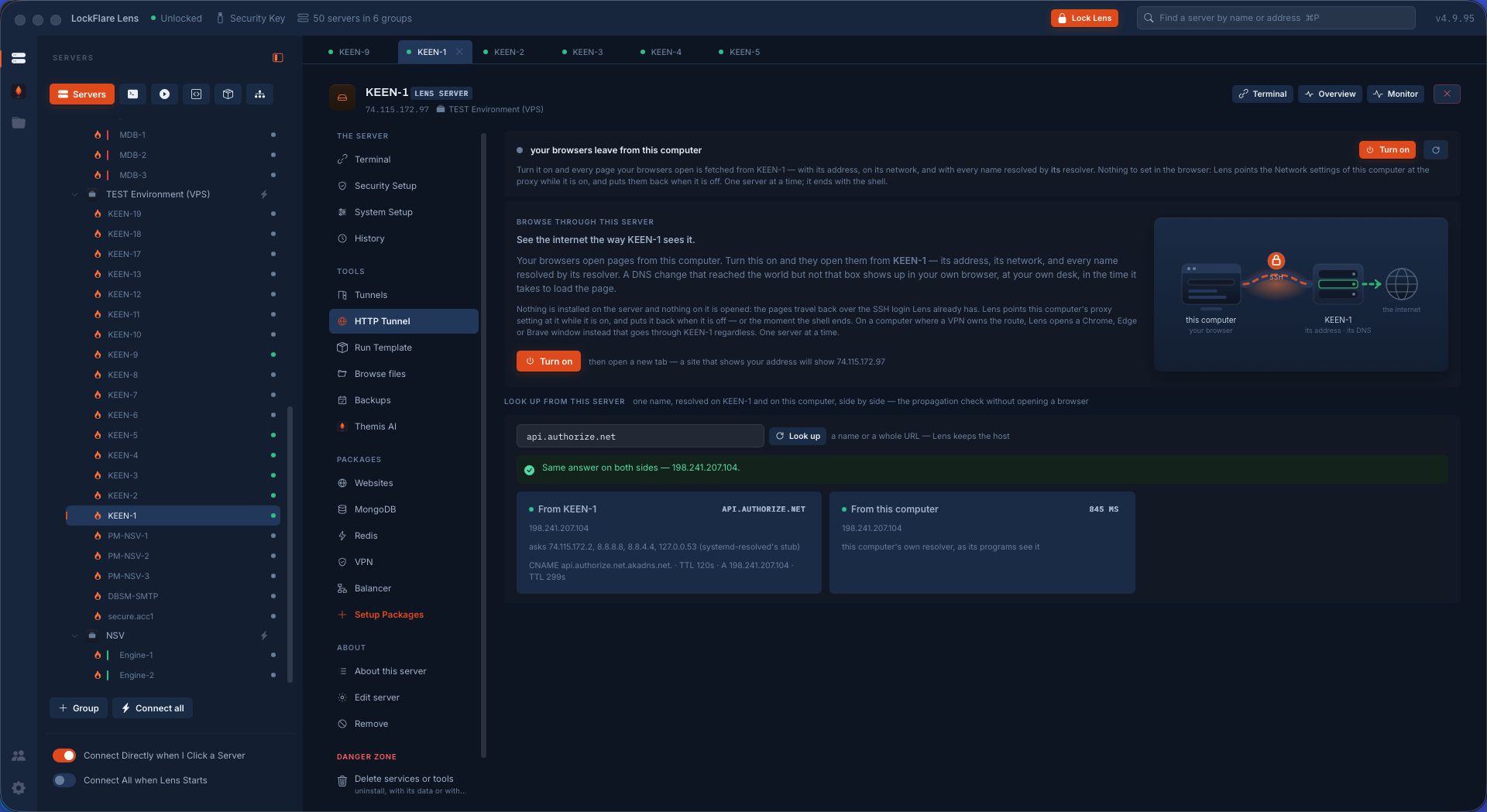
The HTTP tunnel One switch and your browsers leave the internet from the server — its address, its network, its DNS. Under it, a name resolved on the box and on this computer side by side: the propagation check without opening a browser.
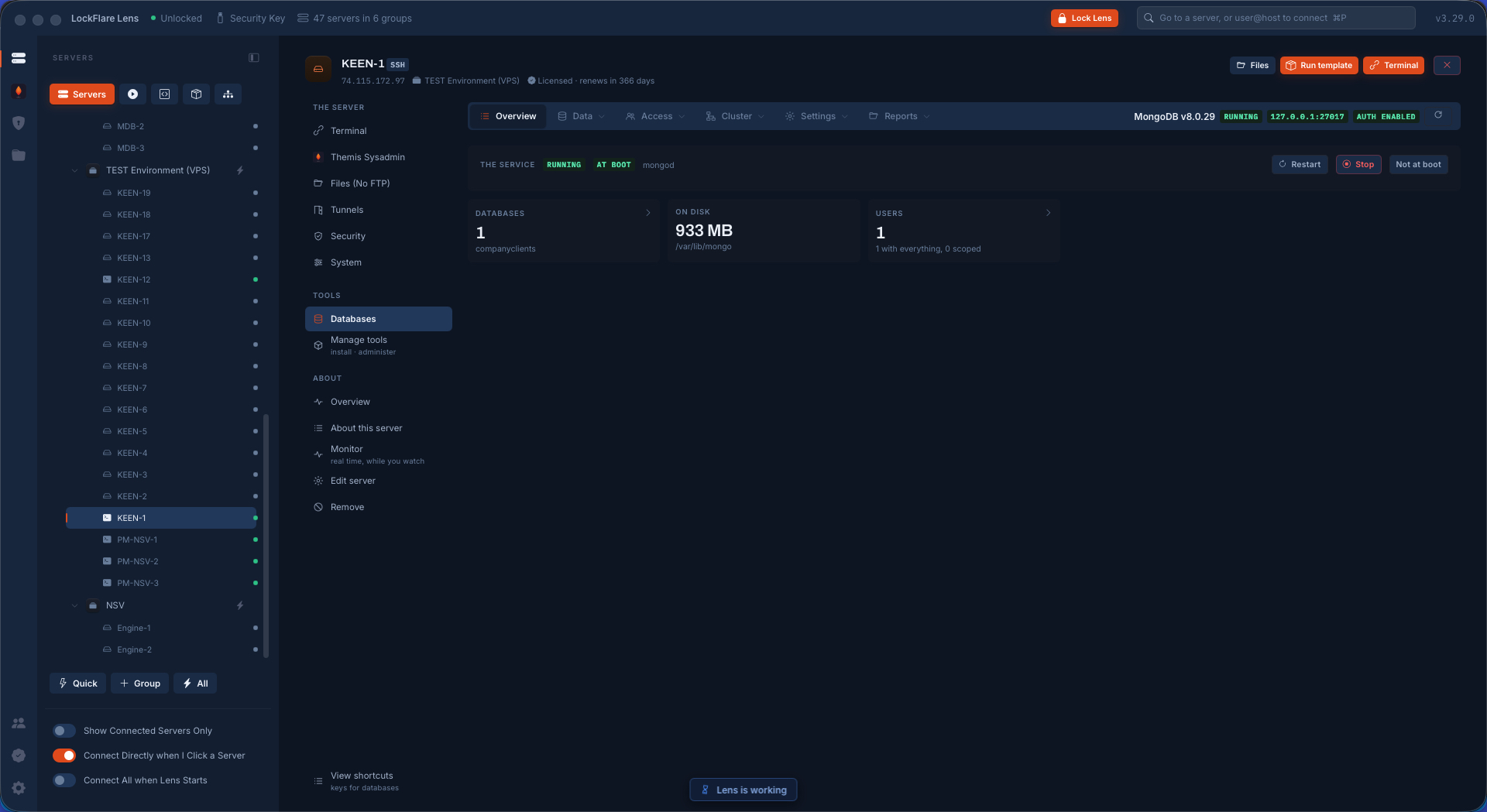
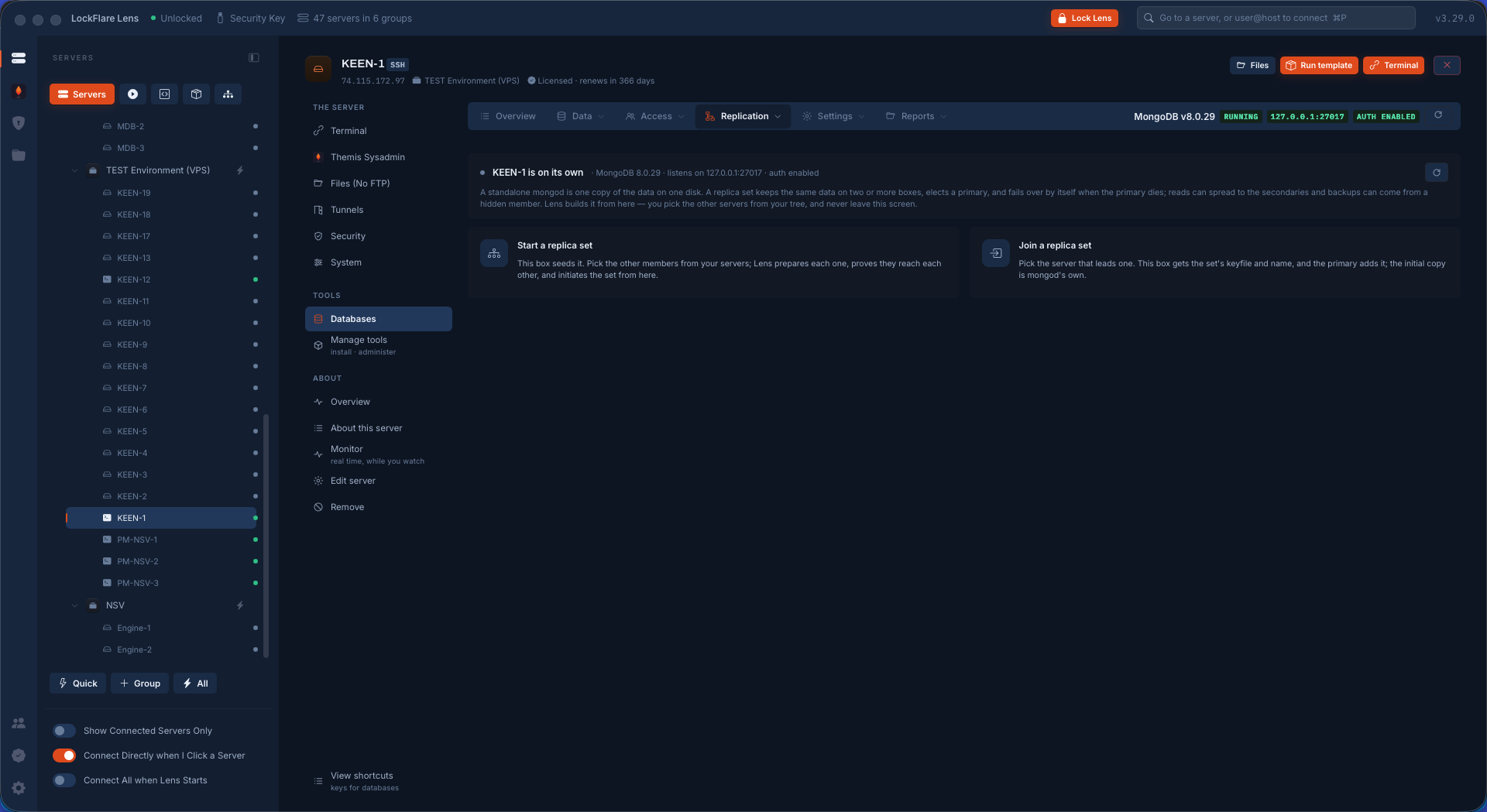
One MongoDB server Where it starts: a single server running MongoDB, installed from the hub and secured on the way in. The Replication tab is the door to a set.
Creating a replica set The set gets a name and its first member. A replica set is filed once on this computer and every member's tab shows the same page.
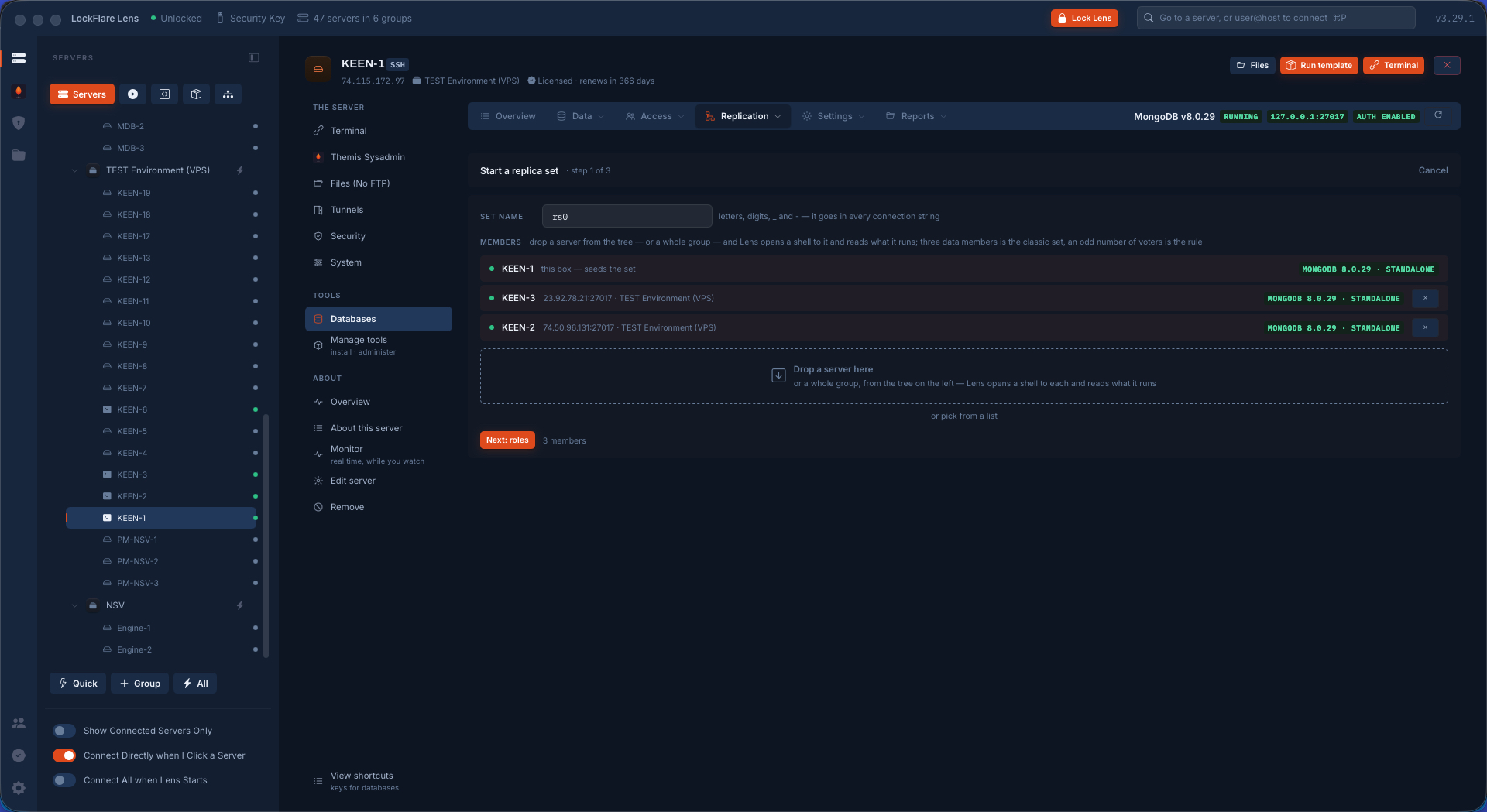
Adding three servers Servers dropped from the tree onto the members table, each read as it lands: a shell opened with its saved login, what it runs, whether MongoDB is there.
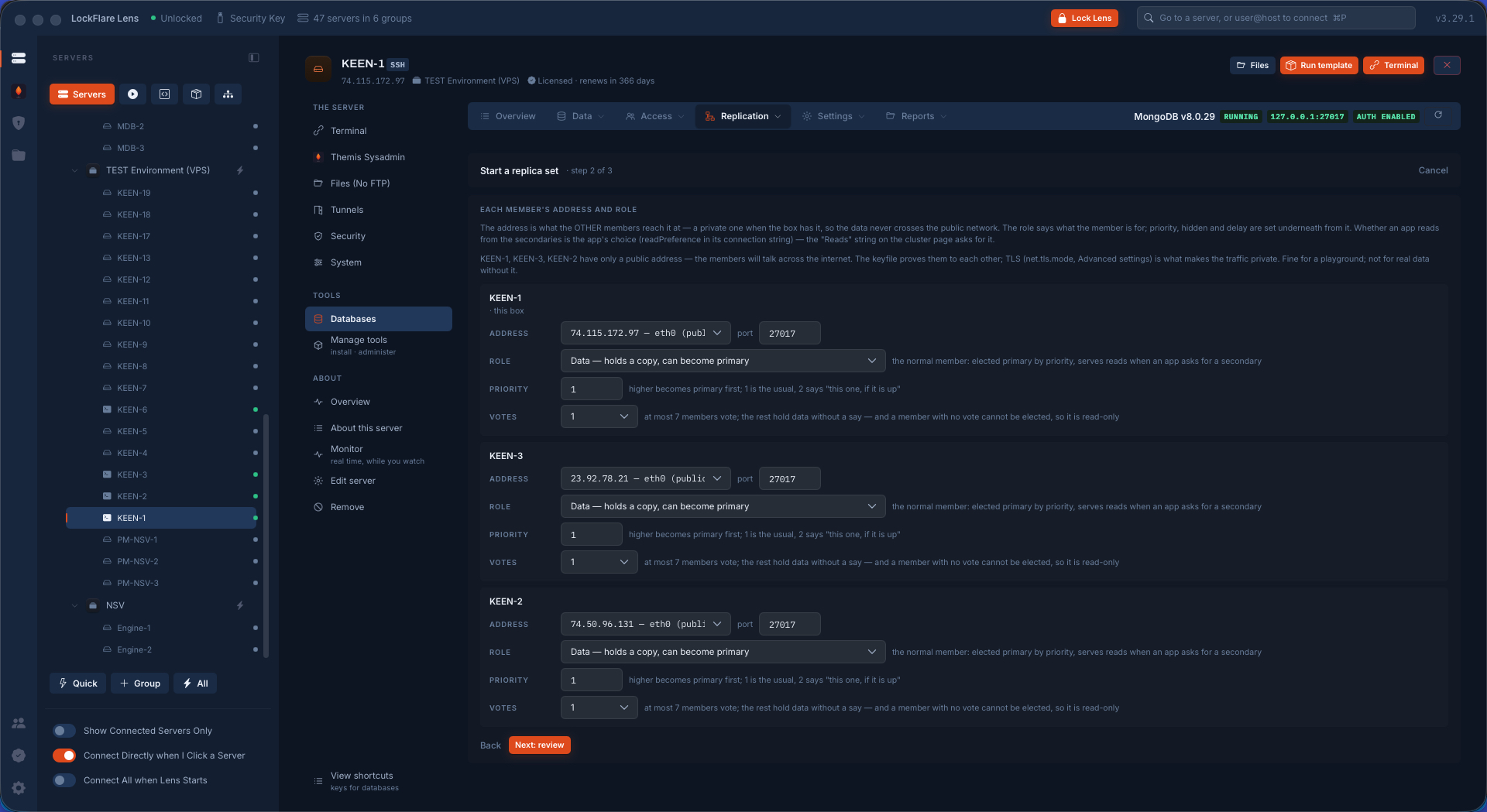
A role for each member Primary, secondaries, an arbiter if wanted: the role is chosen per member before anything is written.
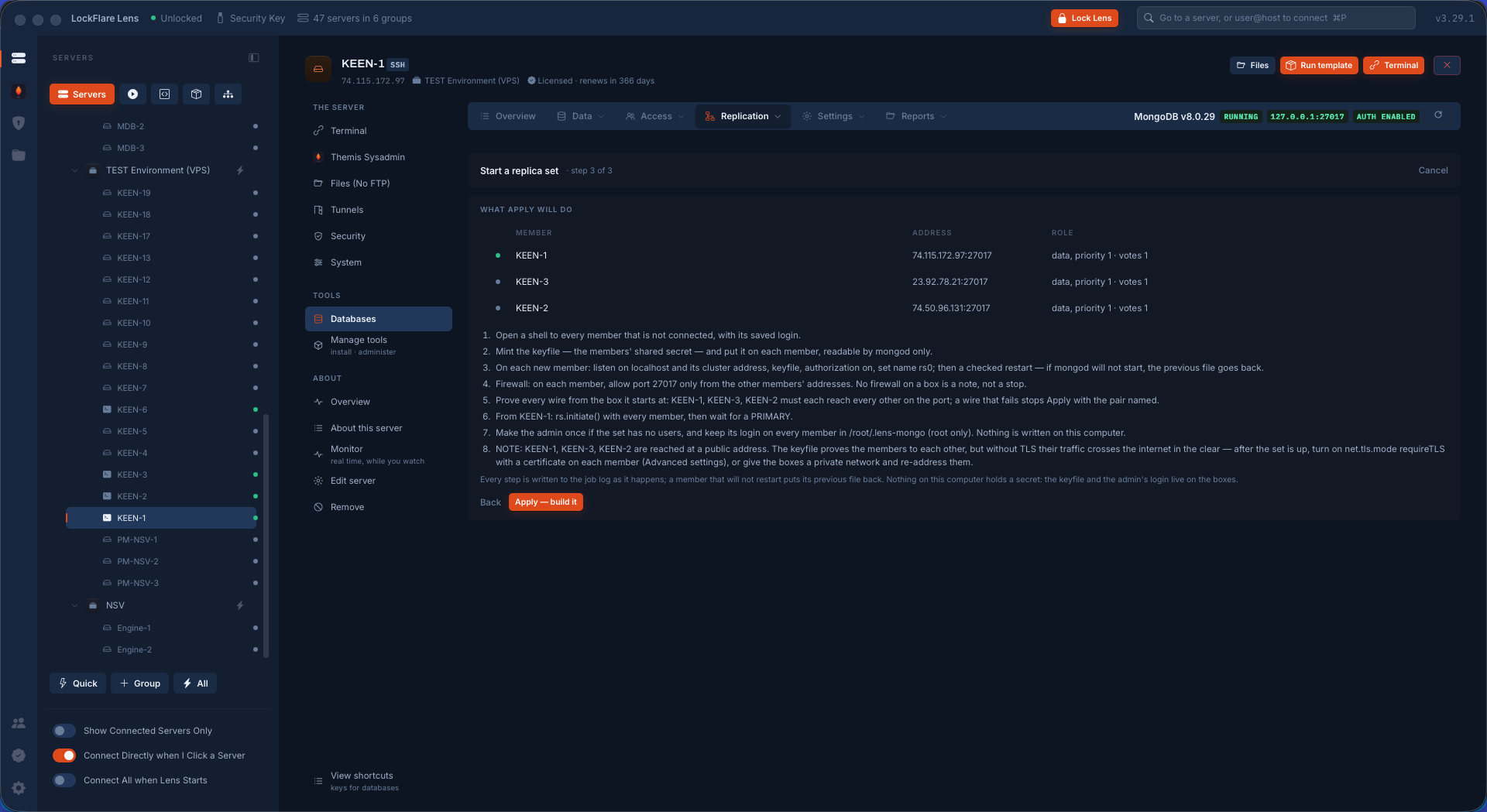
Review, then Apply The filing as it will be applied, reviewed on one screen. Apply is the only button that writes.
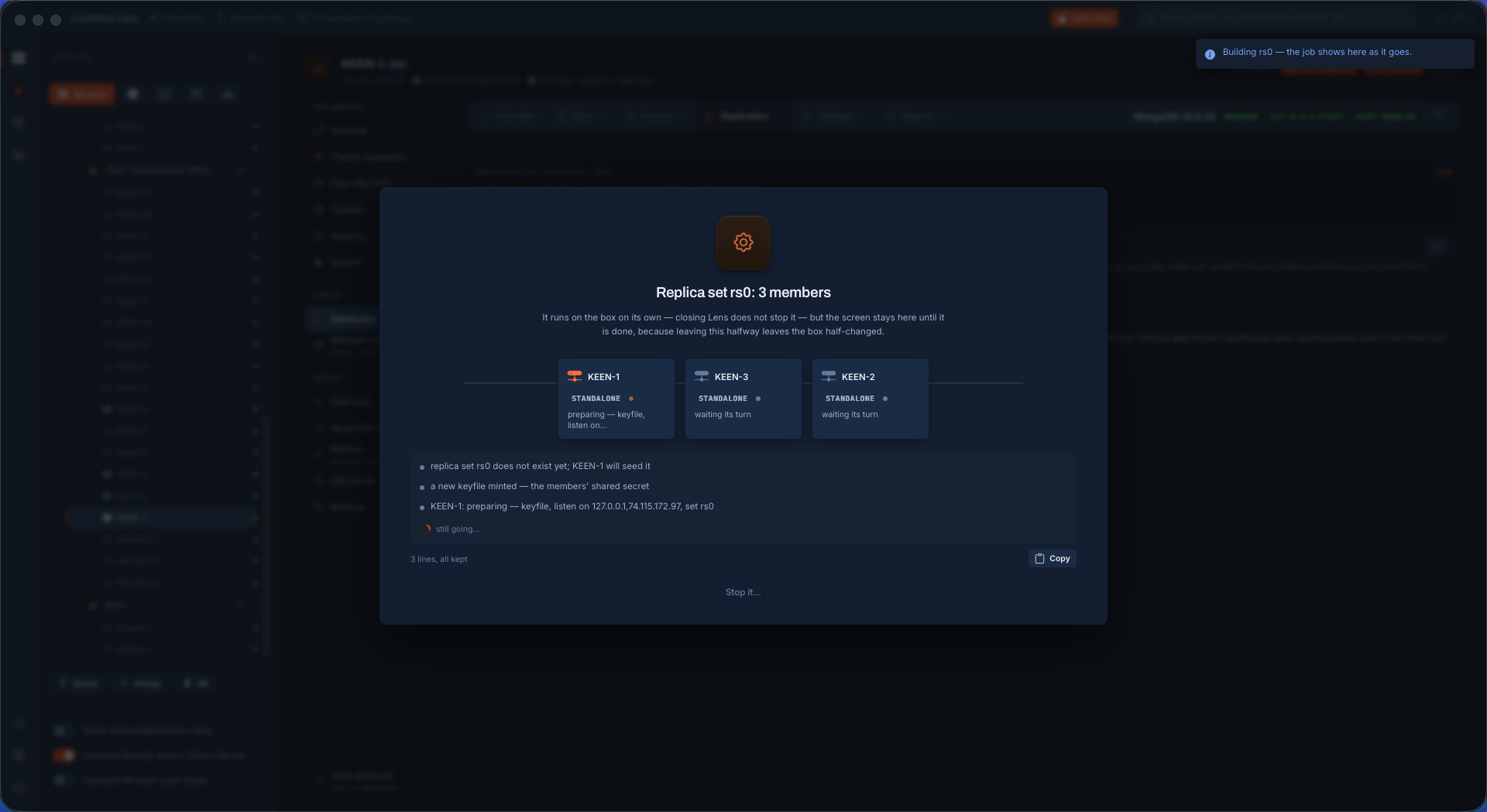
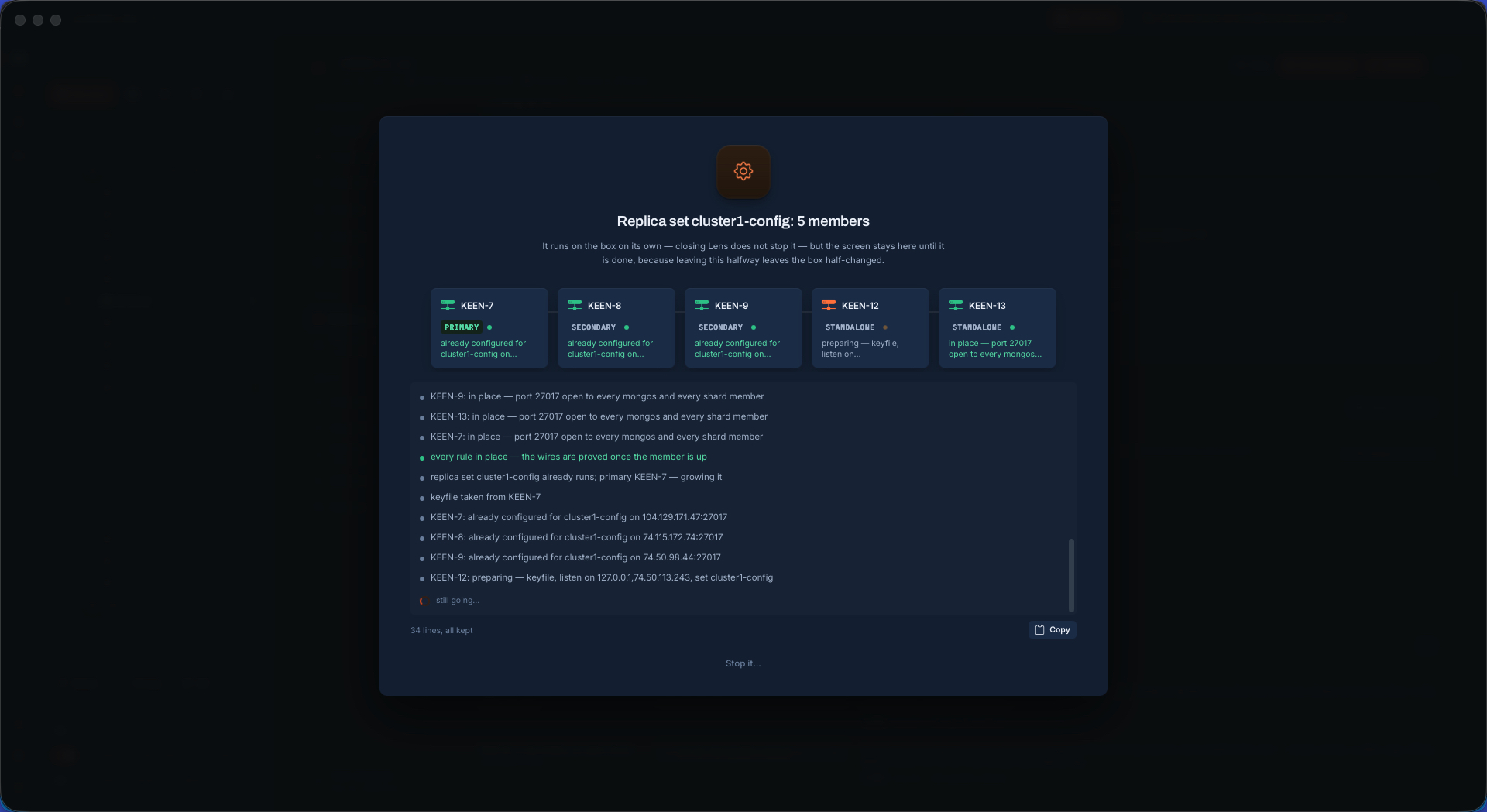
Lens building the set One job on every box at once: keyfile, bind, port, checked restarts, every wire proved from the box it starts at, then the set initiated from the primary.
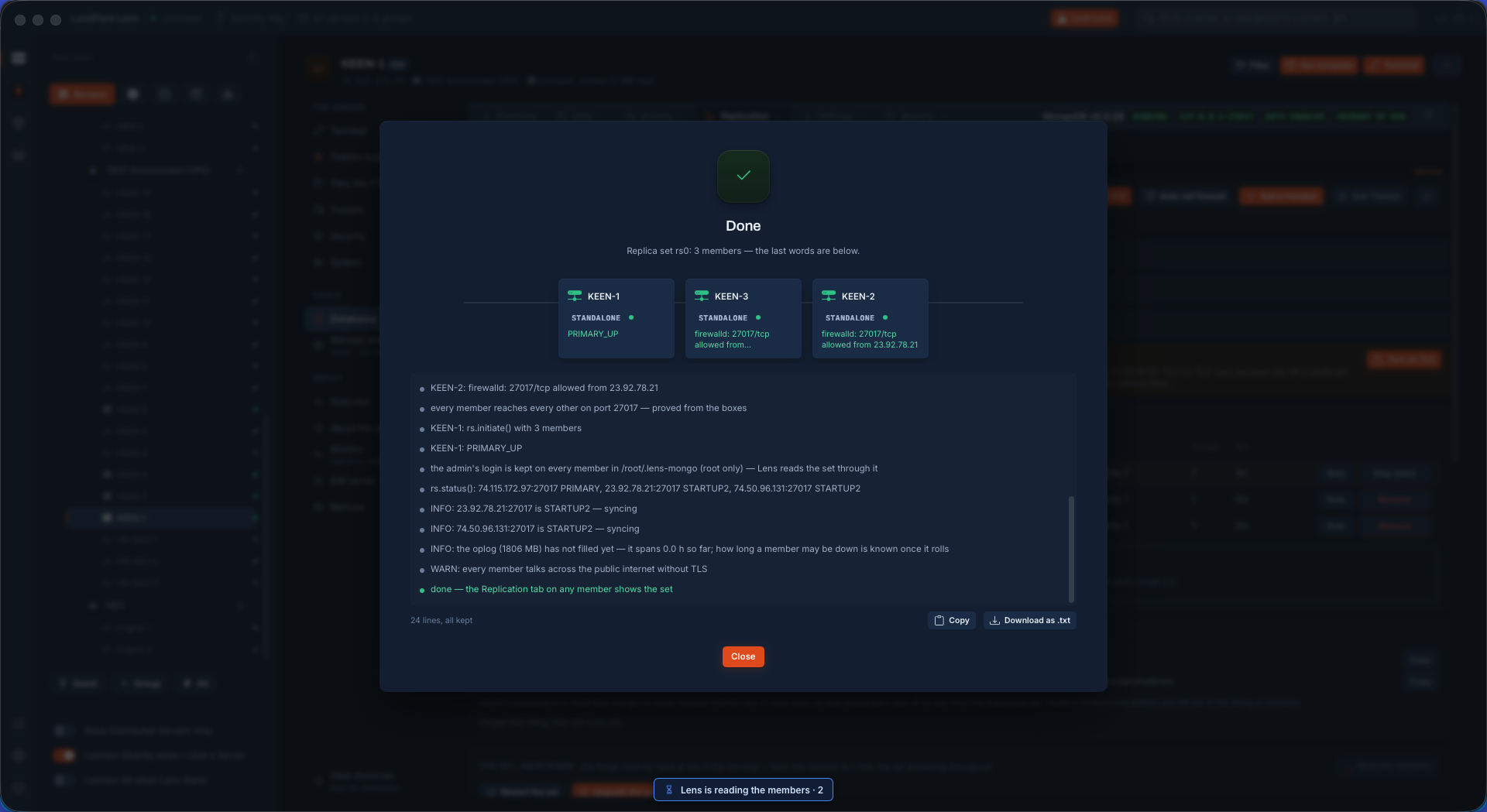
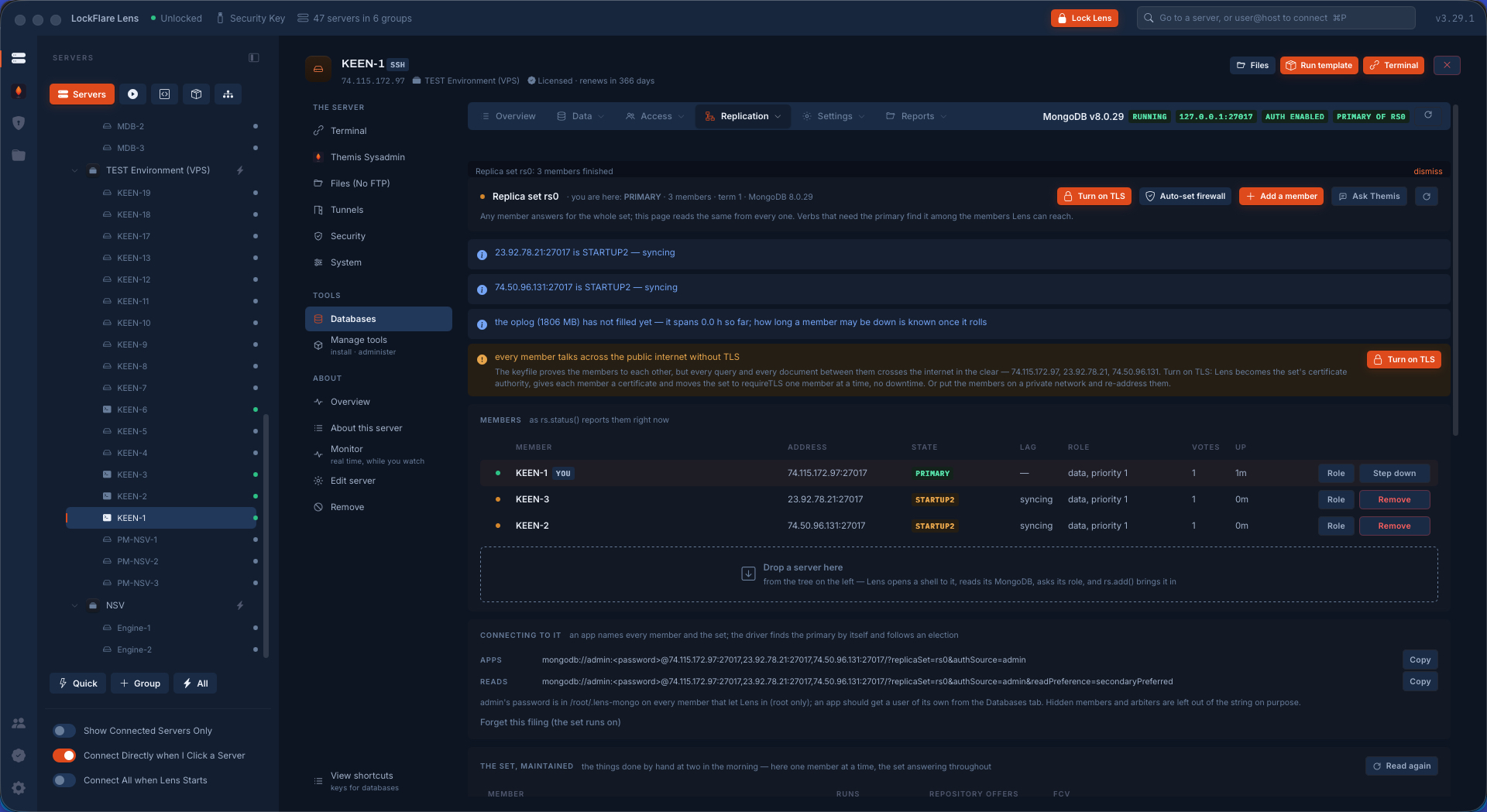
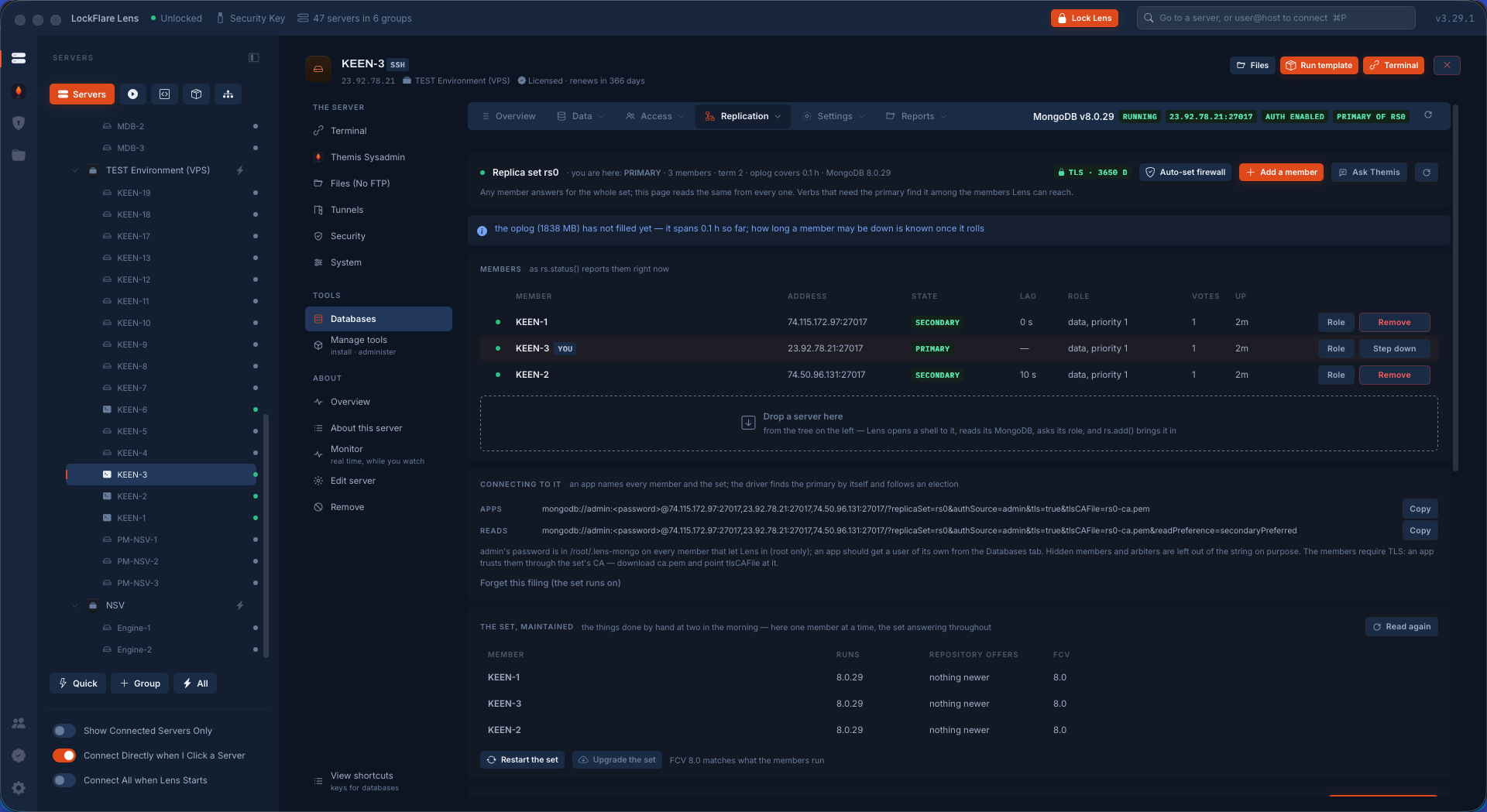
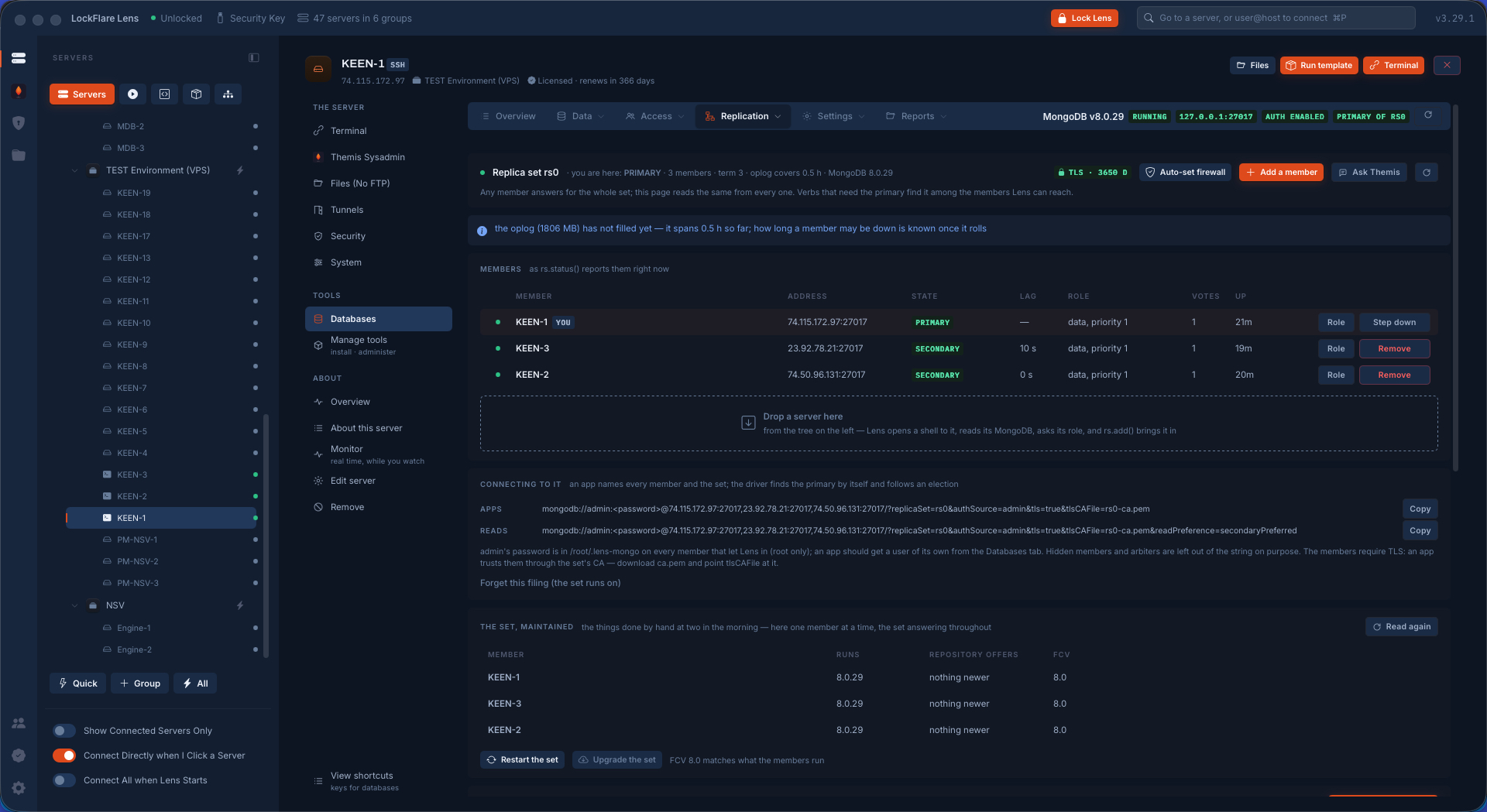
Running, two minutes later The set finished and live two minutes after Apply, every member reporting its state and the primary marked.
Syncing a 1 GB database The new members pulling a gigabyte from the primary. The page reads the set's own status until every member is caught up.
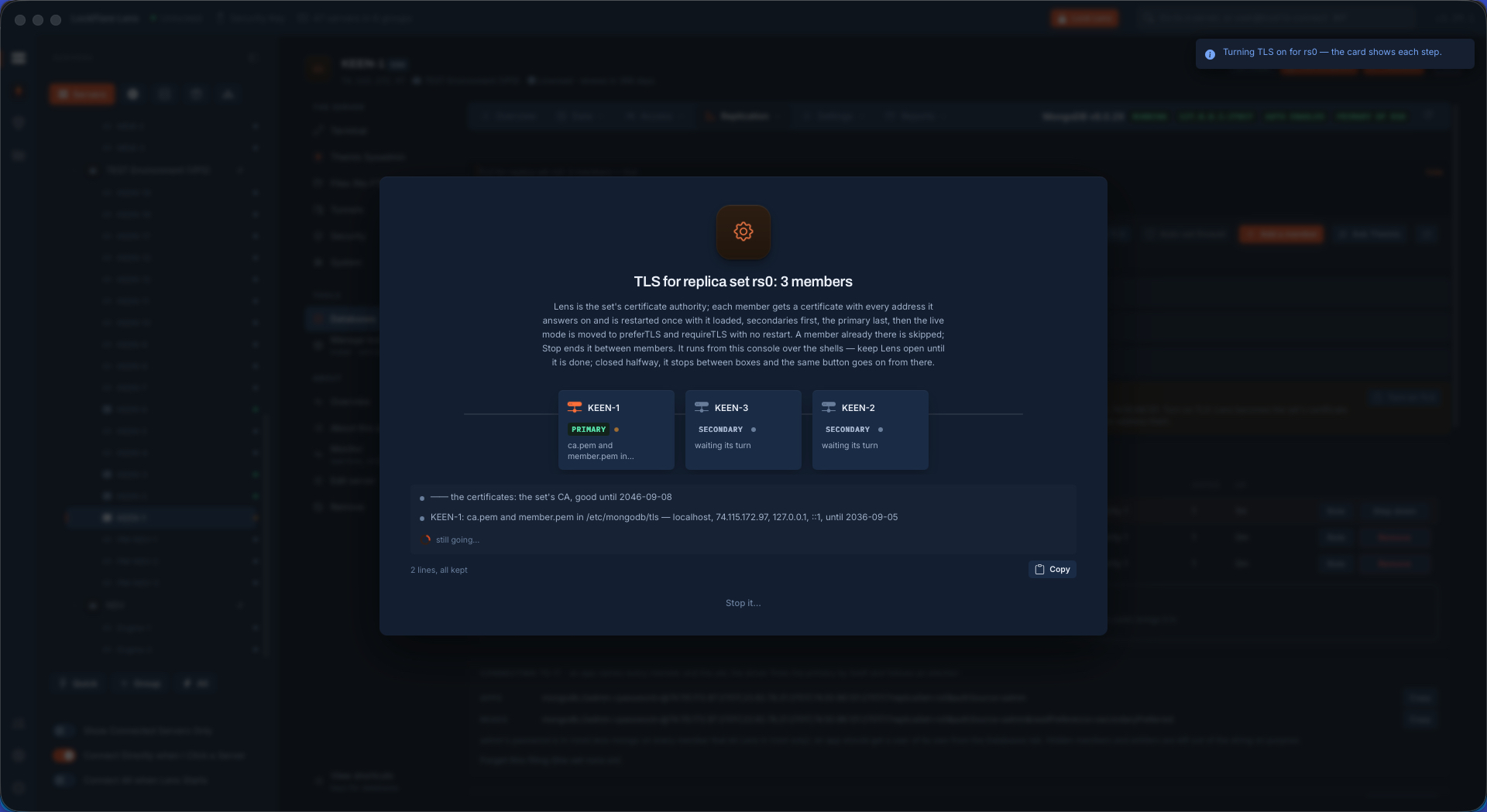
Turning TLS on Encryption between members is one button. Lens is the set's certificate authority; the keys never leave your computer.
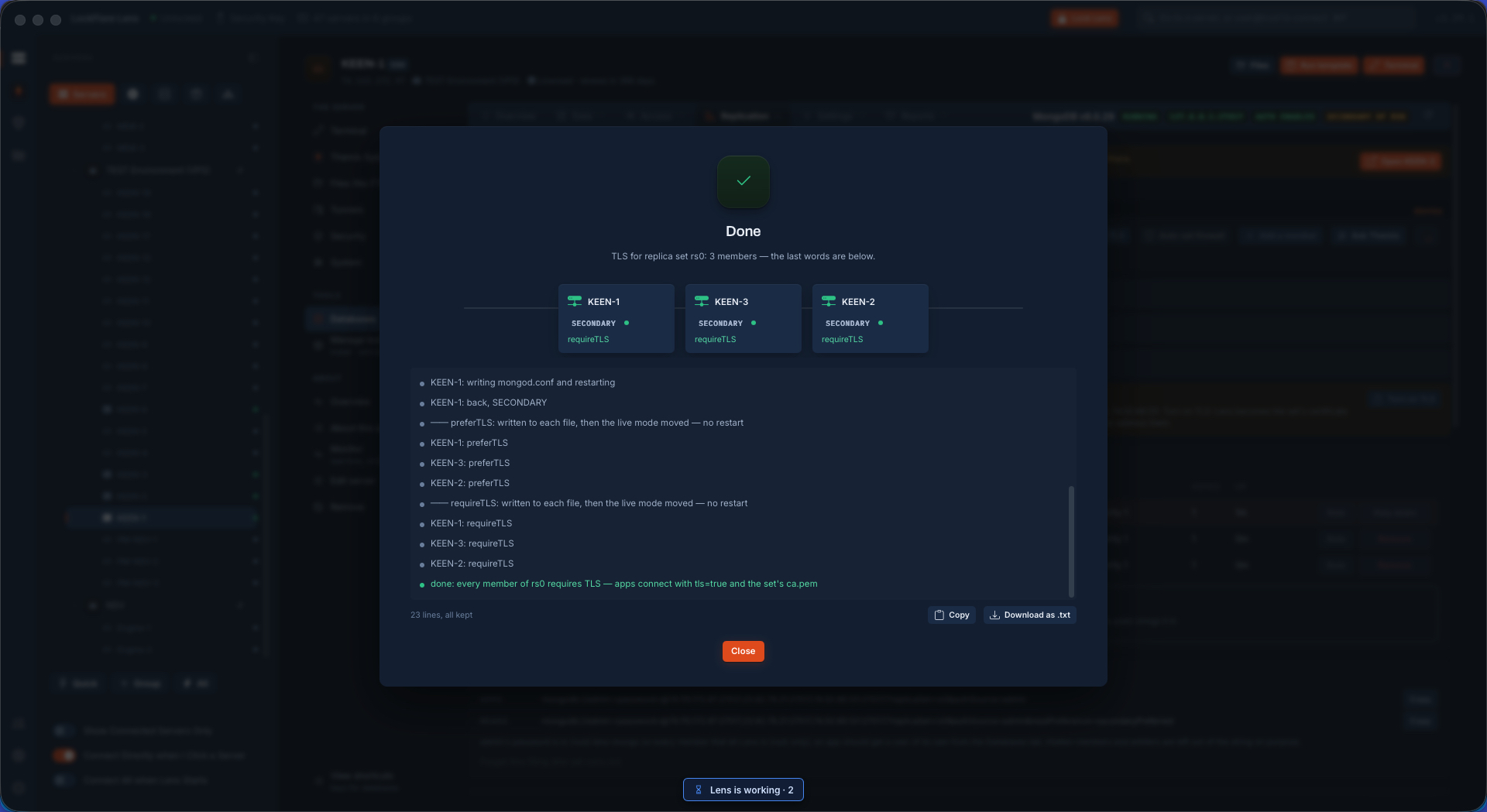
TLS installed on every member Certificates written on every member and the mode walked up — allow, prefer, require — with no downtime.
Live, with TLS required The set serving with TLS required between members. Apps are untouched; only the members' own stream is bound.
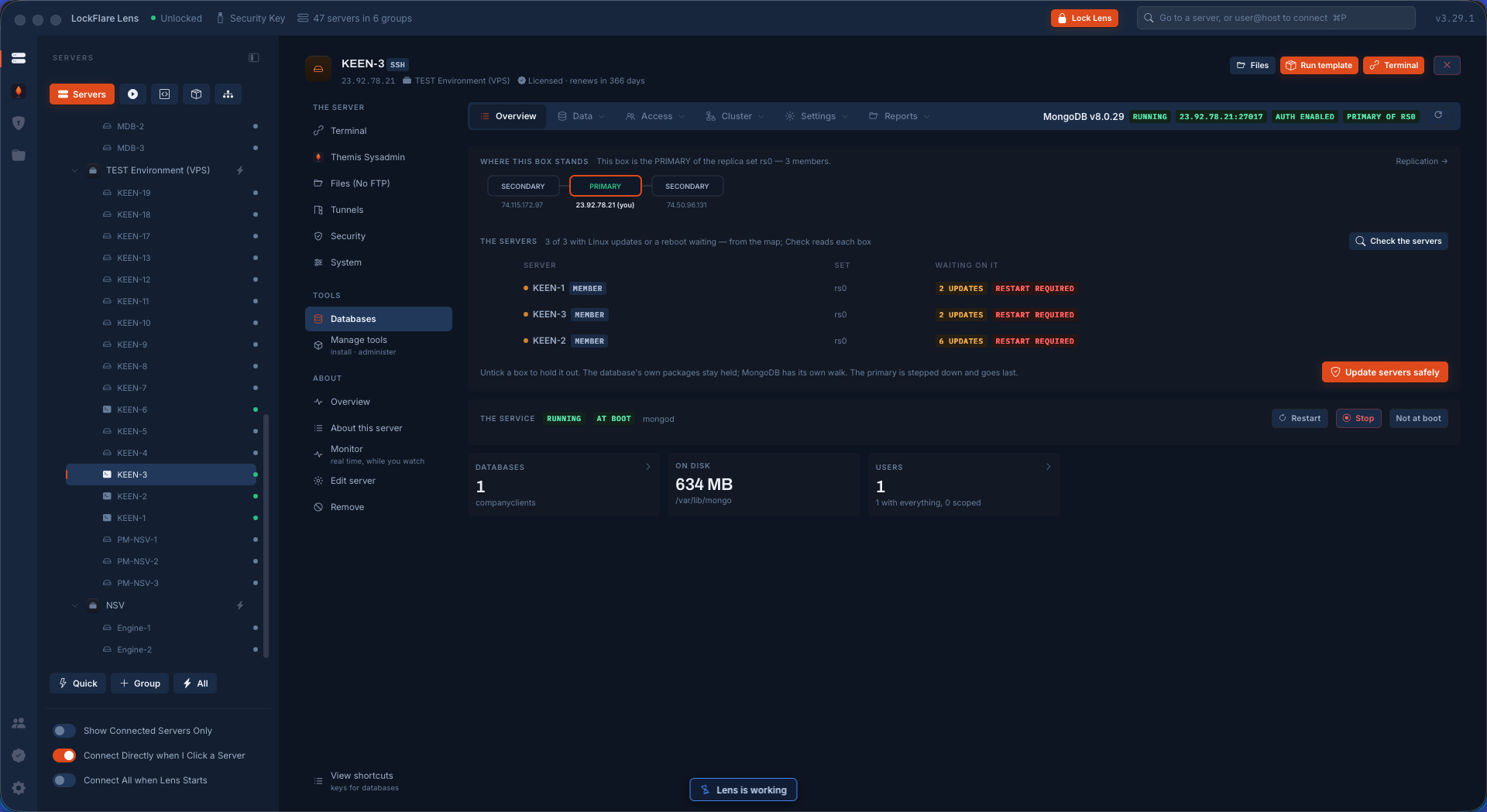
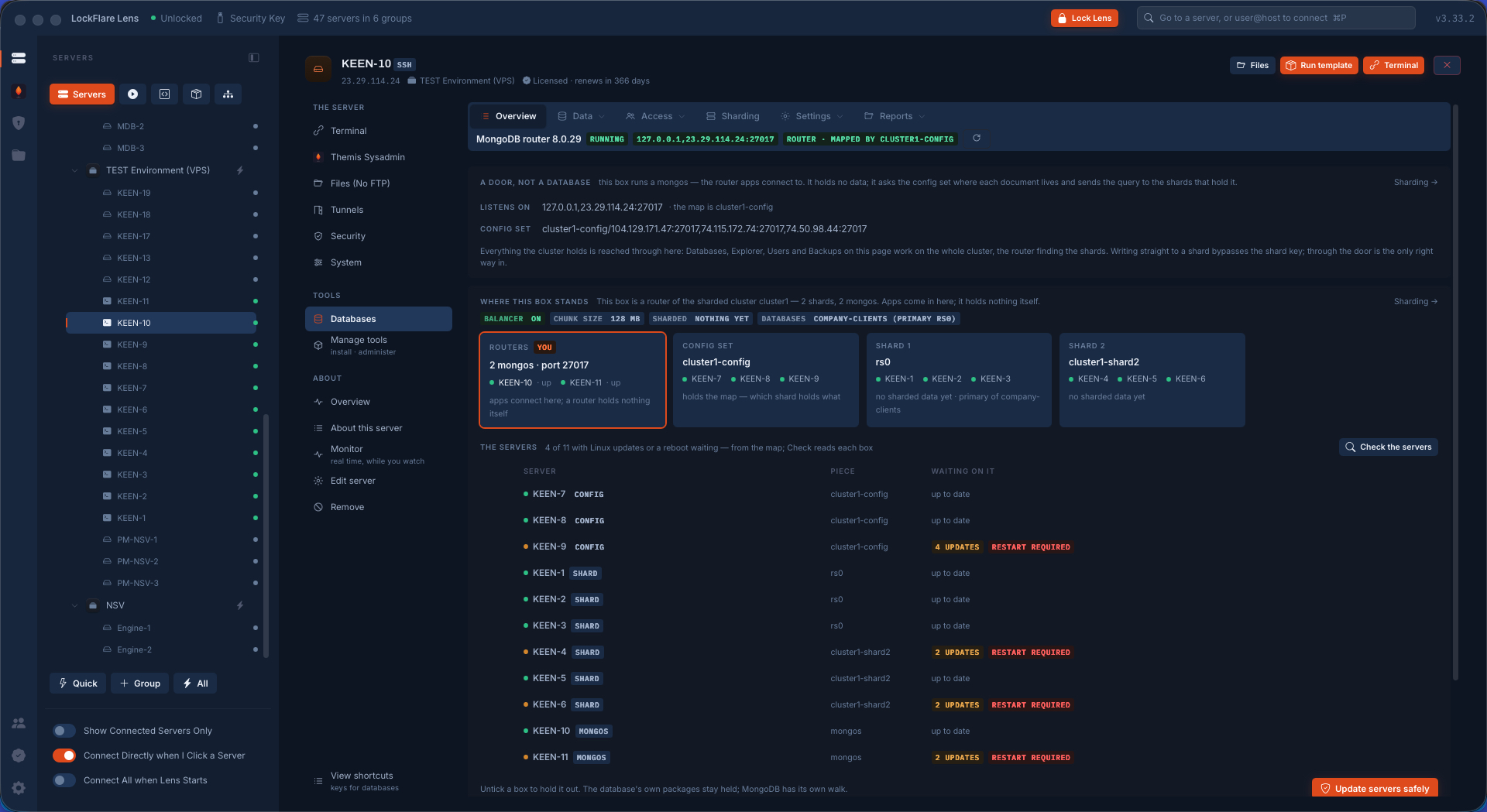
Linux updates waiting on the set What each member is waiting on, read from its own package manager, and the safe walk about to start from the set's page.
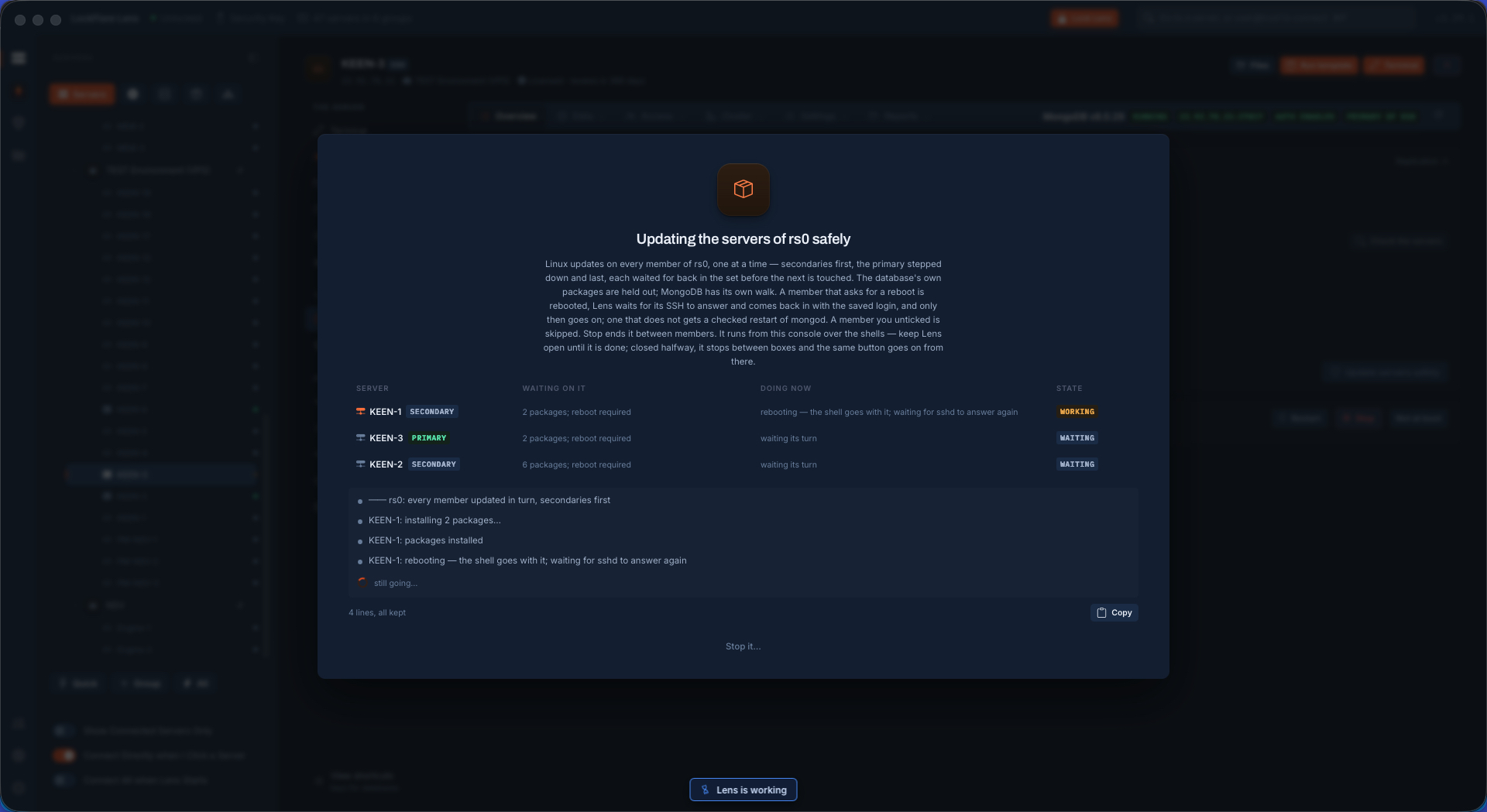
Updating one member while the set serves A secondary updated and rebooted, reconnected on its saved login before the next one is touched. The set keeps serving throughout.
The whole set updated, no downtime Secondaries first, the primary stepped down and done last. The apps on a replica-set connection string never noticed.
The set on the wire Every member as a box, every wire on the engine's port in both directions, each proved from the box the traffic starts at. Green means reach, listen and allow all held.
The report, page one The set as every member reports it: roles, state, versions. Drawn on screen and, for the person without Lens, one PDF.
The report, page two Databases and collections across the set, with sizes and who reaches them.
The report, page three The firewall of every member as one table: which addresses are let in on the port, and where.
The report, page four Security as verdicts: authentication, TLS, dangerous features, the files the engine trusts.
The report, page five The wires proved, and the verdict for the whole set.
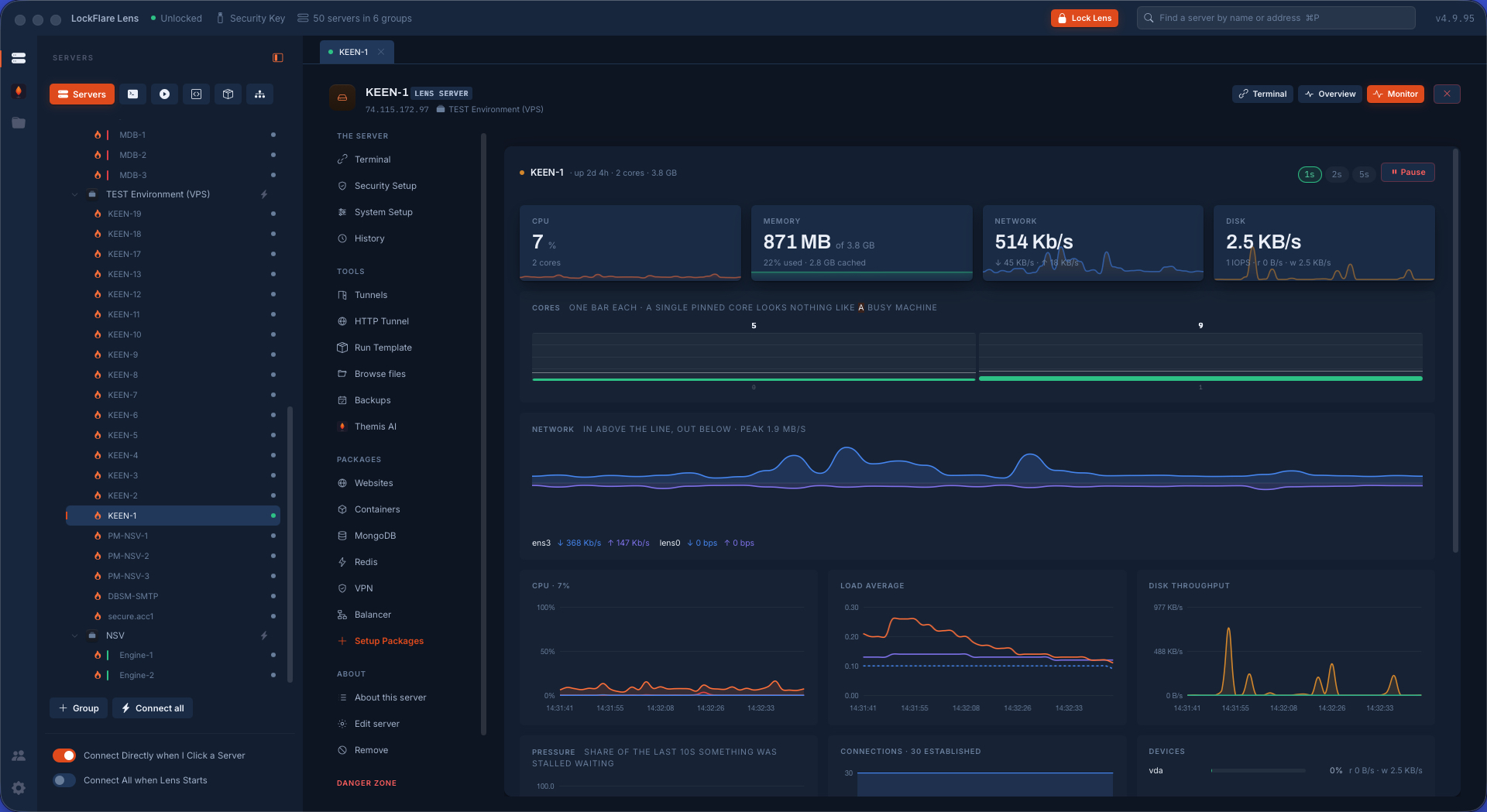
Real-time metrics Operations per second by kind, connections, the cache, what is queued, the lag of every member, sampled every two seconds while you look.
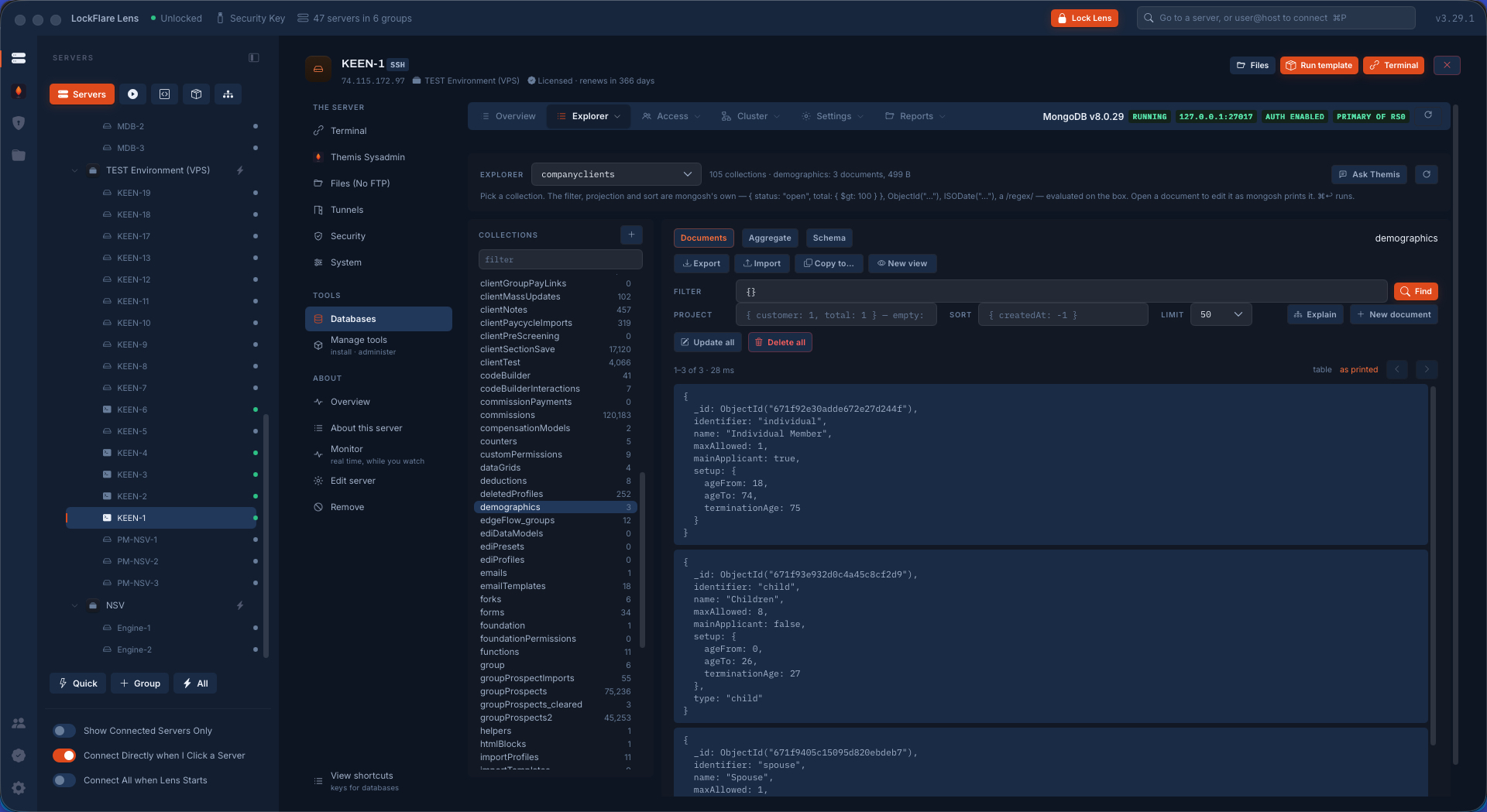
The Explorer A collection opened: a filter in mongosh's own syntax, documents as a table or as they print, one opened and edited as text.
The set's own verbs Step down, rolling restart, rolling upgrade, the oplog resized on every member, compact walked member by member — on the set's page, on every member.
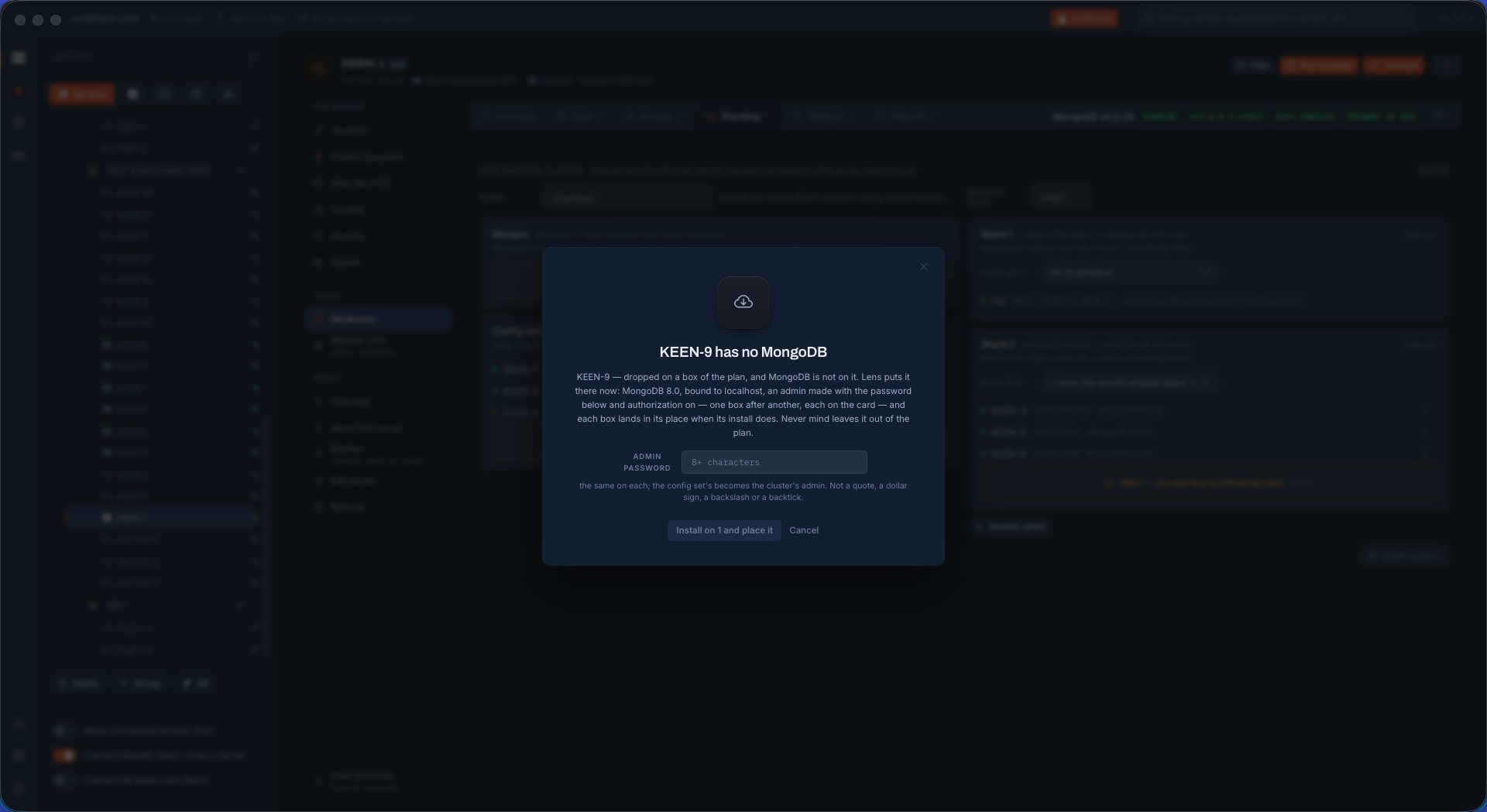
A new box without MongoDB A server dropped into the cluster builder that has no MongoDB. Lens says so and offers the install at the cluster's version.
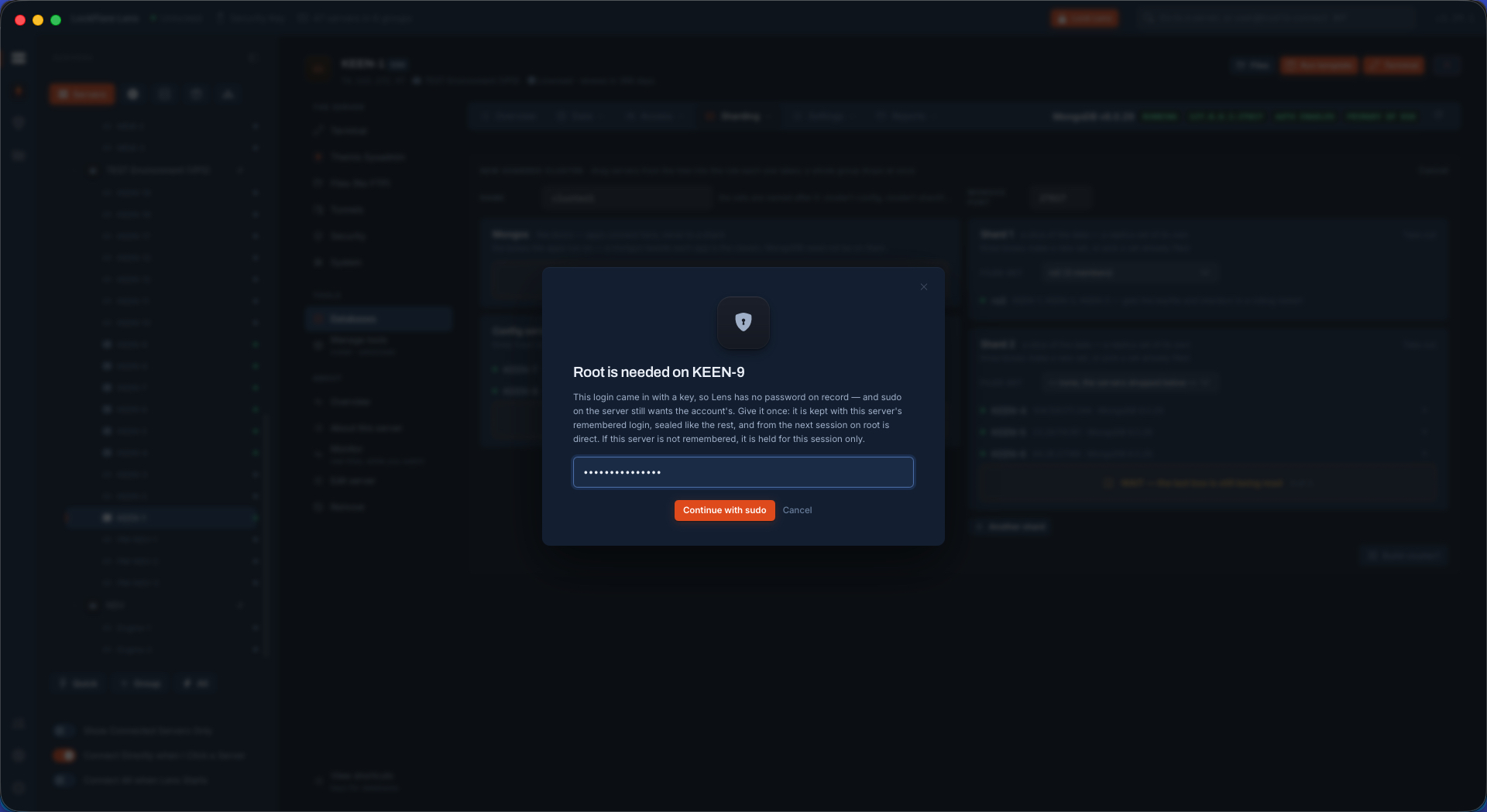
Sudo asked once, on the row A box whose login came in with a key asks for its sudo password once, on its own row. Nothing is written until every box has answered.
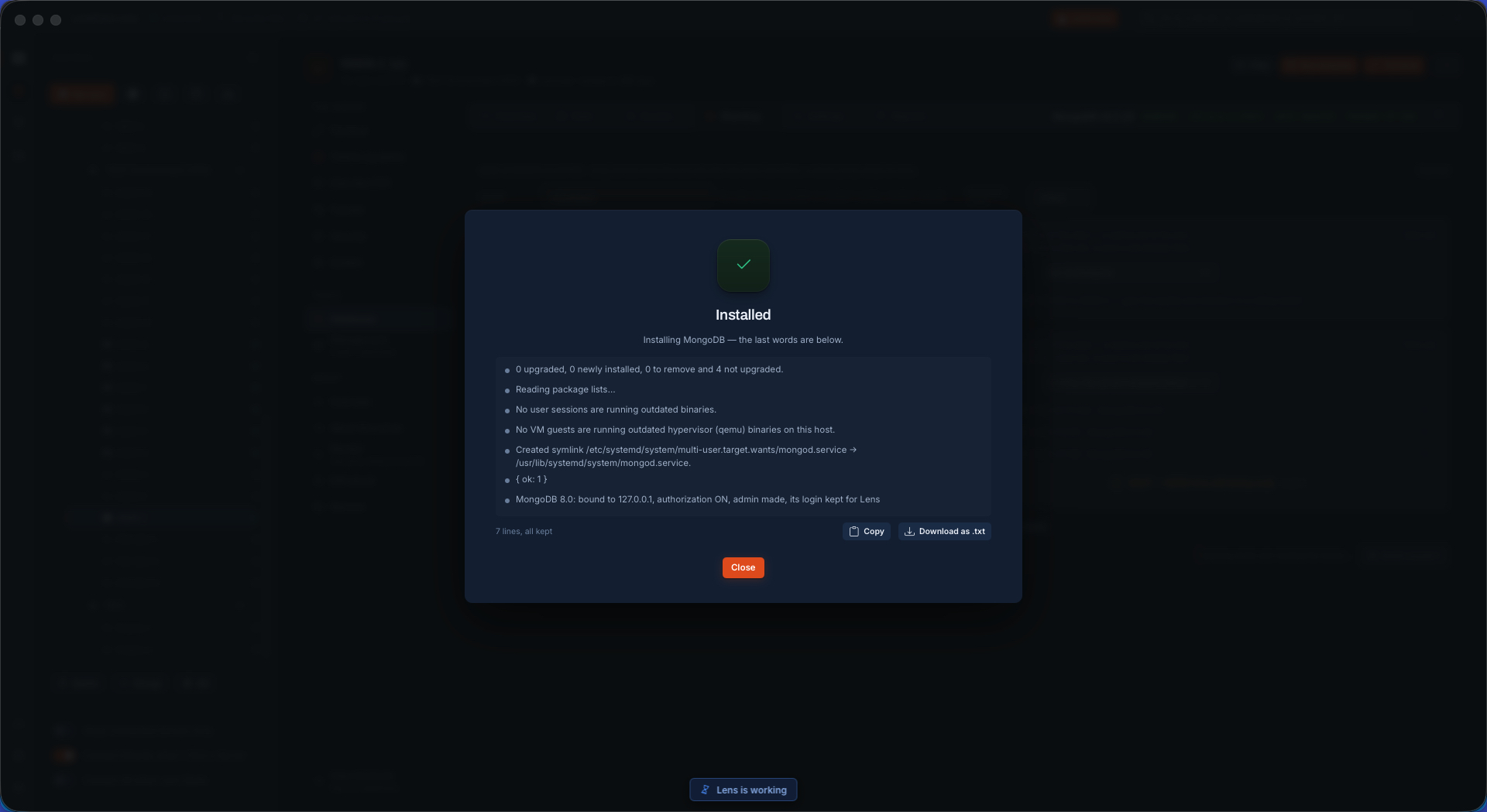
MongoDB installed on the new member The install done from the vendor's repository at the same version the cluster runs, and the box read again.
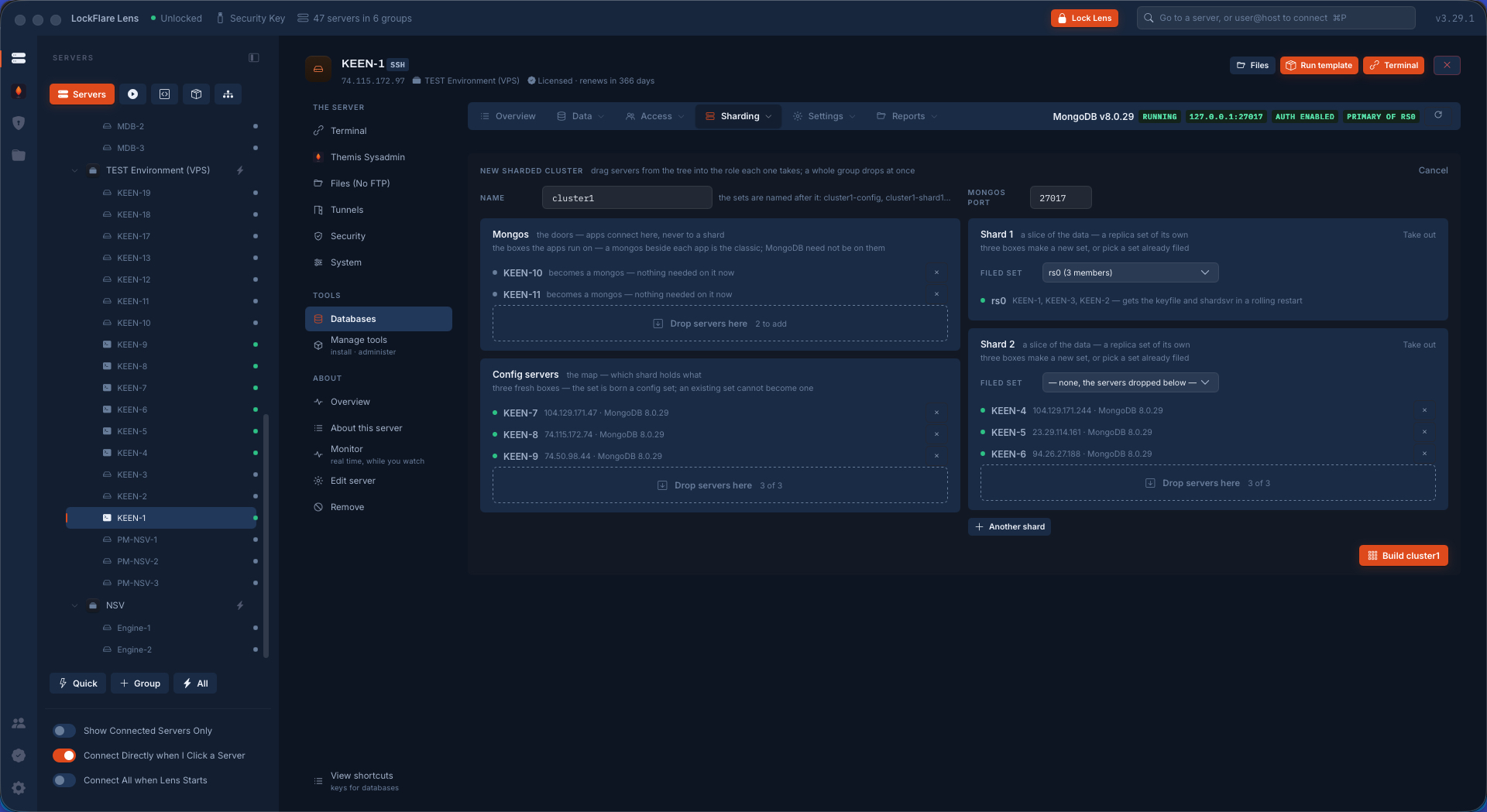
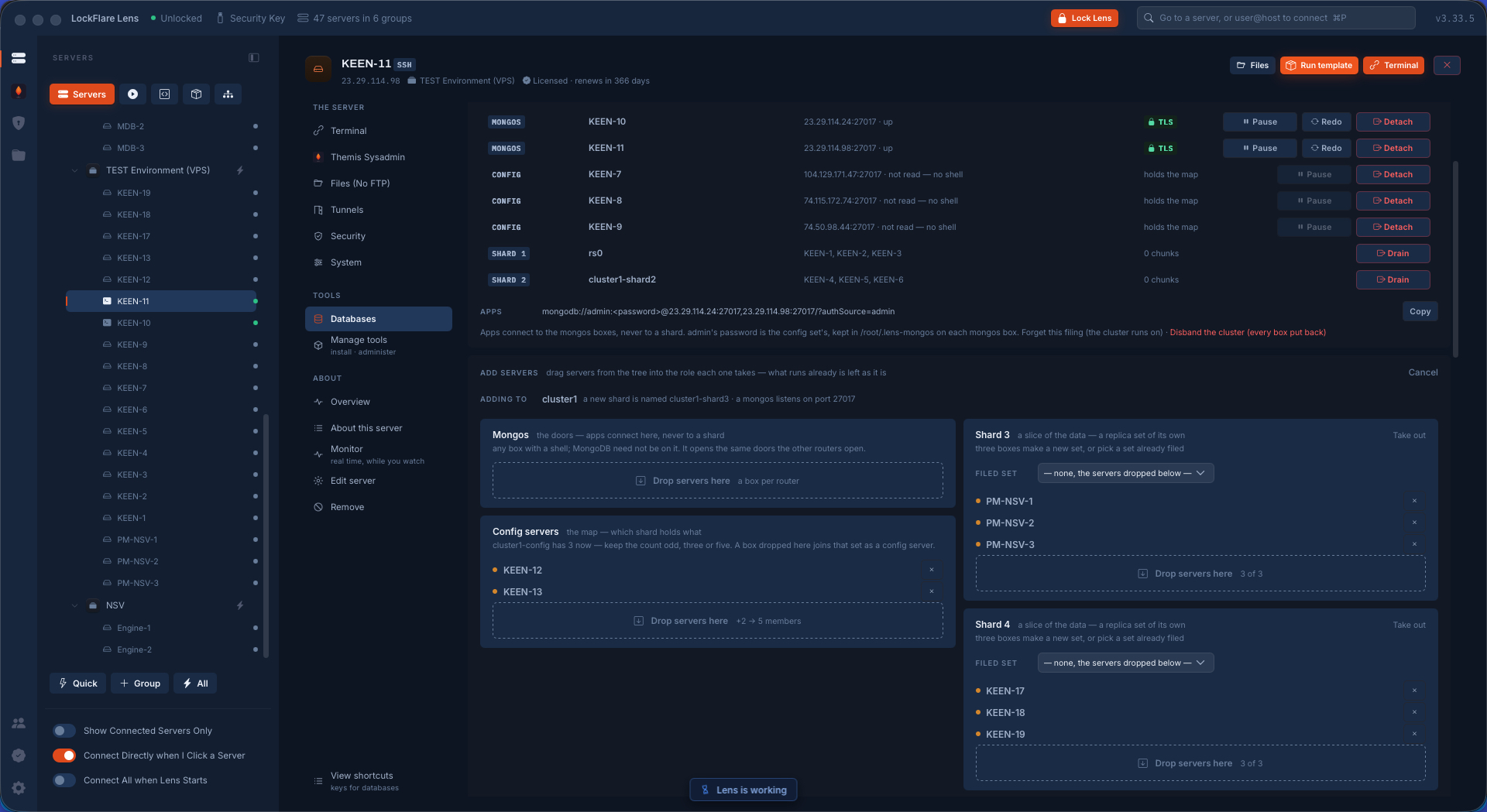
The servers in their boxes Config servers, shards and the app boxes that get a router, each in its drop box. The set that was already running becomes the first shard.
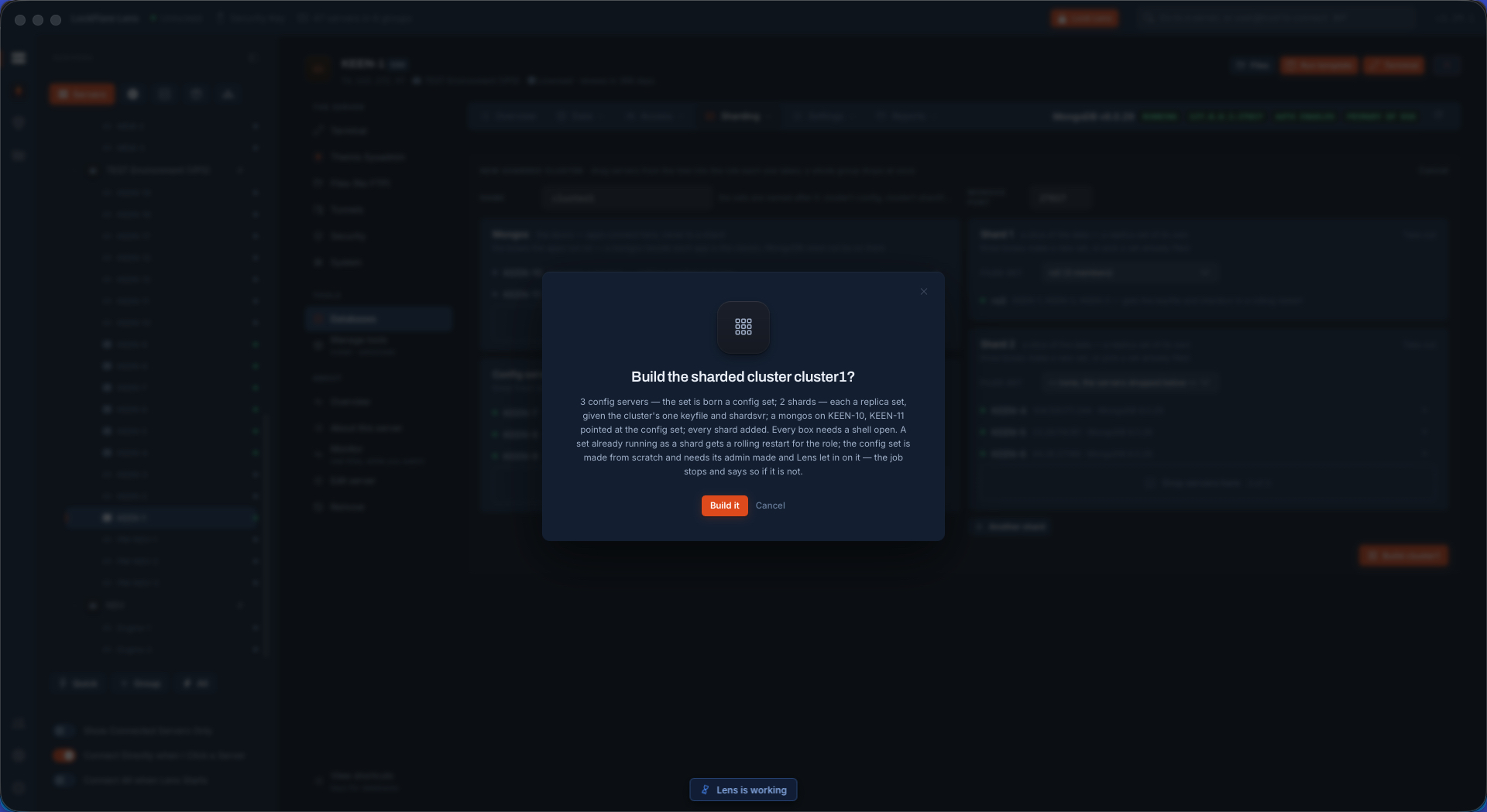
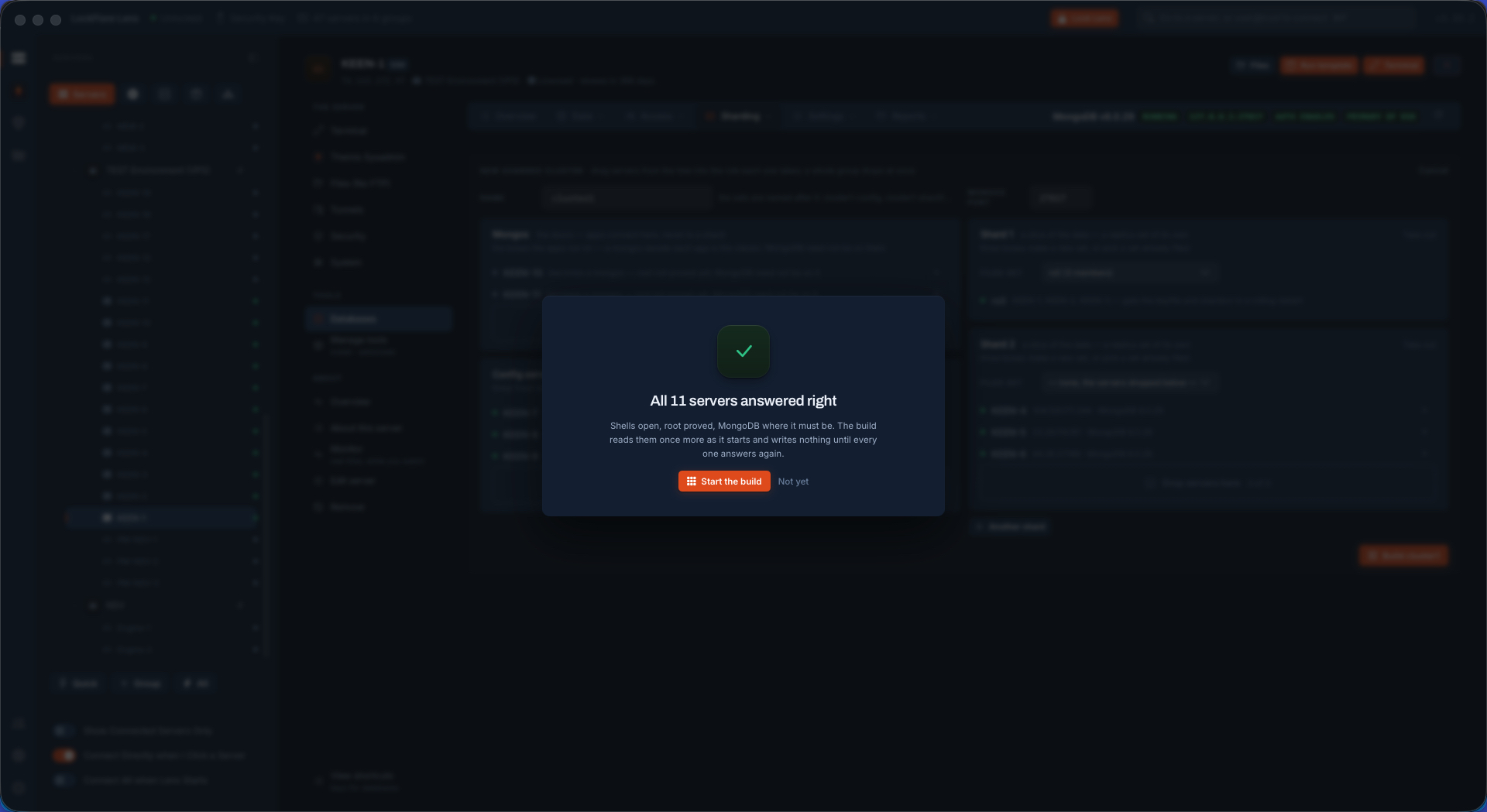
The summary before the build What Build will do on every box, said before anything runs. Every box was read first.
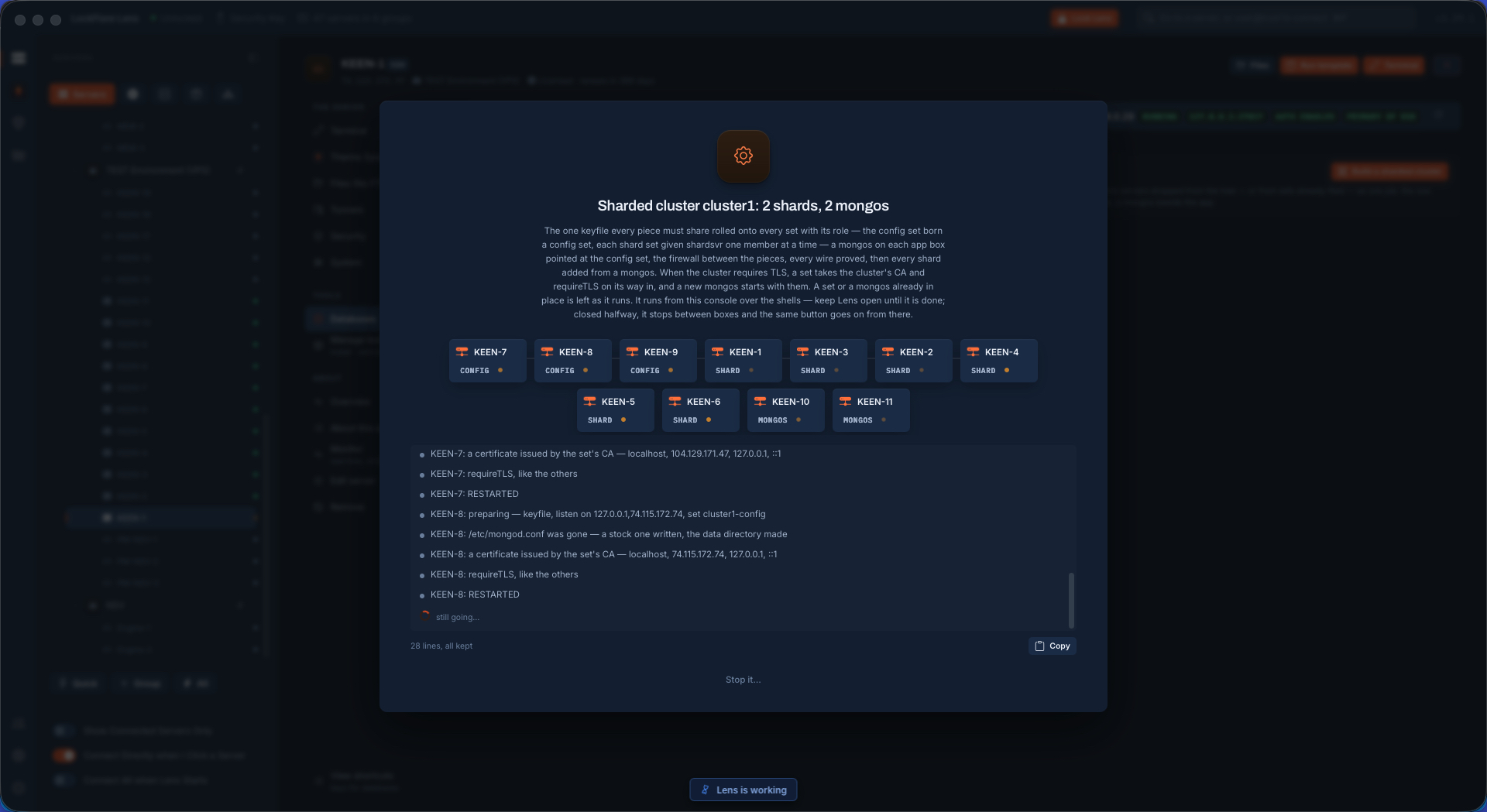
The build, started One job on every box at once: the cluster's keyfile and role on every set, a router on each app box, addShard through a router.
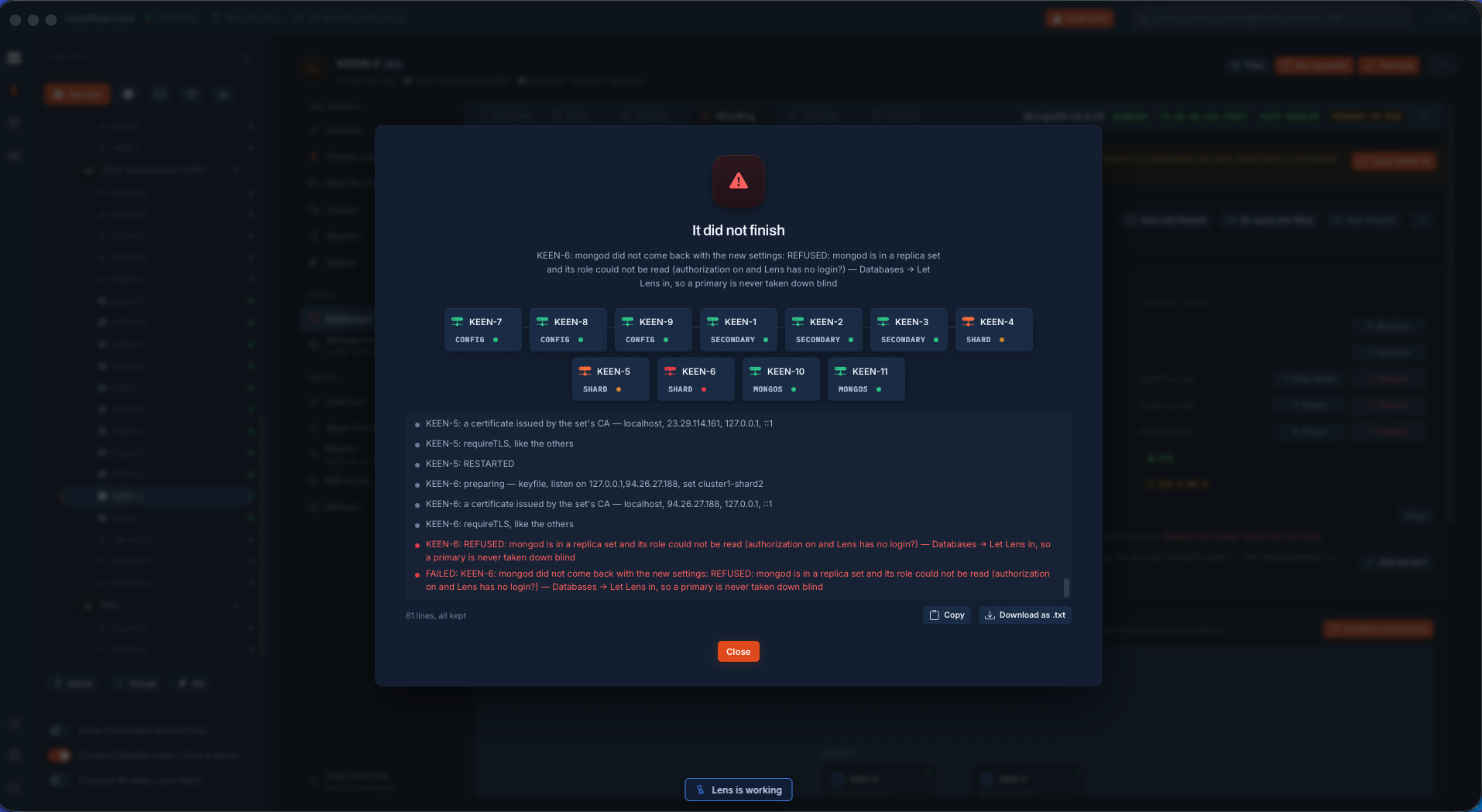
A failure, on purpose One box was broken deliberately for this demo. The job does not pretend: it names the box and says what it found.
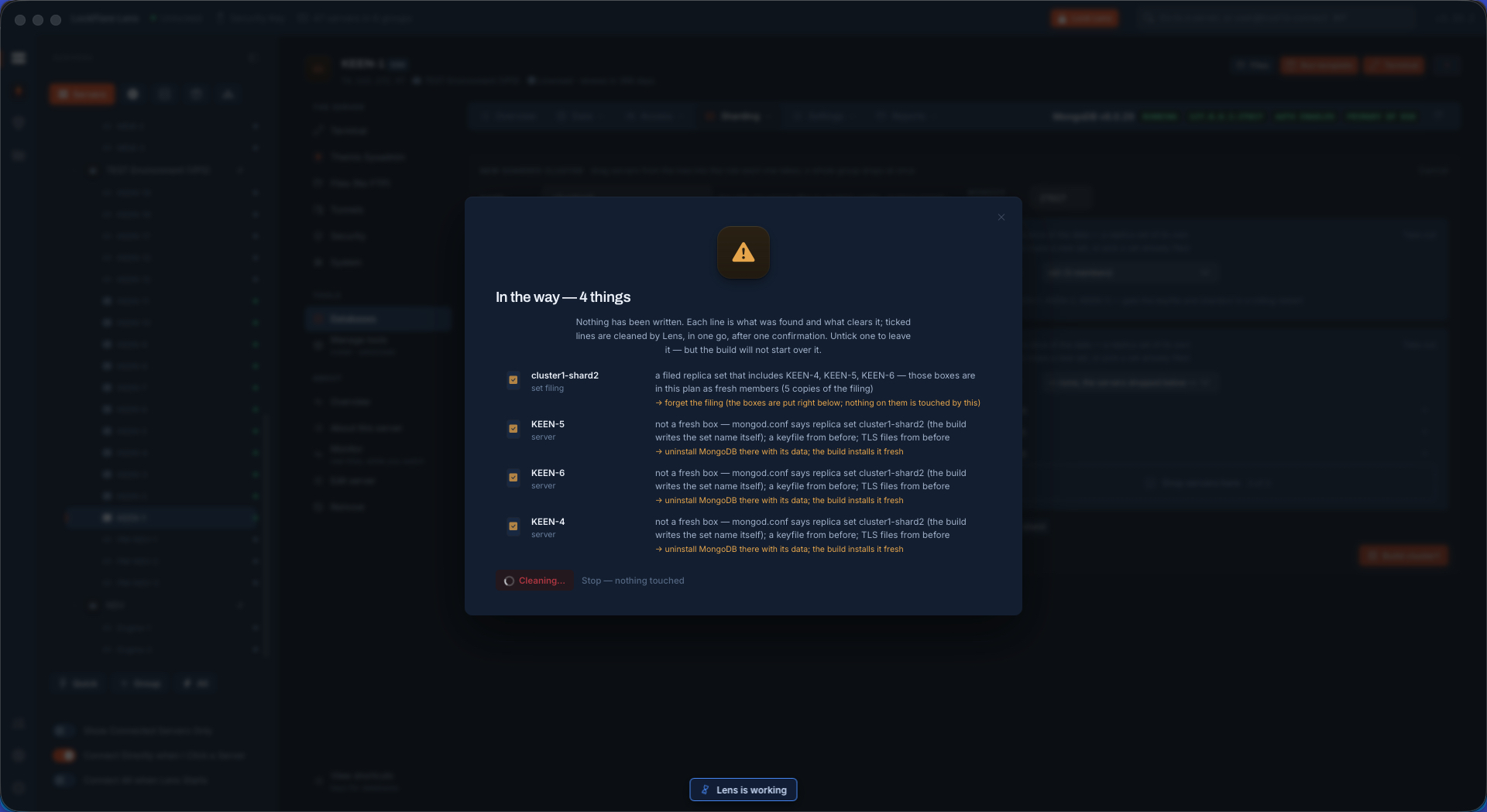
Repair Repair runs the fixes Lens knows for what it found, on the box that failed, and reads it again.
Fixed The fixes finished and the build carried on from where it stopped.
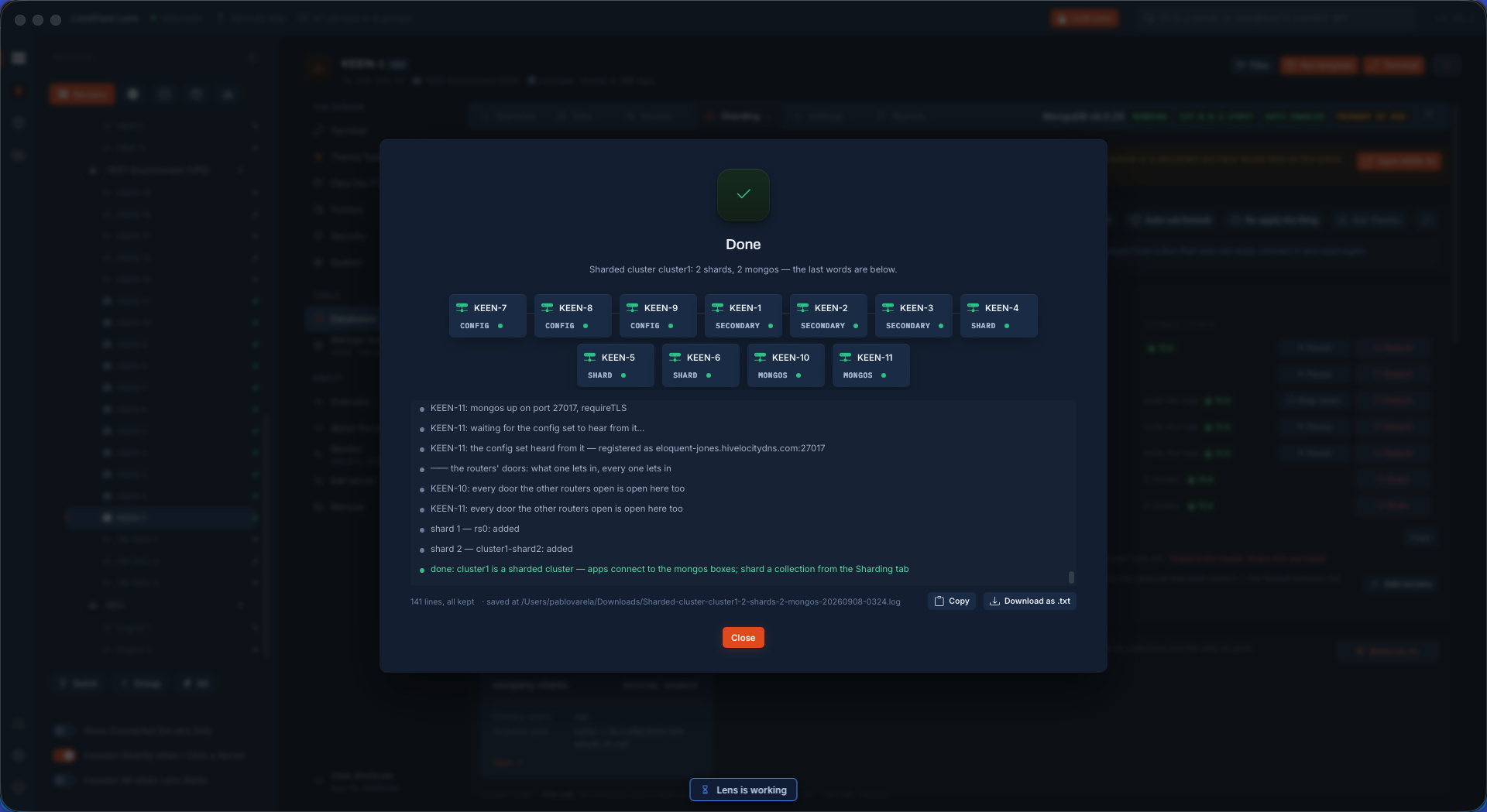
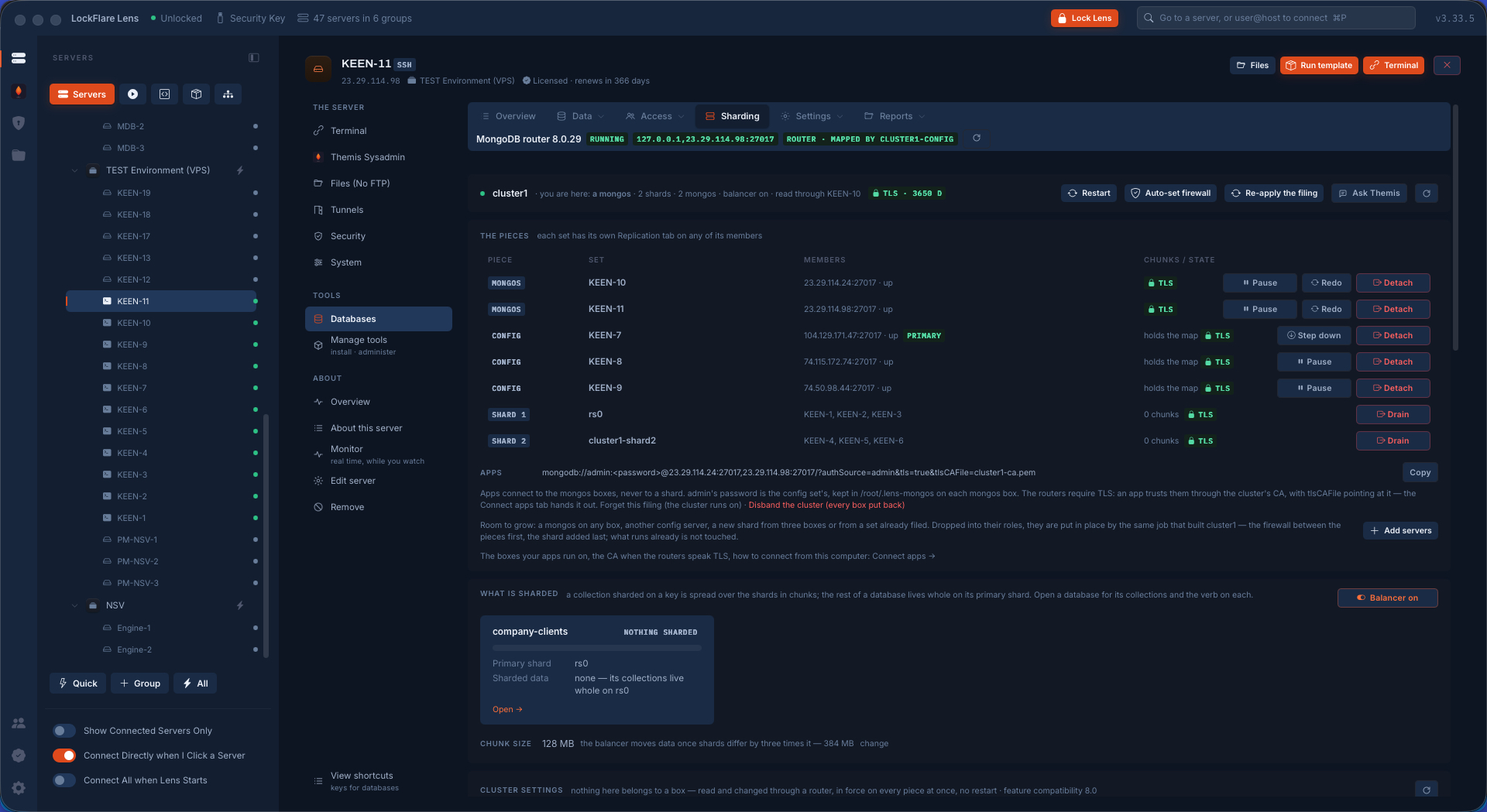
The cluster, fully set up Two shards, the config set and two routers, all up, read through a router.
The cluster's pieces Each piece with its members and their state, the routers with their address and port.
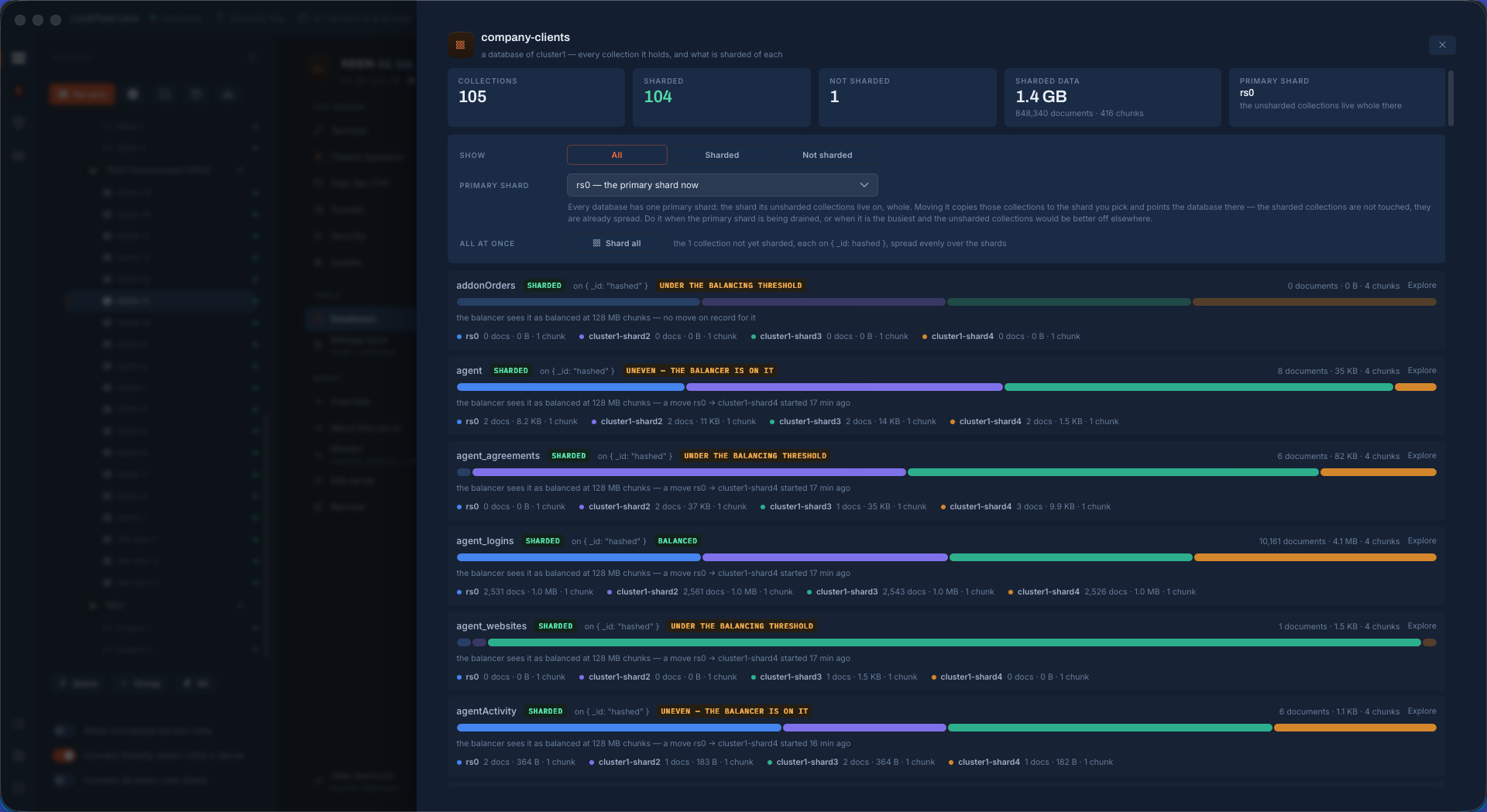
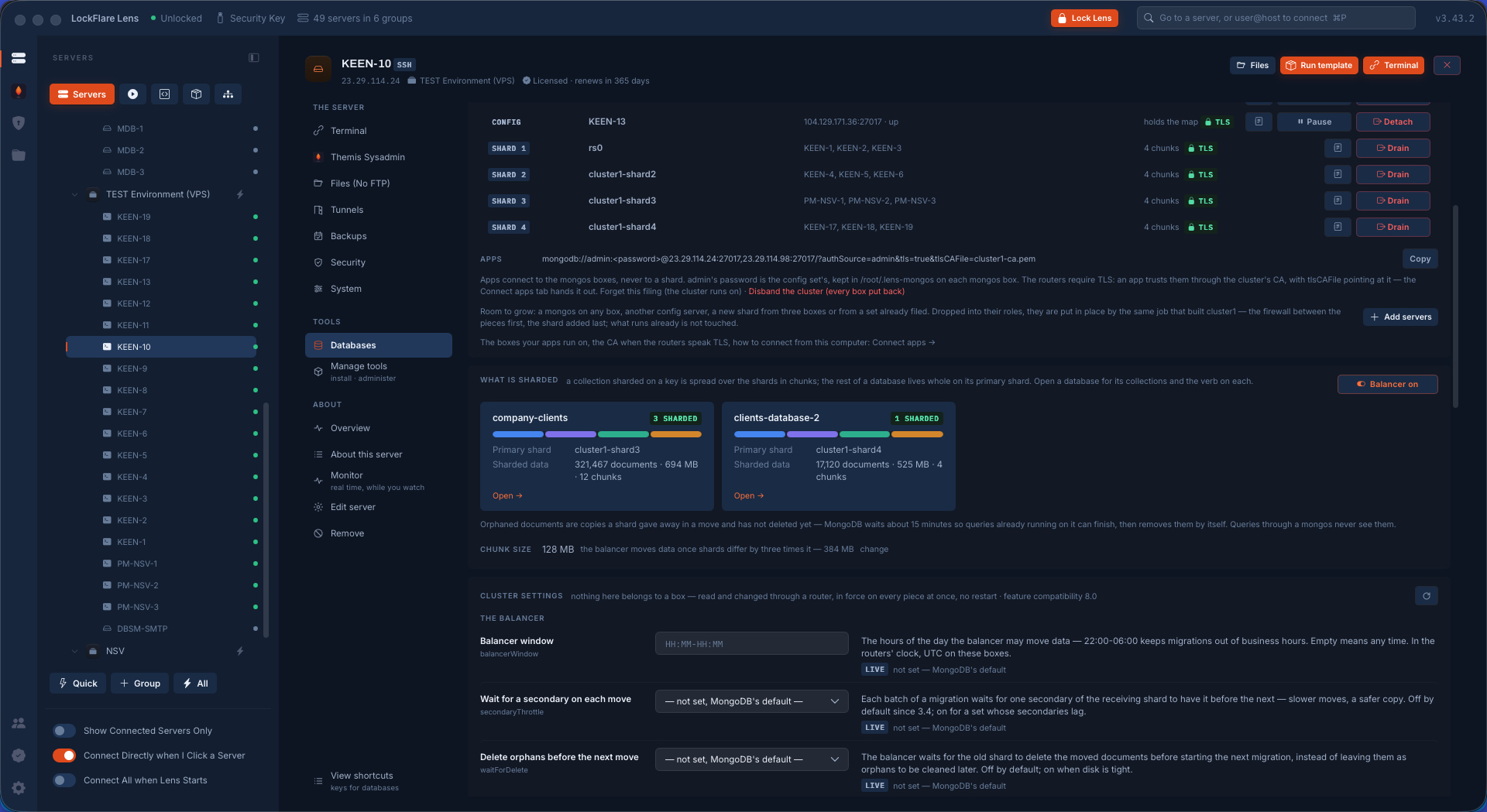
The cluster's databases A card per database: what of it is sharded and where its chunks sit.
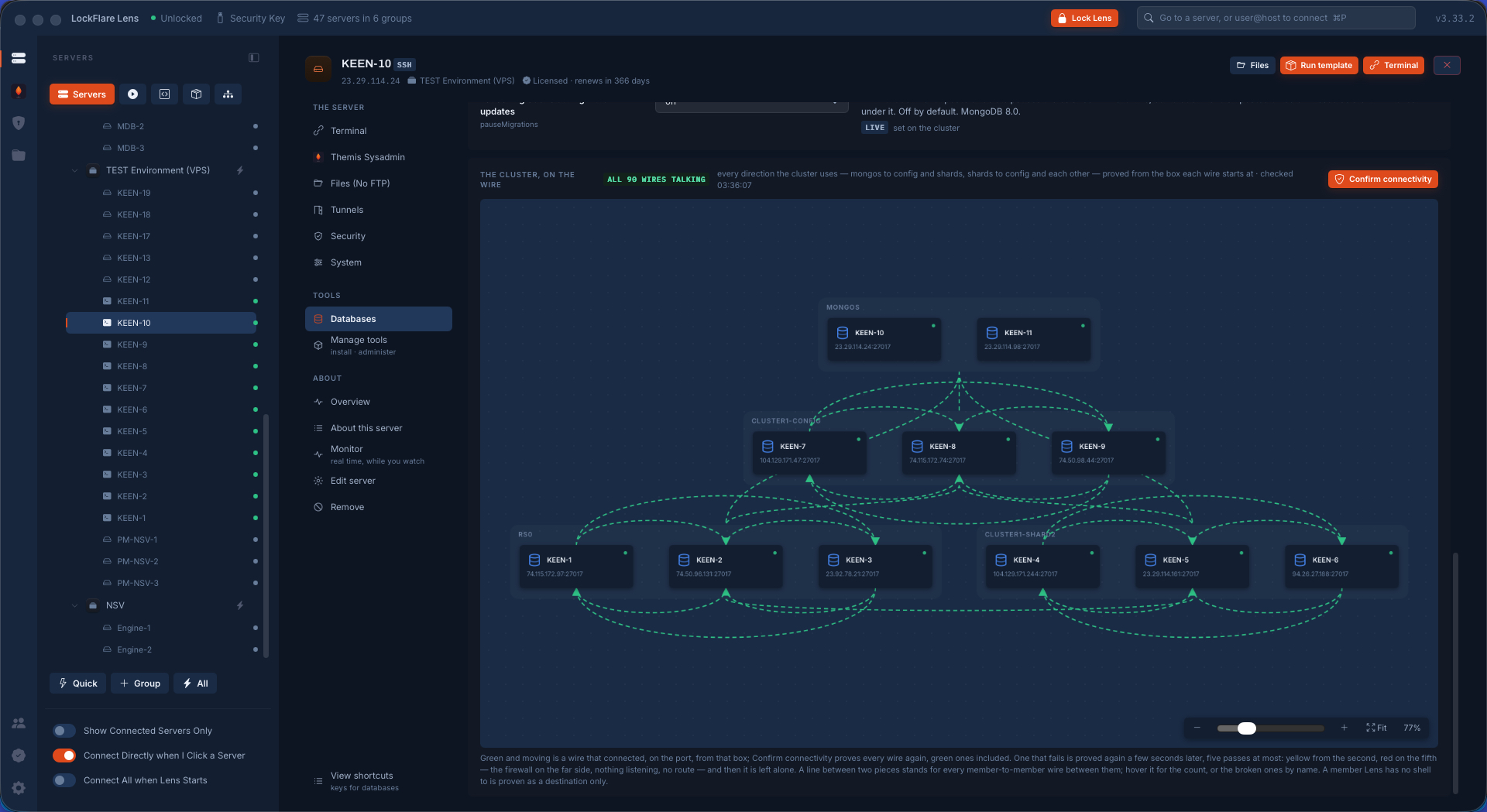
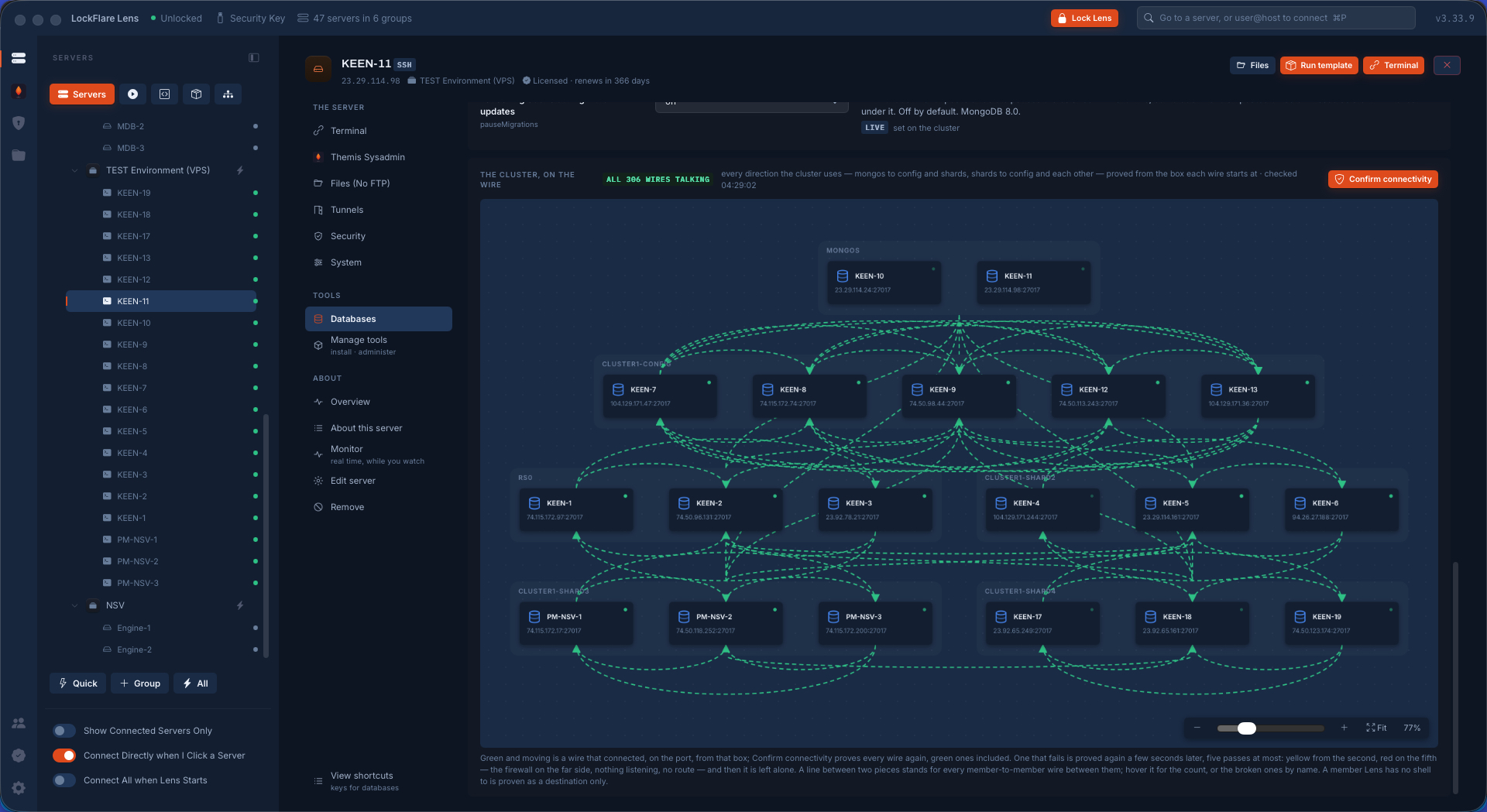
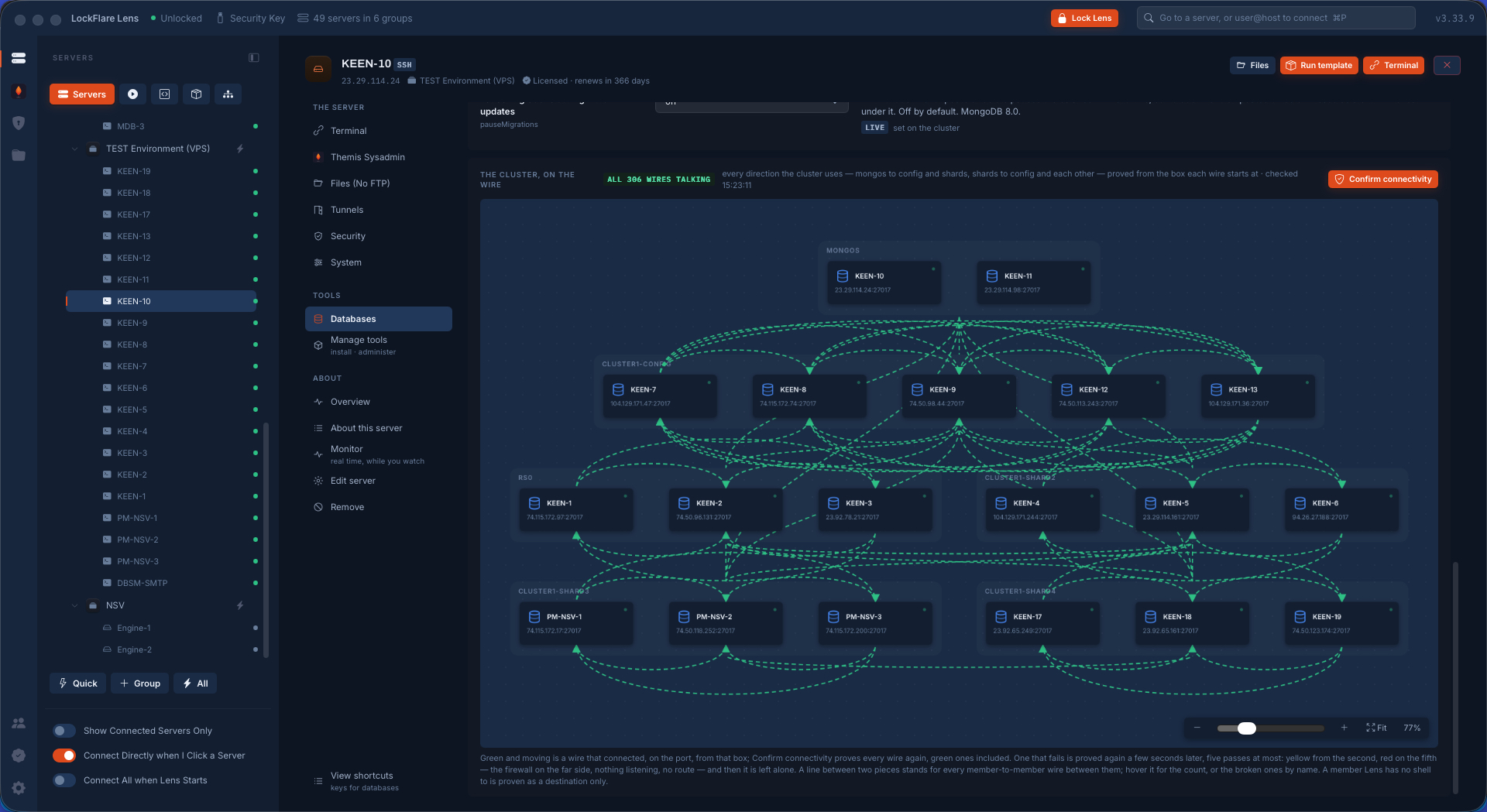
Every wire of the new cluster proved Routers to config and shards, shards to config, shard to shard — each tried from the box the traffic leaves. No wires among routers: a mongos never talks to a mongos.
Growing the cluster Two more shards and two more config servers dropped in. Apply puts them in place; the sets already there are left as they run.
Installing the new pieces MongoDB installed on the new boxes at the cluster's version, every box at once.
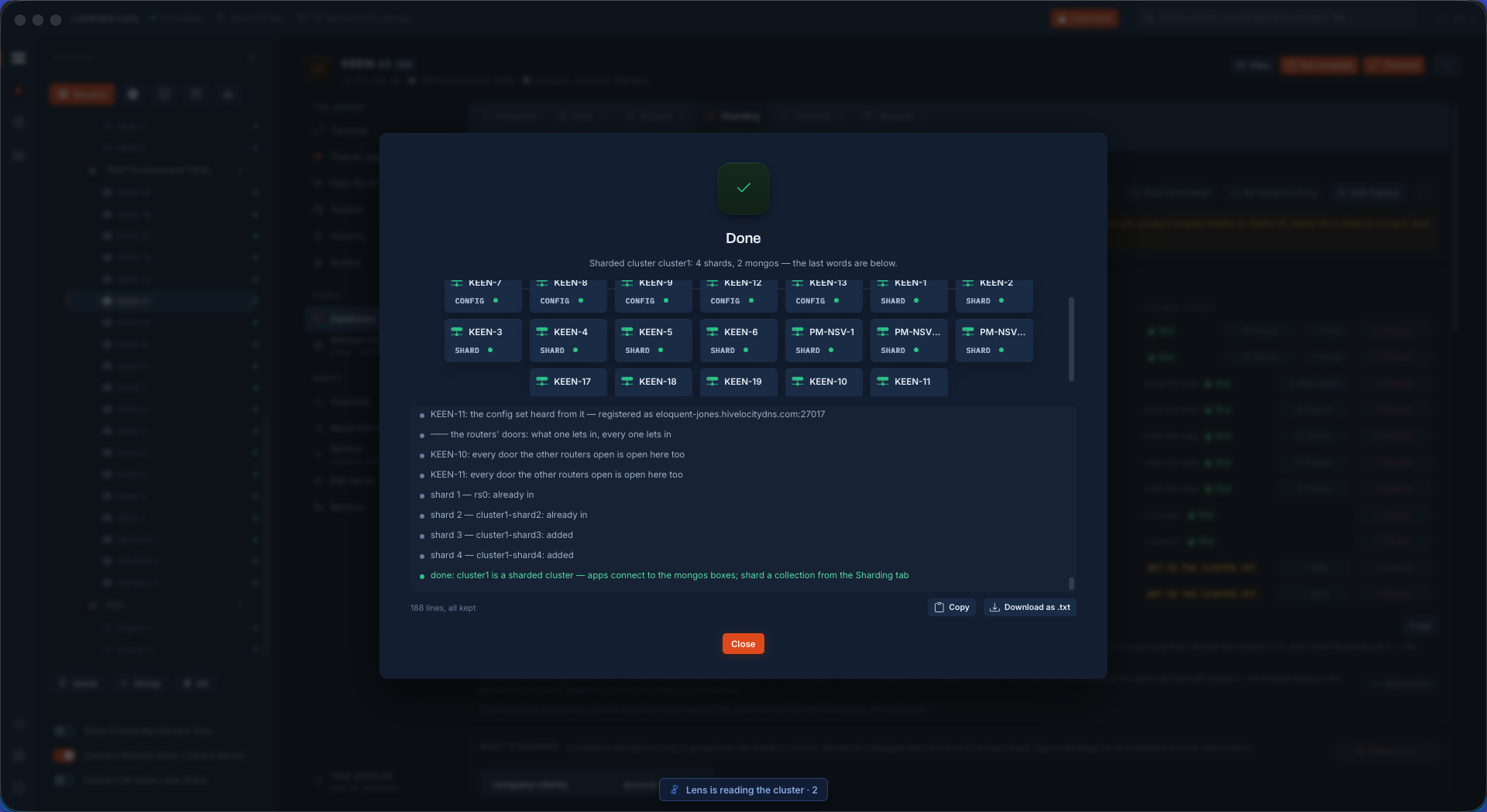
Nineteen servers, one cluster Four shards of three, five config servers, two routers. Built from the drop boxes in 43 minutes, timed with a watch.
The nineteen-server cluster on the canvas Routers on top, the config set in the middle, the shards below, every wire proved green.
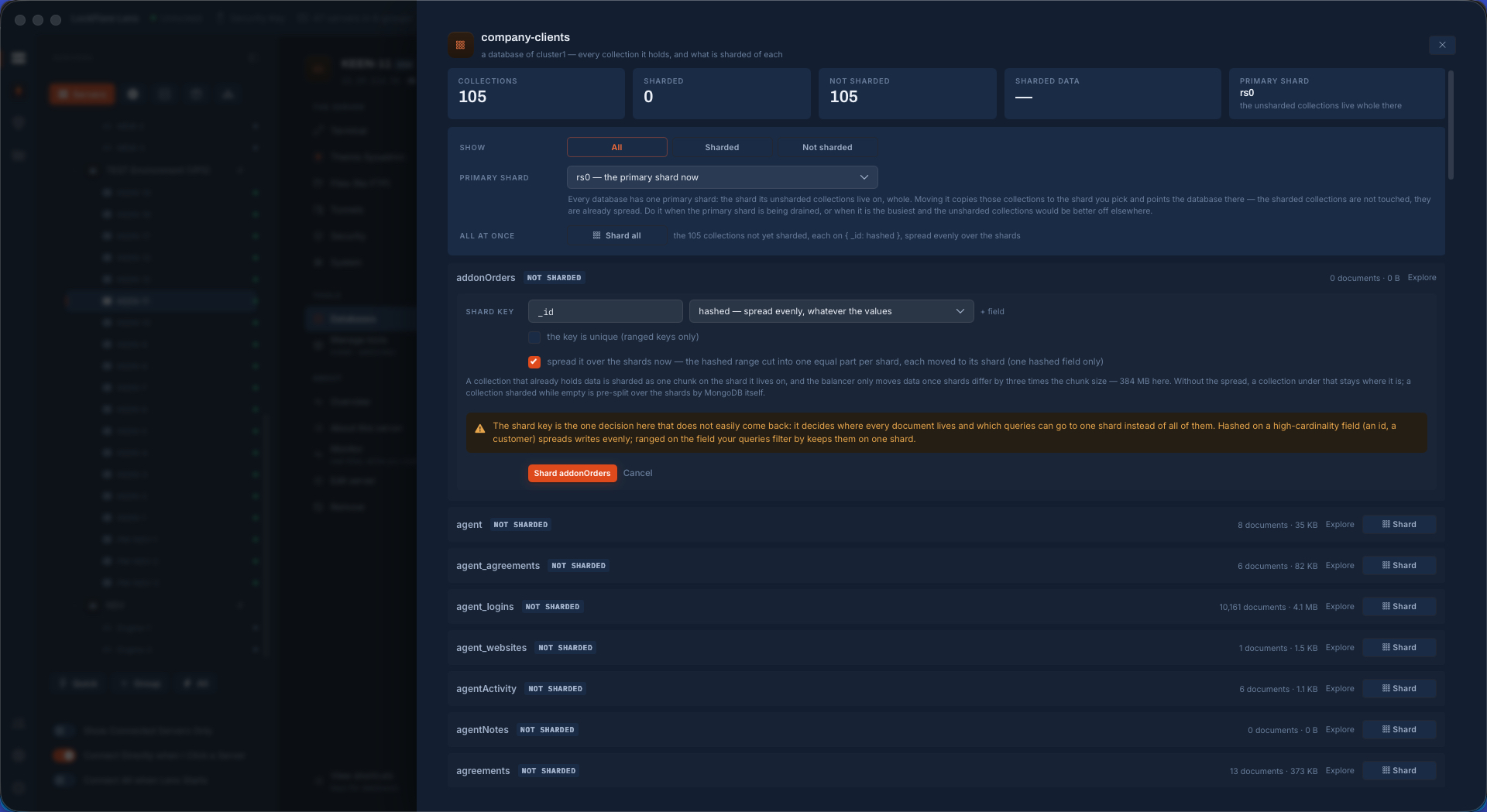
Sharding a collection A collection sharded on a key chosen right there, with the option to spread it across the shards now.
Sharded collections Sharded collections as cards with per-shard bars and the balancer's verdict.
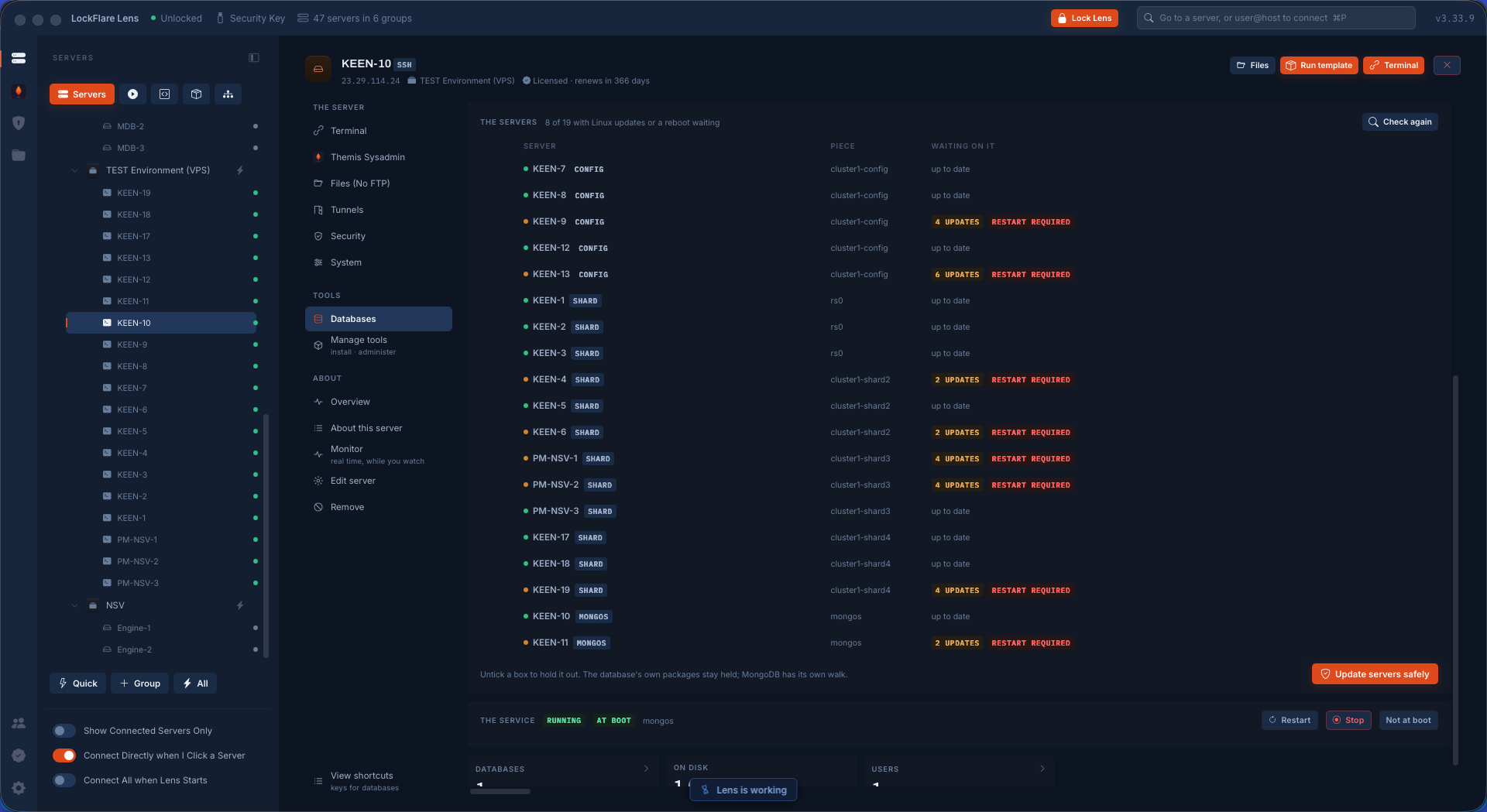
OS updates waiting on the cluster Every box of the cluster checked at once from a router, the one page that sees every piece.
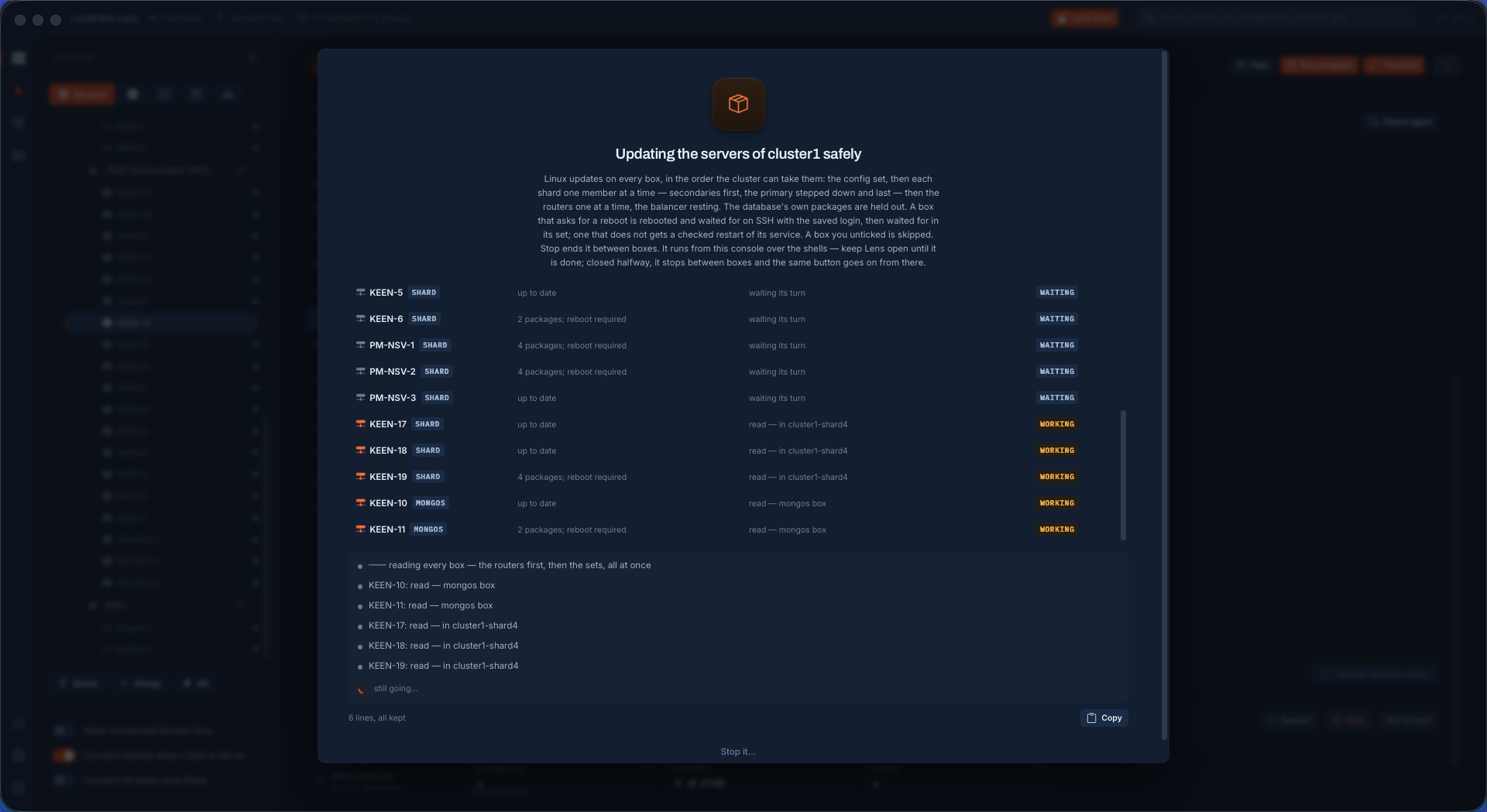
The cluster updated, no downtime Config set, shards rolling, routers one at a time, while the apps keep writing.
Where it ends Five config servers, four shards, two routers — the final shape of the cluster.
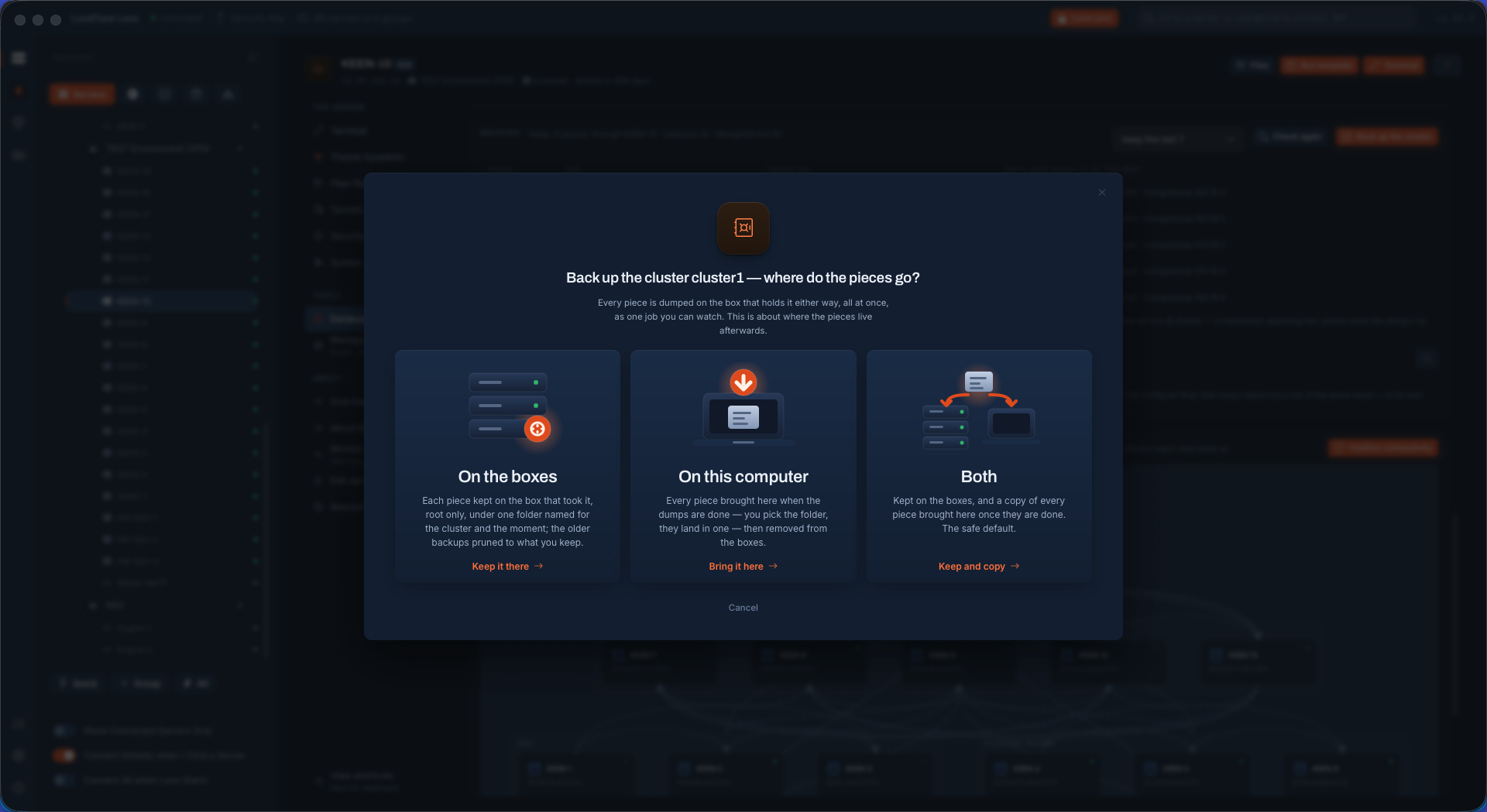
Backing up the whole cluster The balancer paused through a router, then the config set and every shard dumped with the oplog at the same moment, each on a secondary of its own.
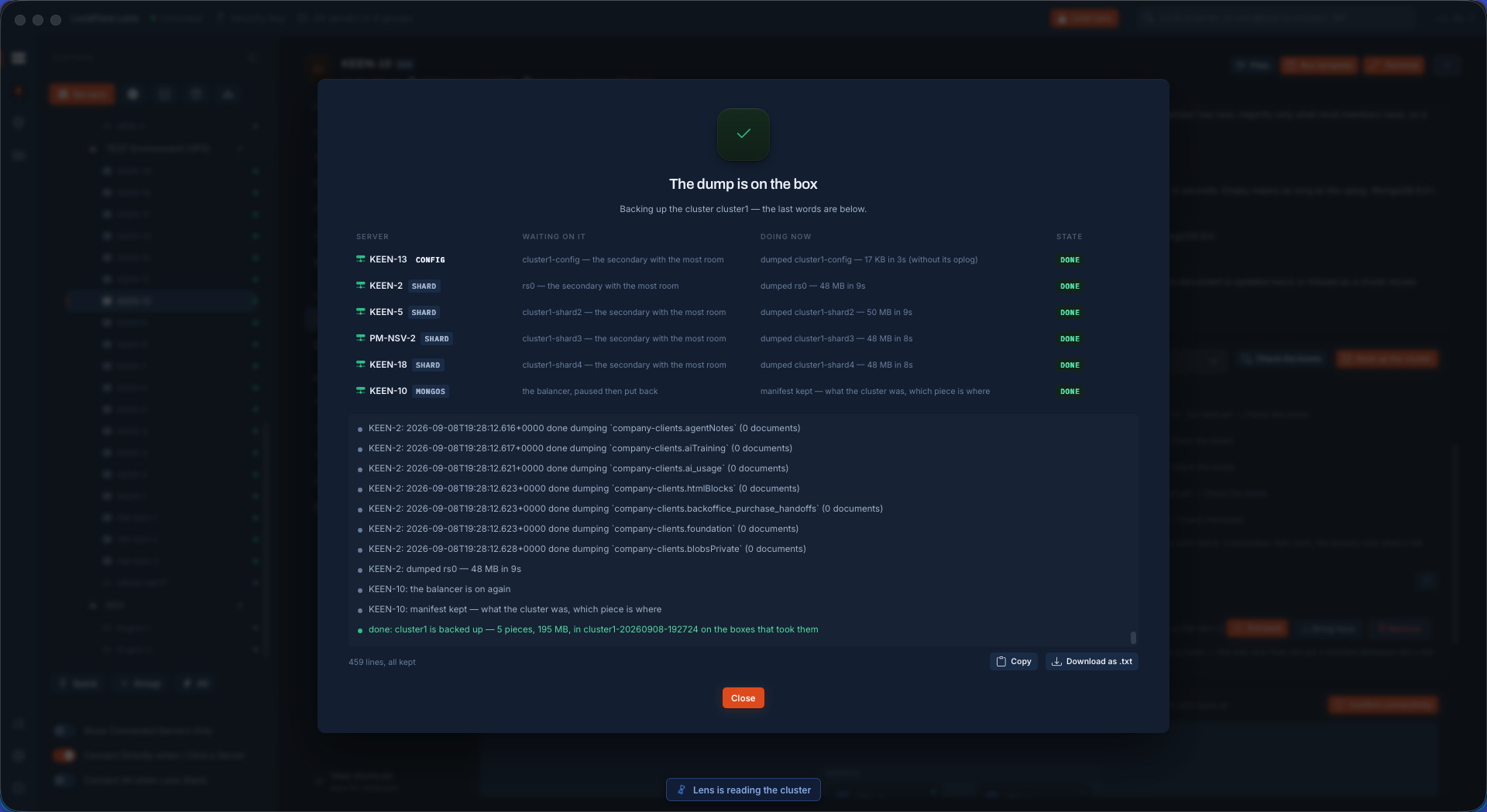
The cluster backup finished One folder named for the cluster and the moment, a manifest beside every piece. The balancer went back on the moment the dumps ended.
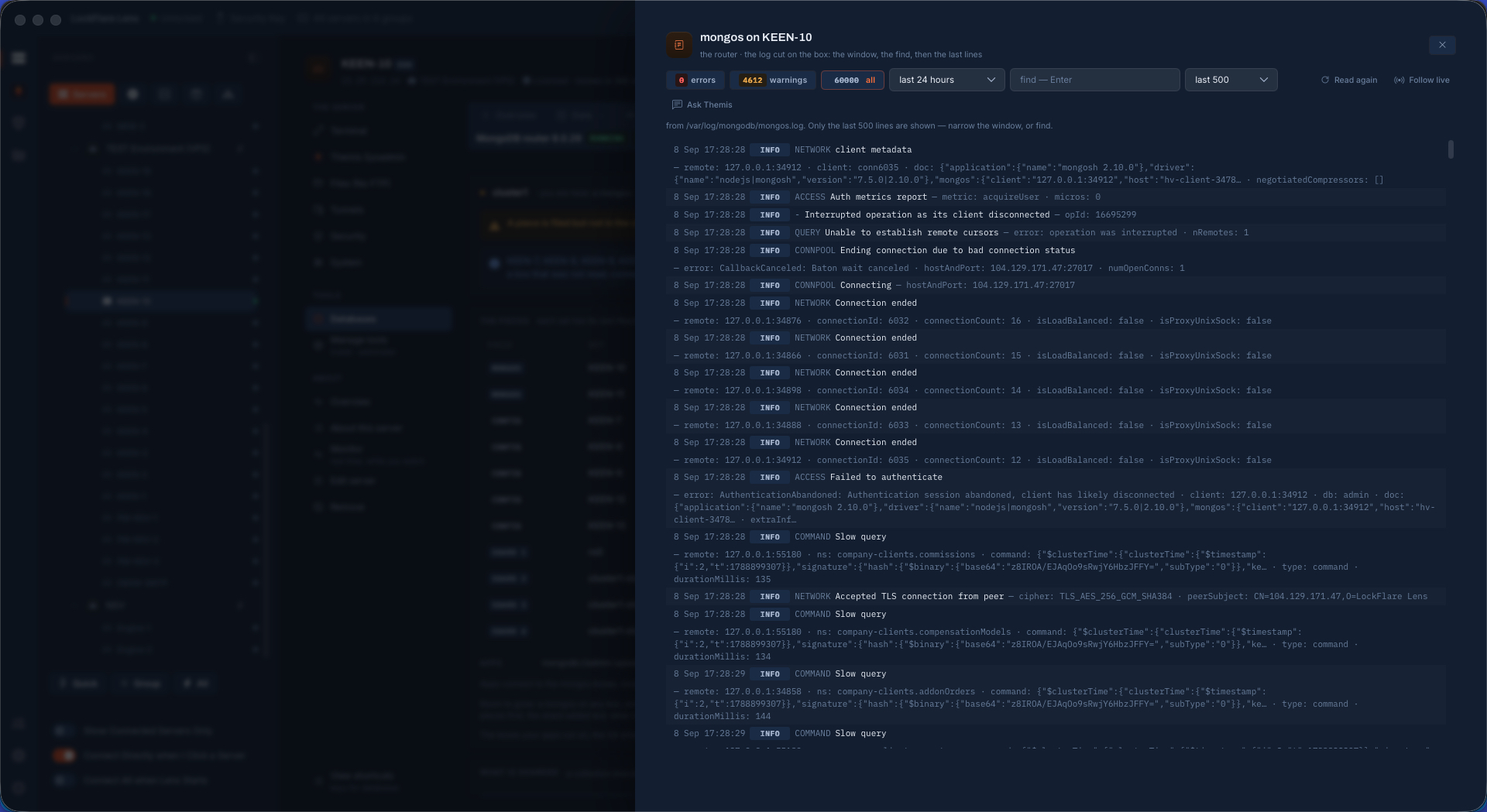
The logs, per server or per role One window: a box's log, a set's members by chip, or the whole cluster stitched newest first with each line saying which box it came from.
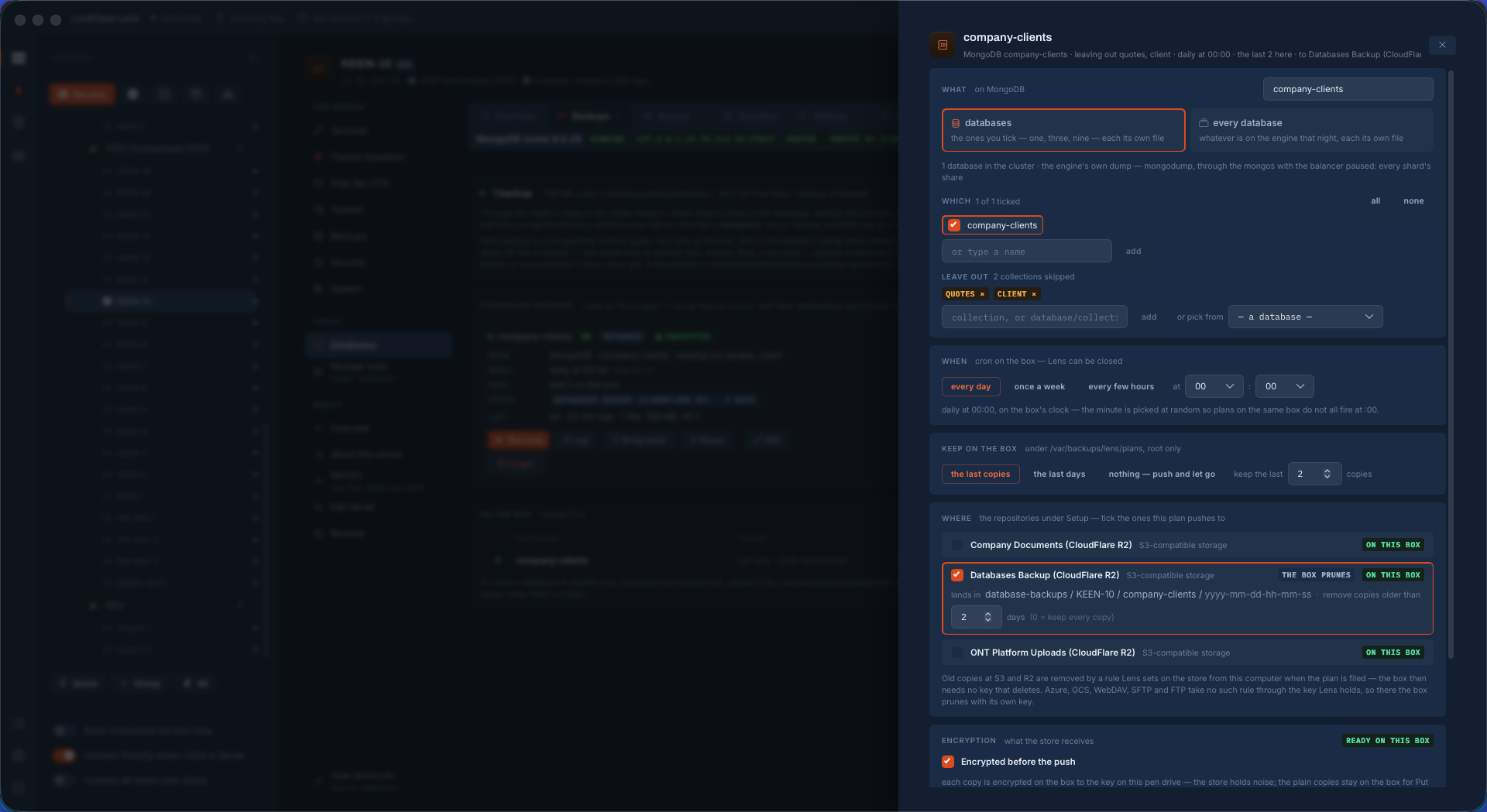
A scheduled cluster backup to Cloudflare R2 The same backup on a schedule, to a repository described once under Setup. The plan lives on a router; the runner needs nothing from this computer.
The schedule filed What, when, keep, where: the plan on the router, the first run ready.
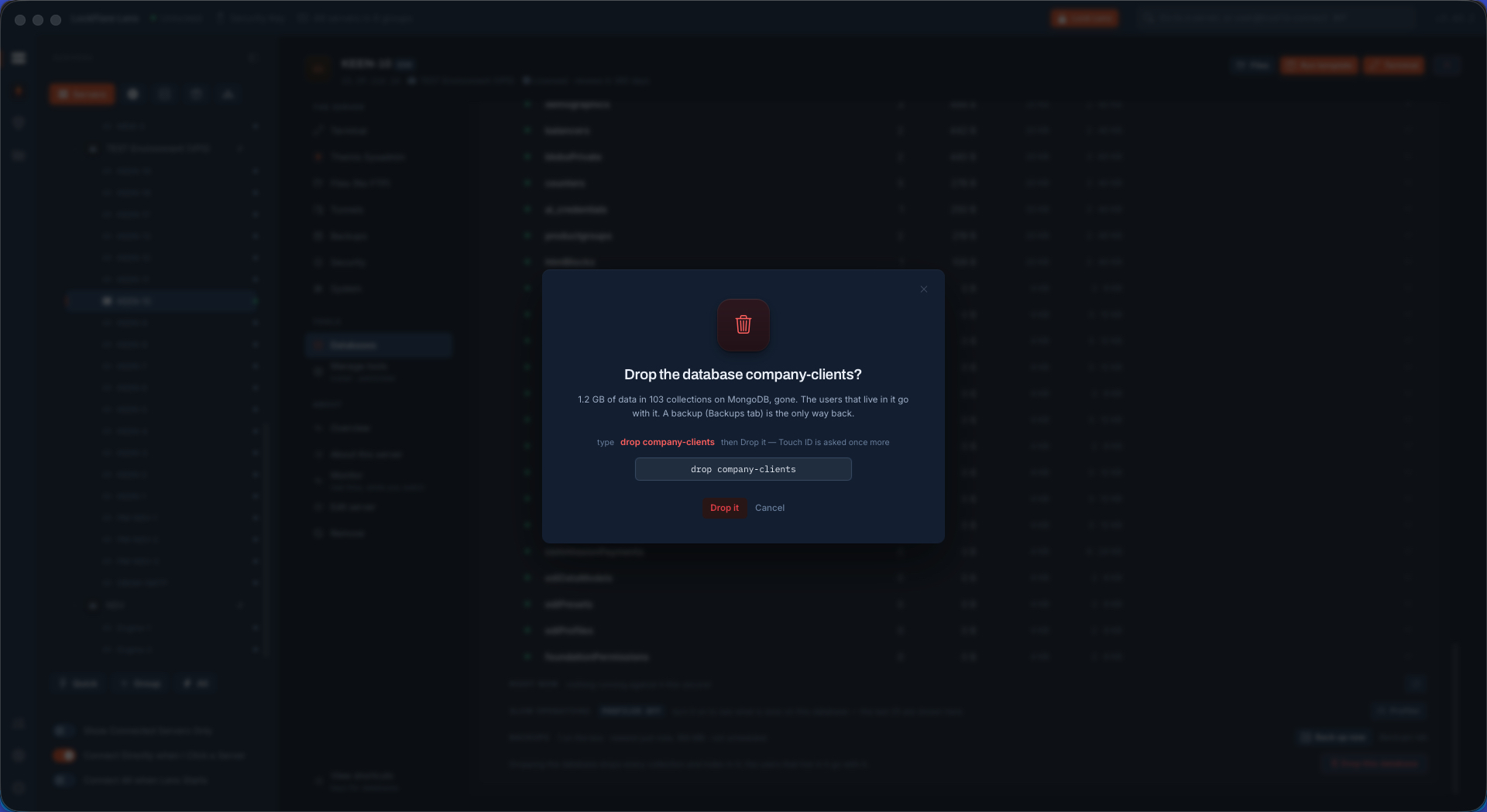
Dropping the database The test that matters starts here: the sharded database dropped from the cluster.
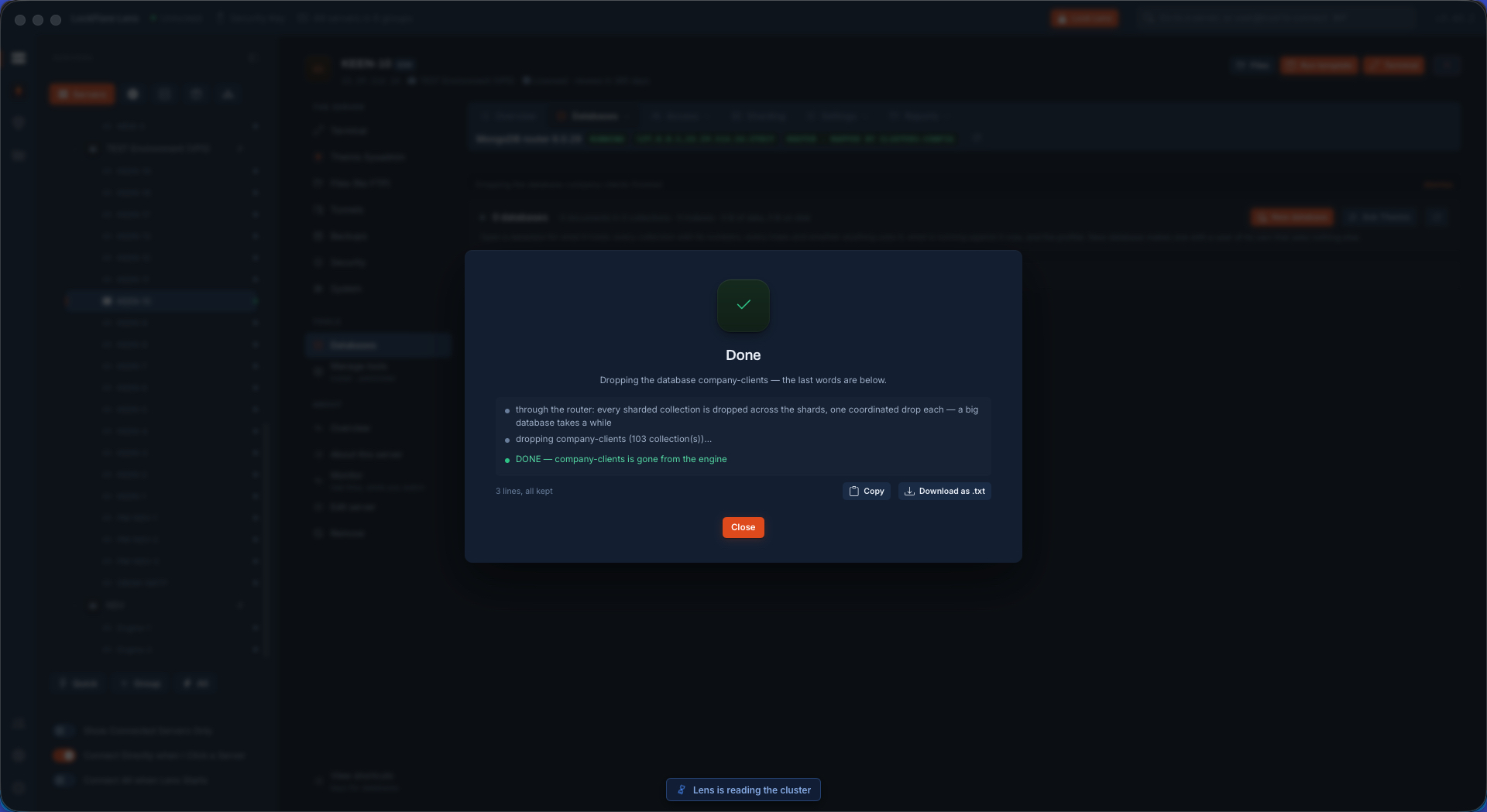
Dropped Gone from every shard and from the config set.
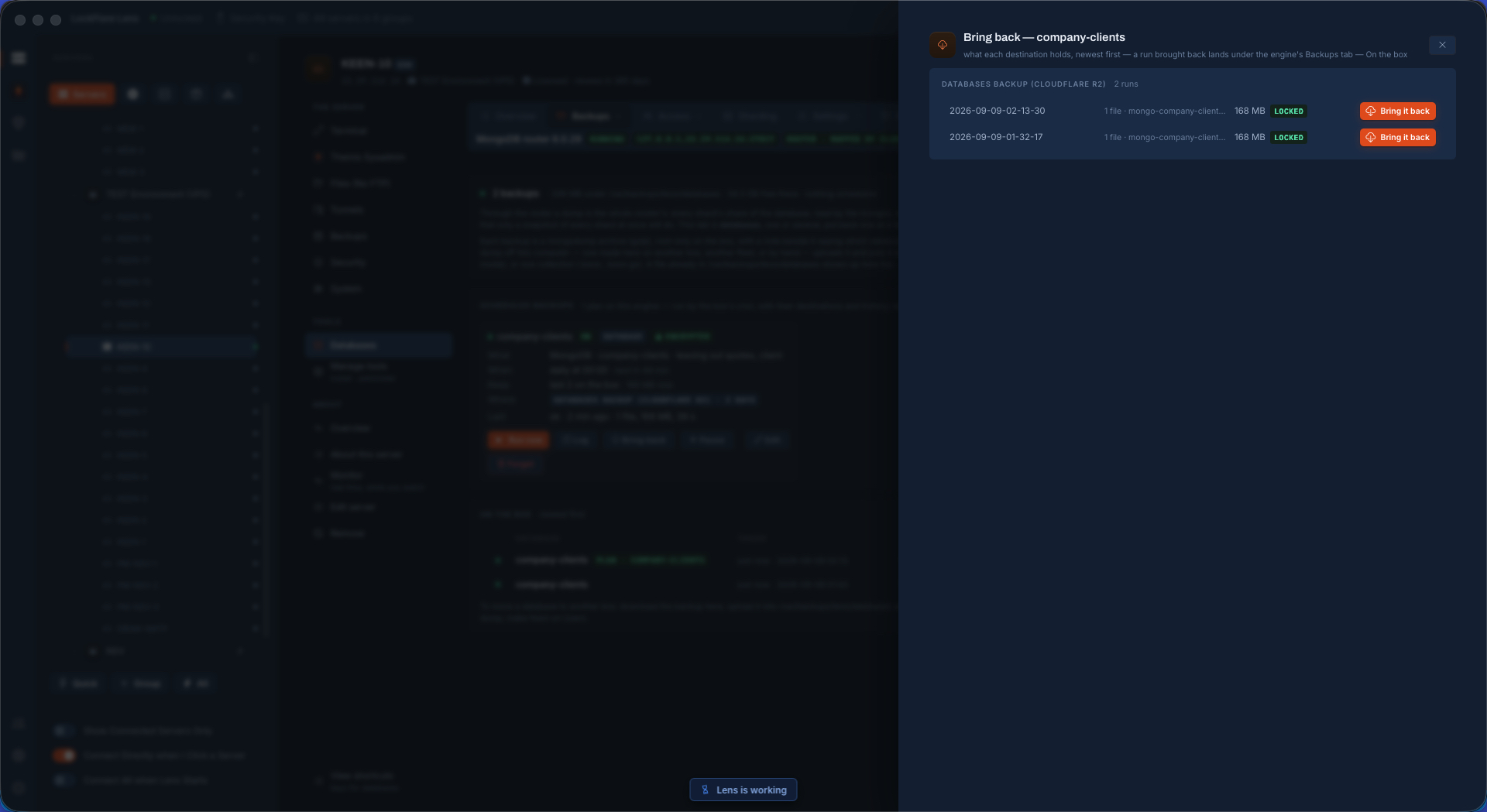
Bringing a backup back from R2 The backups a repository holds, newest first, and the one to bring back picked.
The restore, confirmed Which database, under which name, and the board of pieces, before the button.
Restored whole Put back through a router: its collections sharded again on the keys the manifest kept, every shard's slice loaded from the box that holds it.
Restored under another name The same backup brought back as a second database beside the original.
Shard as before The option that replicates the original's sharding onto the copy — the same keys on the same collections.
The copy, sharded as the original The duplicate database sharded like the original, with the collections you chose to leave out left out.
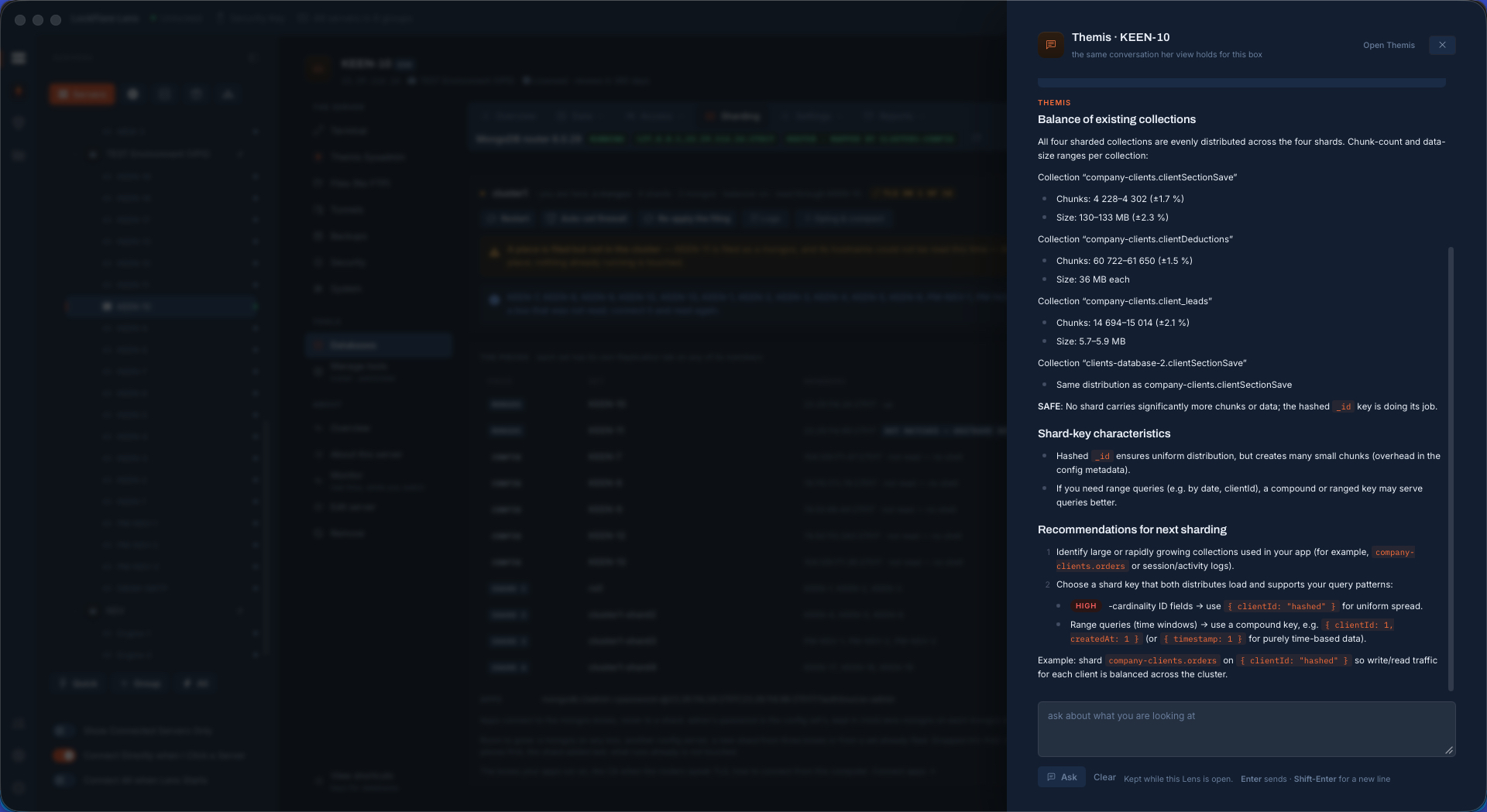
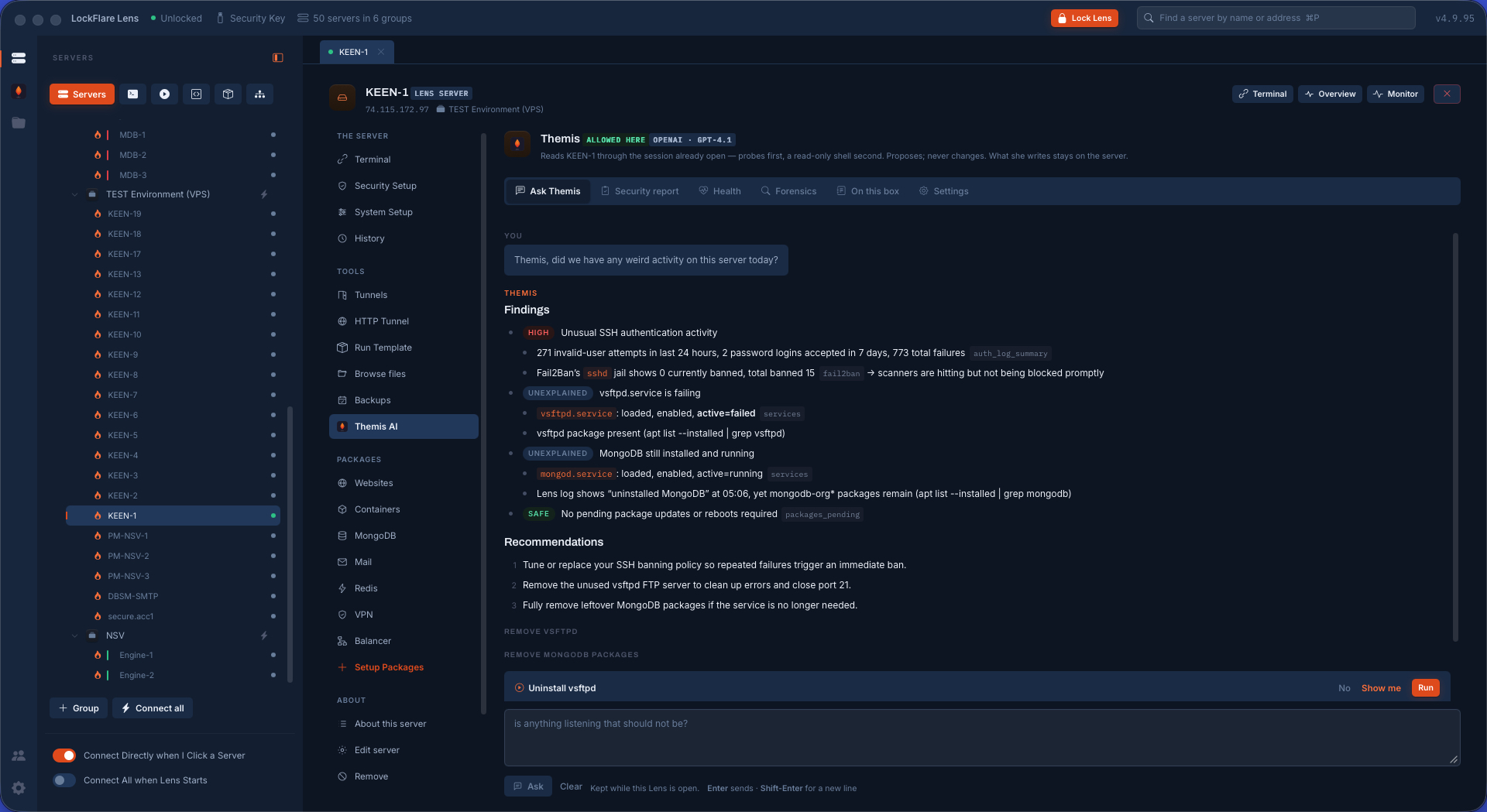
Themis reads the cluster The AI sysadmin reading the cluster through the probes and saying what she would change, each recommendation with Run, Show me and No.
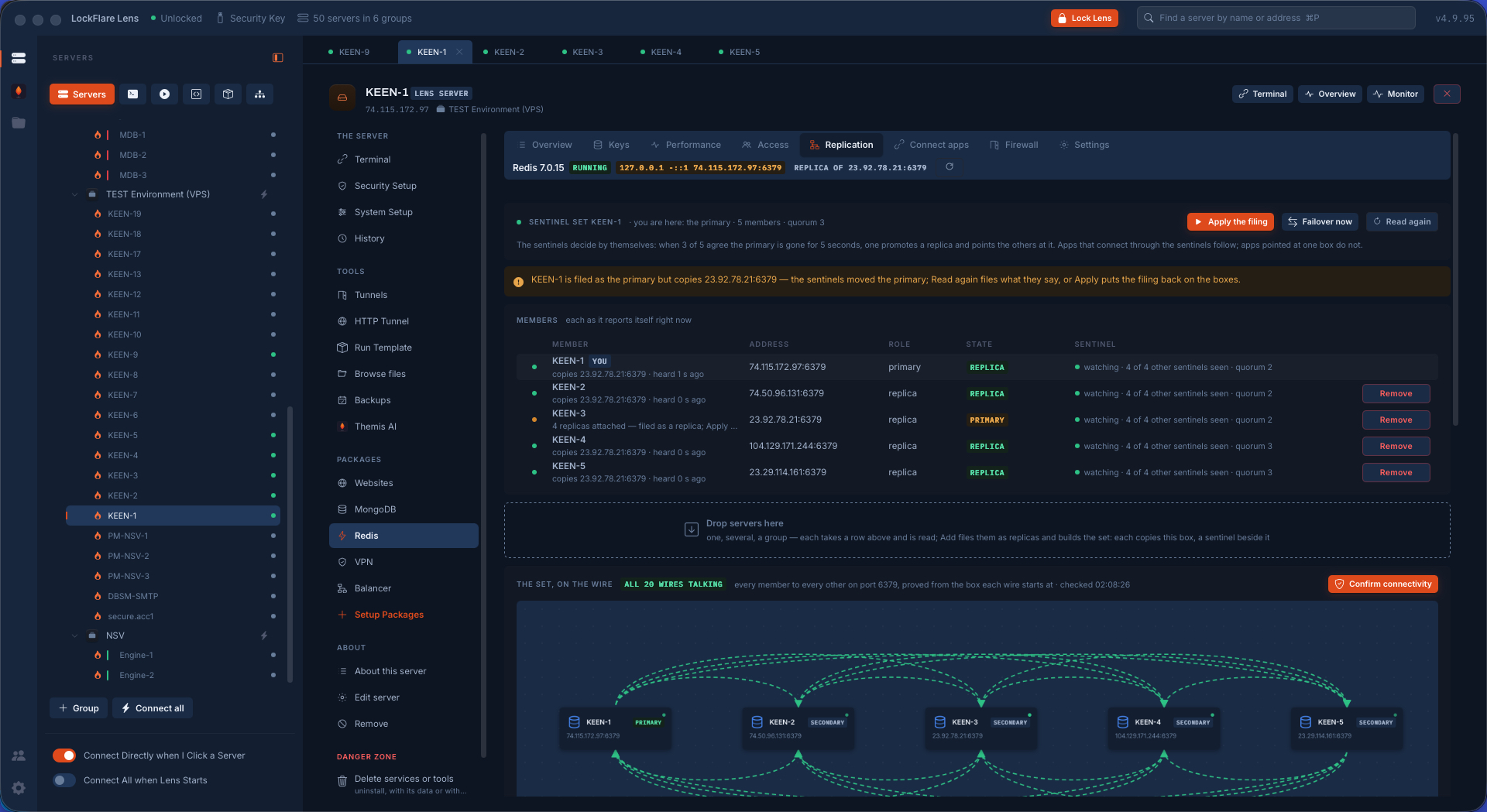
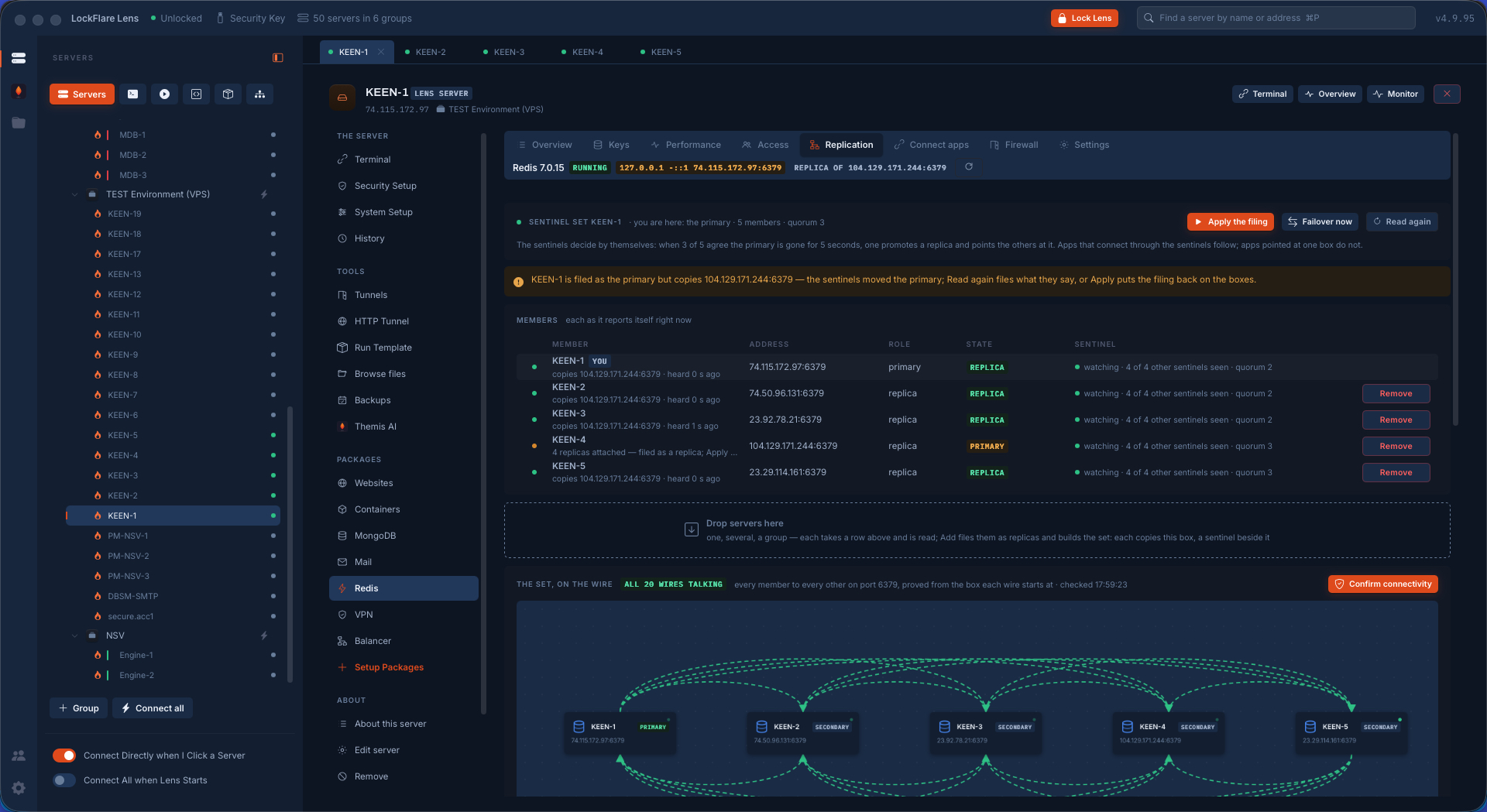
A Redis Sentinel set of five One primary, four replicas, a sentinel beside each, quorum three. After a failover the sentinels moved the primary; Lens says so and offers Read again or Apply. All twenty wires proved from the box each starts at.
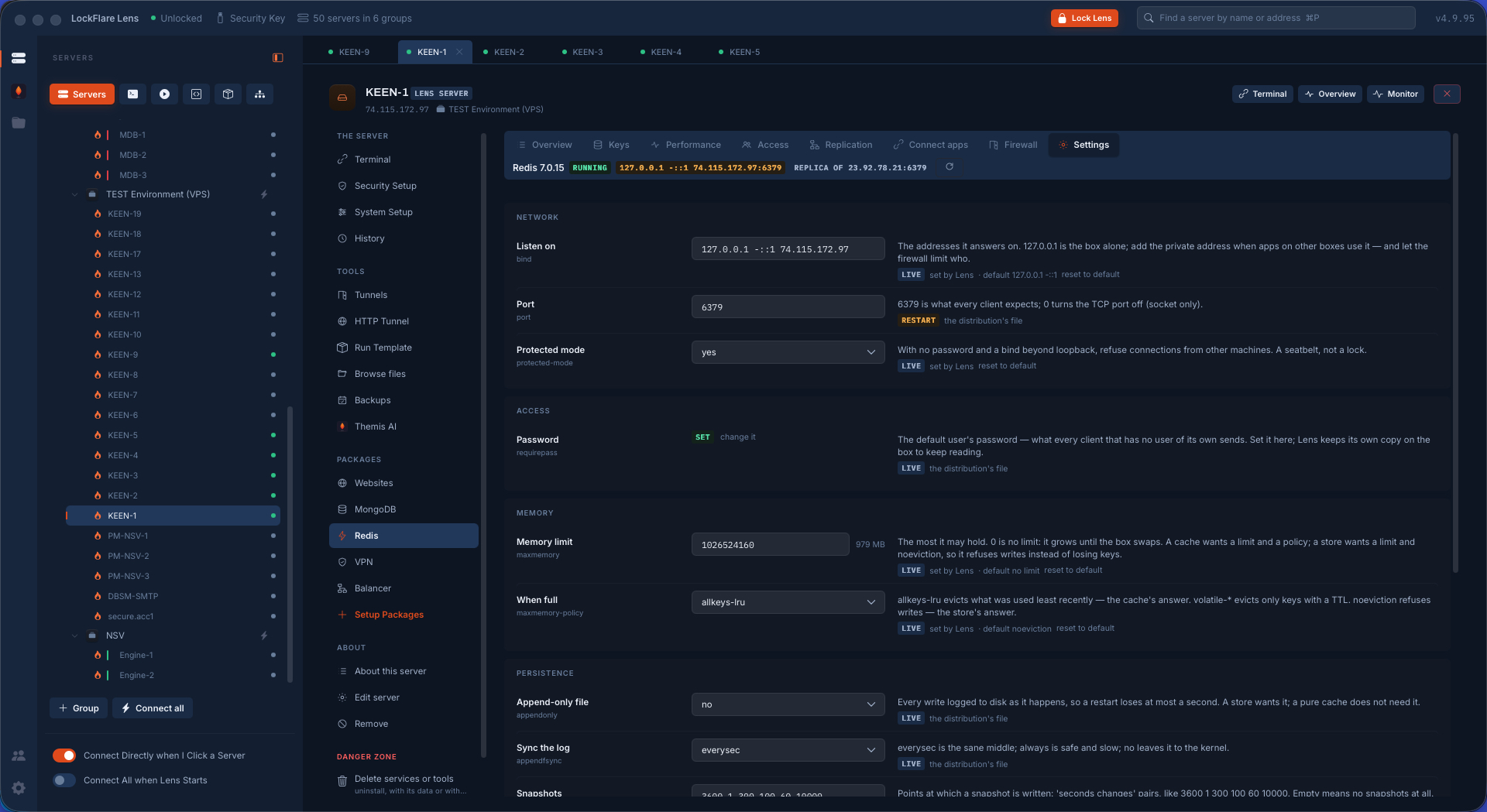
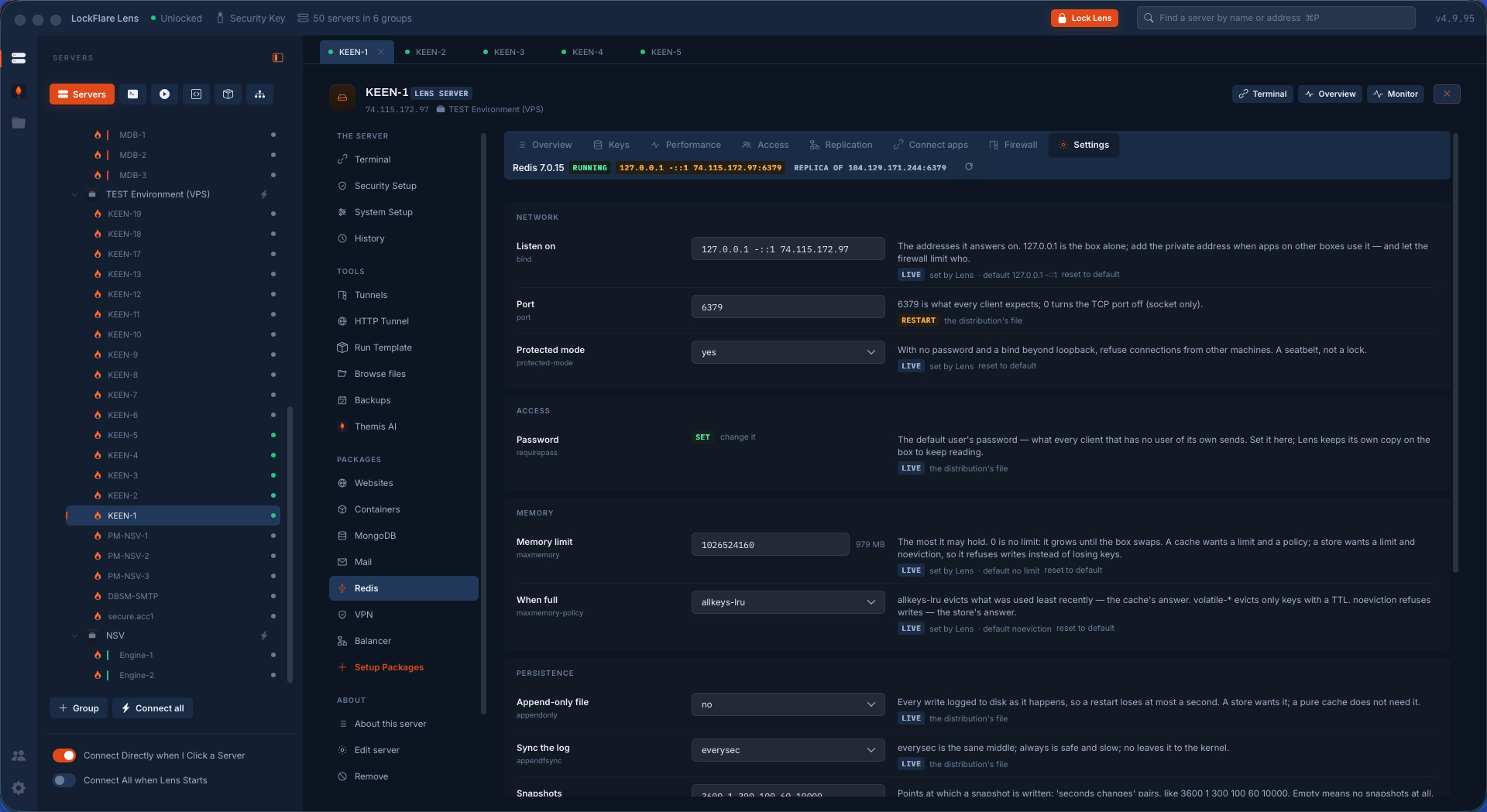
Redis settings, in words Bind, port, protected mode, the password, memory limit and eviction policy, persistence — each setting explained, marked live or restart-due, with what Lens set and what the distribution's file says.
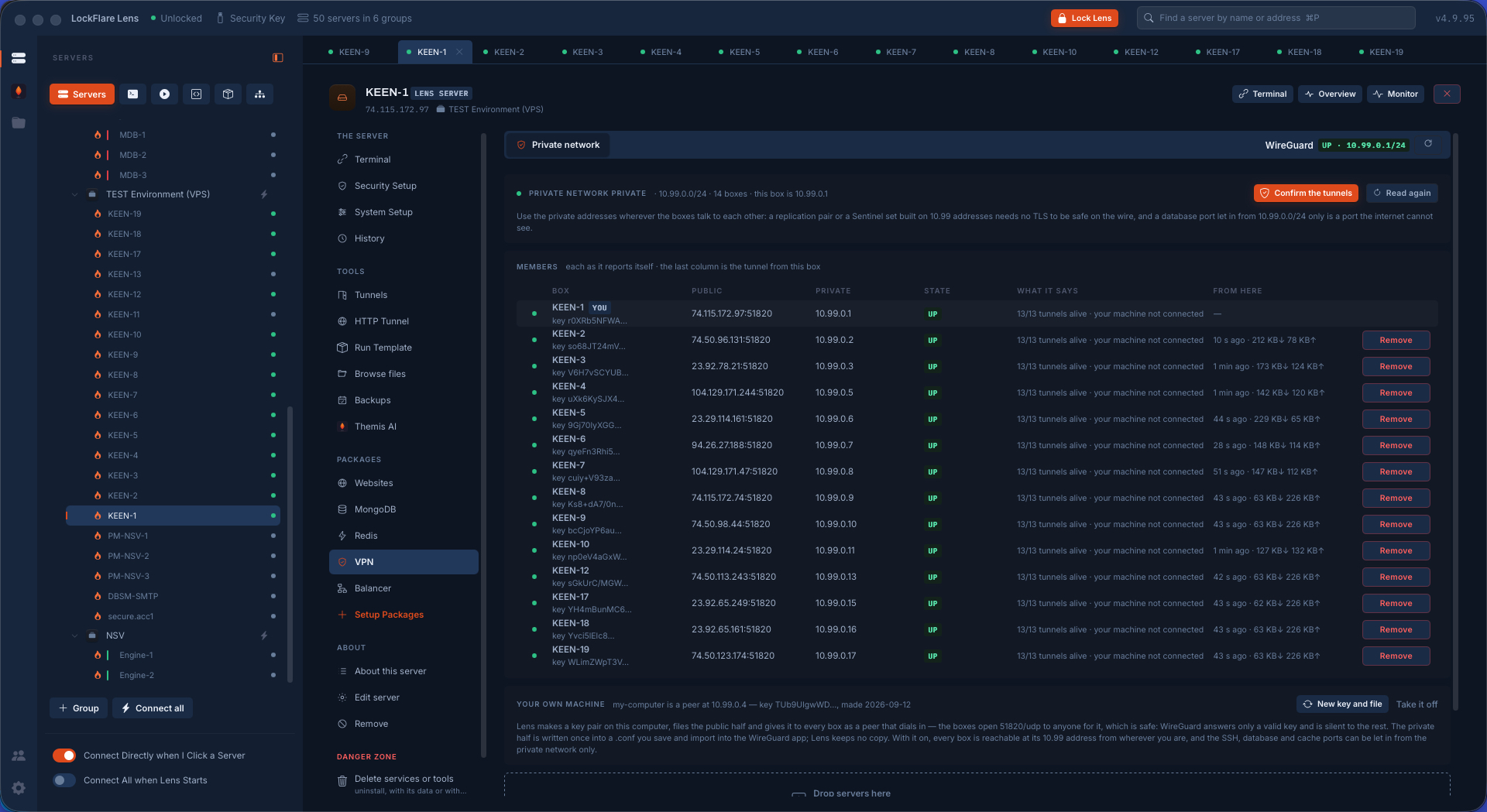
A private network of fourteen servers, in 8 minutes WireGuard as a mesh: every member with its public and private address, a key pair made on each box with the private half never leaving it, every box a peer of every other on one UDP port, 13 of 13 tunnels alive on every row. Built by Lens in 8 minutes, timed. Your own machine is a peer too.
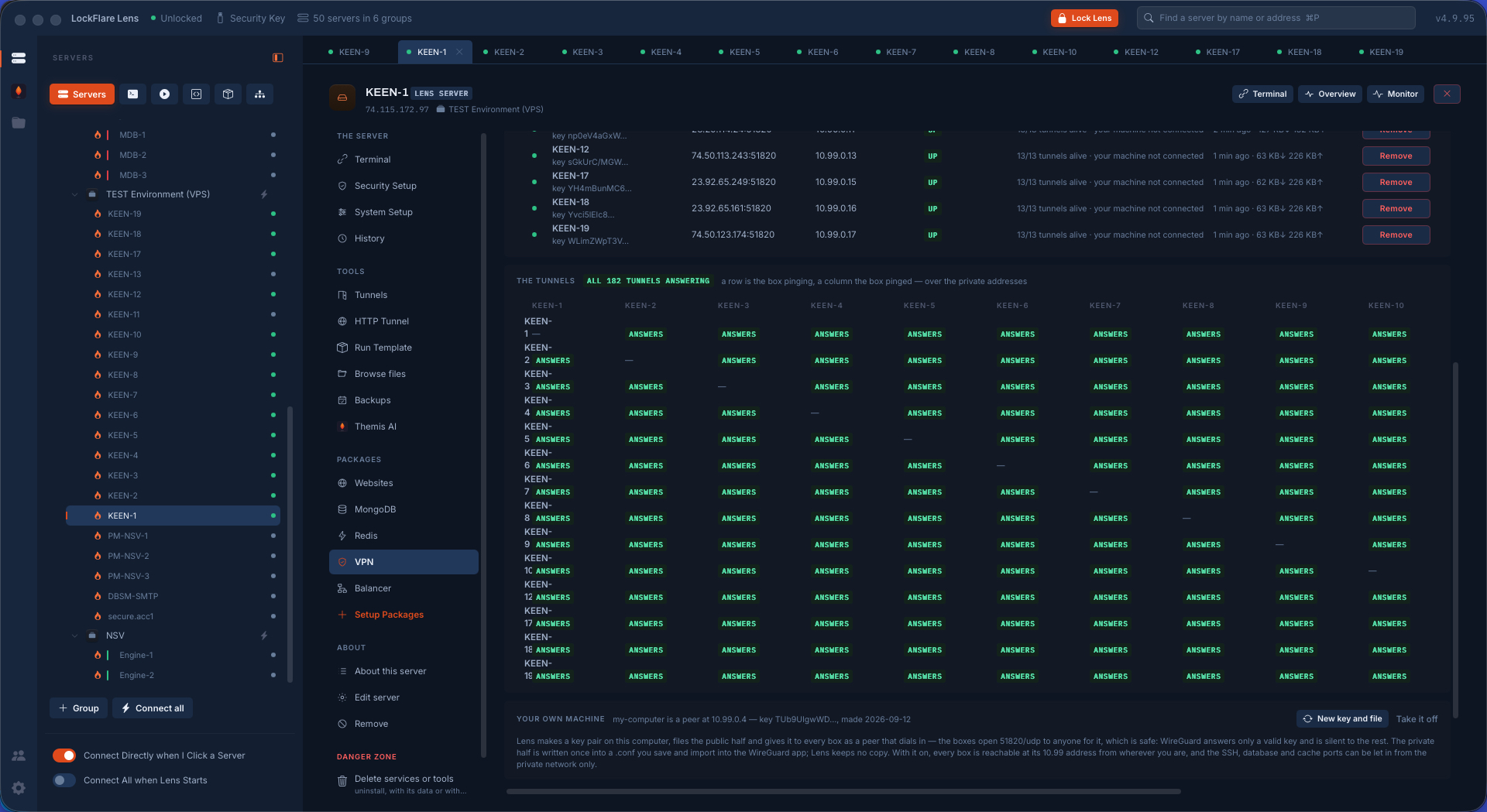
All 182 tunnels answering The tunnels matrix: a row is the box pinging, a column the box pinged, over the private addresses. Fourteen by fourteen, every cell answering, checked from the box each tunnel starts at.
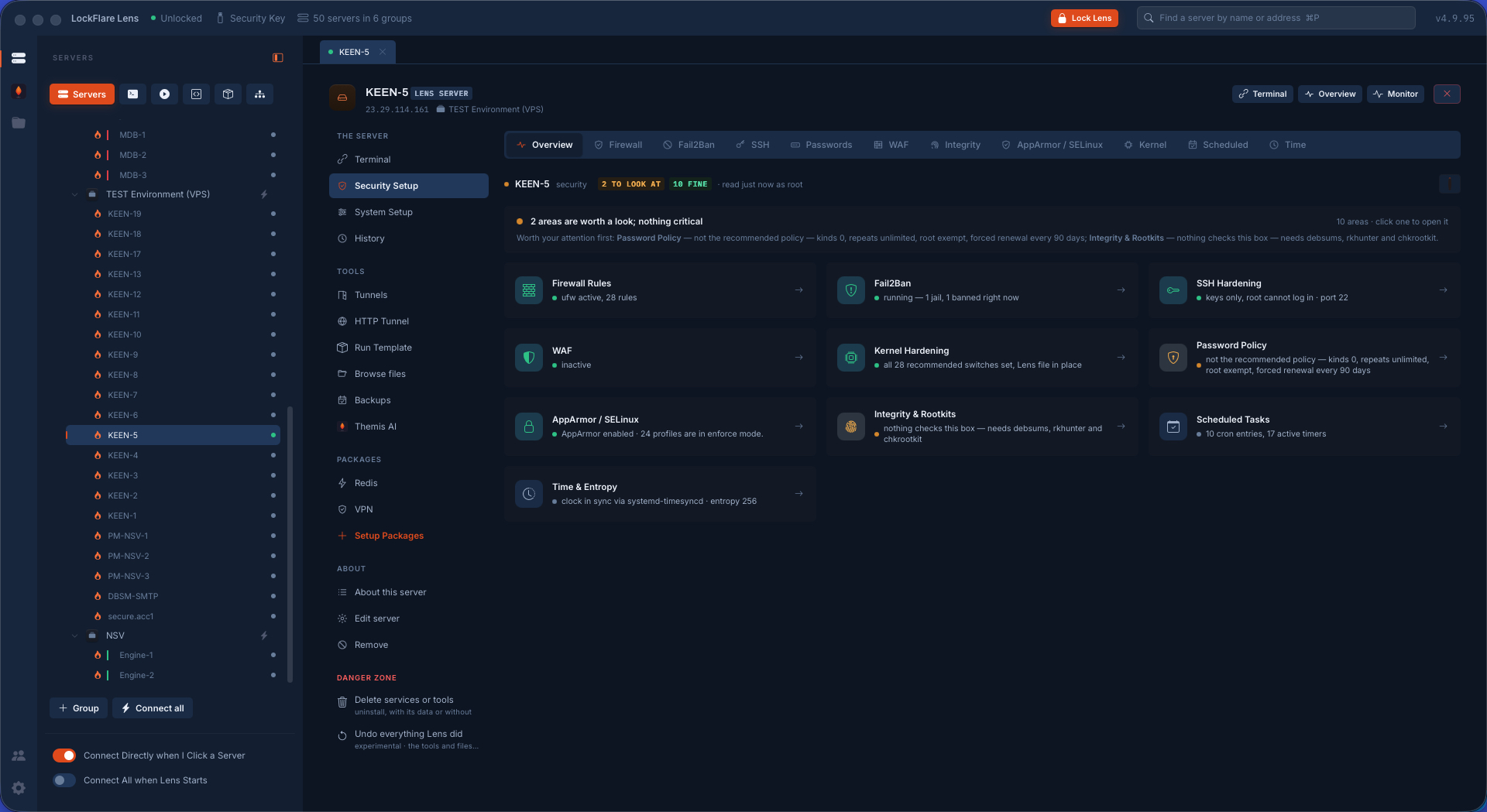
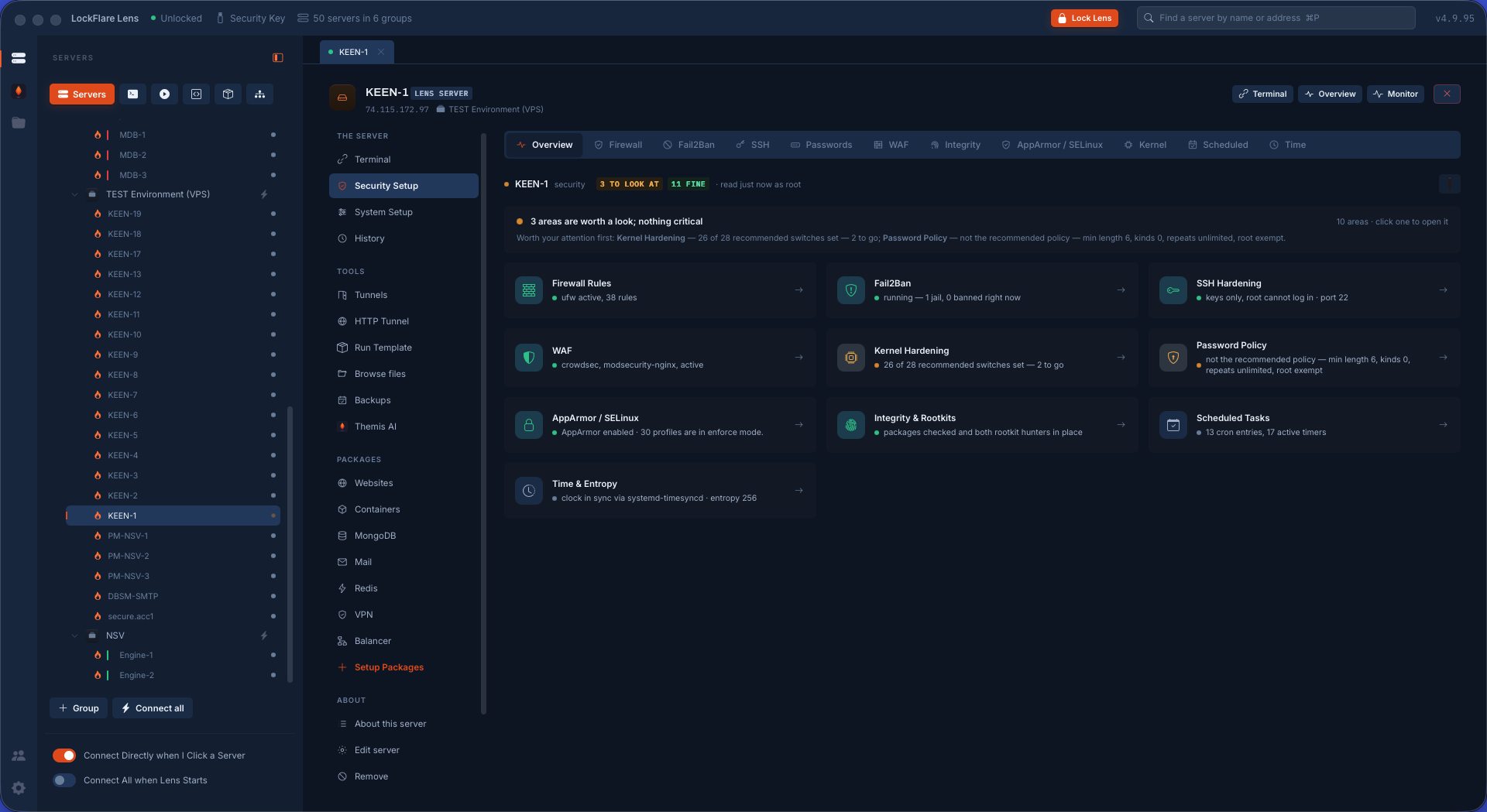
Security Setup, at a glance How exposed the box is, in one pass: firewall, Fail2Ban, SSH, passwords, WAF, integrity, AppArmor/SELinux, kernel, scheduled, time — a card per area with its live state, the worst findings named in one verdict line.
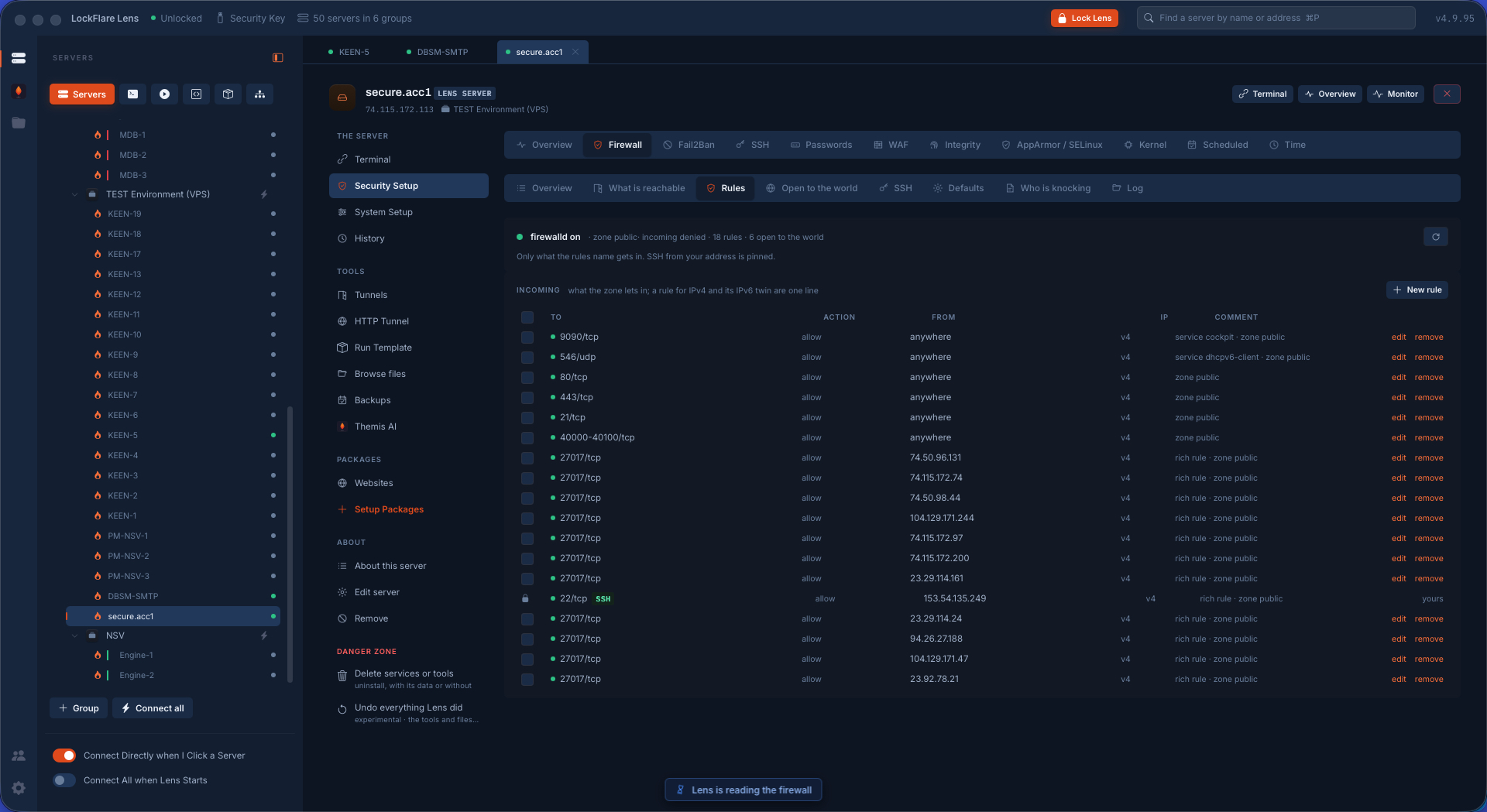
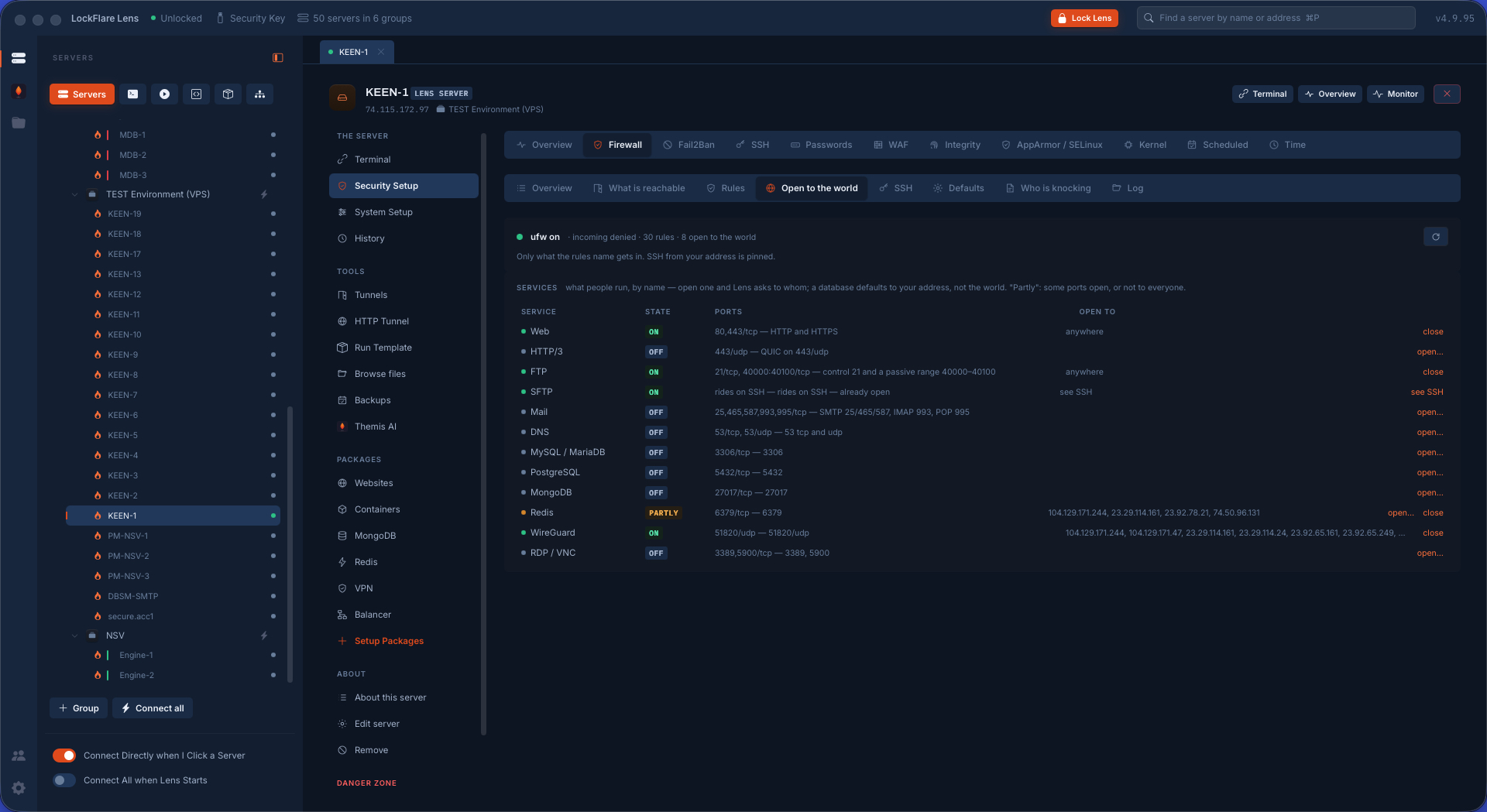
The firewall's rules On, with the defaults explained; every rule folded with its v6 twin; who may reach SSH. The SSH rule cannot be removed while it is the only cover, and a rule that would deny it is refused.
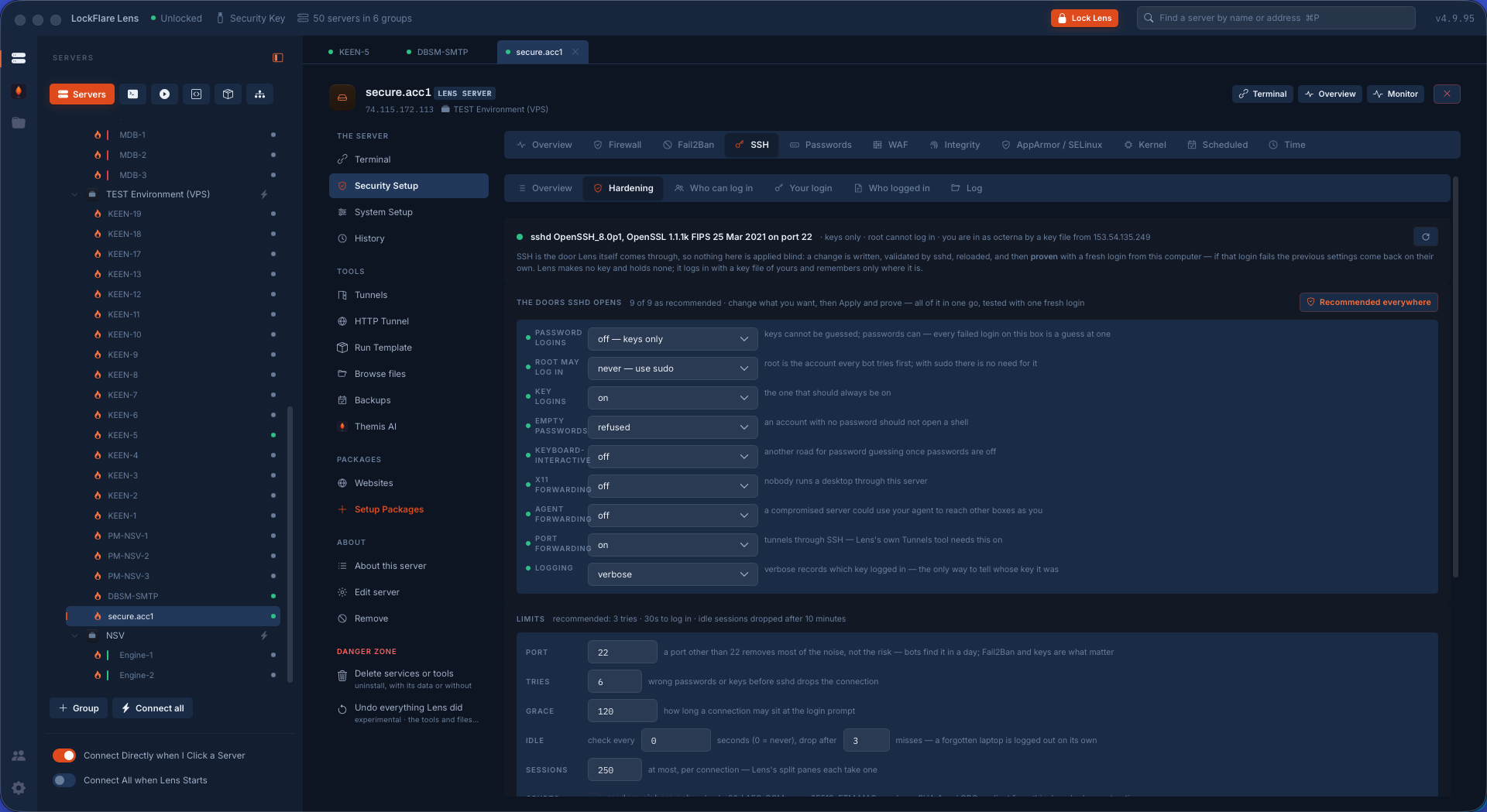
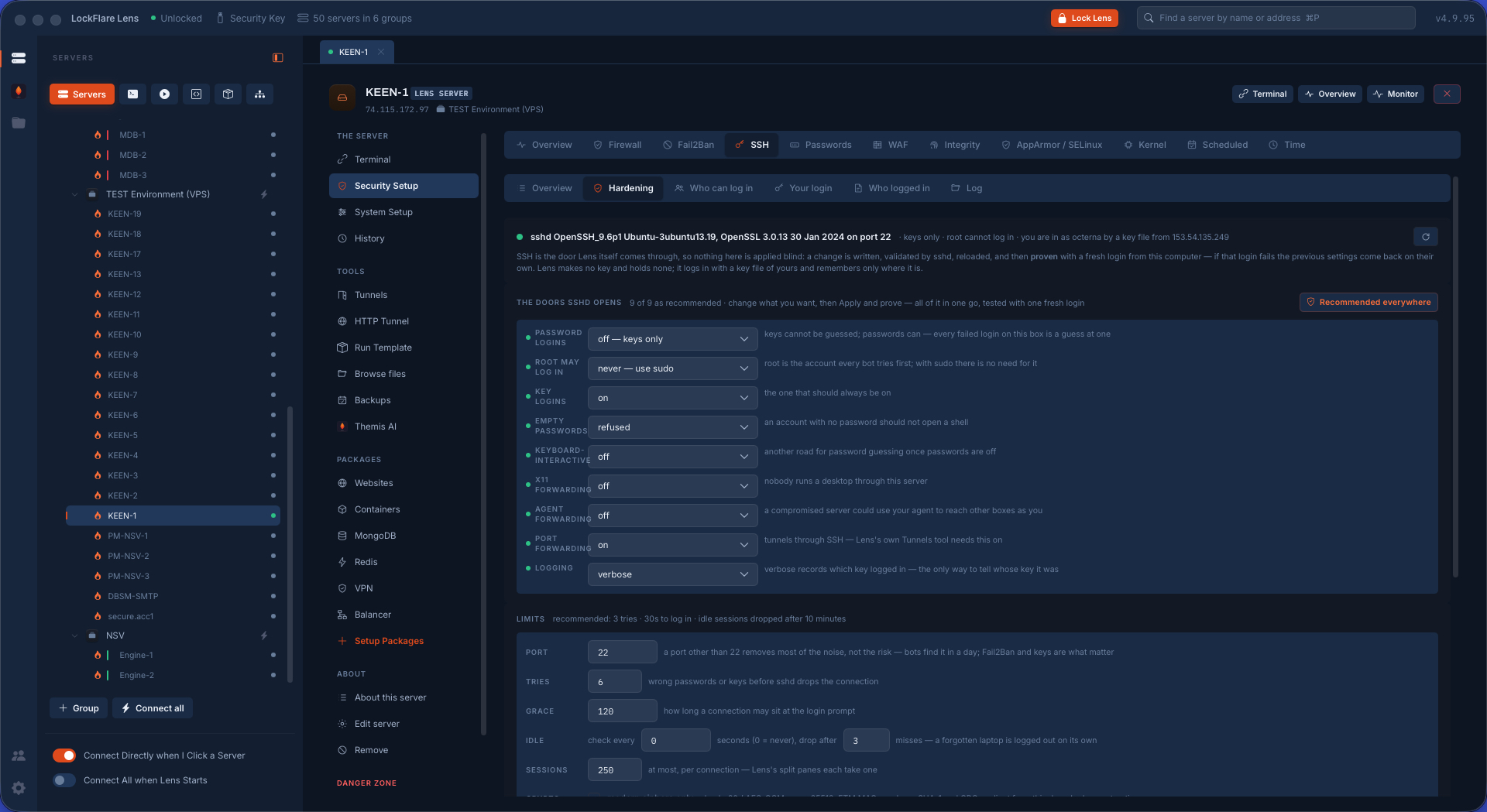
SSH hardening, proven The settings applied as one batch: Lens writes its drop-in, sshd validates and reloads, then Lens opens a fresh login from this computer. If that fails the previous file comes back and the screen says reverted.
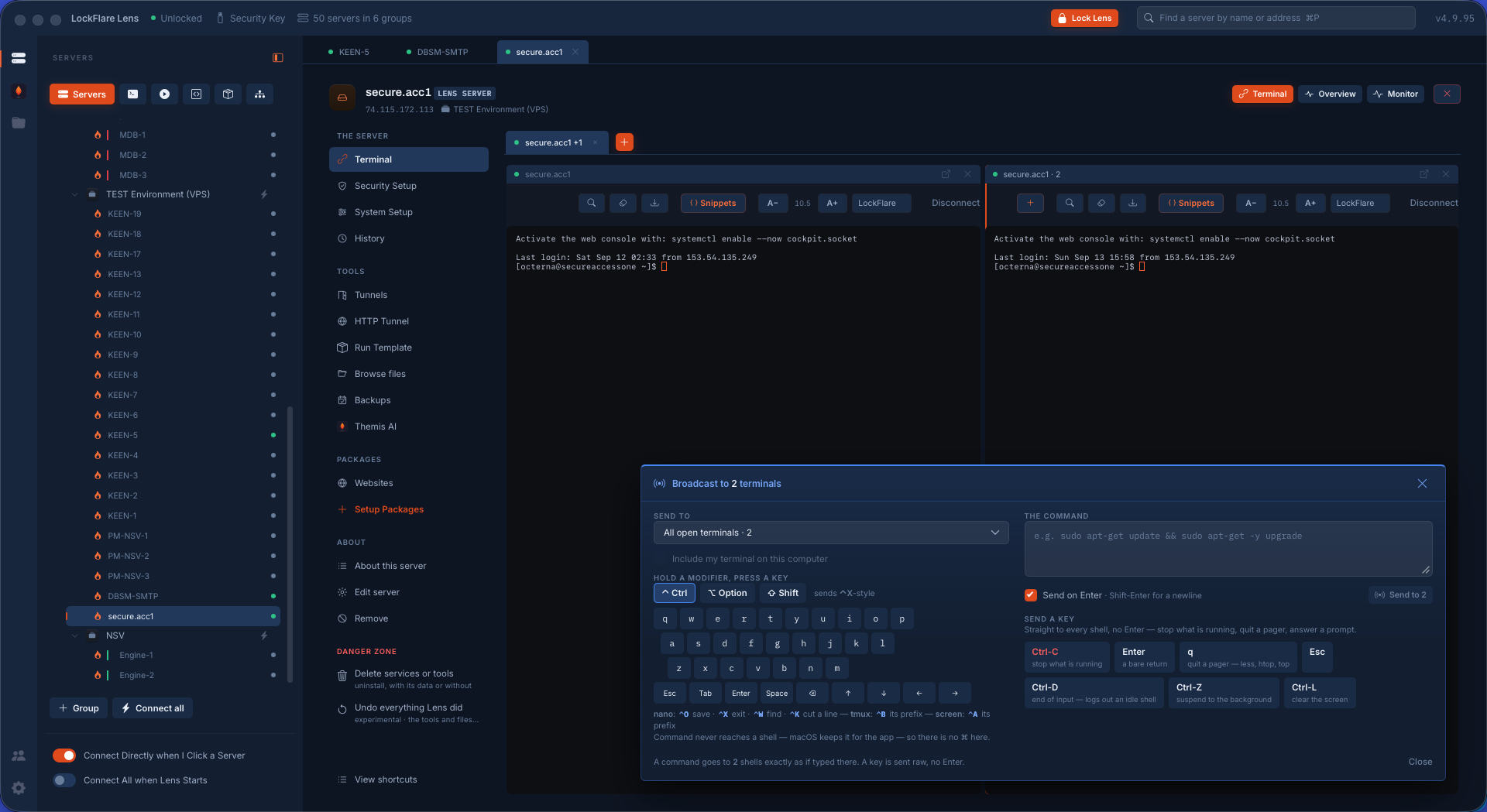
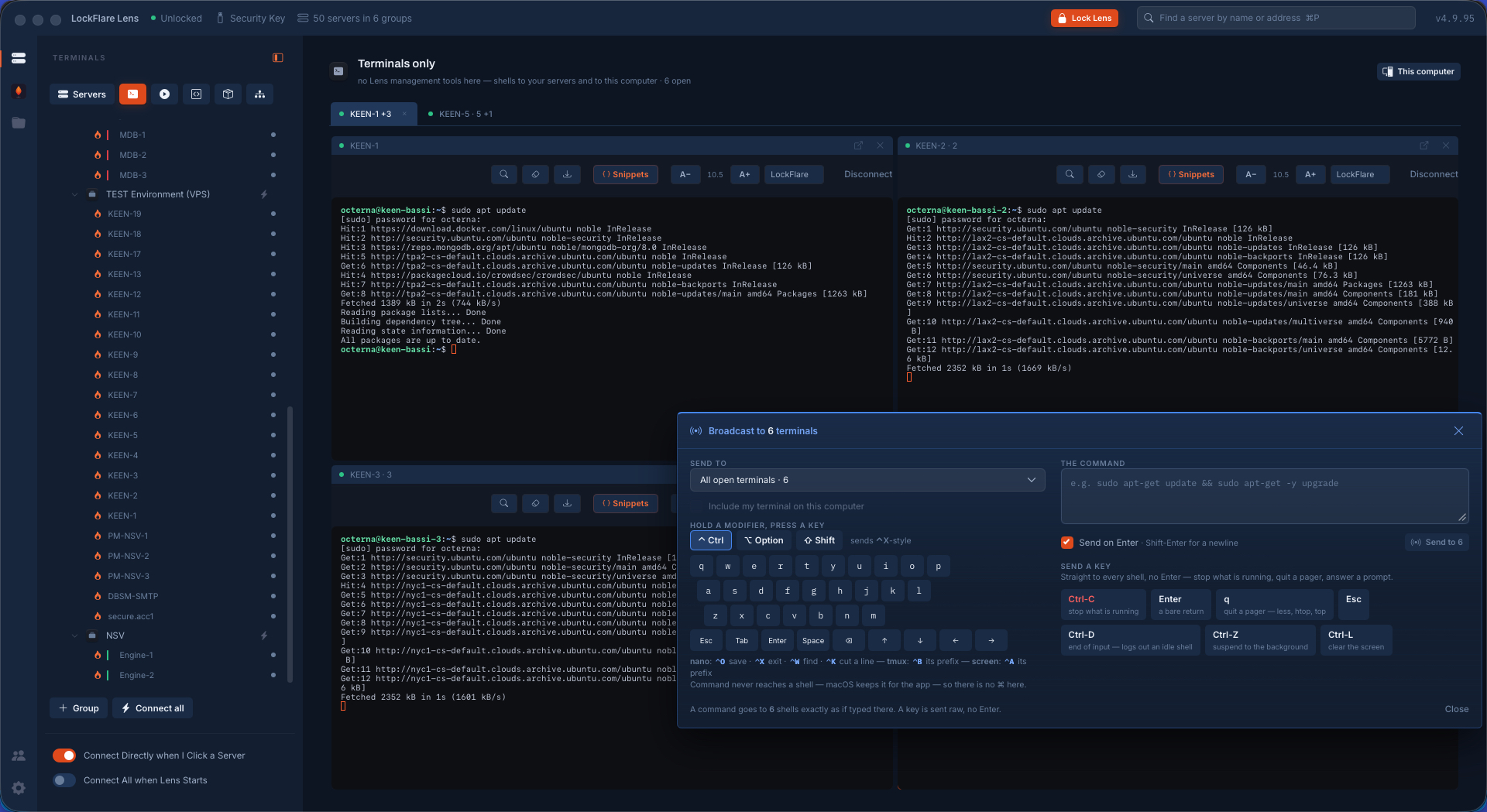
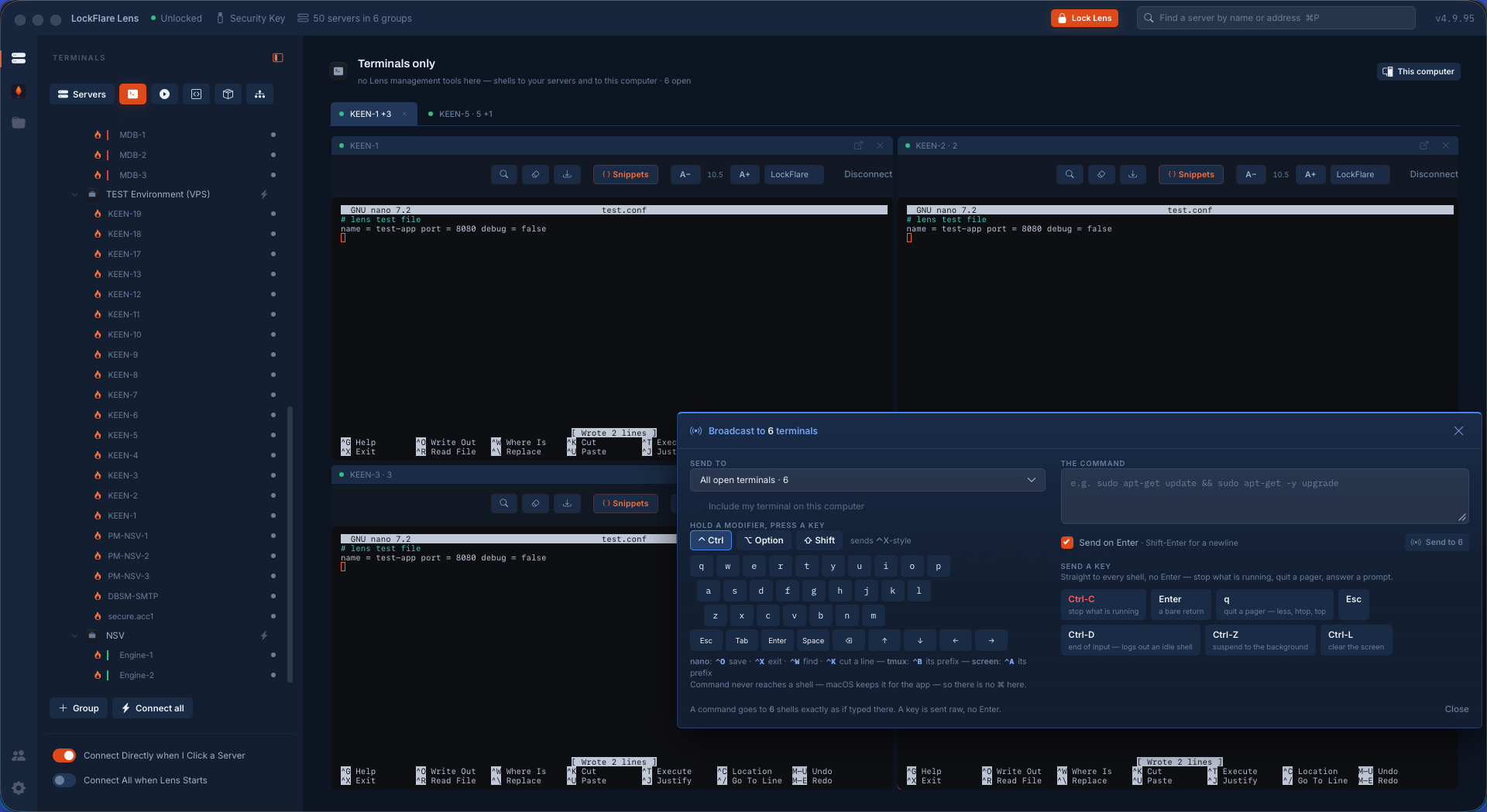
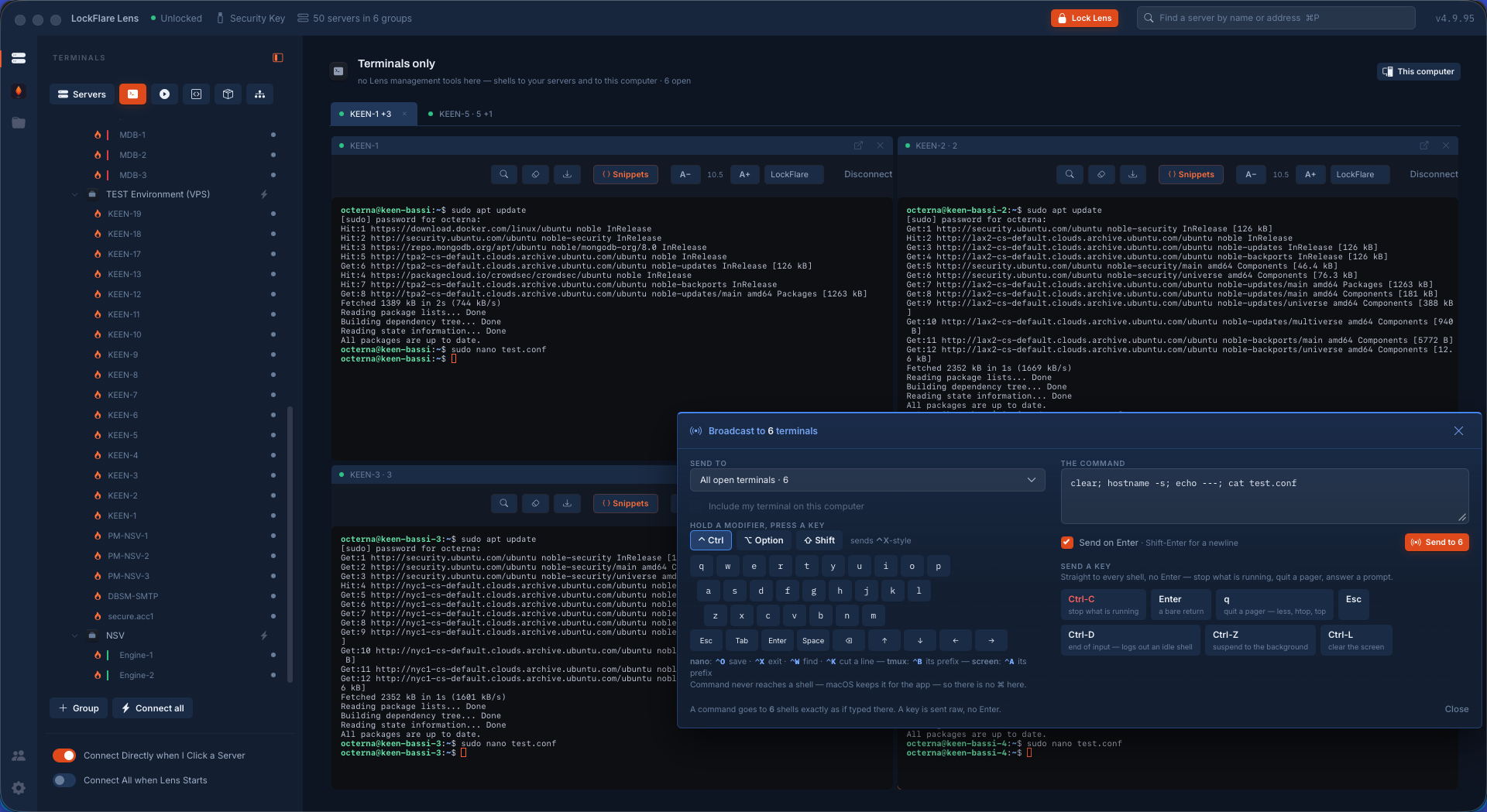
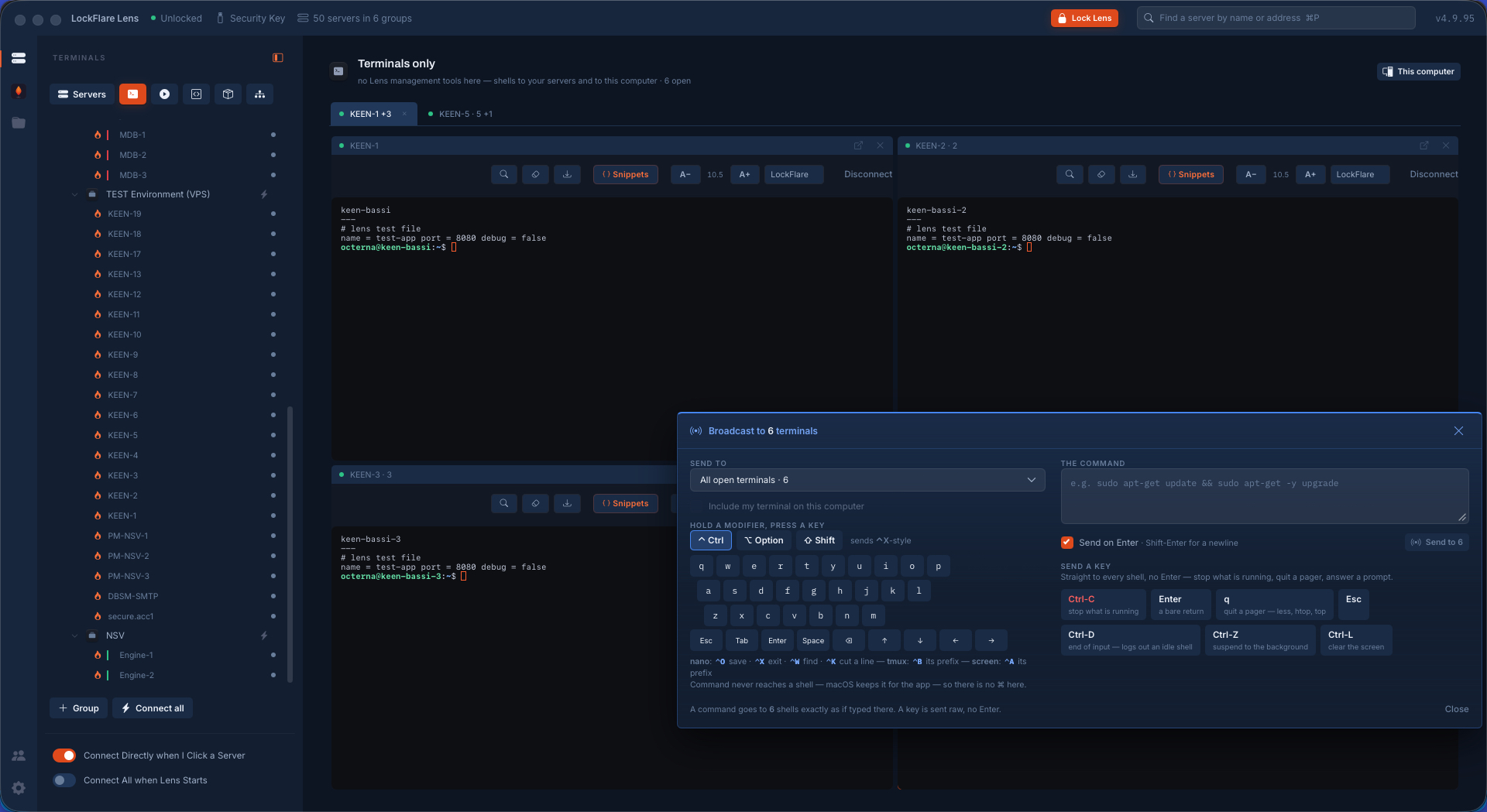
Broadcast to every shell One thing typed once, sent into many open shells at once — a command with or without its Enter, or a key like Ctrl-C or q — so watching htop on ten boxes can end on ten boxes.
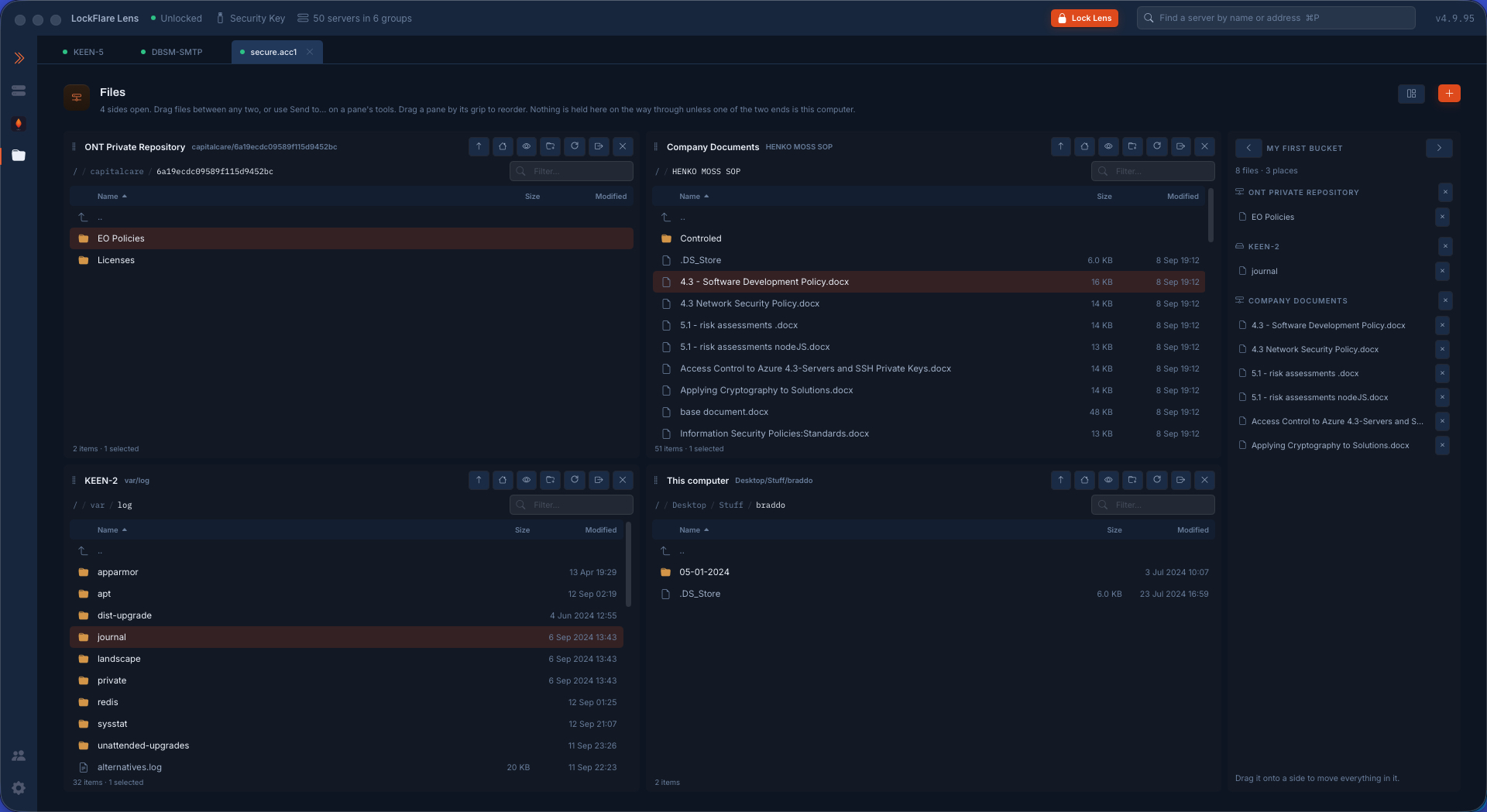
Files: five panes, one copy A Cloudflare R2 bucket, an Azure container, a server, this computer and the bucket, side by side. Any pane to any pane is one copy; the bucket relays files from any server to any other through this computer.
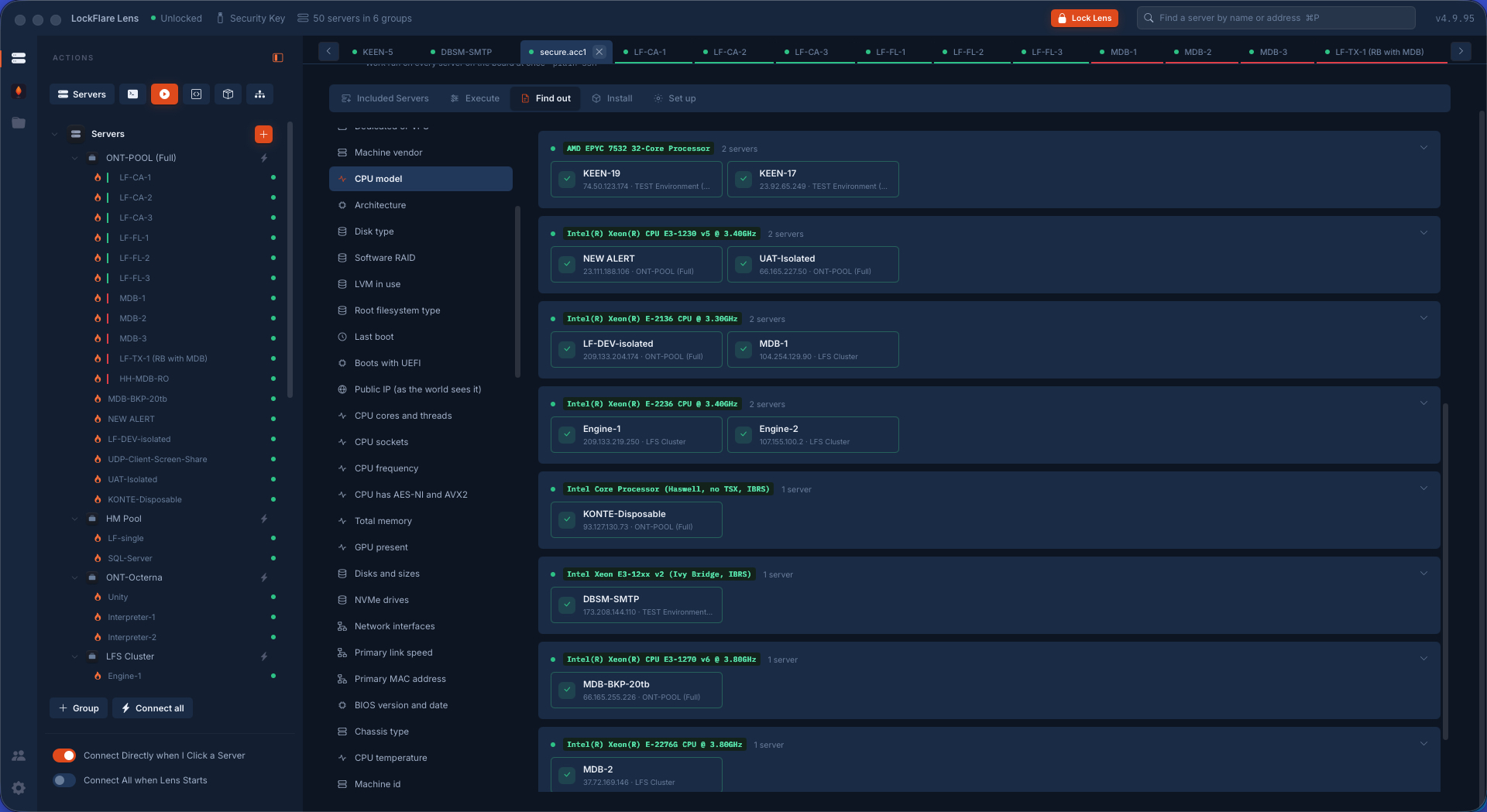
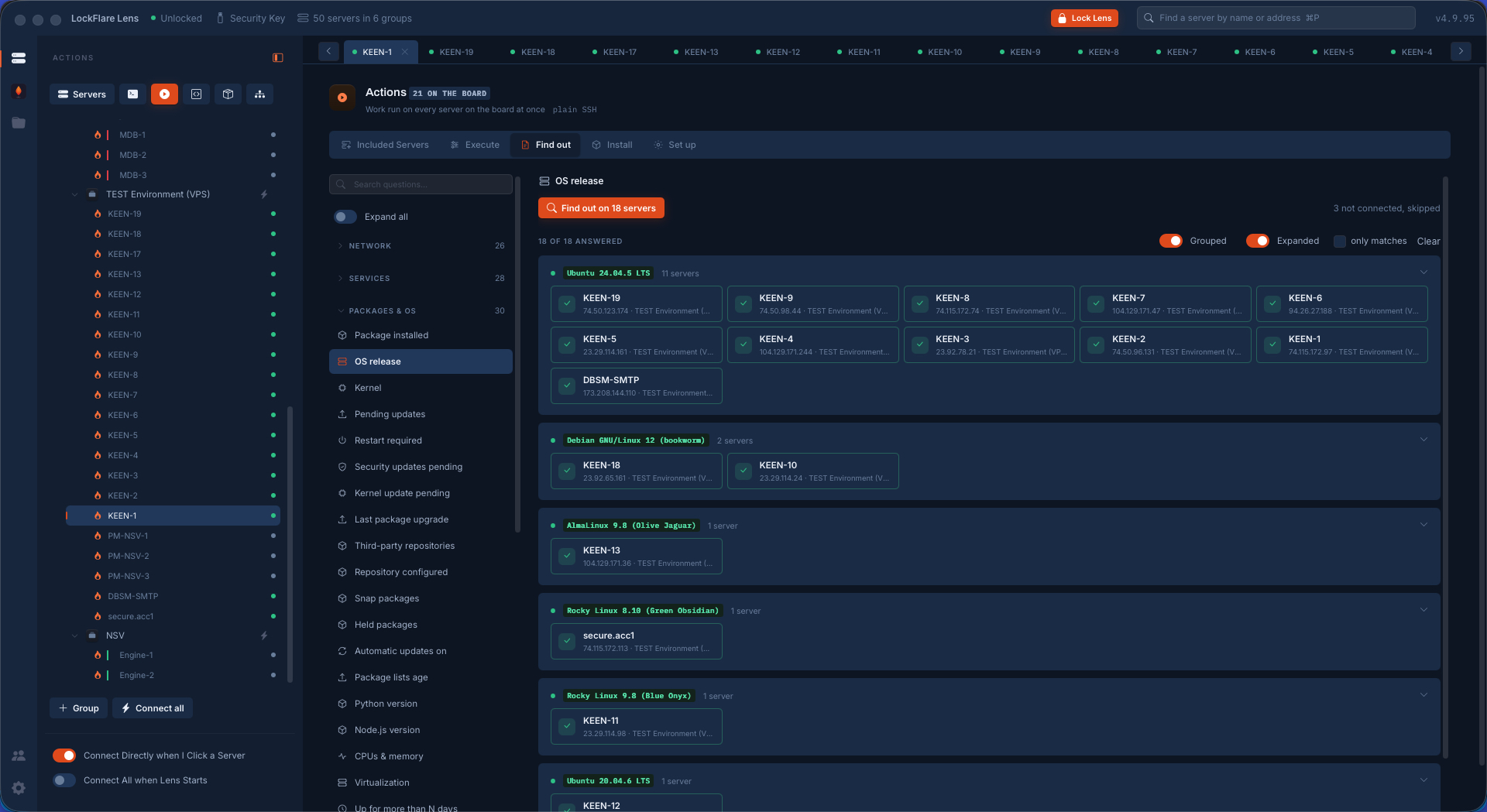
Find out, across a board One question asked of every server on the board, answered as one value per box through its own parser and grouped by answer, biggest group first.
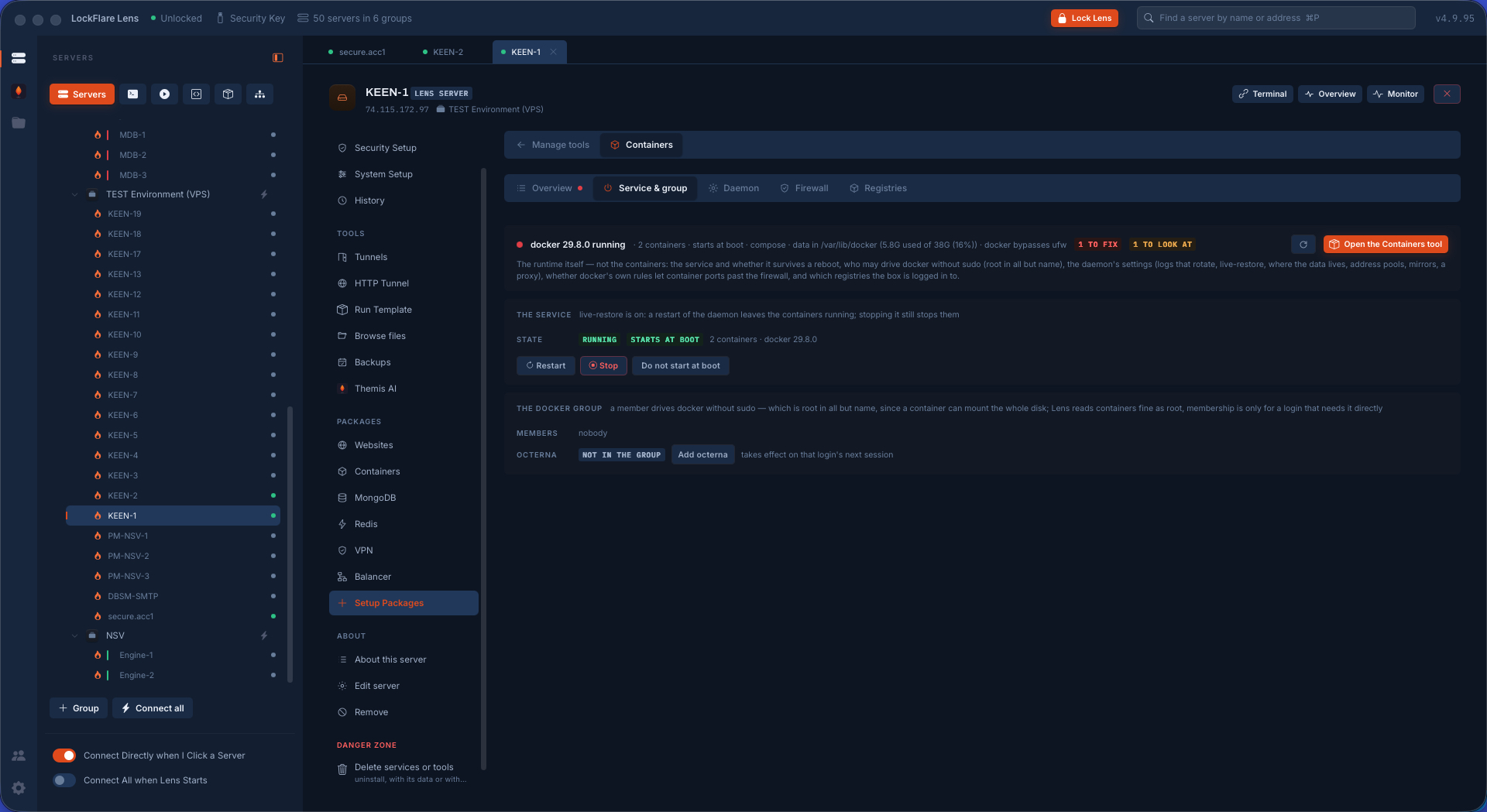
The Docker service Running, at boot, start, stop, restart — and the docker group offered, not assumed, because it is root in all but name.
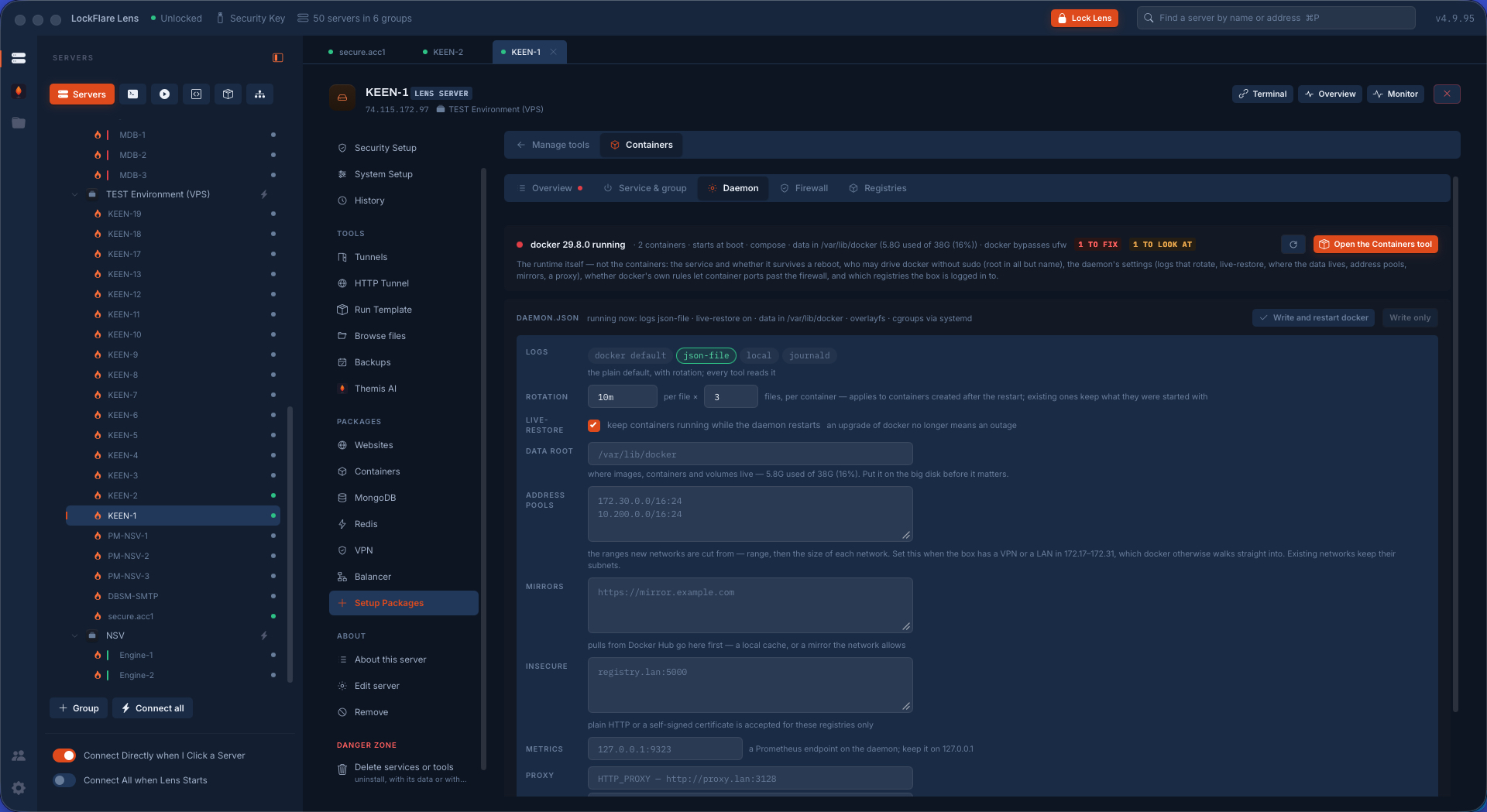
The daemon's configuration Log rotation, live-restore, the data root — the keys that decide whether the box is still standing in six months, each said in words, seeded before the first start.
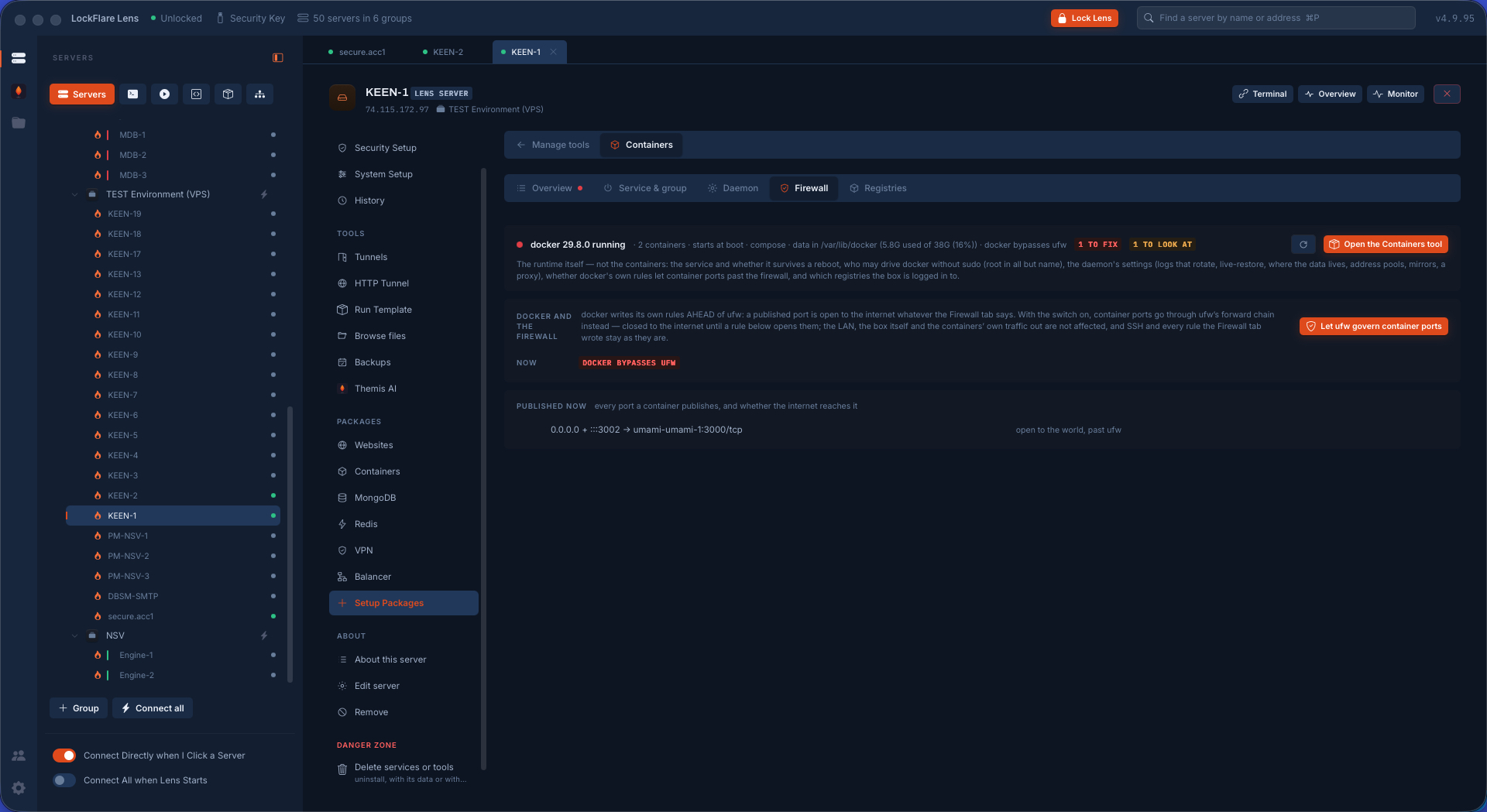
Let ufw govern Docker's ports Docker publishes past ufw unless told not to. One switch writes the ufw-docker block once and says what it writes before it does.
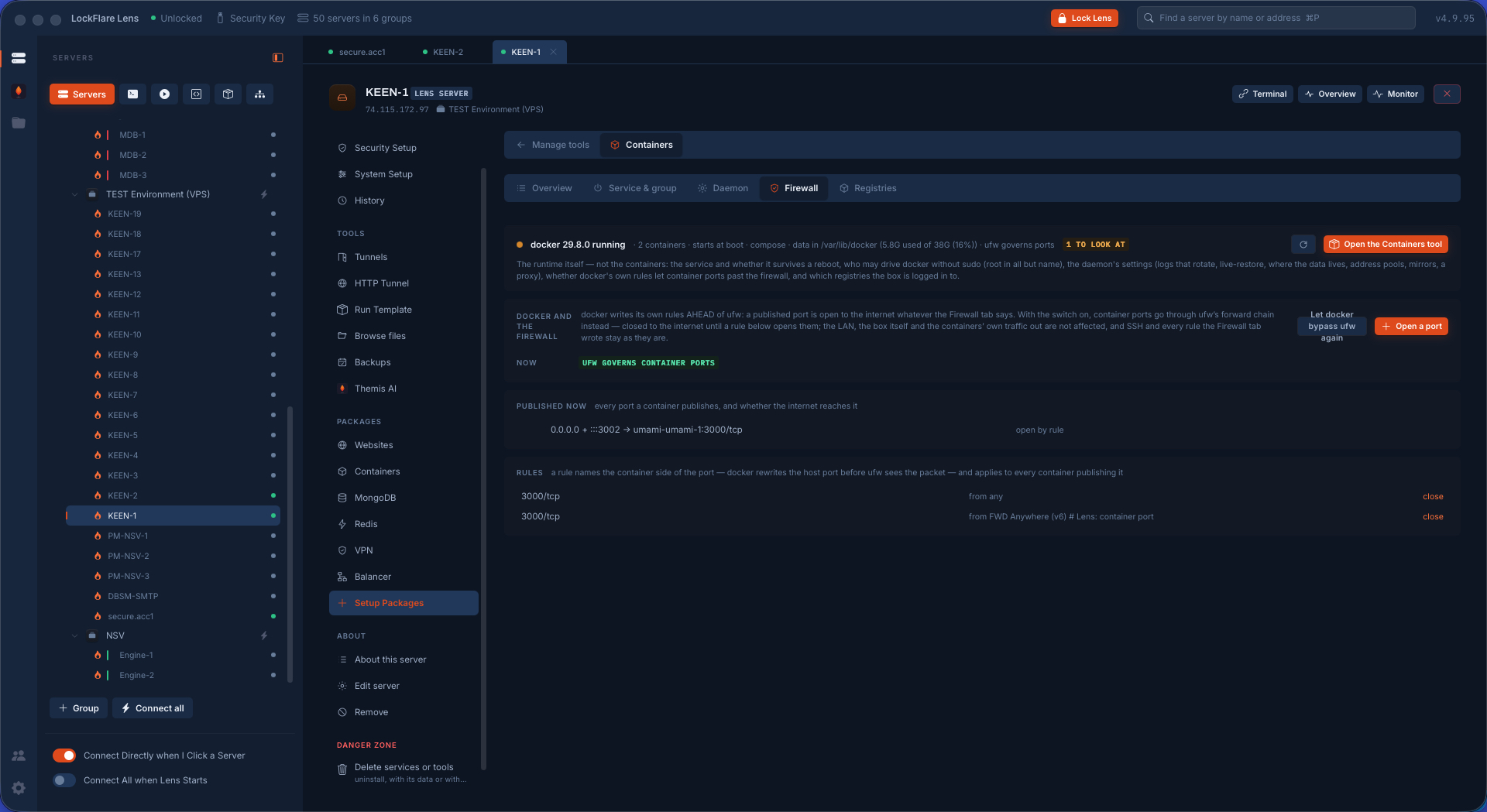
Docker's ports, governed by ufw The same box after: every published port a ufw route rule with who may reach it, added and removed from here, the operator's own address never stripped.
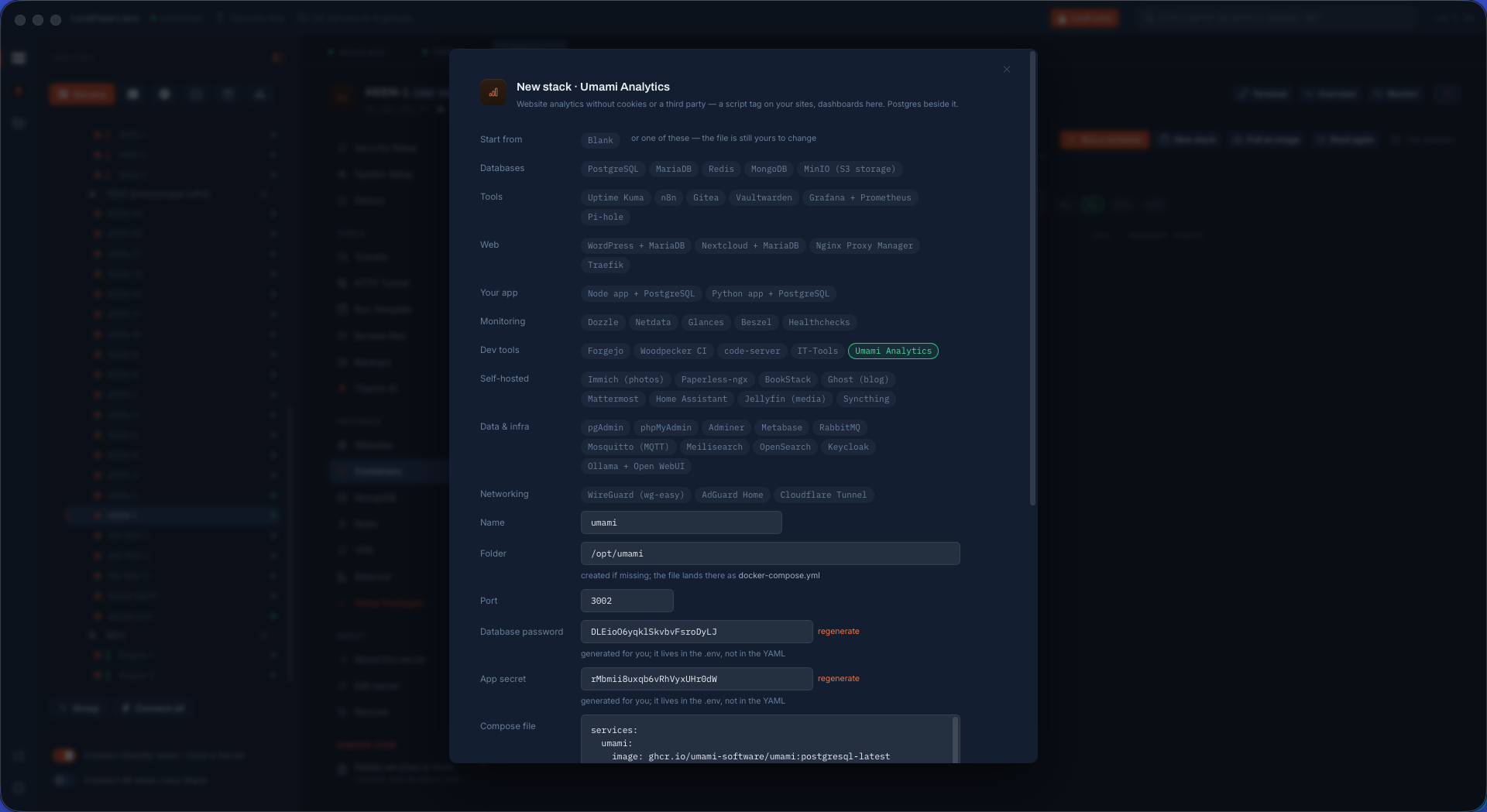
A stack from a template Pick the app, answer the three things that matter. Every choice becomes a variable in a mode-600 .env; no password sits in the YAML.
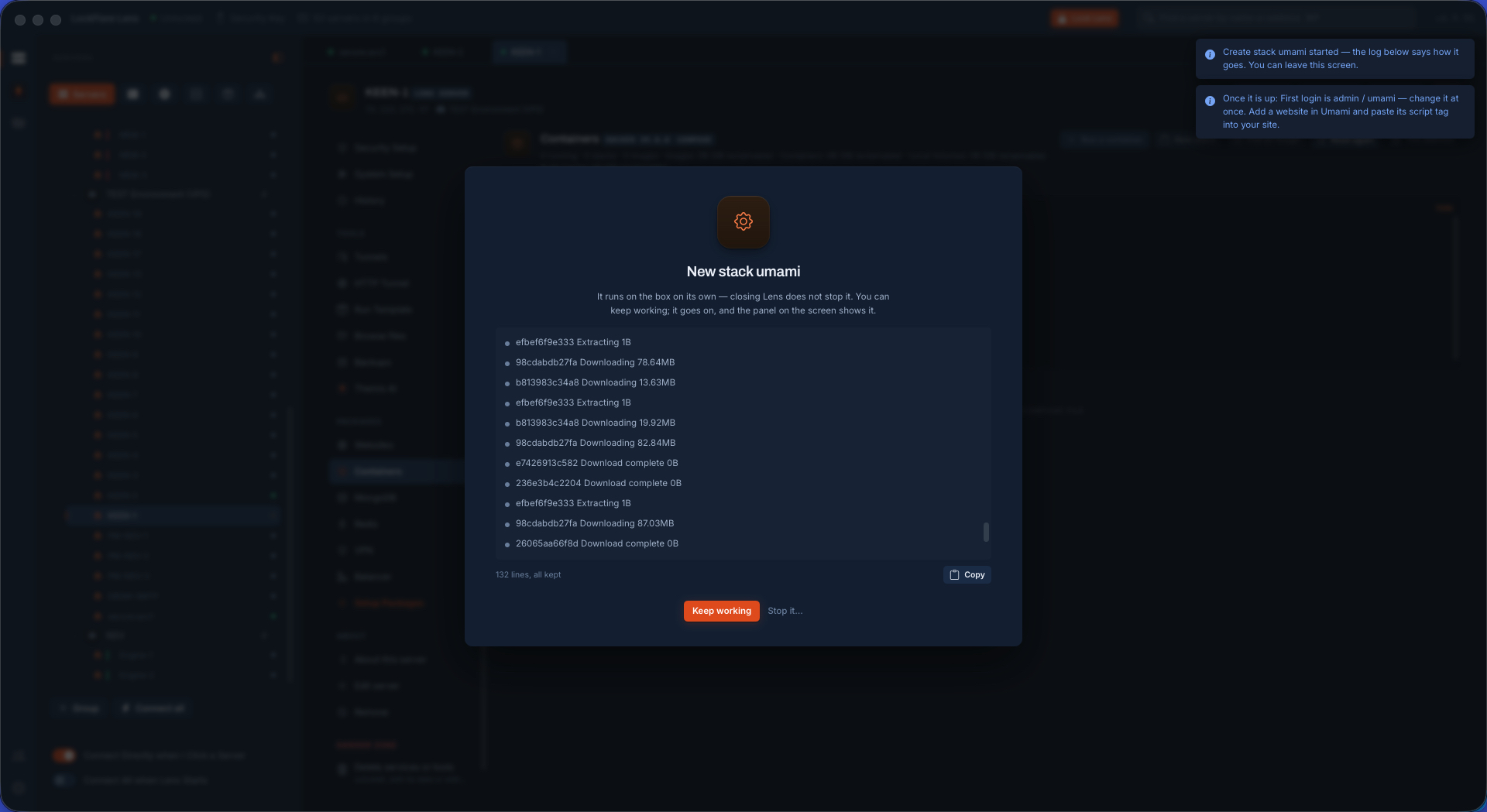
The stack coming up One job brings the stack up, each compose step in its own words on the card.
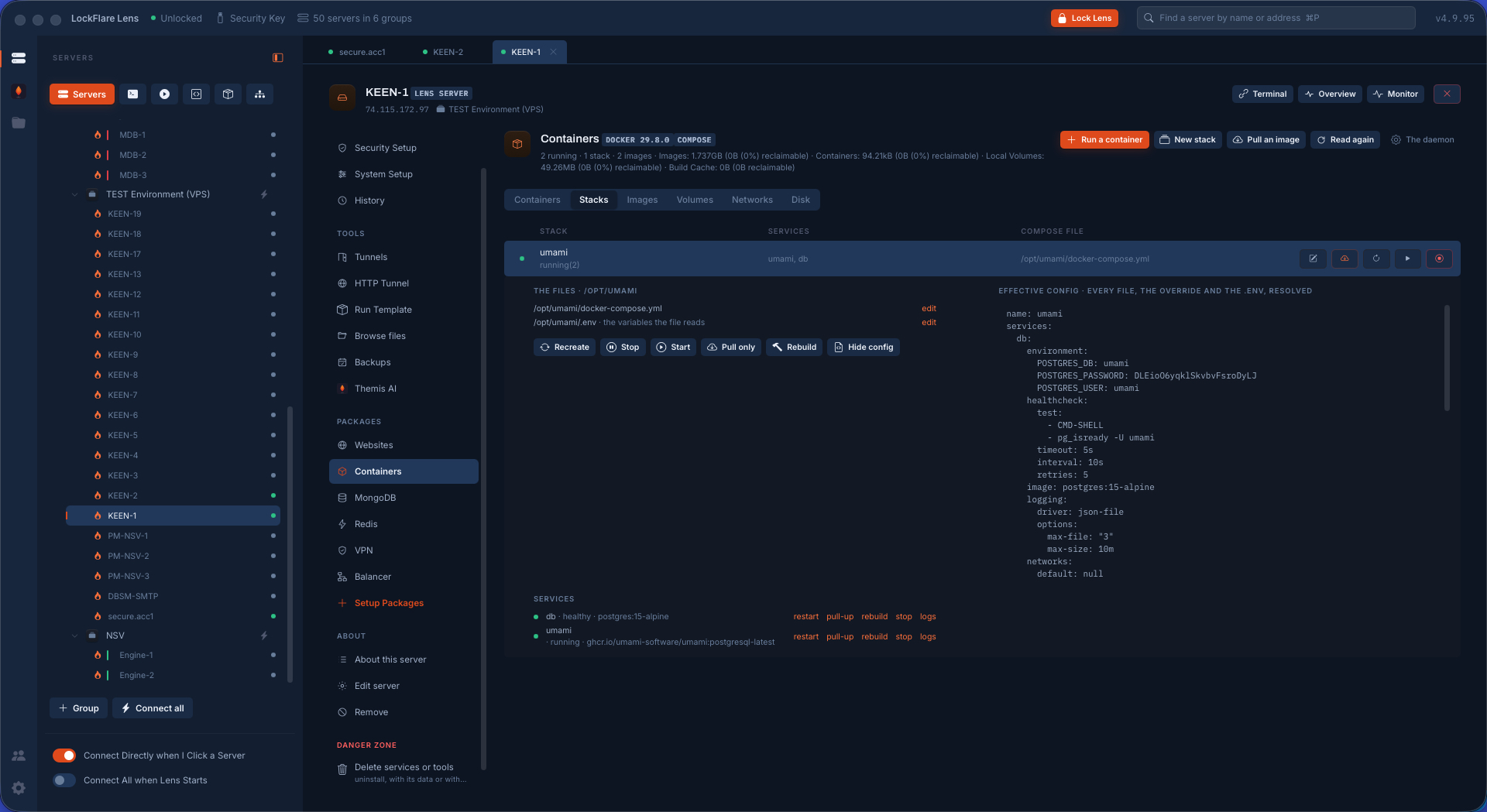
A stack's configuration The compose file, its .env with secrets masked, and the effective config compose actually resolves.
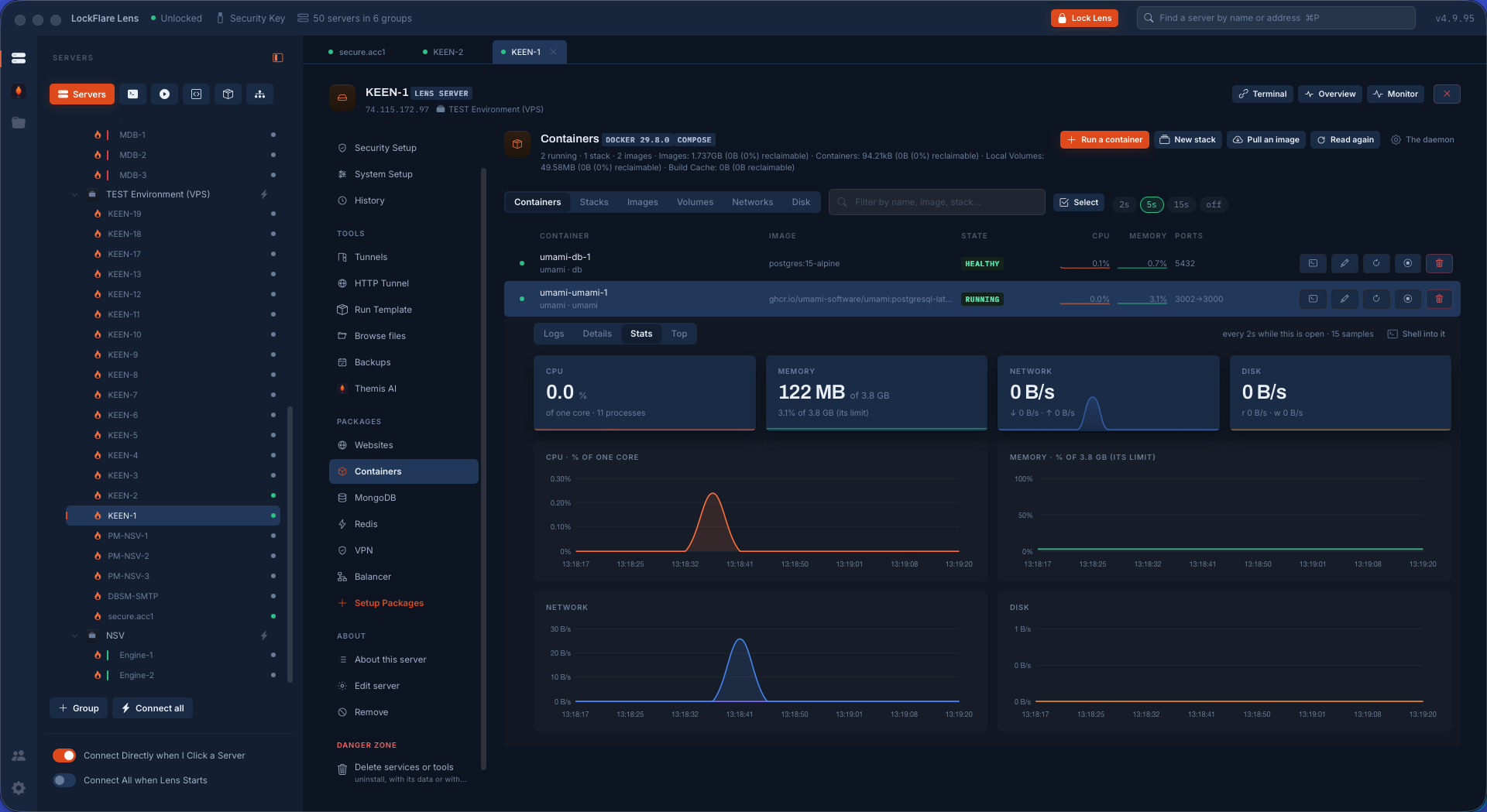
A container's stats CPU, memory, network and disk for one process tree, every number a rate between two samples, drawn like Monitor.
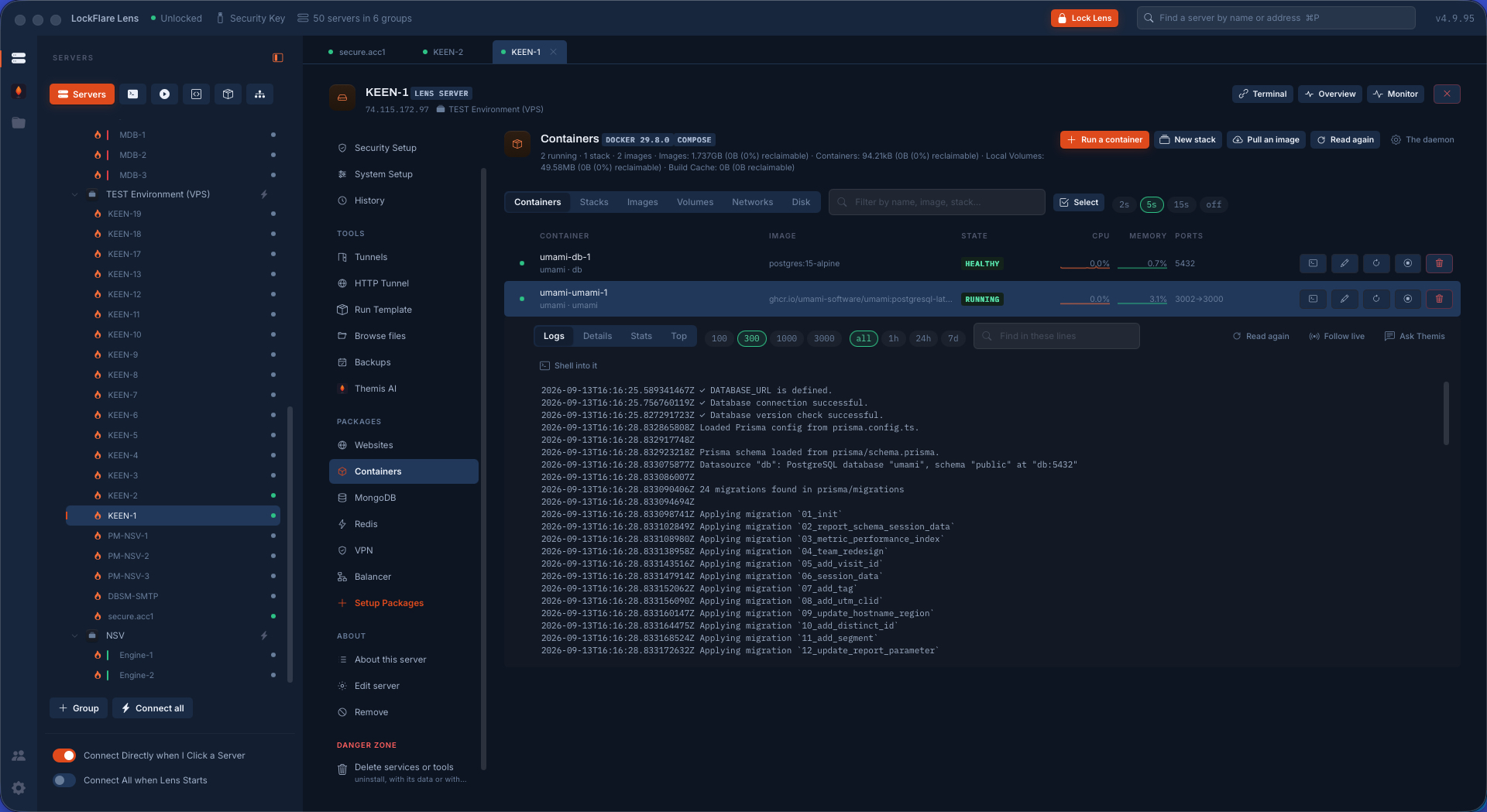
A container's logs Following live, with Ask Themis beside them so the lines can be explained where they were seen.
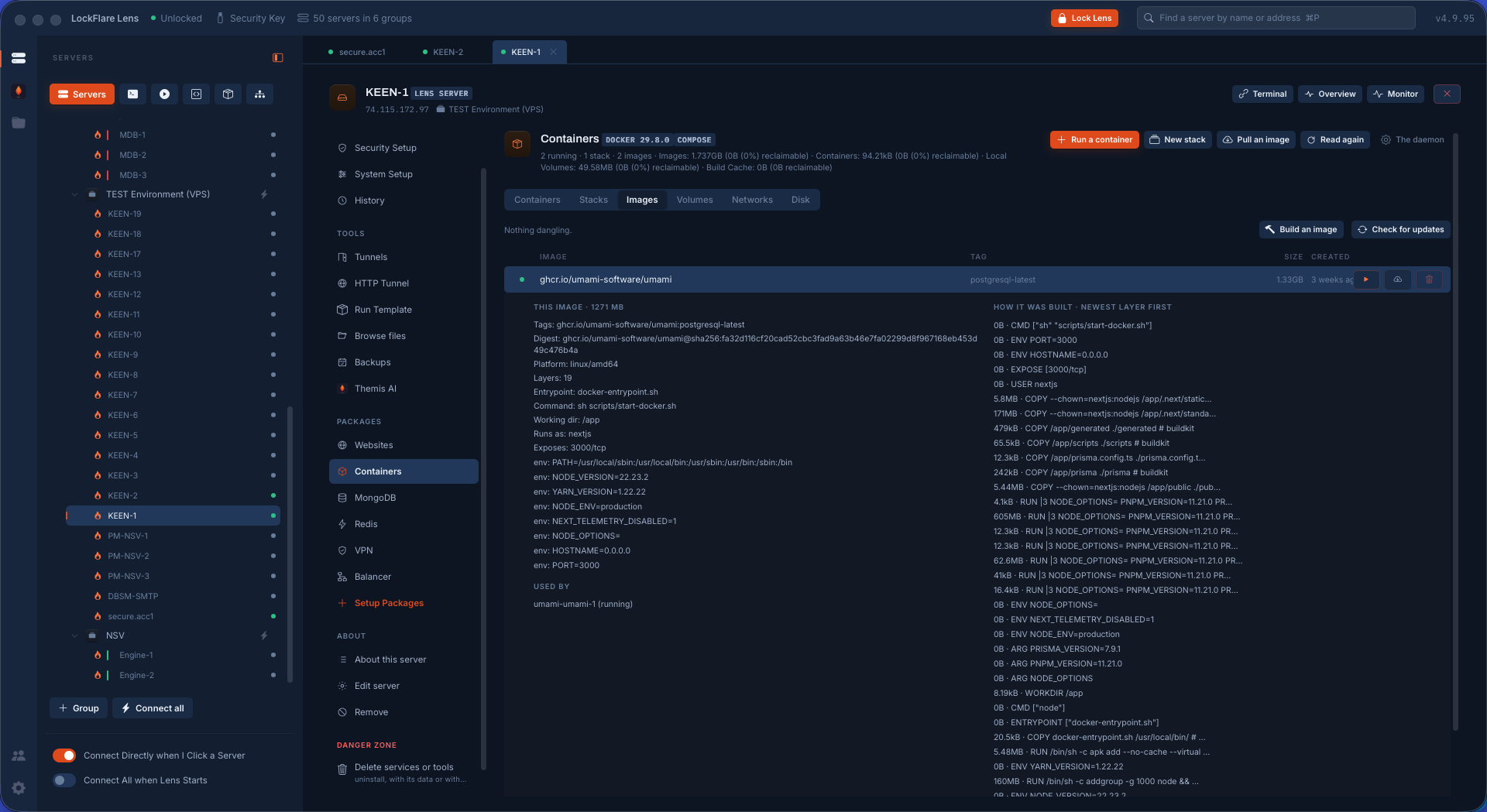
Images Tags, sizes, in use or dangling; pull, build, and prune what nothing uses.
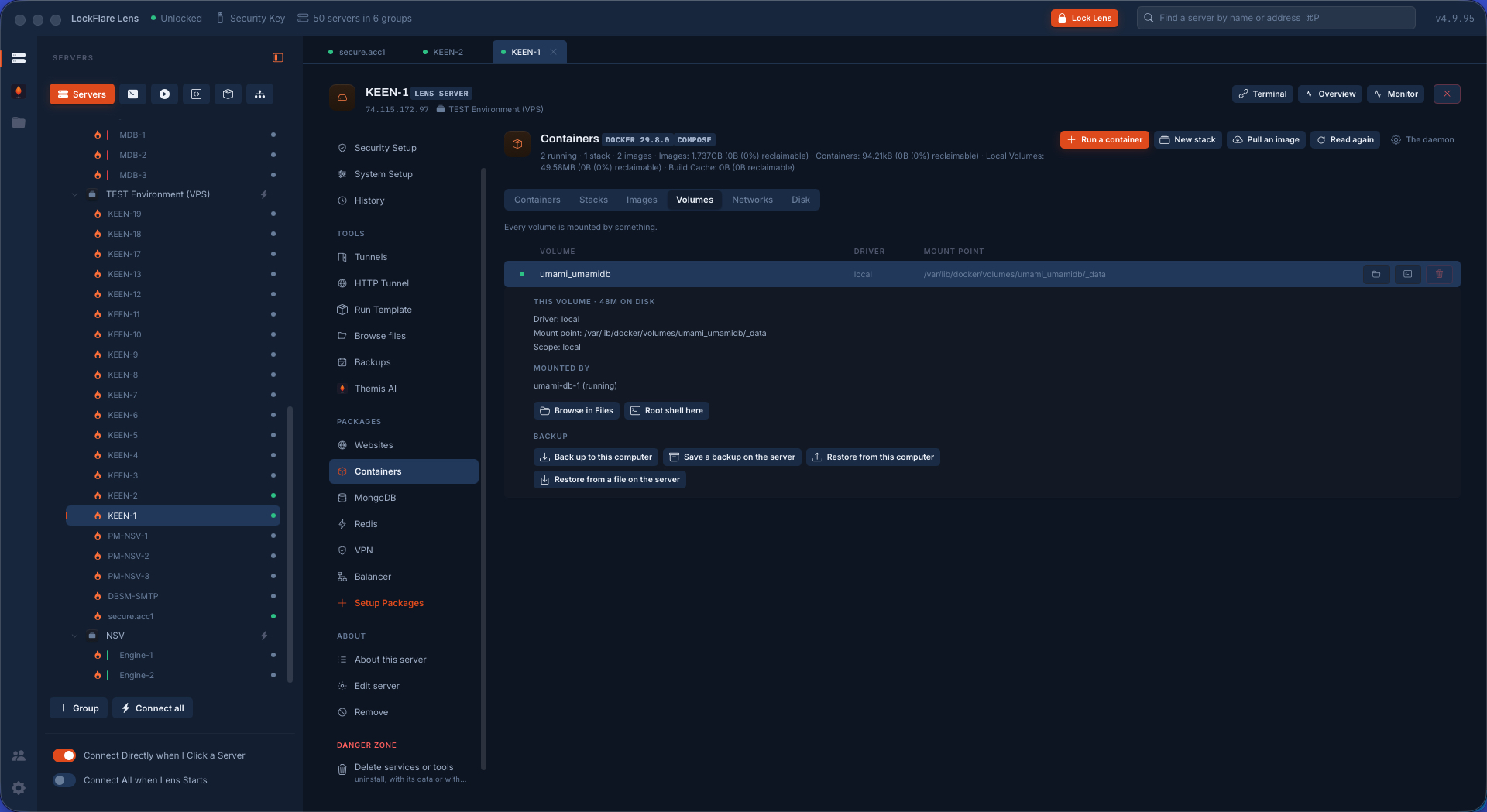
A volume, opened Every volume with what uses it and what it weighs; one opened to the verbs that matter: back it up to a repository encrypted to your key, restore it into the same name or another, browse the files inside without starting a container.
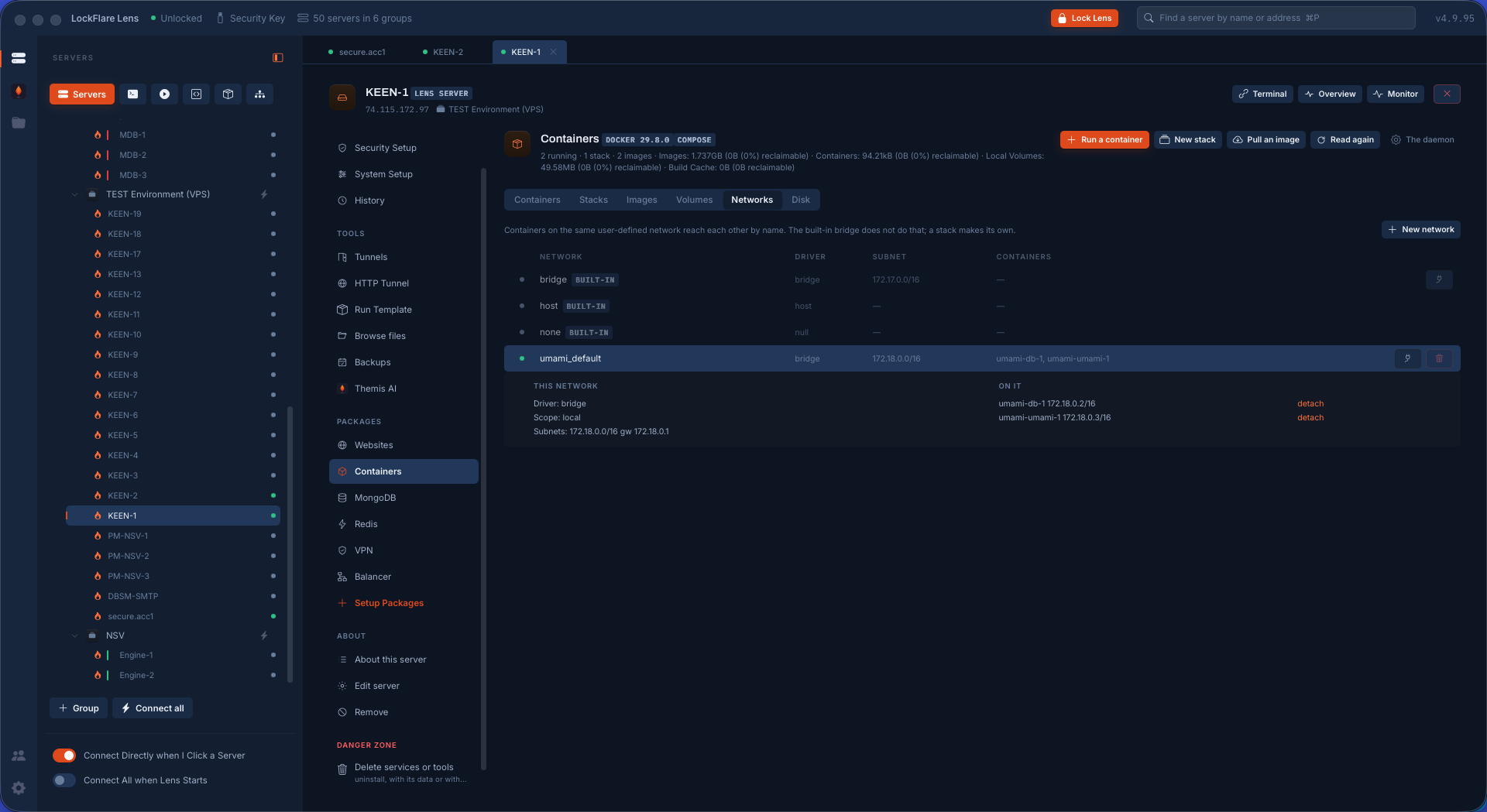
Networks Each network with the containers attached to it; new, attach, and what each one reaches.
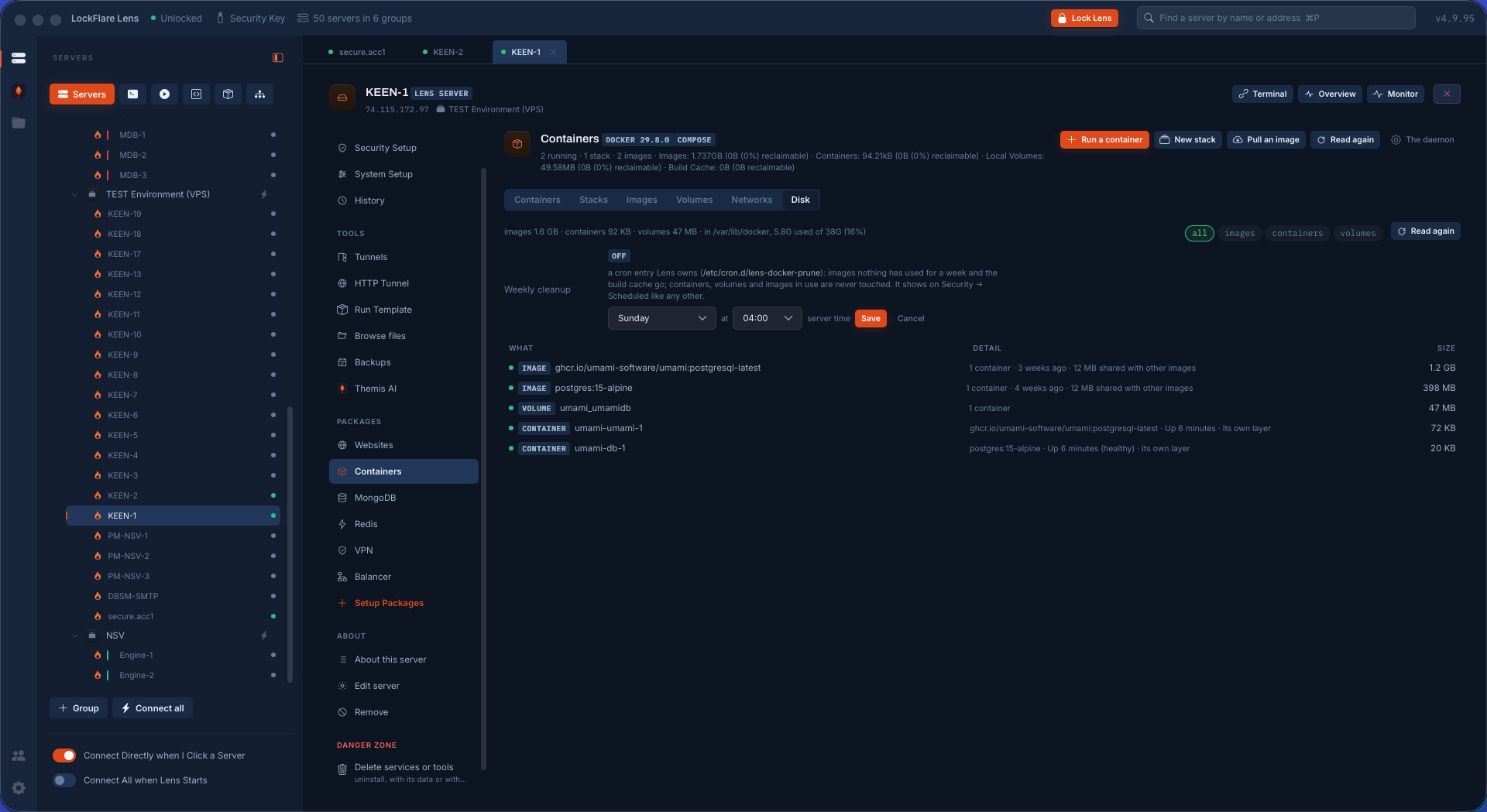
Disk, and what can be given back What takes the room by kind — images, containers, volumes, build cache — the cleanups one at a time, each saying what the disk looks like after, and a prune schedule the box runs on its own.
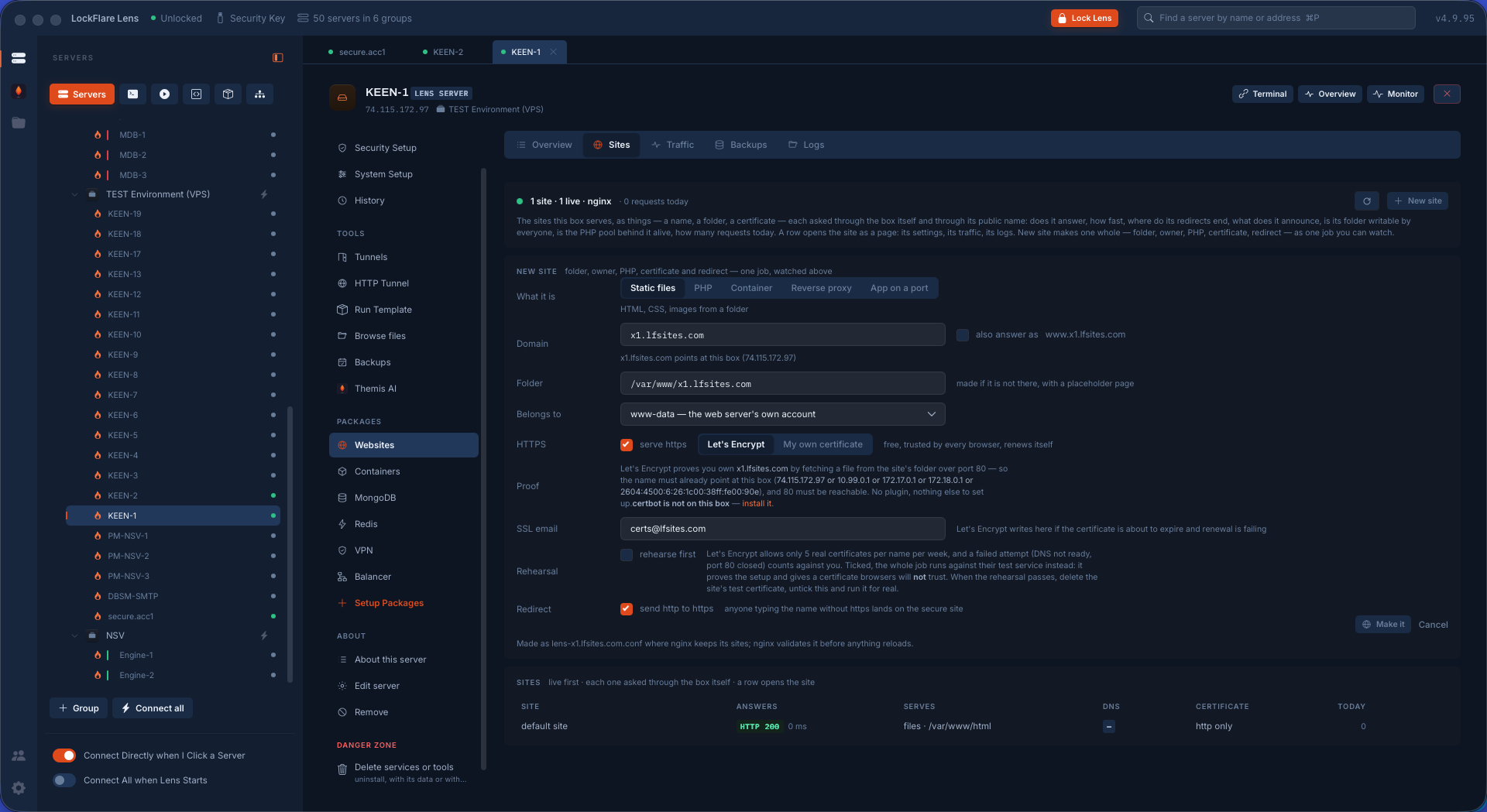
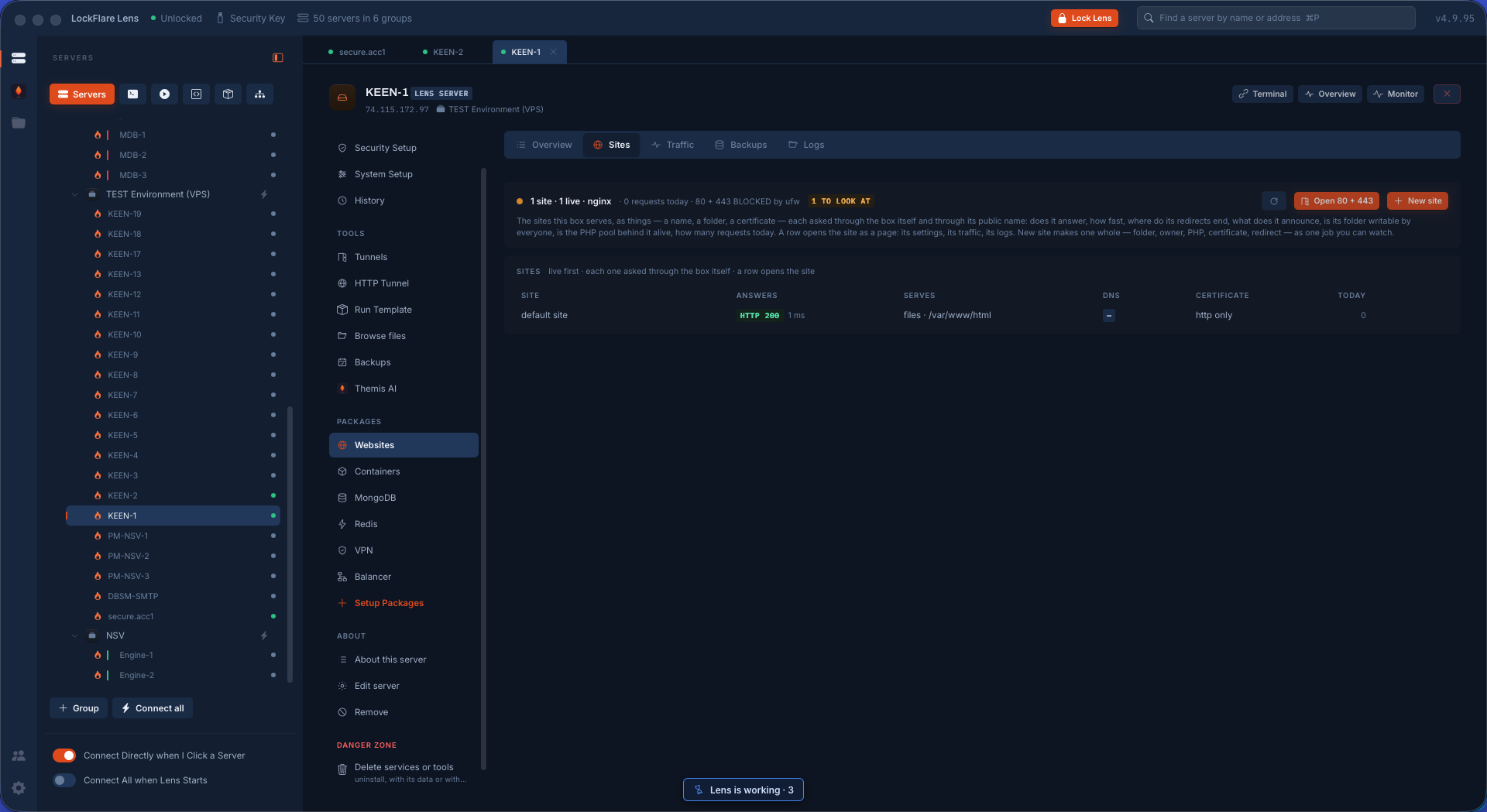
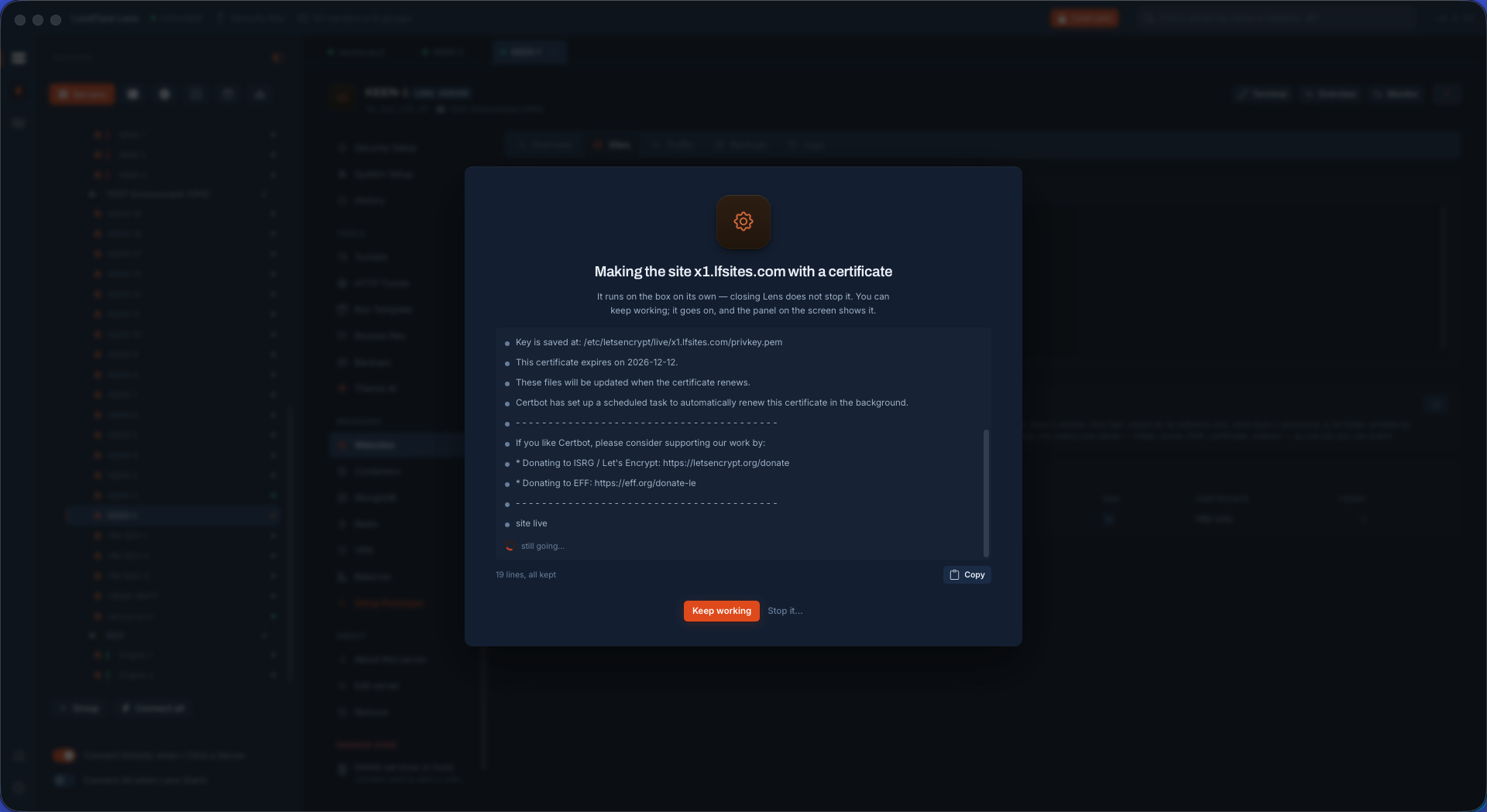
A new site, HTTPS from Let's Encrypt One form: what the site is, its domain, folder and owner, and the certificate obtained from Let's Encrypt through the acme folder every Lens site serves — as part of the same job.
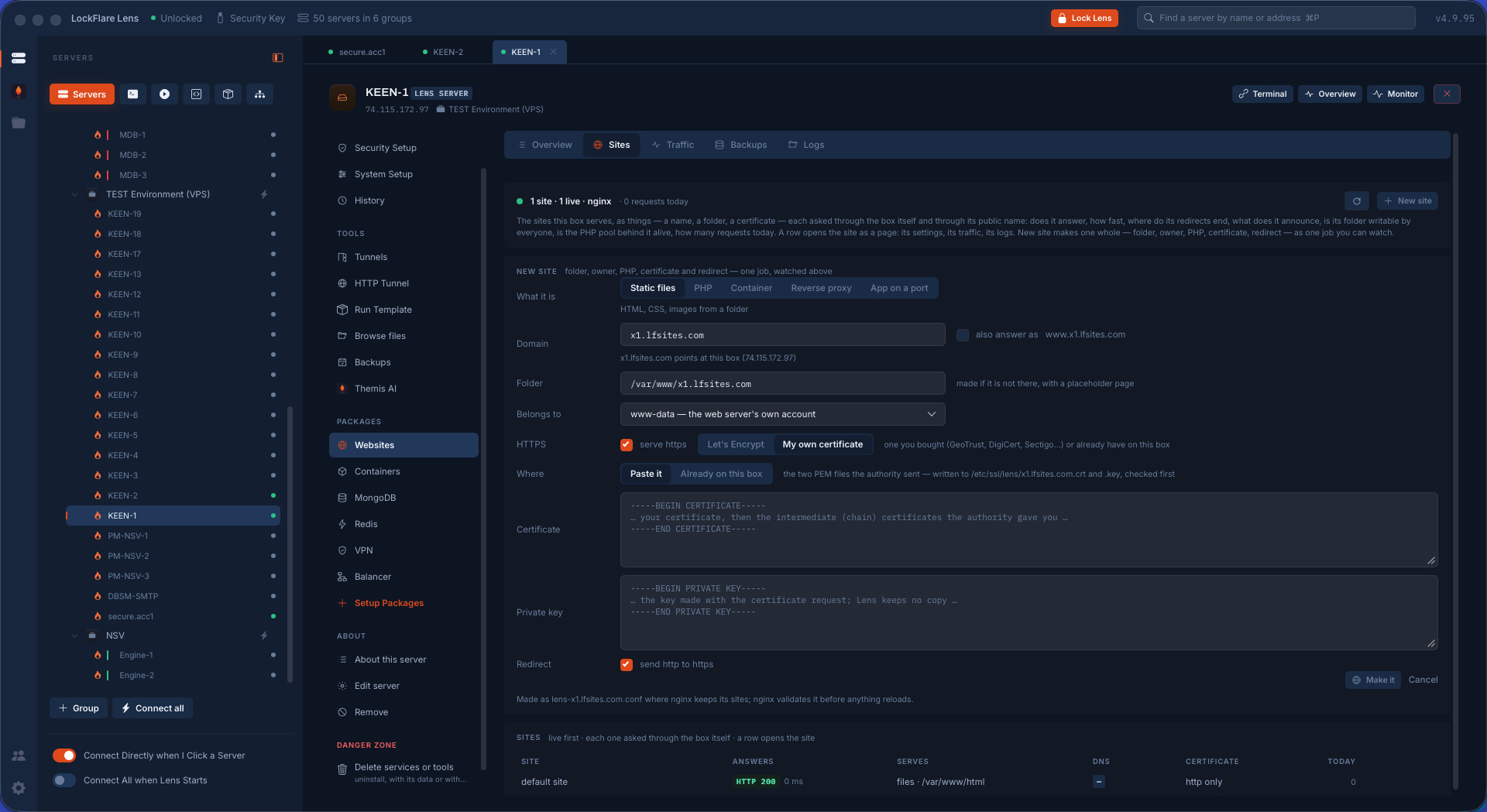
A new site, your own certificate The same form with your own certificate and key pasted in, kept in the vault on your computer so a wiped box is a put back, not a new request.
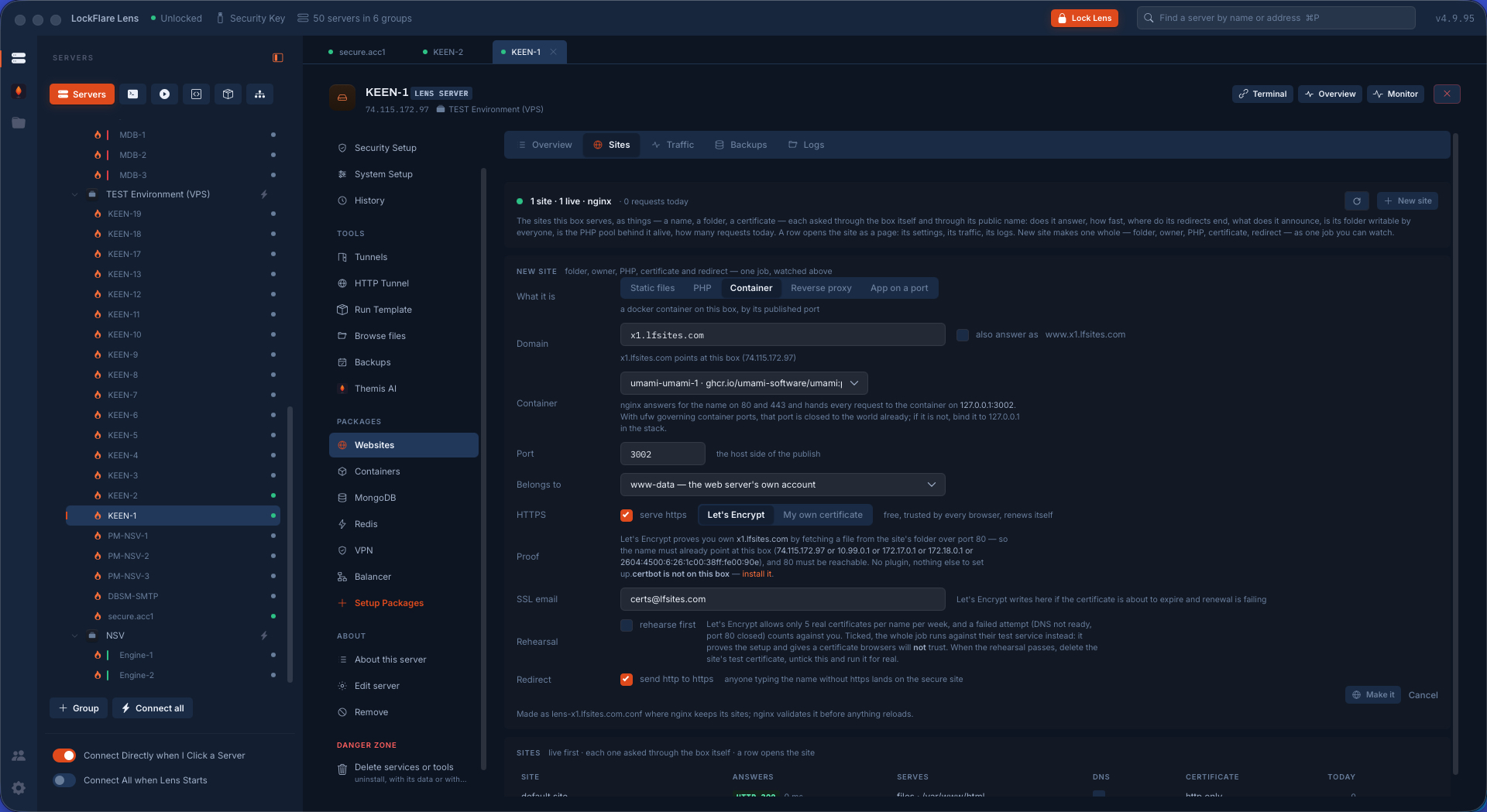
A site that fronts a container The site's upstream picked from what Docker publishes on the box; nginx or Apache in front, the container behind.
Open 80 and 443? The job reads the firewall's word on 80 and 443 before it writes anything and asks. Yes opens them through the guarded change the Firewall screen makes; no writes the site for the box only.
The site being made The folder and its owner, the server block, the certificate, the web server's own test of the file, the reload — each step on the card as it happens.
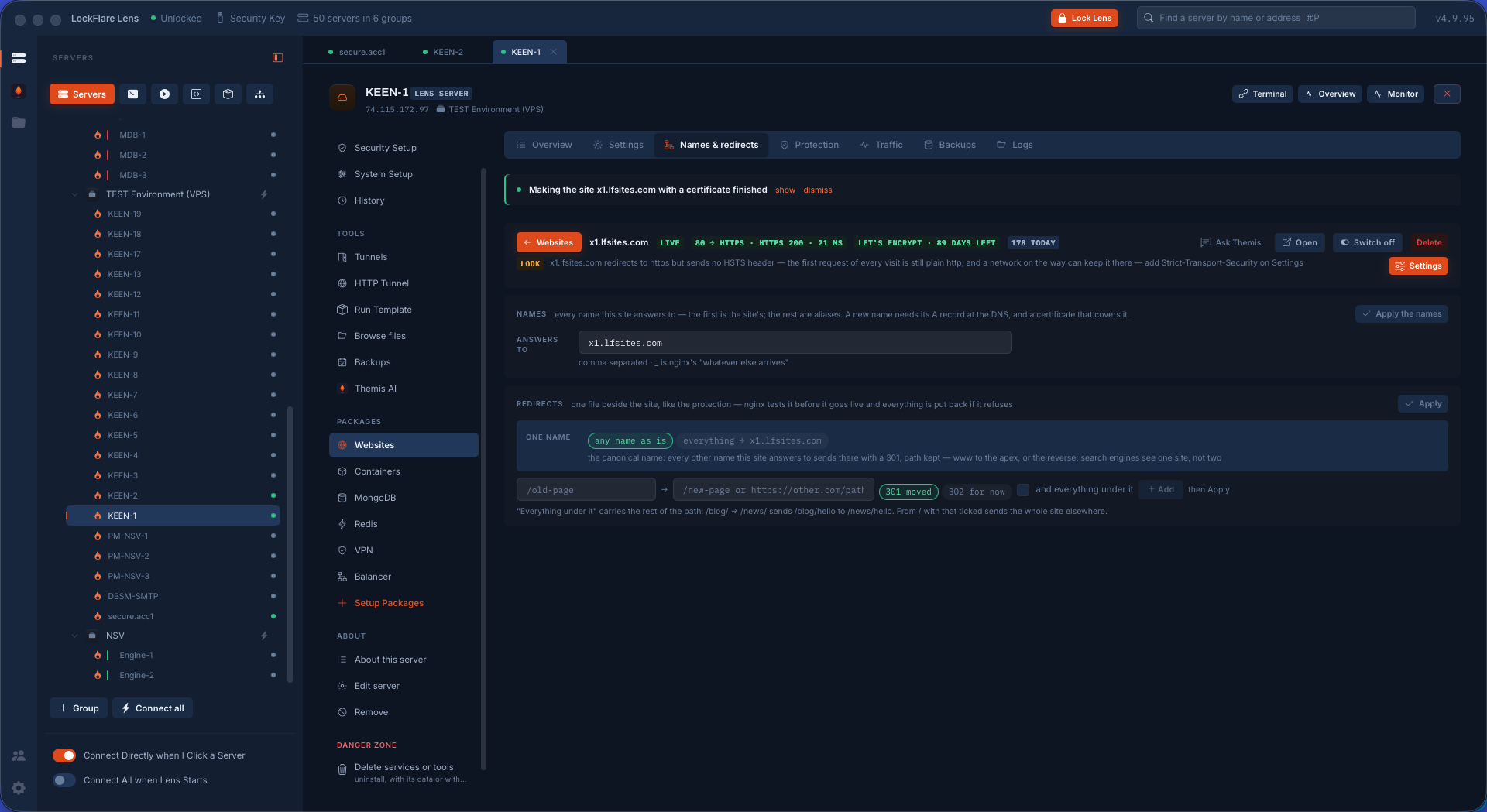
Names and redirects The domains a site answers to and where each sends people — www to the apex, the old domain to the new, http to https — written into the site's own file.
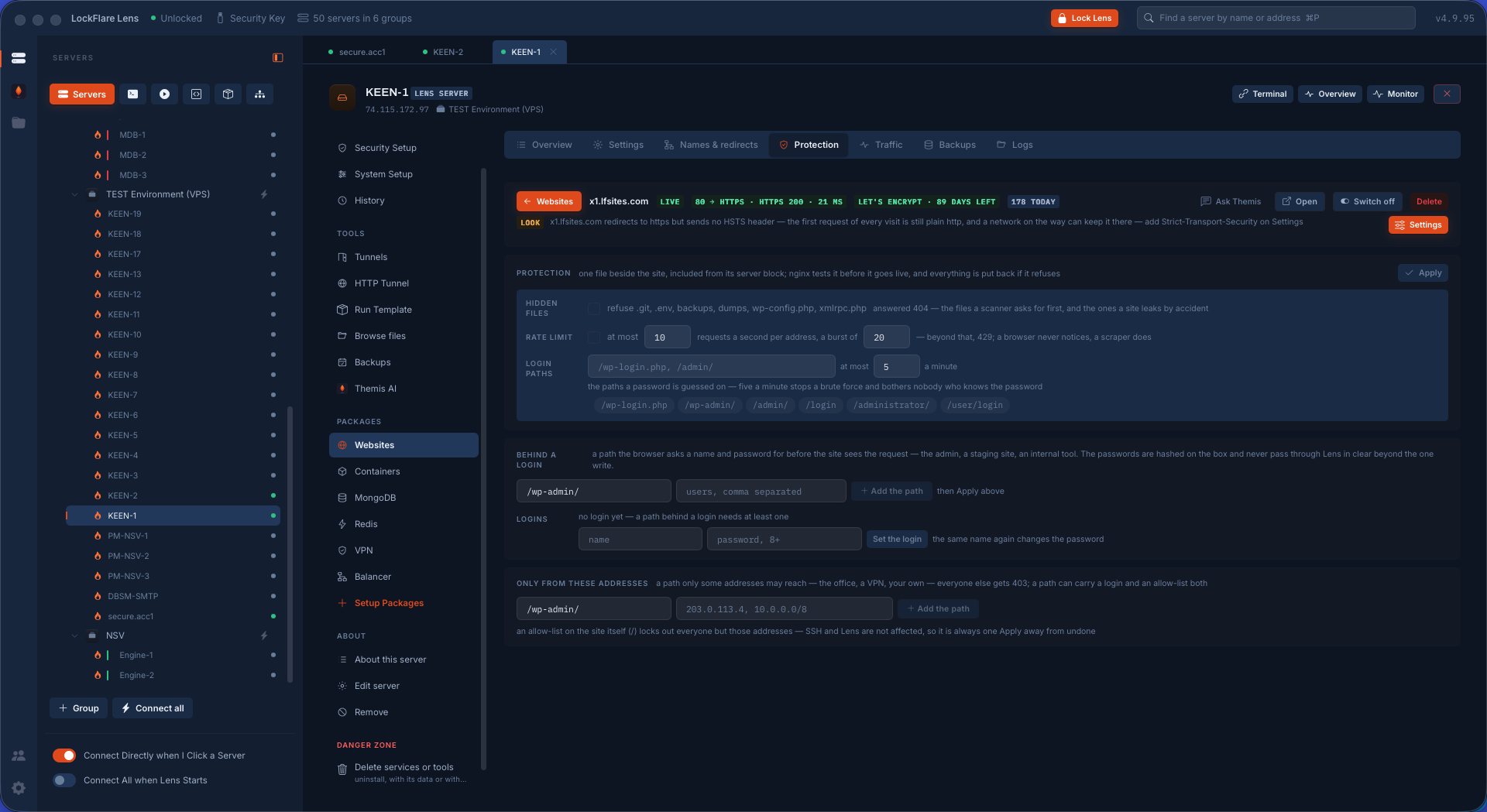
Protection, as one transaction The protect file, the rate-limit zones, the include line added once, the server's own test — and everything put back if any step fails.
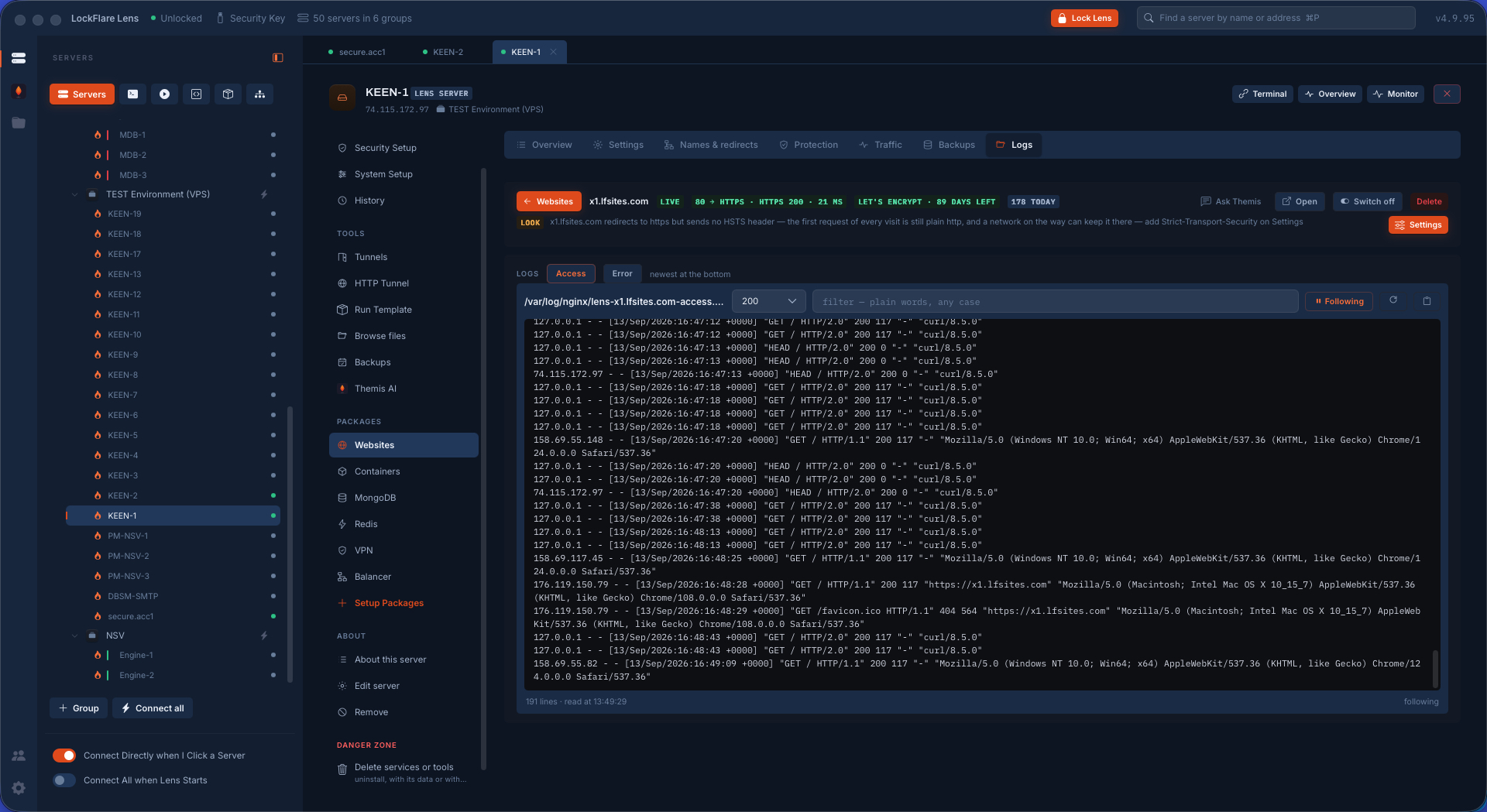
A site's logs, live The site's own access and error logs, read as the site's, following in real time.
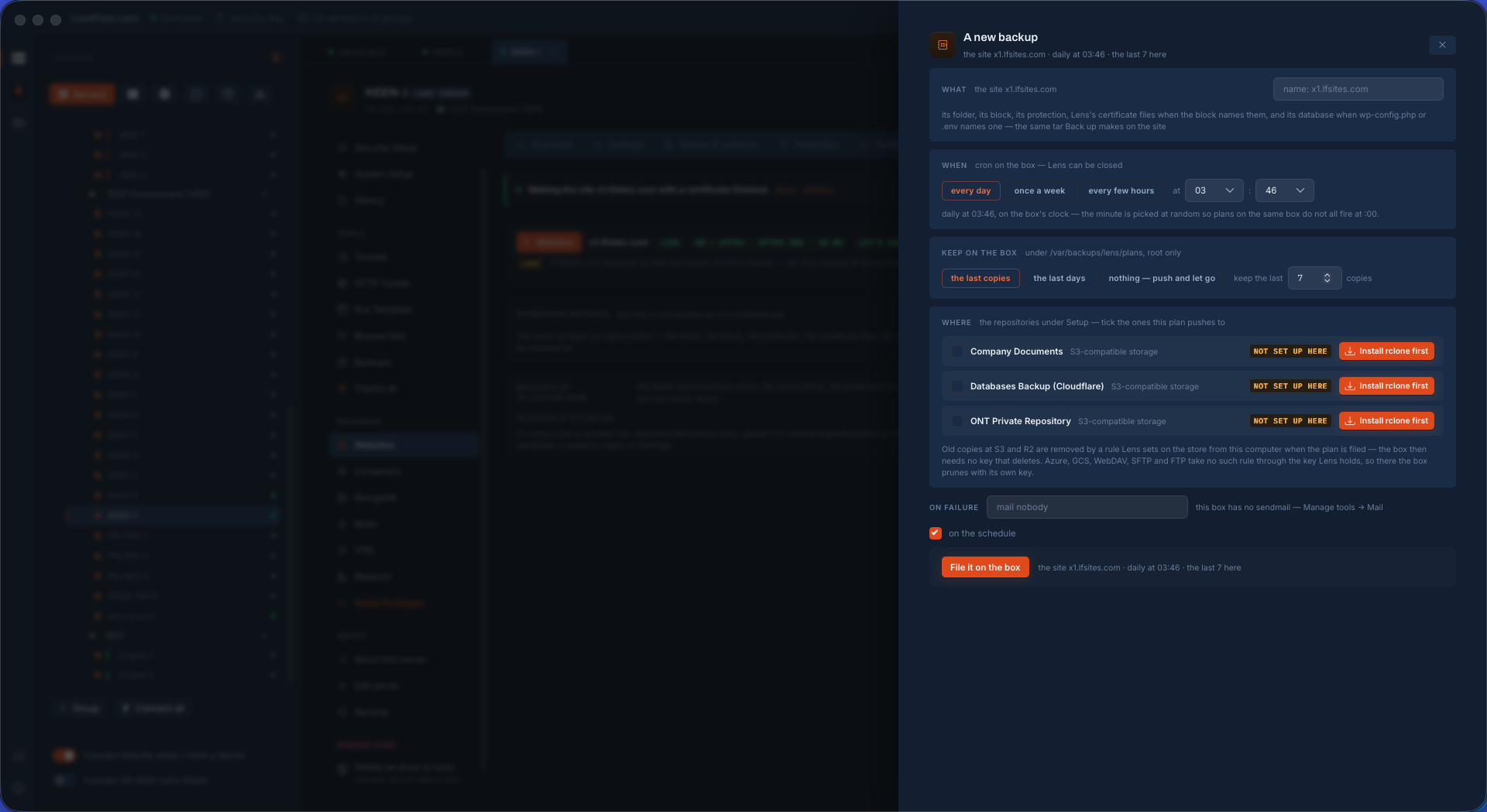
A site's backup on a schedule The folder and the server block, when, how many to keep, and where — Azure, S3 and its houses, or another server on the map — encrypted before the push, run by cron with nothing from this computer.
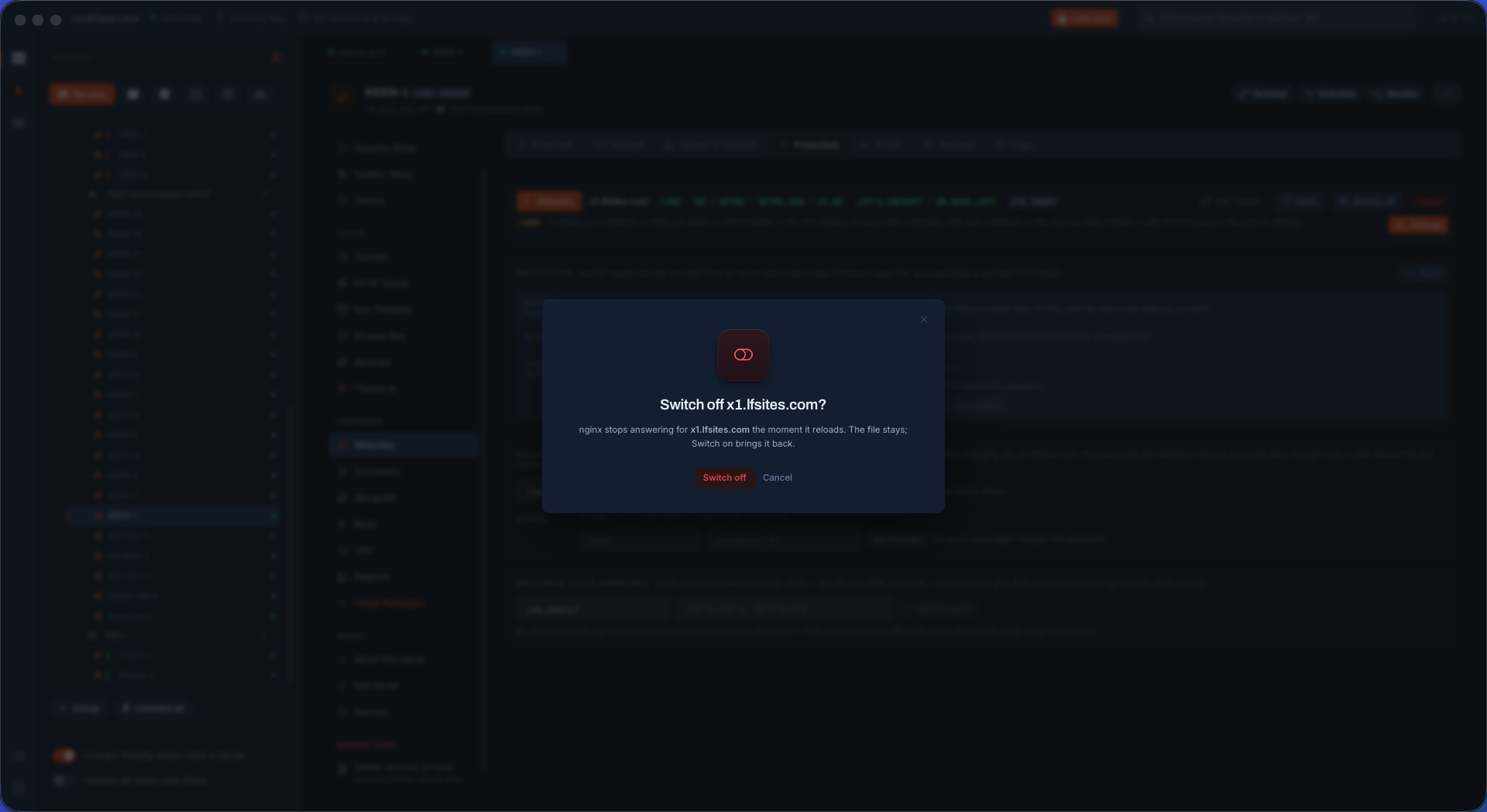
A site switched off It stops answering; its files, certificate and logs stay exactly where they are; one switch brings it back.
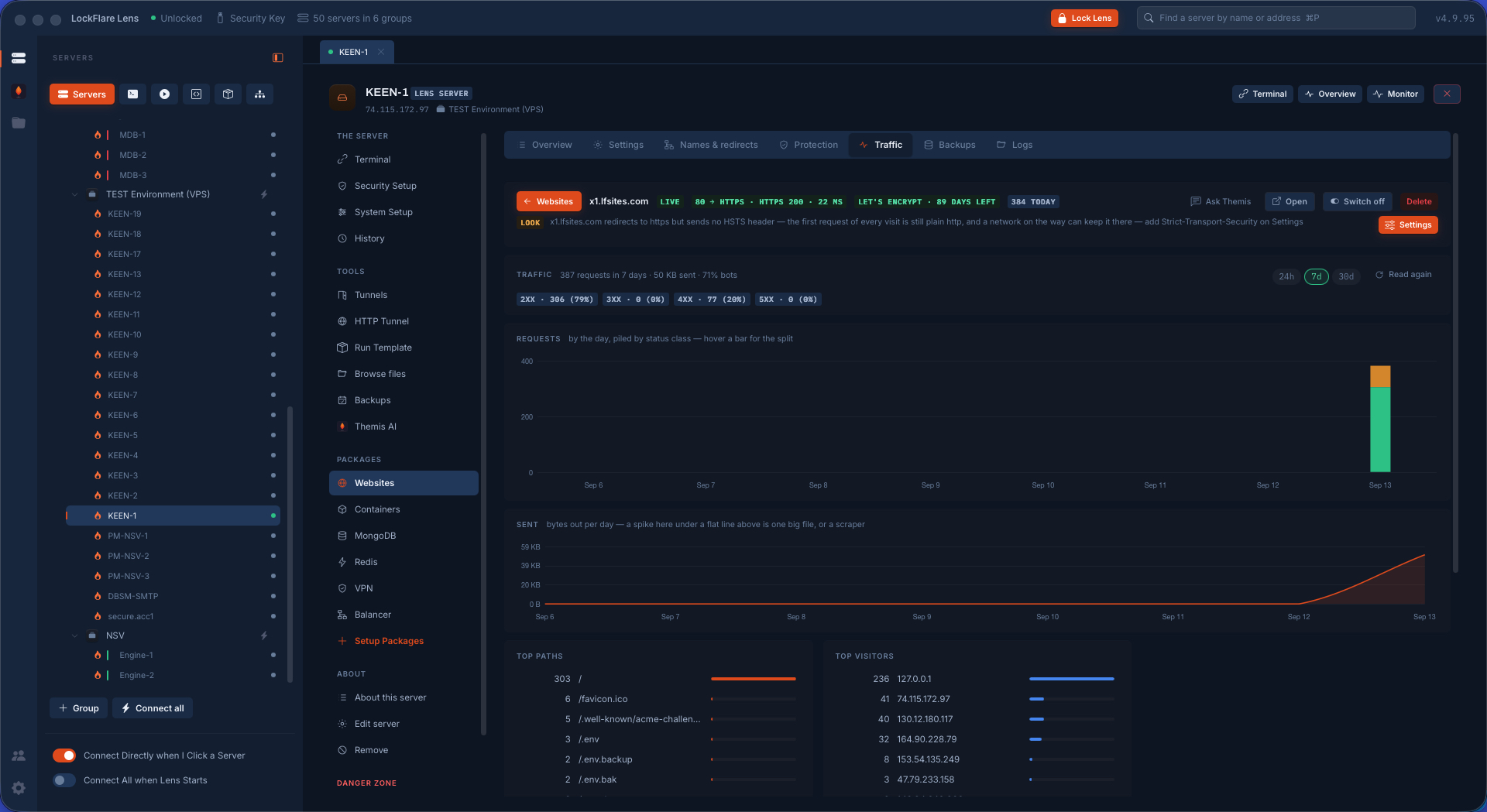
A site's traffic, from its own log No analytics script and no third party: requests by day piled by status class, bytes out, top paths, top visitors and the bot share, read from the site's access log on the box. The head carries the live state — HTTPS 200 in 22 ms, the certificate's days left — and a finding: no HSTS header, Settings a click away.
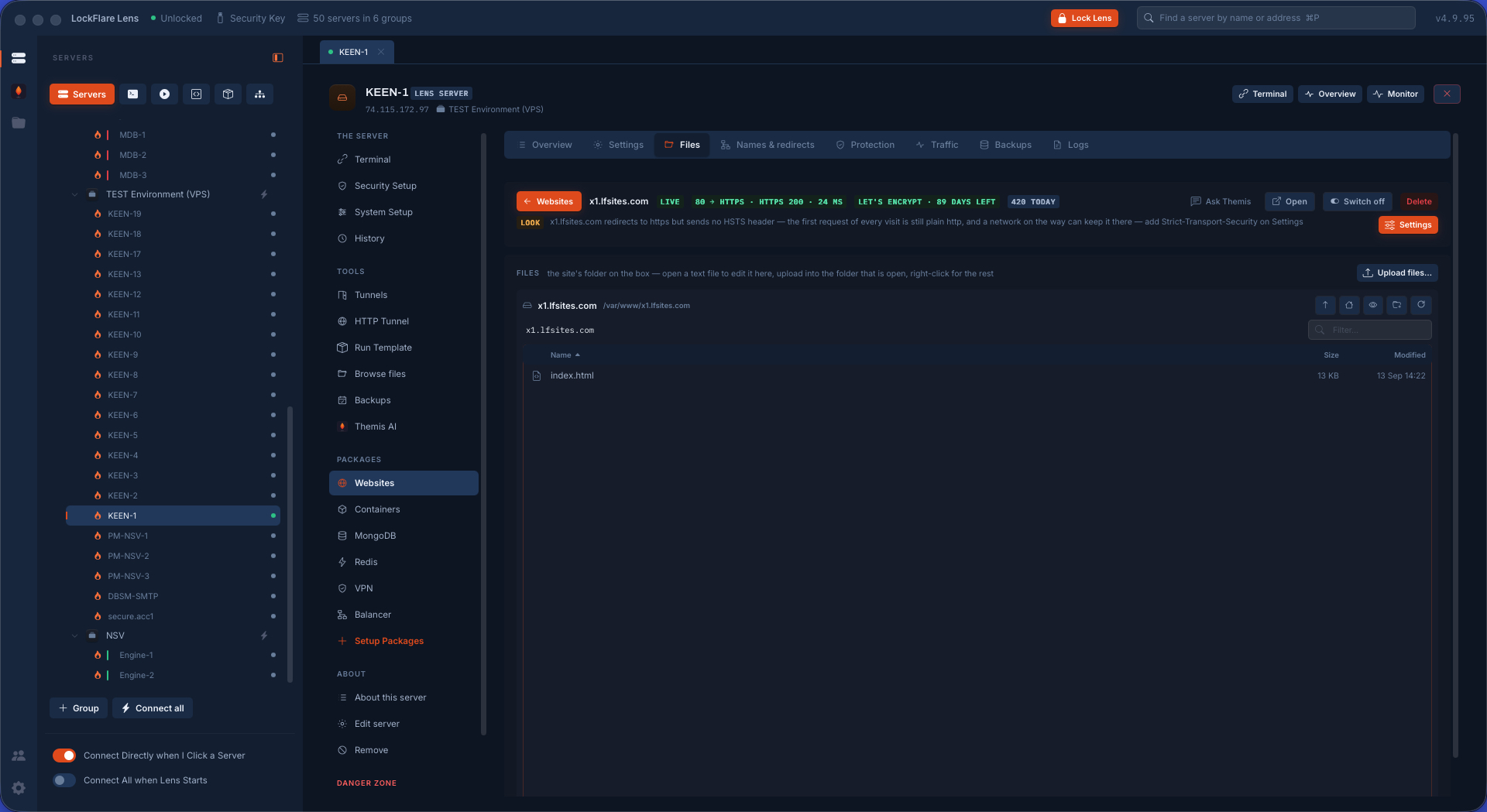
A site's files, no FTP The site's folder and nothing above it: browse, upload from your computer, download, delete, permissions, extract — over the SSH login Lens already has, with nothing installed on the far side.
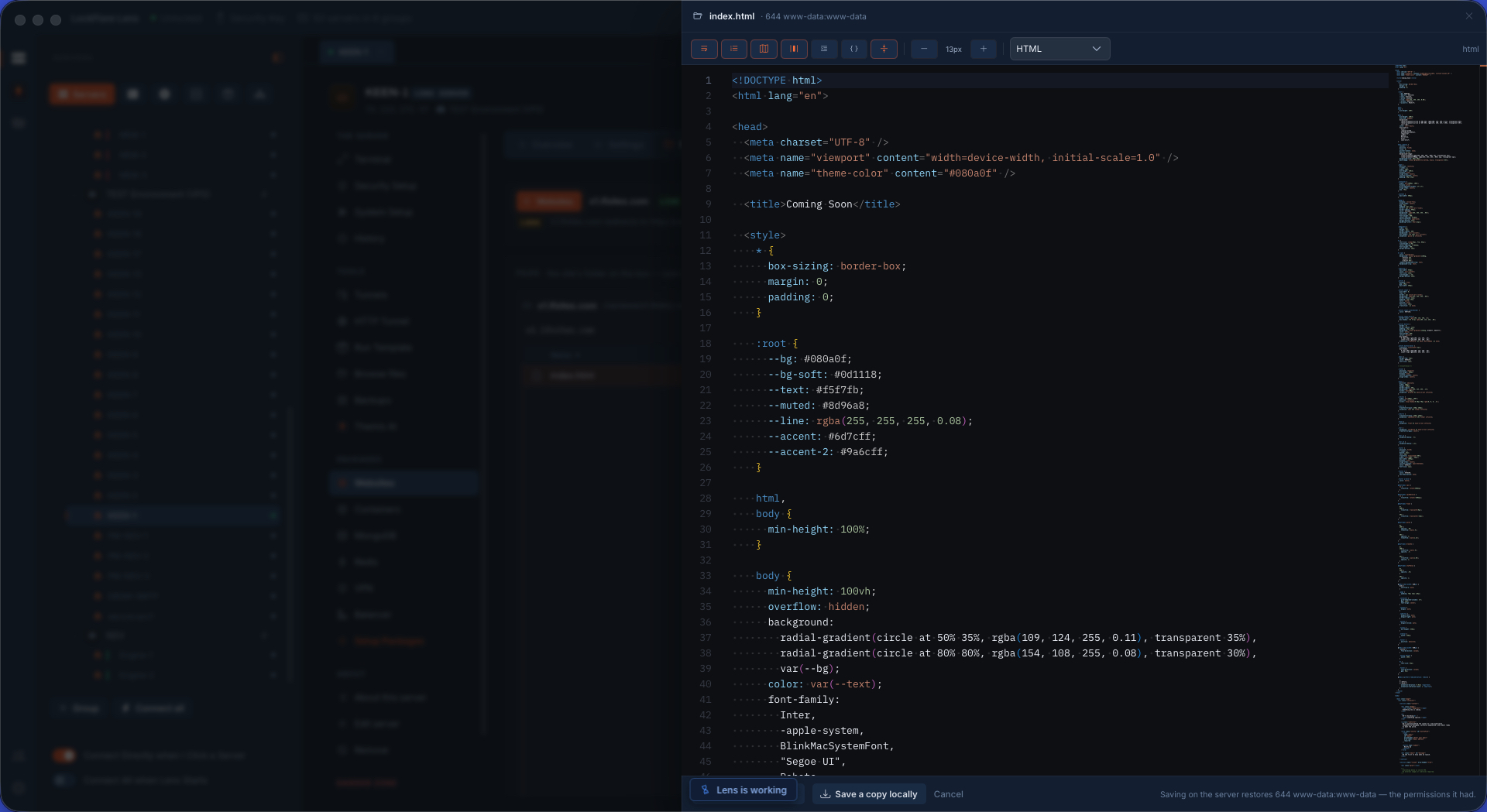
Code edited straight on the server A file opened in the editor beside the pane and saved back with the mode and owner it had. Live on the next request.
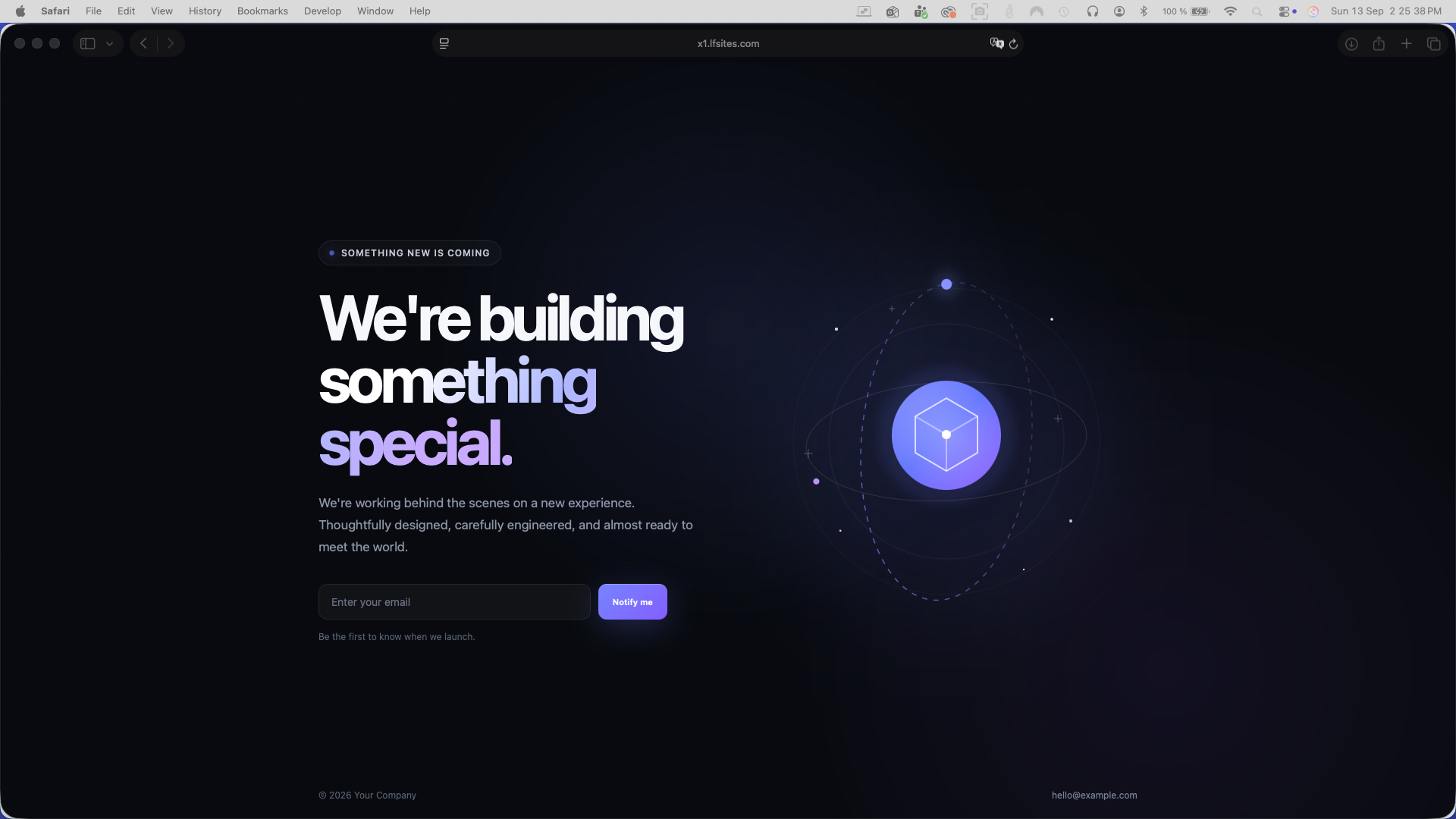
The page, a second later The edit made in Lens, as the browser shows it.
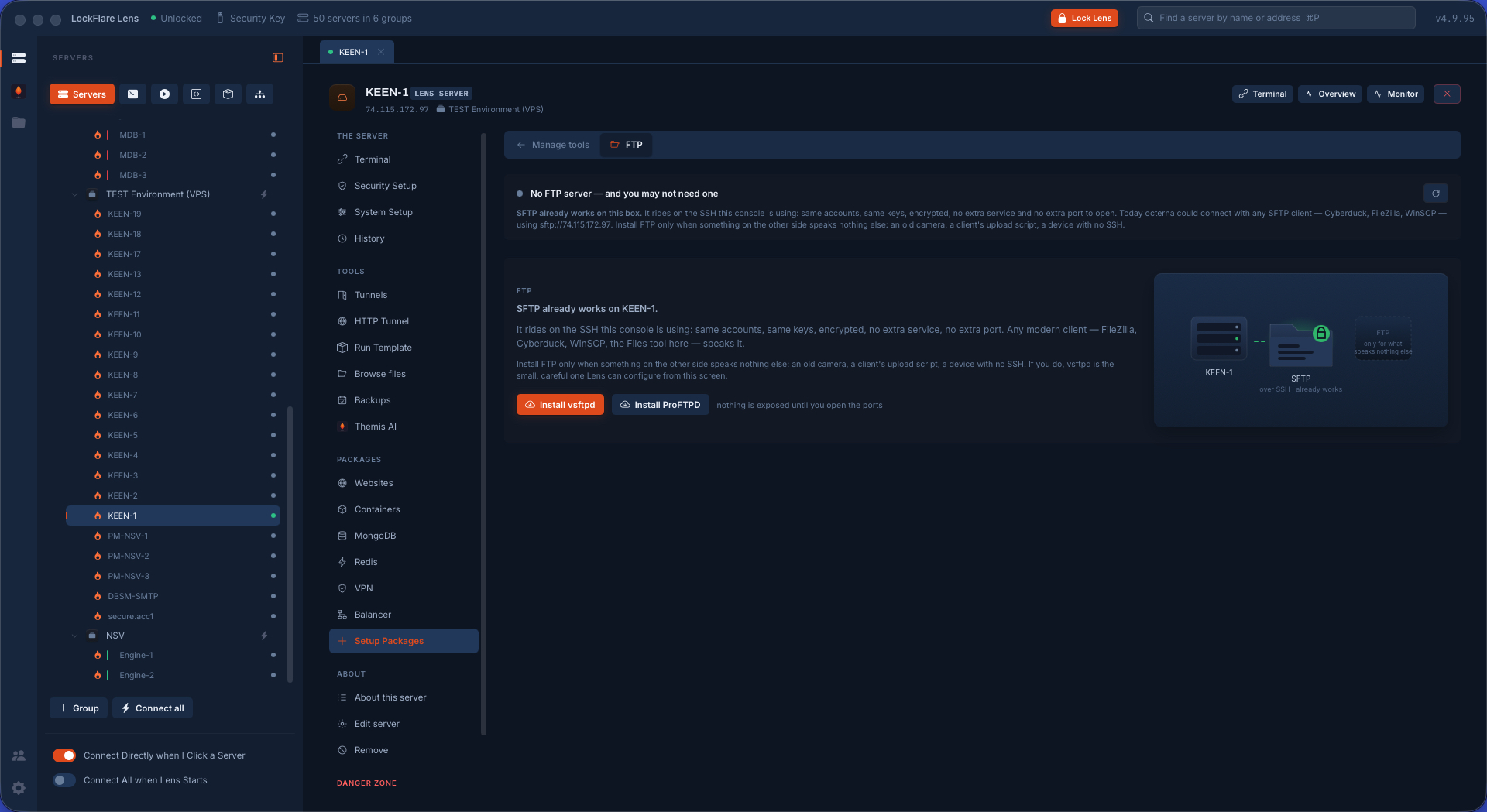
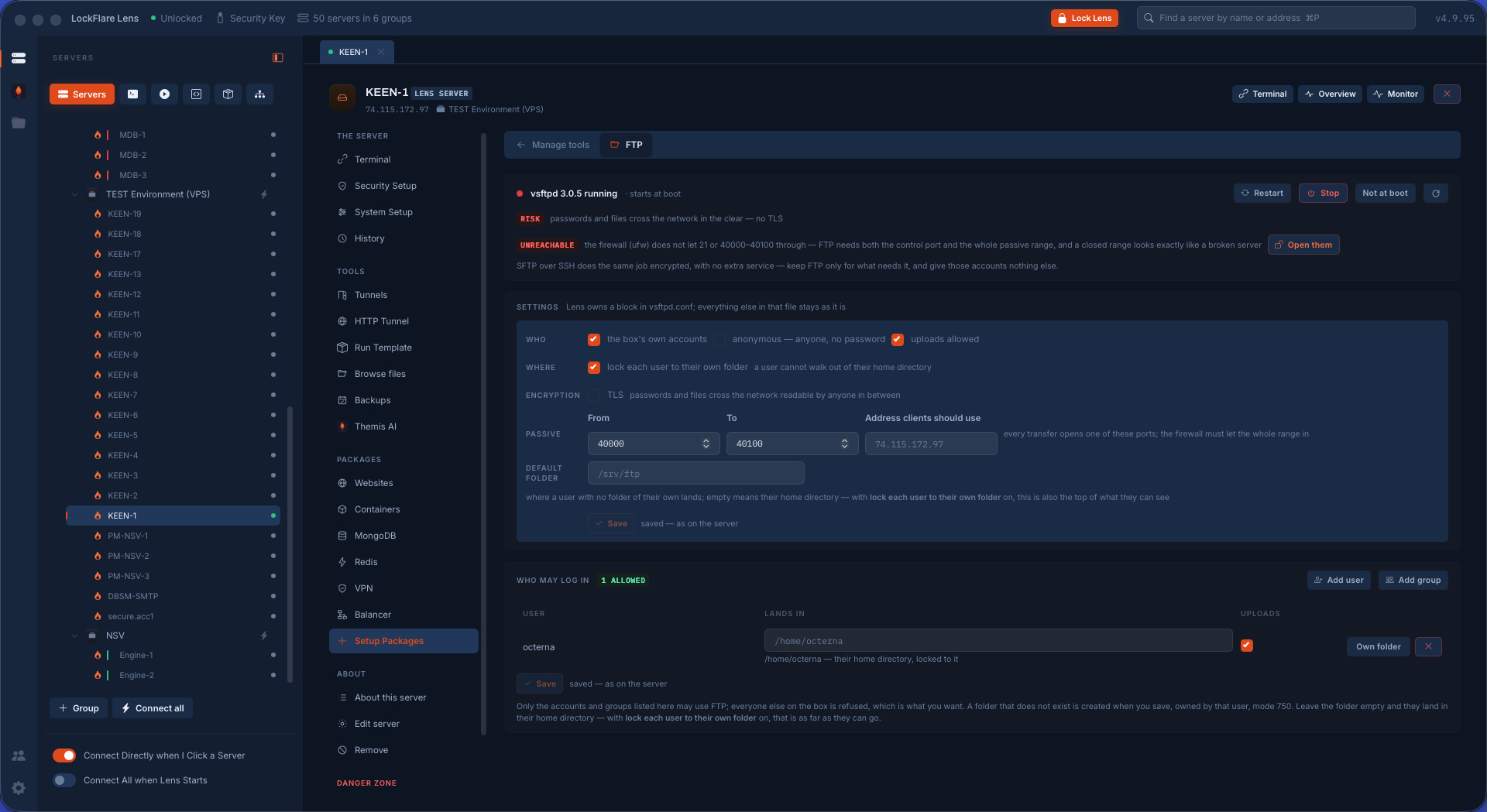
FTP: the honest thing first SFTP already works over SSH with no extra service. Install FTP only when the other side speaks nothing else — vsftpd, the small careful one Lens configures from this screen, or ProFTPD, the bigger one, installed and controlled from the same place.
FTP, and the firewall's word The configuration — who may log in and where each lands, TLS, the passive range — with the warning that matters: the firewall does not let port 21 or the passive range through, and a closed range looks exactly like a broken server.
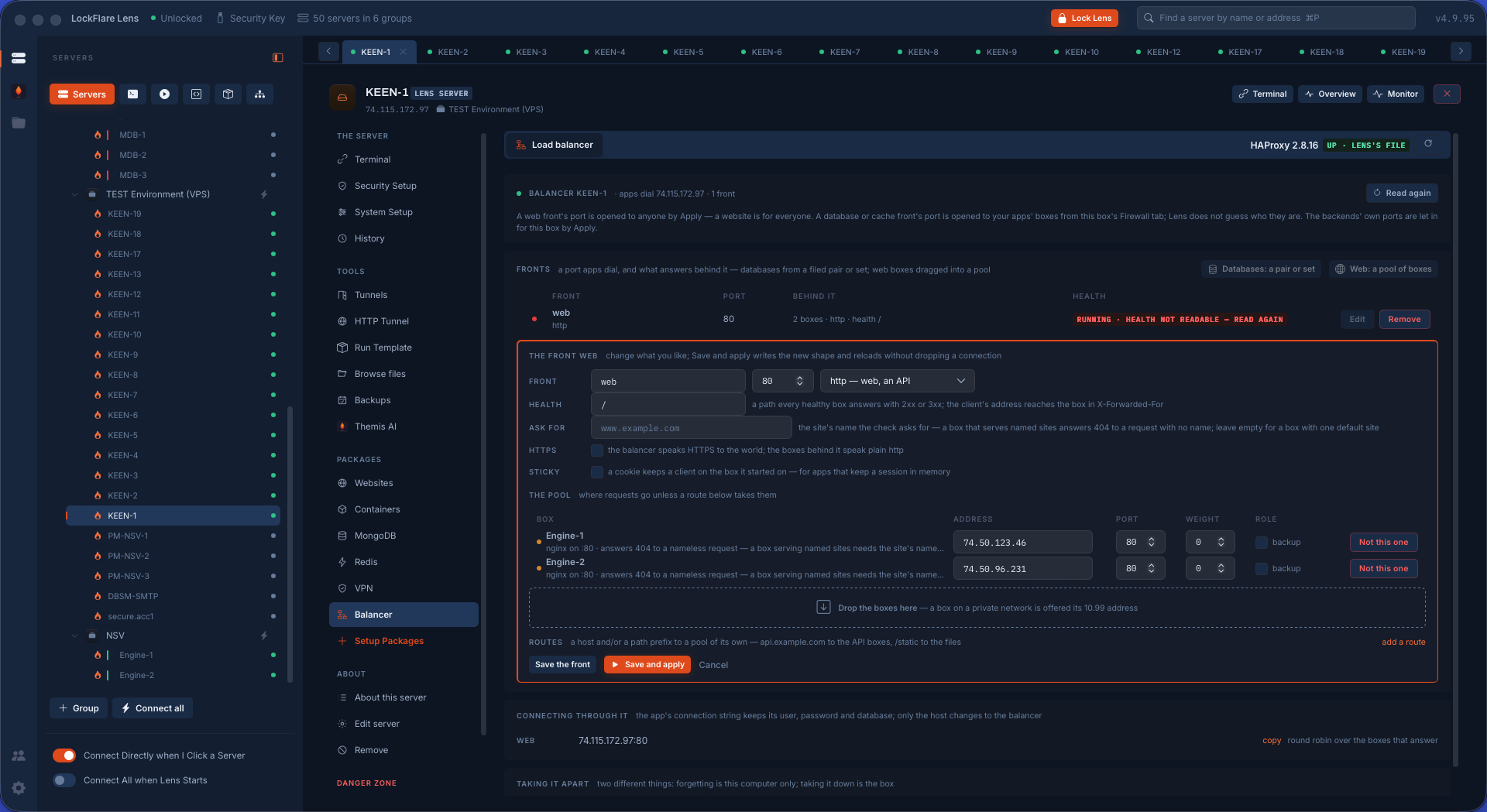
The load balancer HAProxy on one box, its fronts filed on this console: a front drawn from a database pair or set is filled from that filing and repointed by the same job that moves a primary; a pool front is a list of web boxes behind one address. Each backend checked every three seconds.
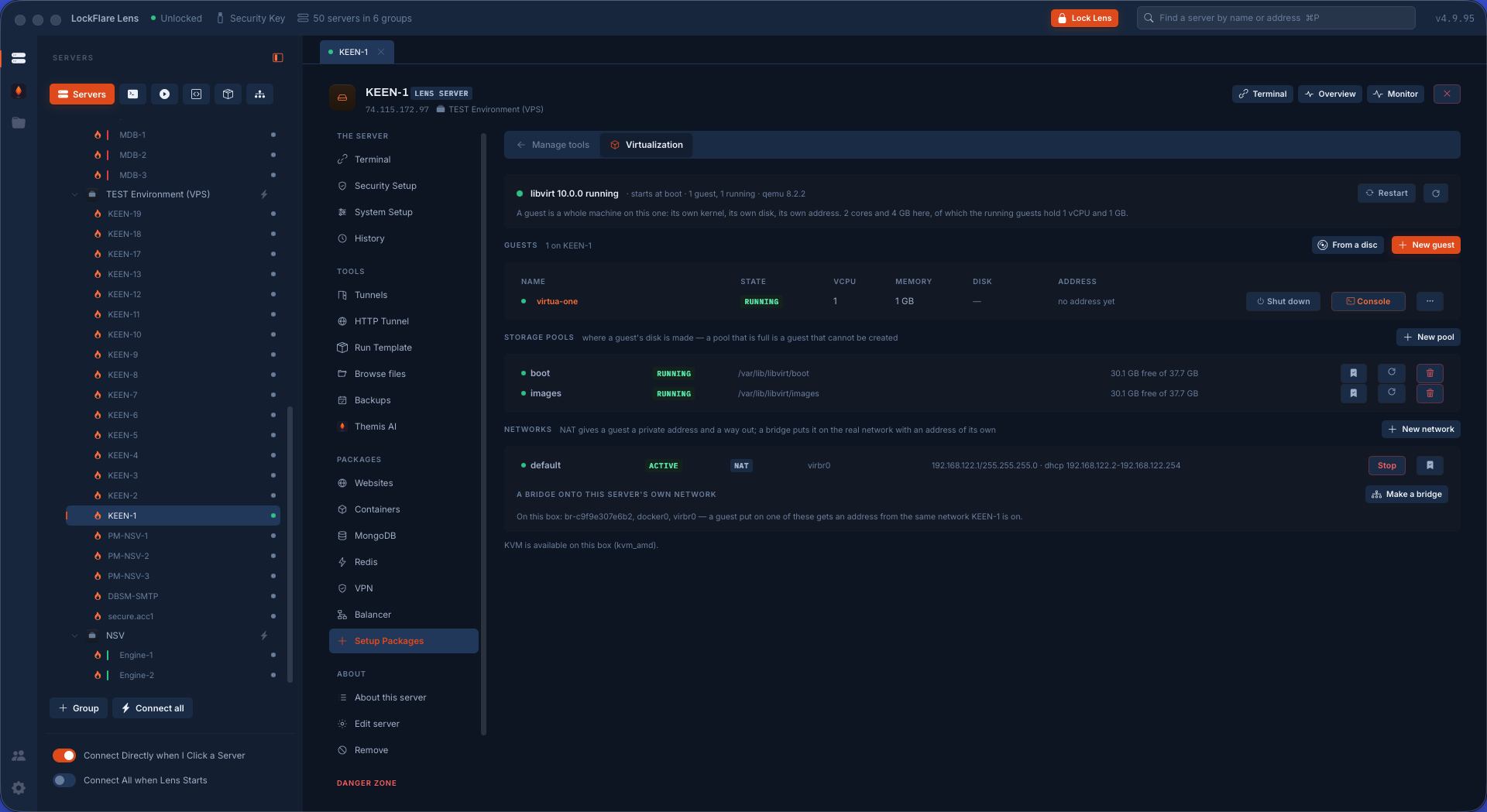
Virtualization KVM guests as whole machines through libvirt: created from a cloud image or an ISO, their state, disks and networks, snapshots, the console over a tunnel with nothing exposed. Readiness is checked first — most VPSs cannot run KVM, and Lens says so before a byte downloads.
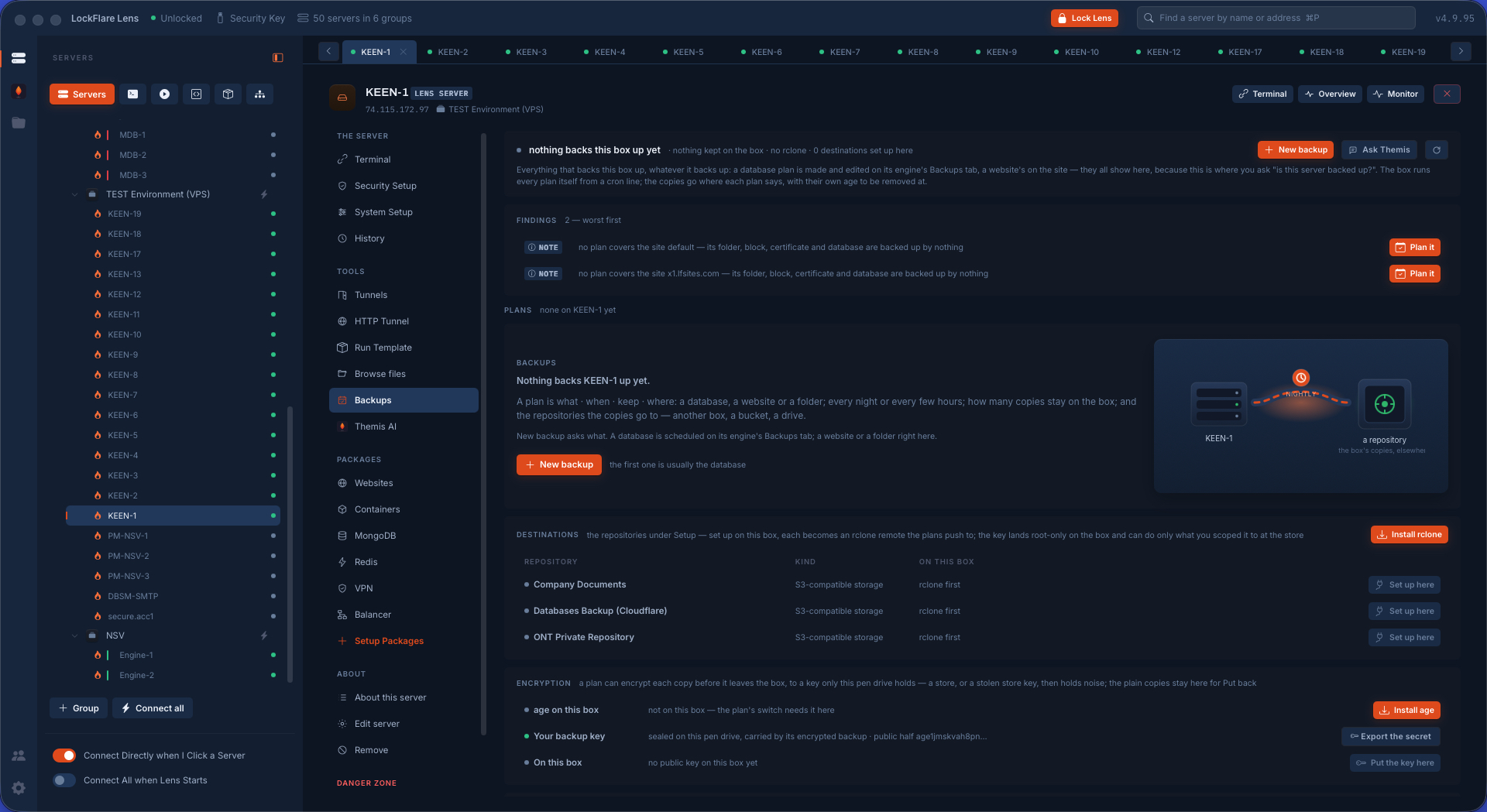
Backups: plans on the box Every plan as a card — what, when, keep, where, the last run — with findings worst first and the fix beside each. Two files on the box and a cron line; the runner lives there too, so a backup at 3 am needs nothing from this computer.
Security Setup, at a glance How exposed the box is in one pass: firewall, Fail2Ban, SSH, passwords, WAF, integrity, AppArmor or SELinux, kernel, scheduled tasks and time — a card per area with the live state of its own tool.
The firewall ufw or firewalld with iptables and nftables read behind them: the rules folded so a v4 rule and its v6 twin are one line, what is open to the world, who may reach SSH — and the SSH rule that cannot be removed while it is the only cover.
SSH hardening, proven Lens writes its drop-in, sshd validates and reloads, then Lens opens a fresh login from this computer on the port now in force. If that fails the previous file comes back by itself.
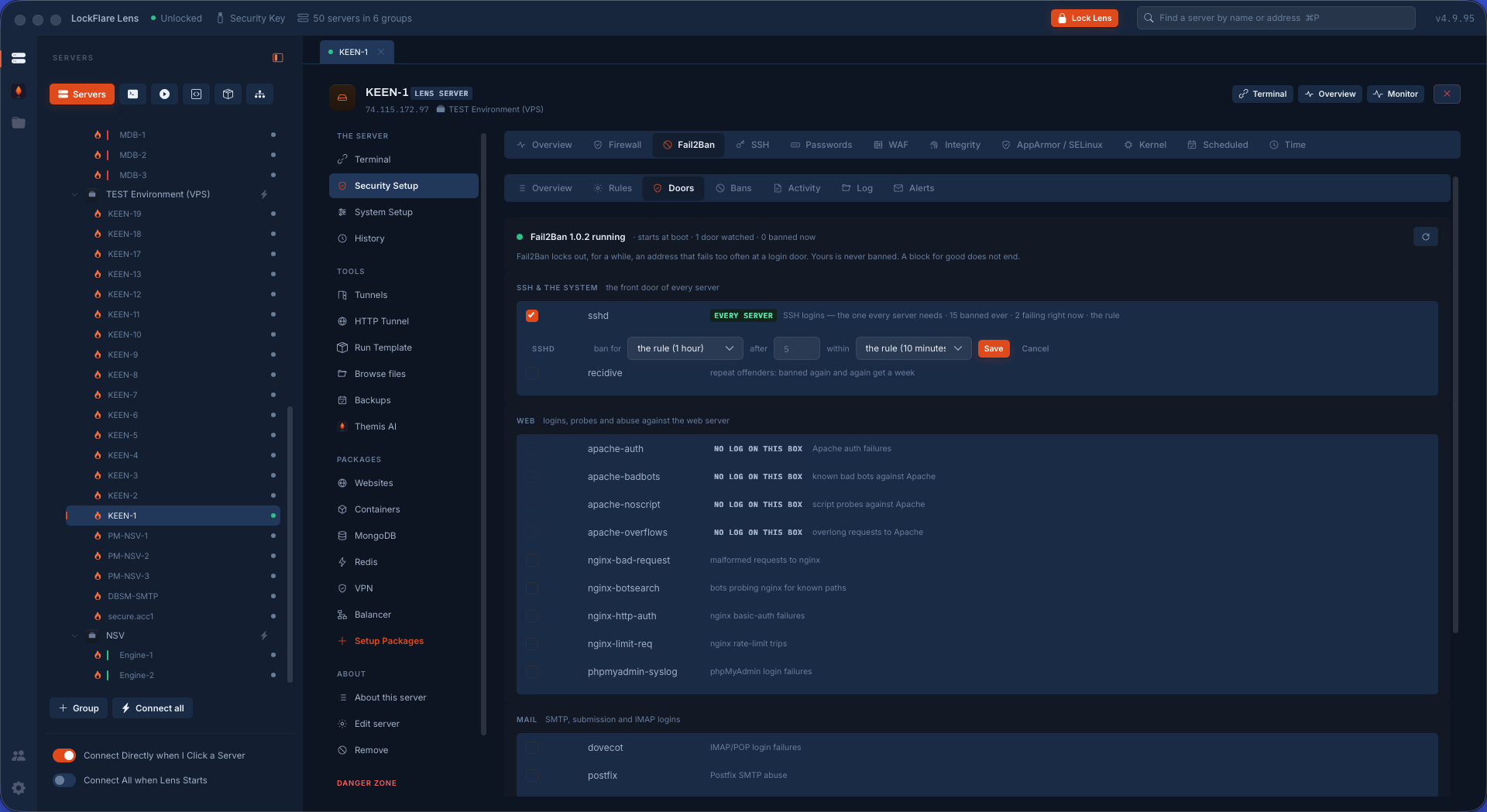
Fail2Ban: the doors SSH, web logins, mail, FTP and the databases as doors switched on with a click; the rule in words; who is banned right now and why. Lens owns one file, jail.d/zz-lens.local, read last so it wins.
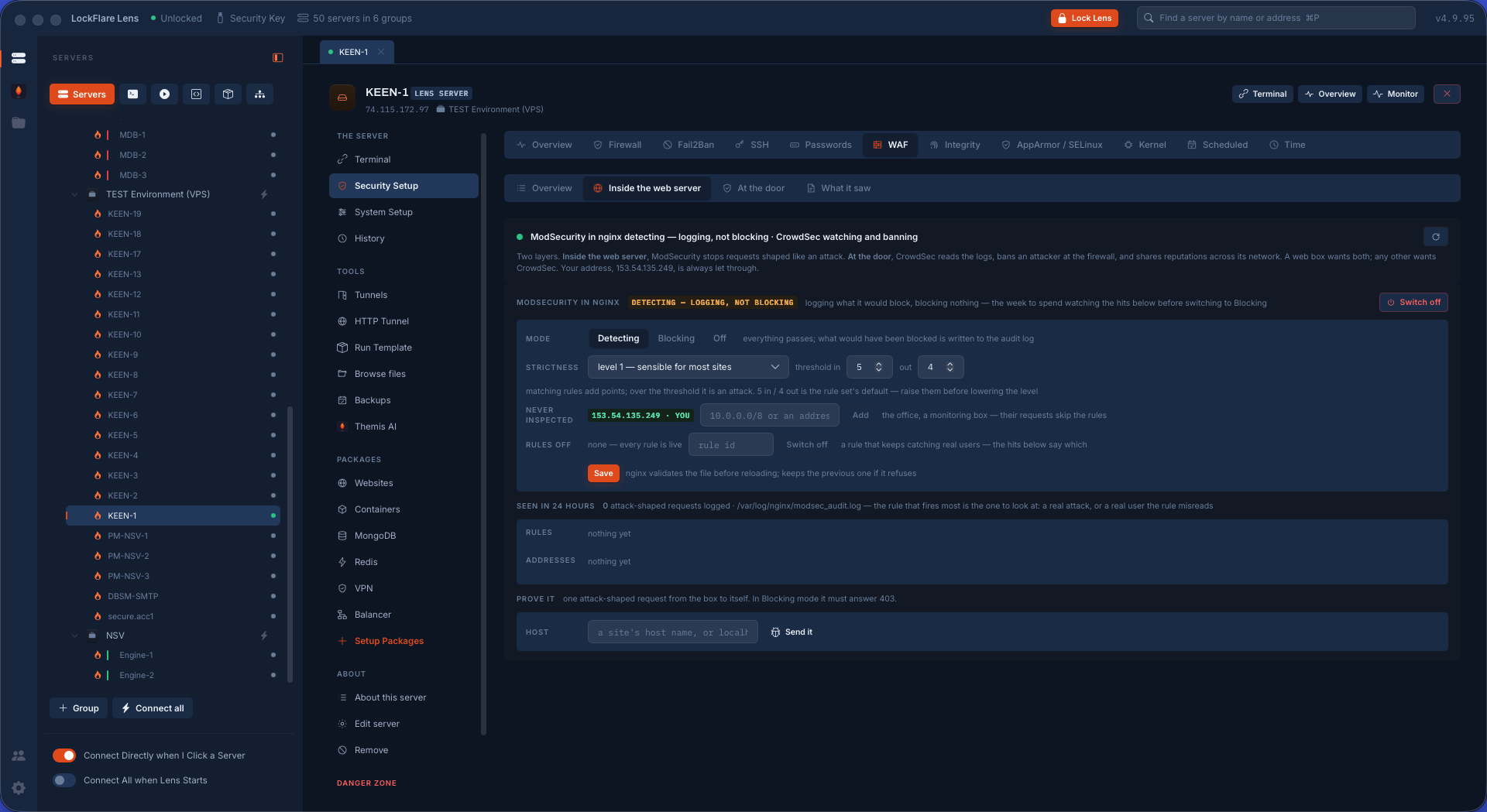
ModSecurity and the OWASP Core Rule Set Inside the web server: every request read and the ones shaped like an attack stopped before the site sees them. Paranoia level, anomaly thresholds, detecting or blocking — one form per engine.
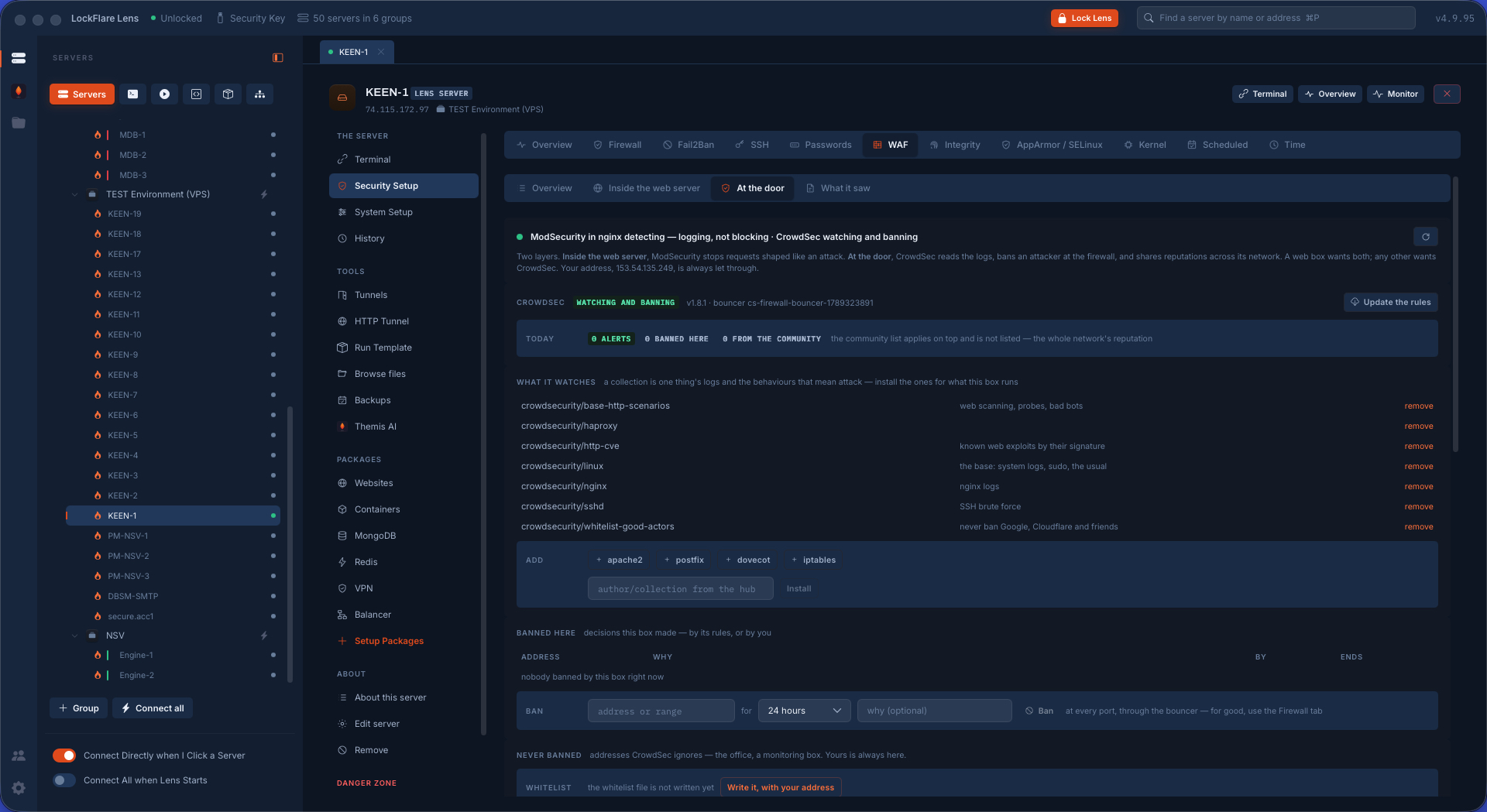
CrowdSec, at the door Reads the logs, recognises an attacker by behaviour, bans the address at the firewall for every port, and shares reputations so an address that hit someone else this morning is already banned here.
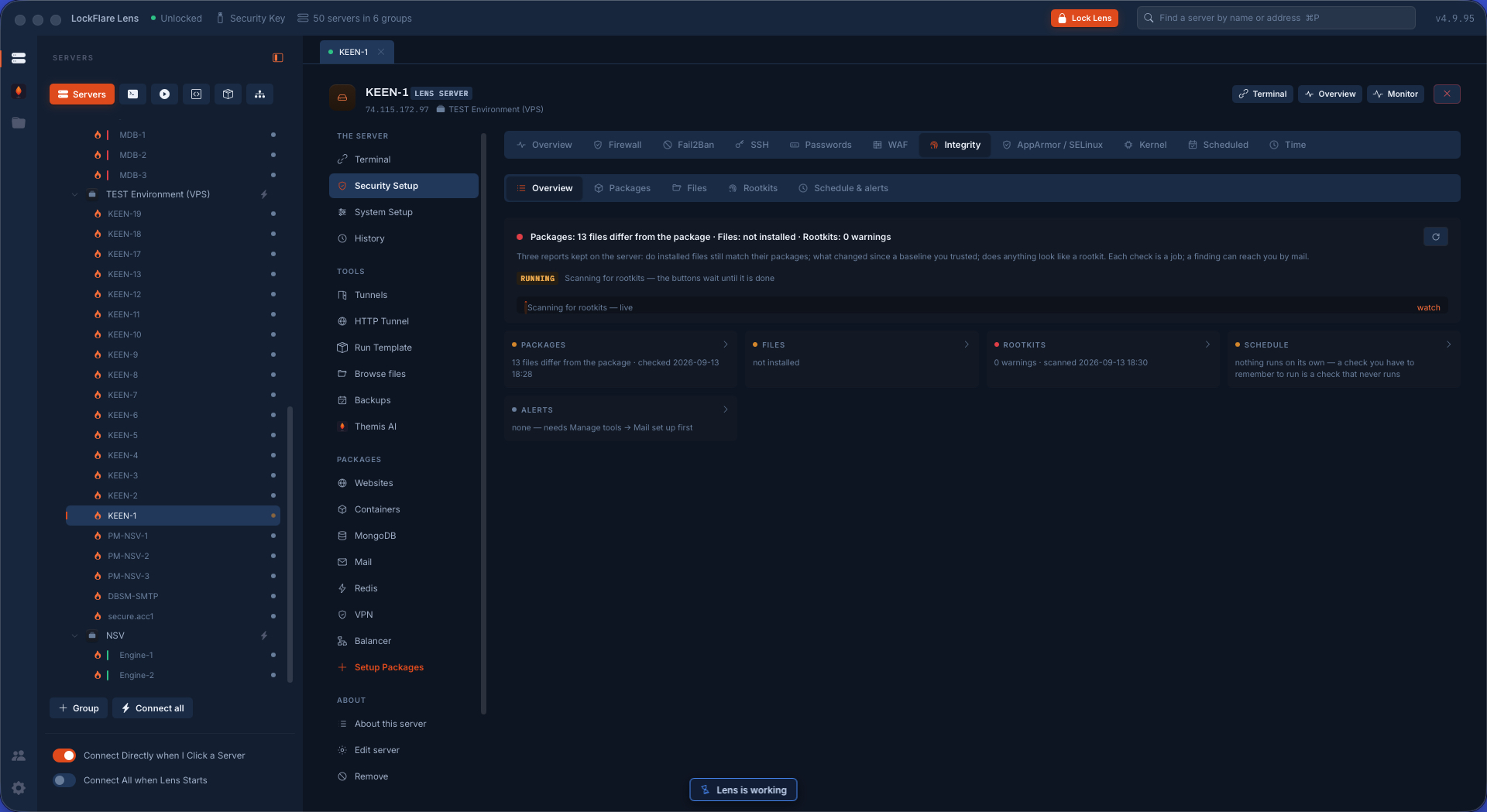
Integrity and rootkits Three checks, each a job with its report kept on the server: packages against what the distribution shipped (debsums or rpm -V), files against an AIDE baseline, and rootkits through rkhunter and chkrootkit — with timers Lens owns and a mail when something changed.
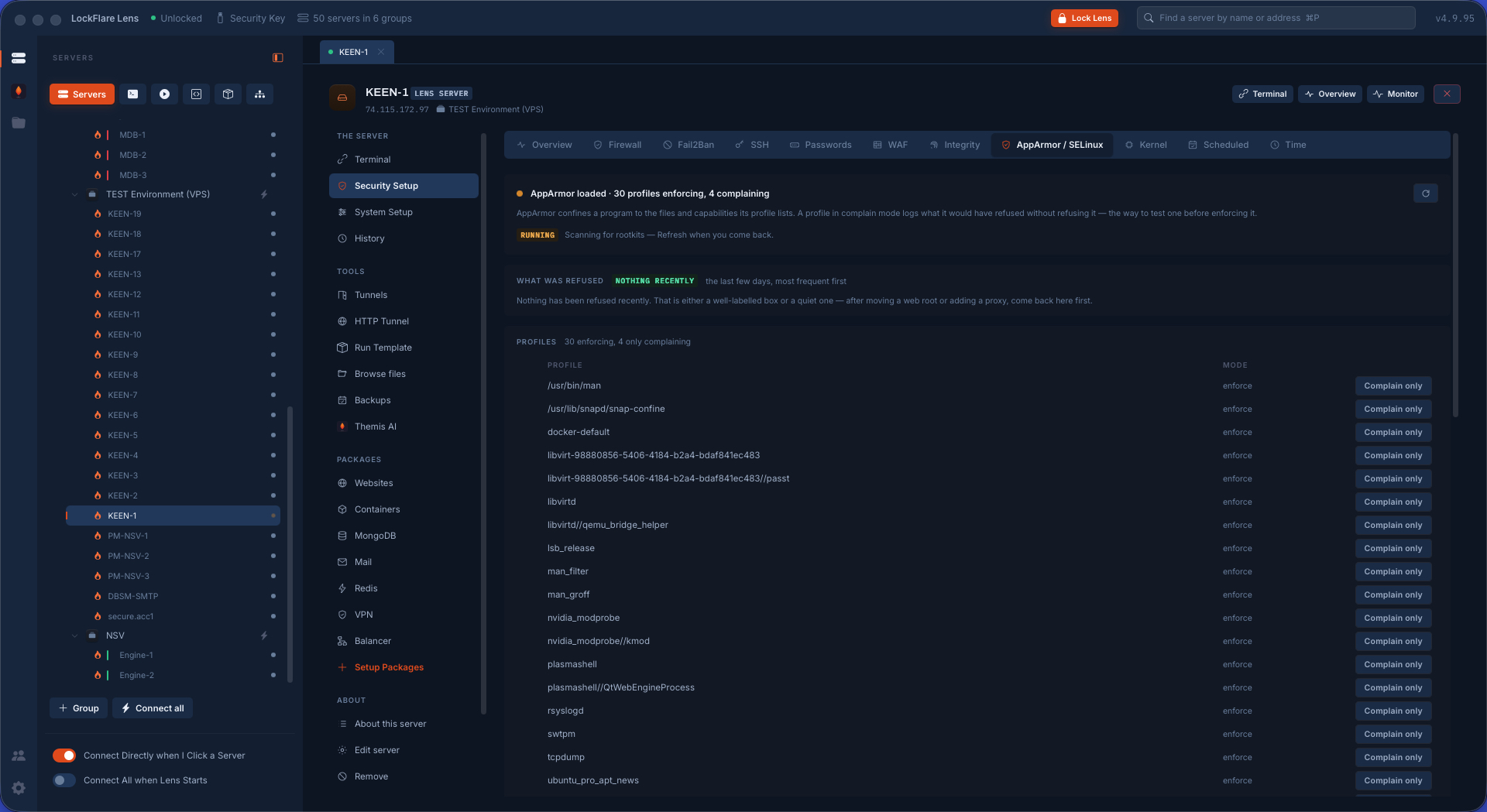
AppArmor and SELinux The kernel's second opinion: what a program may do at all. The denials come first, read as a wrong label or an attack, with the fix where Lens knows it; then the profiles, and what is listening unconfined.
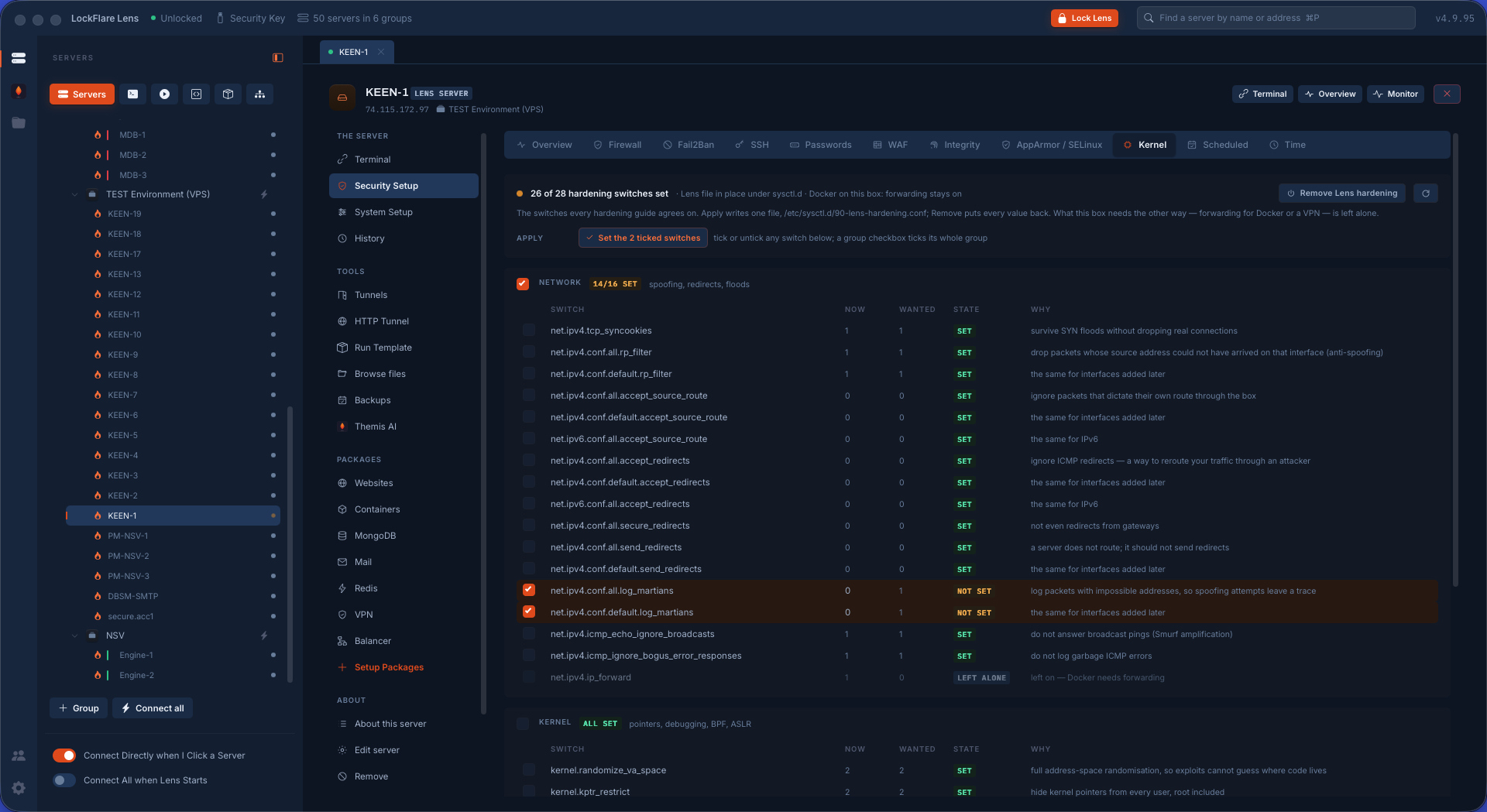
Kernel hardening The sysctl switches against spoofing, probing and escalation, grouped as network, kernel and filesystem, set through one Lens file live and at boot — with every old value remembered so Remove puts the box back.
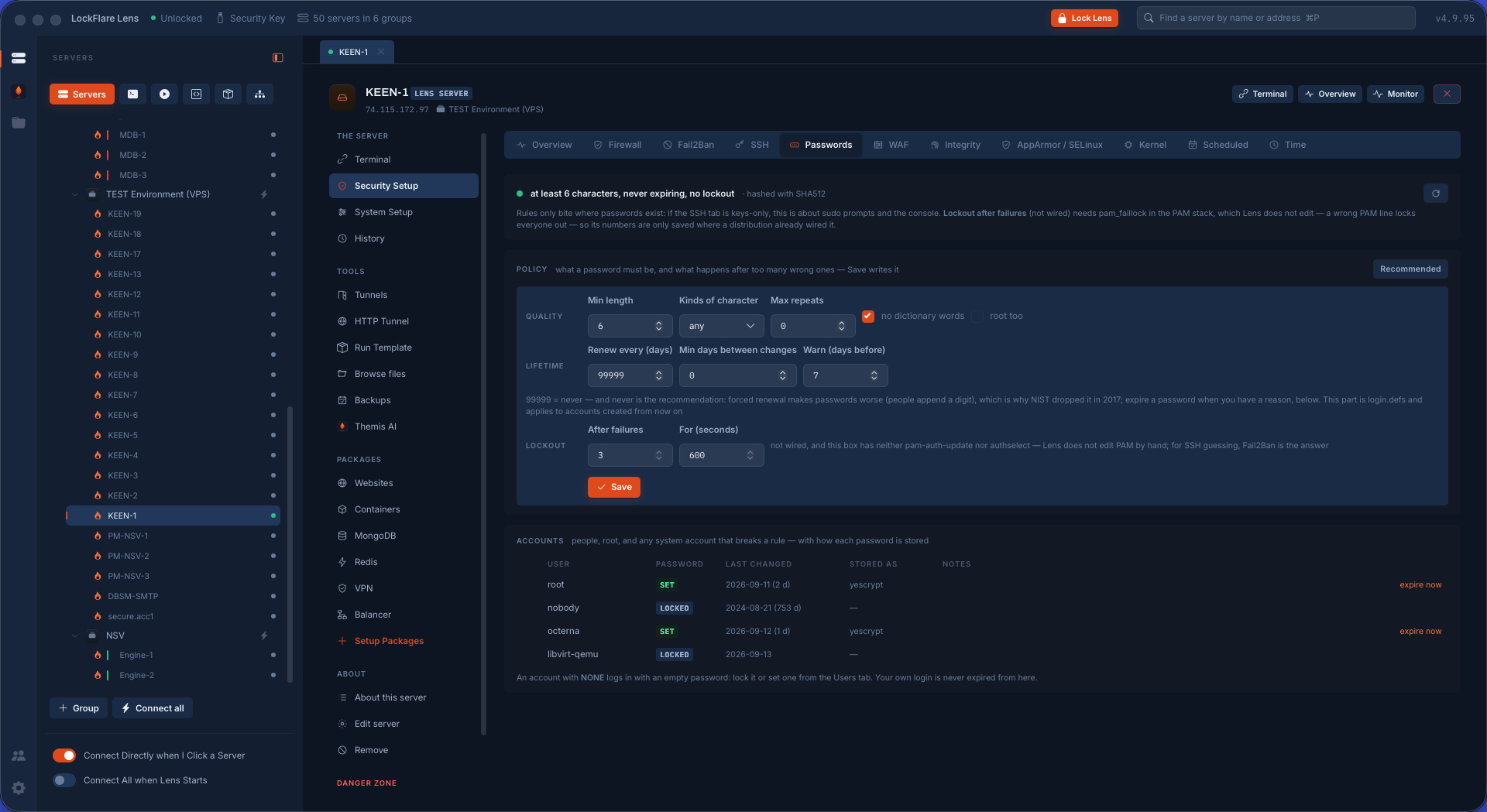
Password rules What a password must be, how long it lives and what happens after too many wrong ones — through pwquality, faillock and login.defs — beside the accounts that break the policy right now.
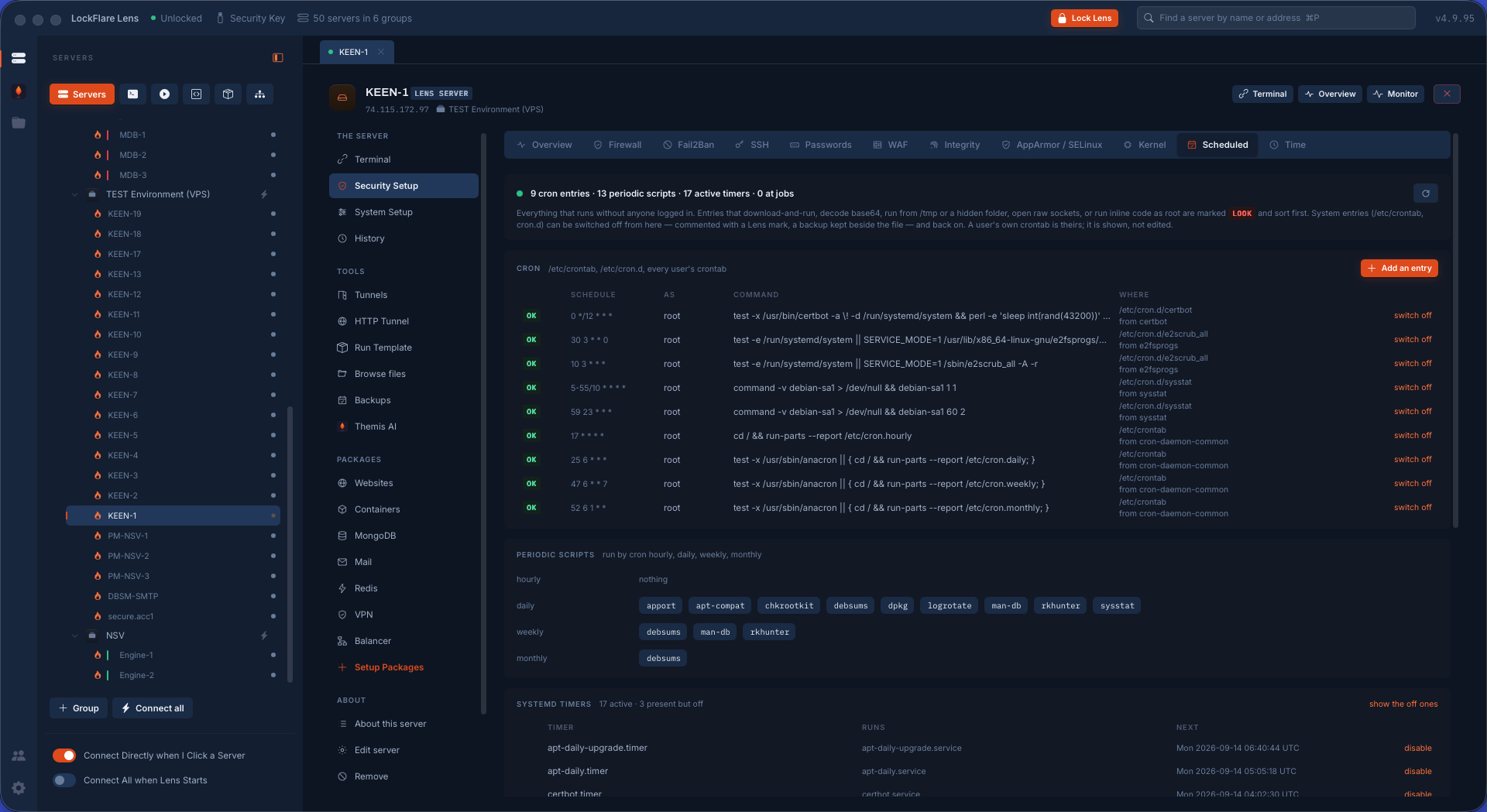
Everything the box runs on its own Cron in all of its places, systemd timers and at jobs, with who runs each and from where. Persistence is where an intruder lives after the first day; this is the list a responder asks for first.
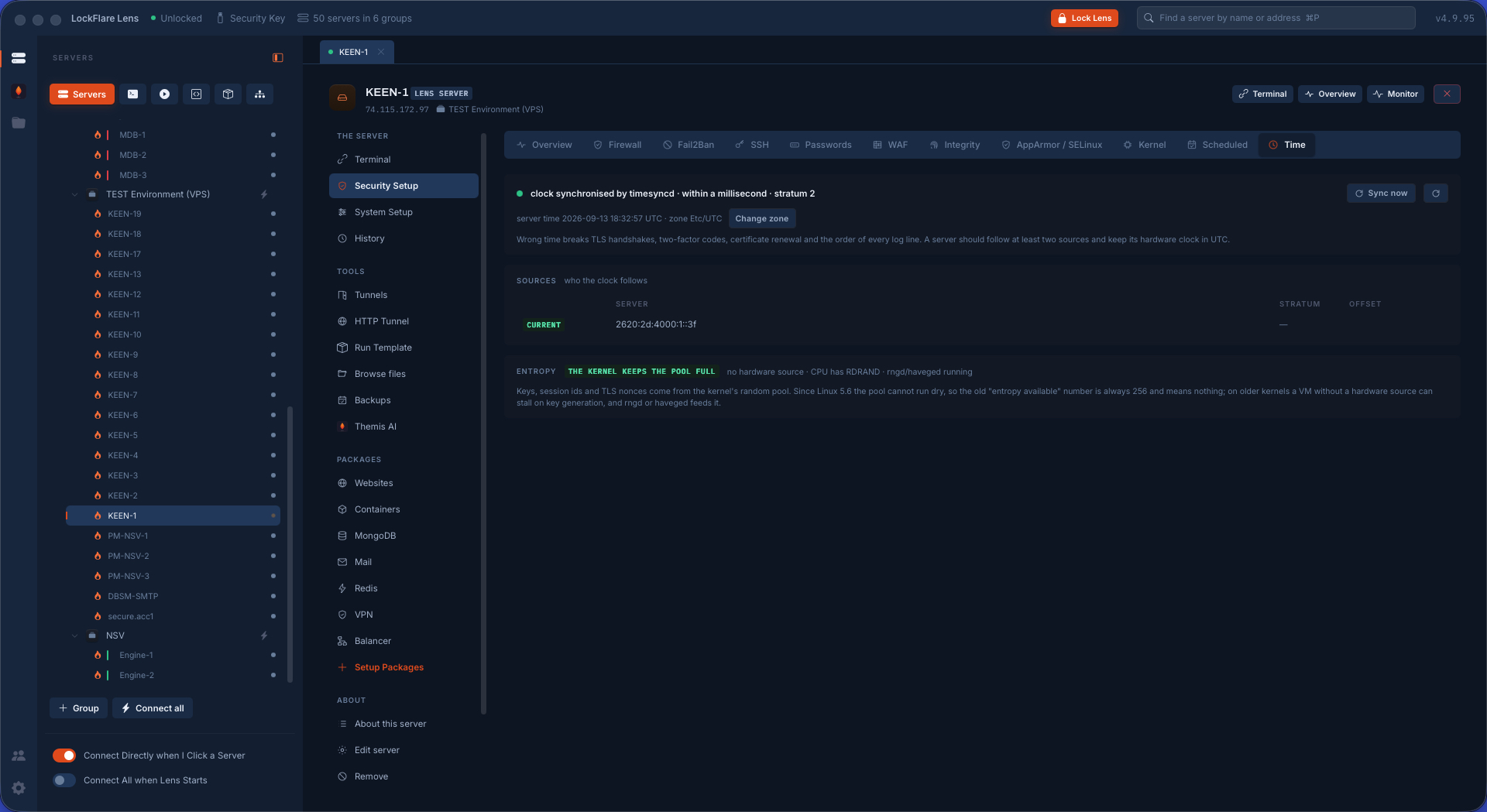
The clock, and entropy Whether the time is right and who keeps it so — chrony, systemd-timesyncd or ntpd — because drift breaks certificates, one-time codes and every log correlation. And whether the box has a real source of randomness.
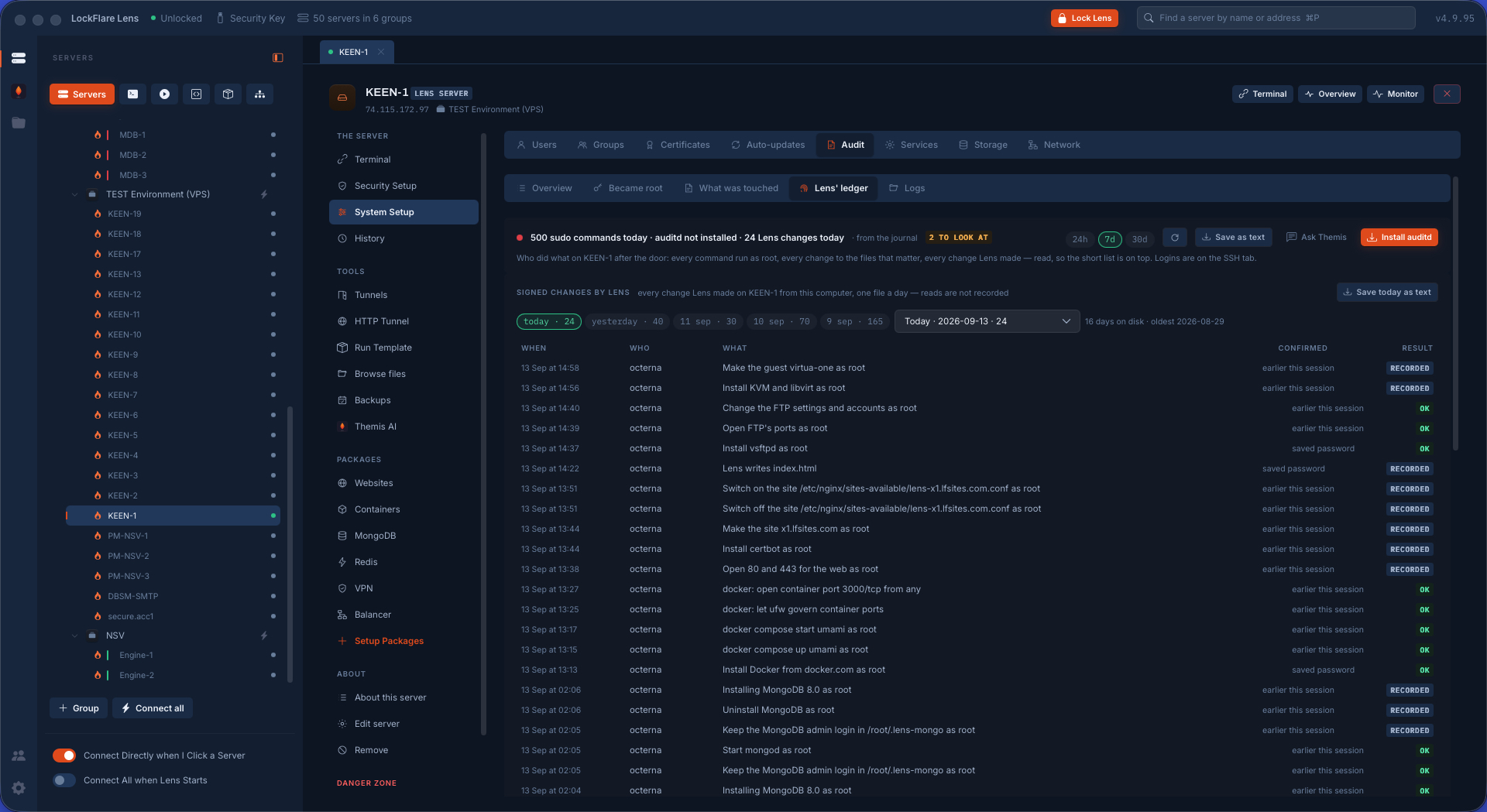
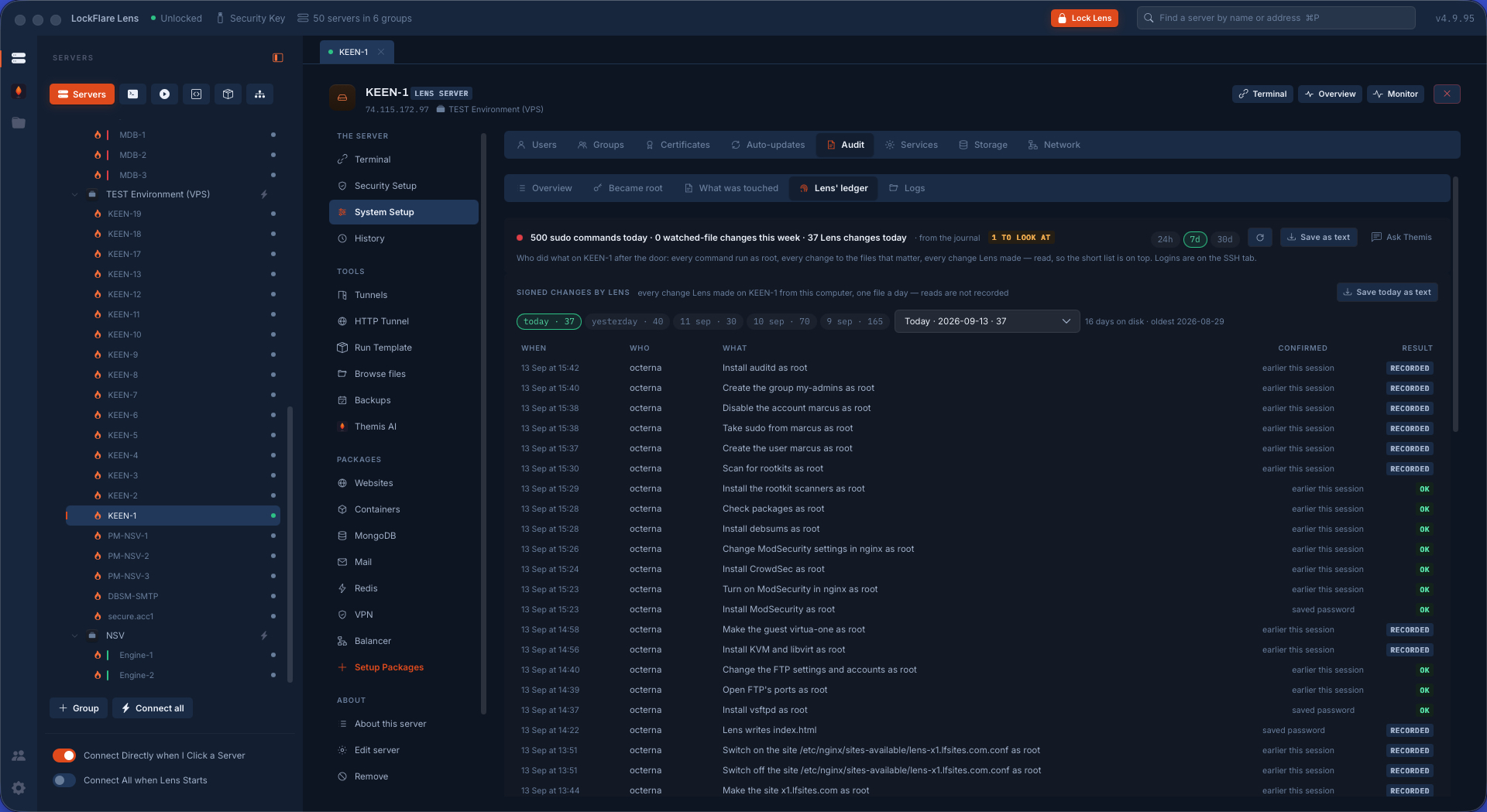
Audit: who became root Every sudo command from the journal with a verdict — a root shell, a sensitive file, a download piped to a shell, an account change, or routine — plus auditd's watches on the files that matter, and Lens's own signed ledger.
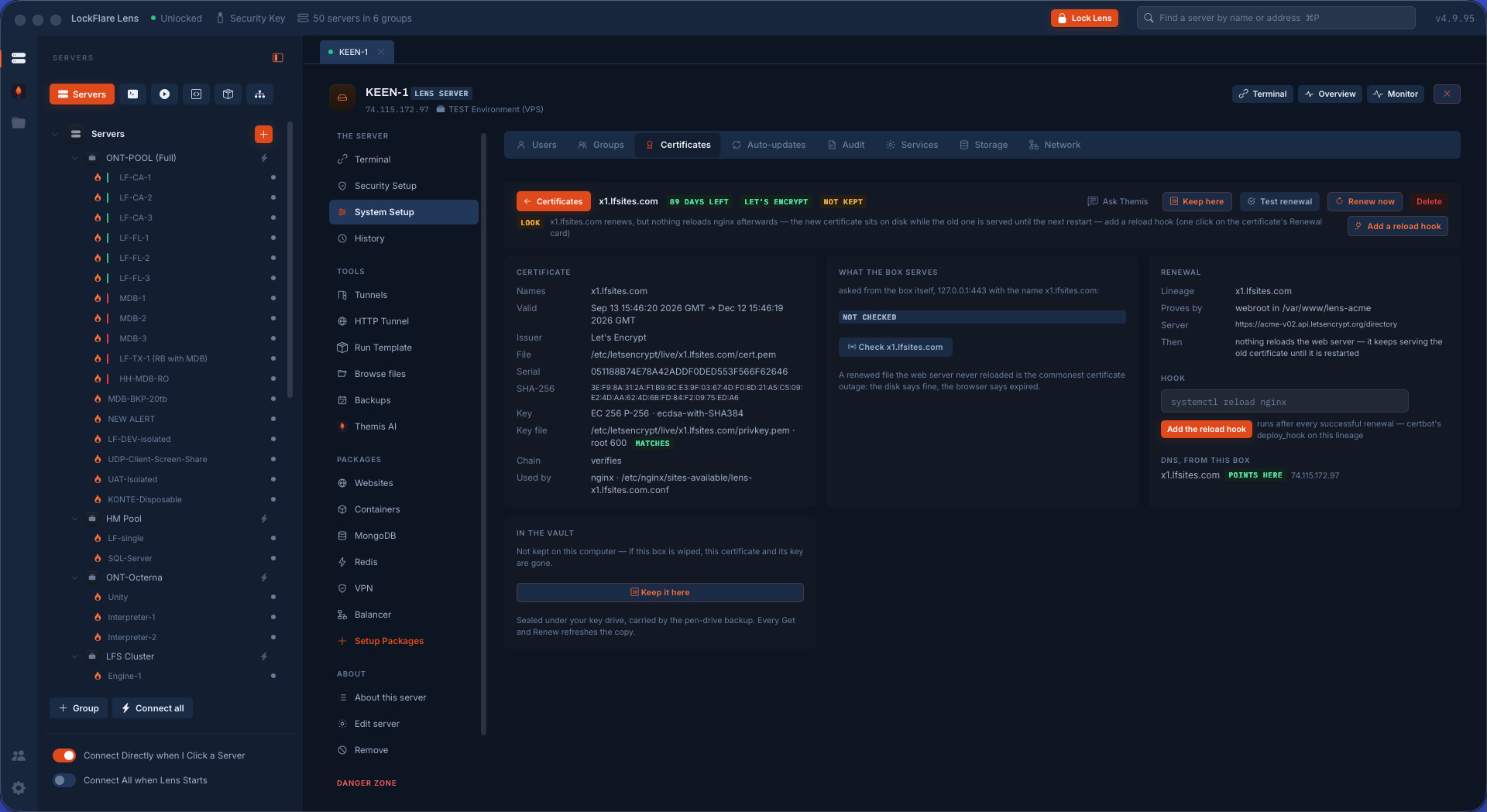
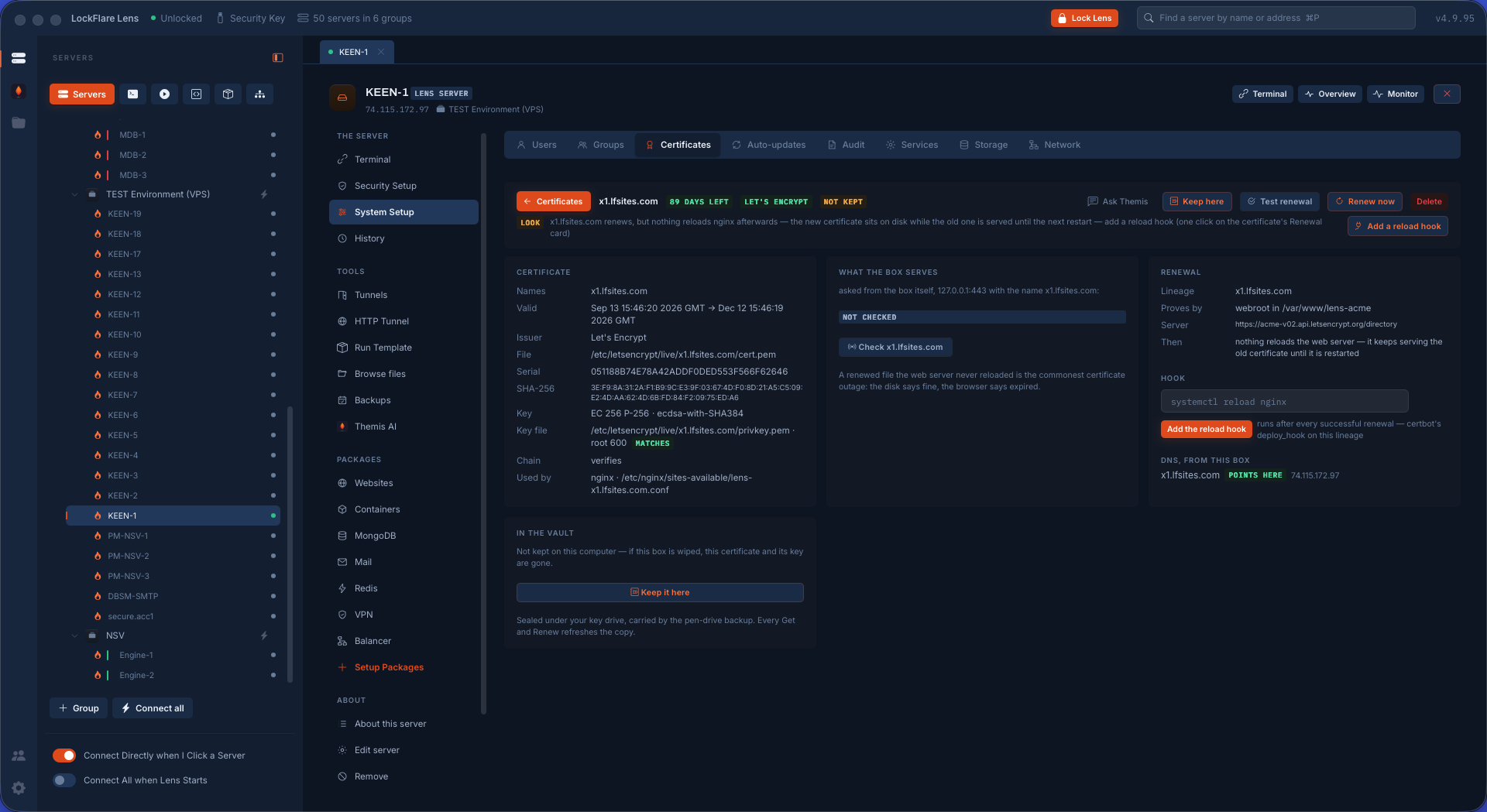
Certificates, with a vault When each certificate dies and whether it renews itself — and the parts that go wrong quietly: whether the box serves what is on disk, whether anything reloads the web server after a renewal, whether the chain verifies. The vault keeps every certificate and key on your computer.
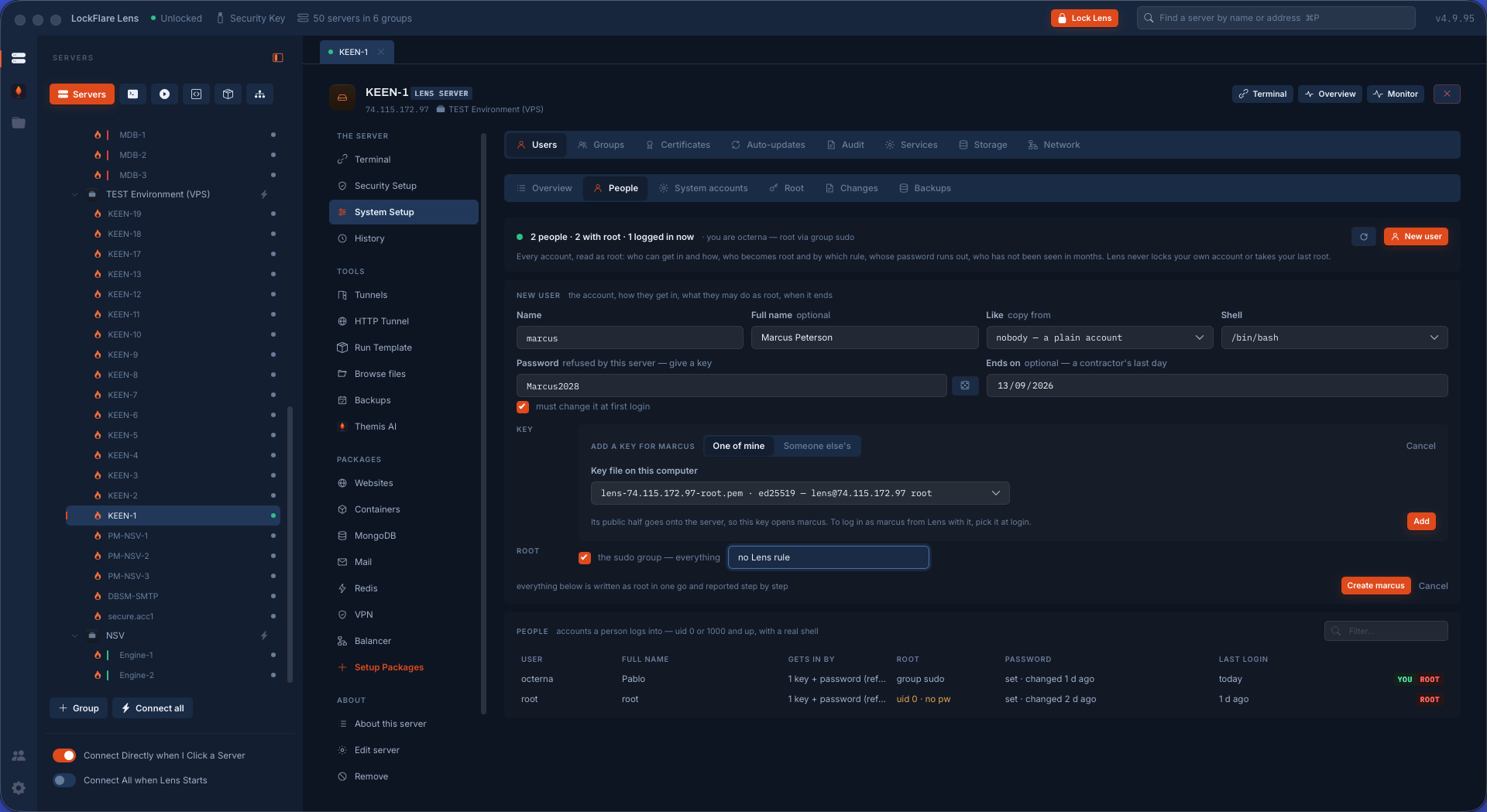
Adding an account Identity, the login, a key of theirs or one made here, and the sudo rule — onboarding as one card, ending with the line you hand over.
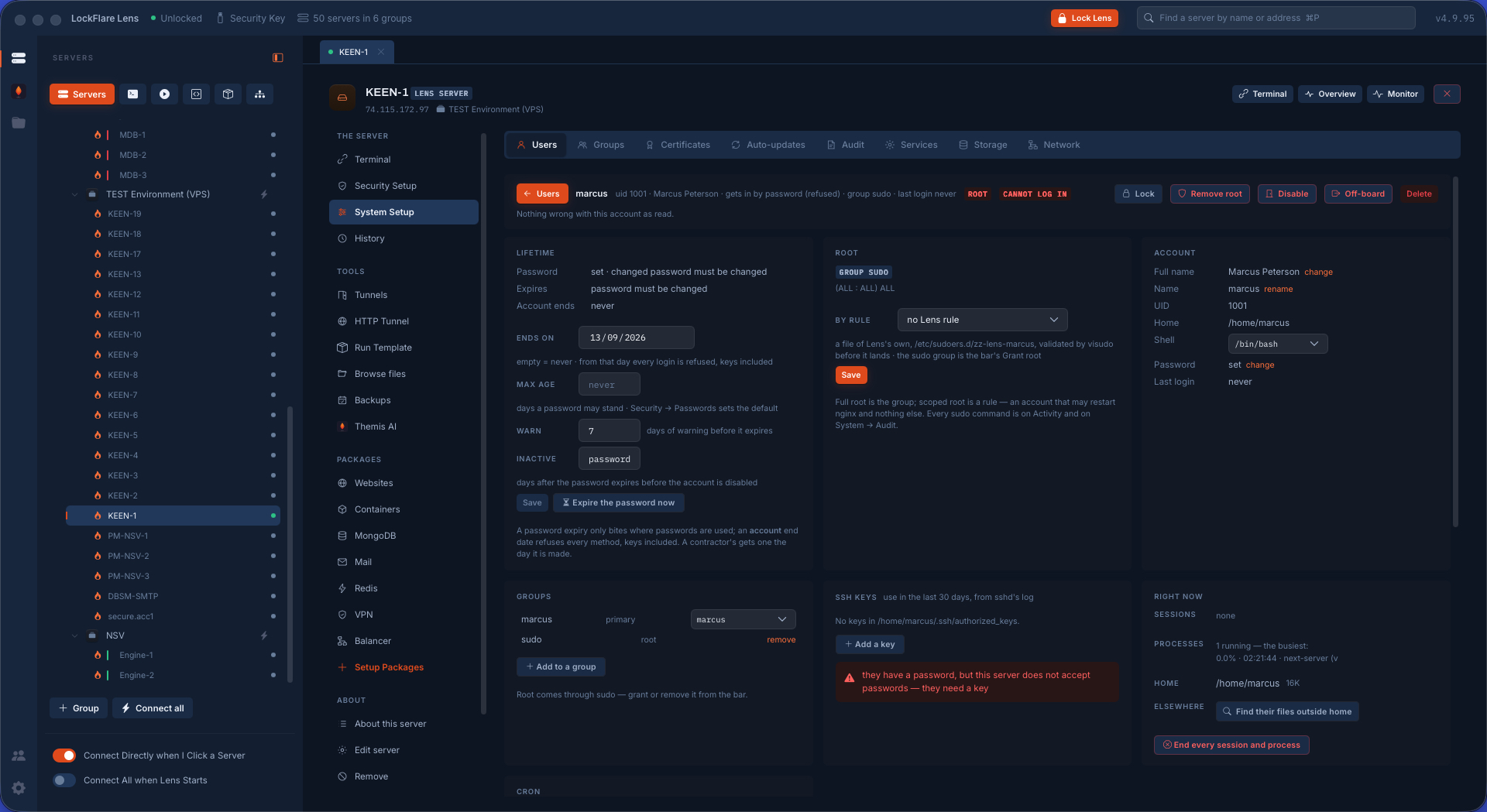
An account, opened Its lifetime, how it gets in, the exact rule that grants it root and how far that reaches, its groups, its cron, and what it is running right now.
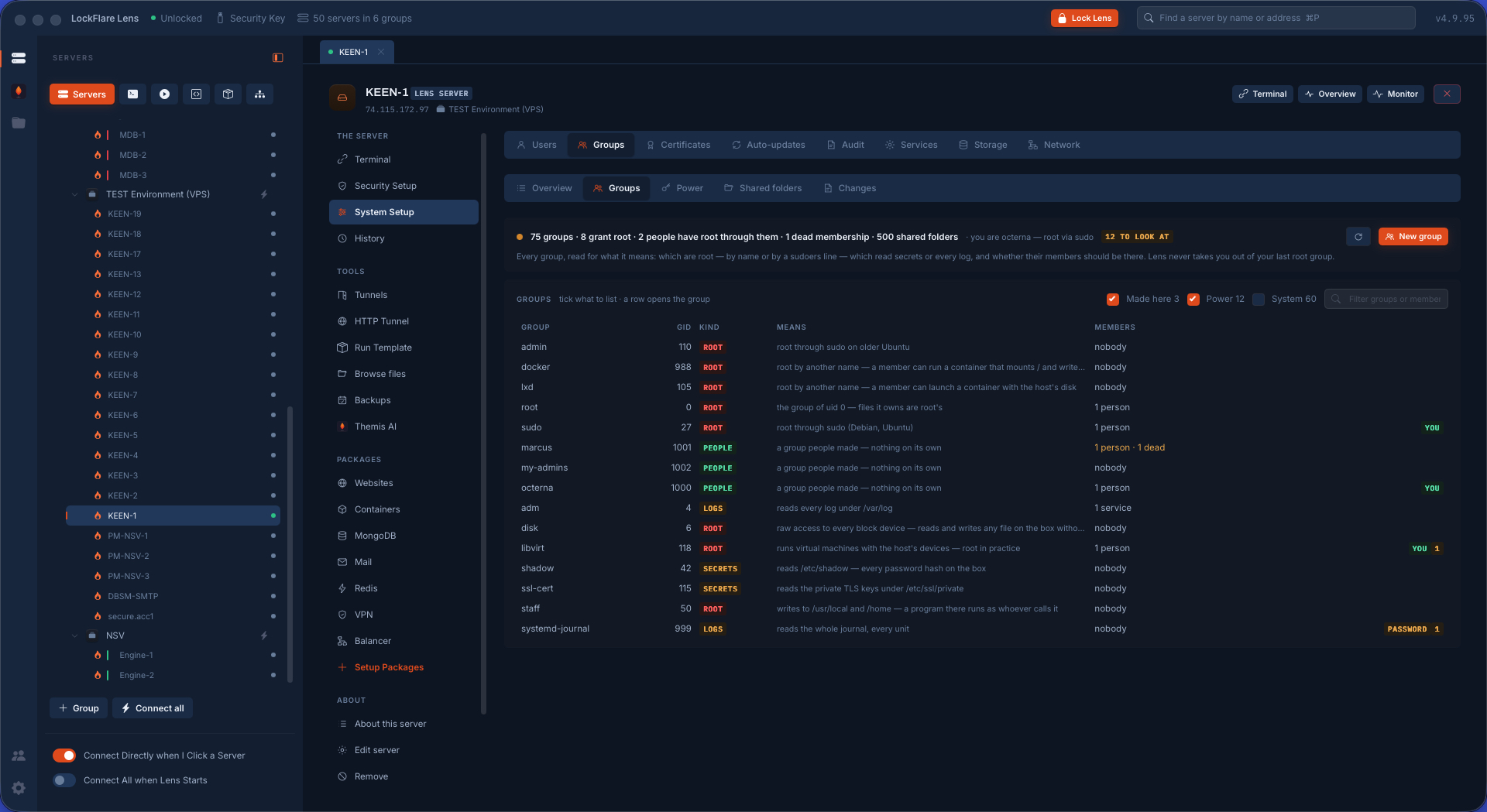
Groups, read for what they grant Not who is in what, but what each group means: docker is root by another name, adm reads every log, shadow reads the hashes, and a %group line in sudoers turns a group nobody looks at into root.
Certificates, and the vault Whether the box serves what is on disk, whether anything reloads the web server after a renewal, whether the chain verifies — with every certificate and key kept on your computer, so a wiped box is a put back.
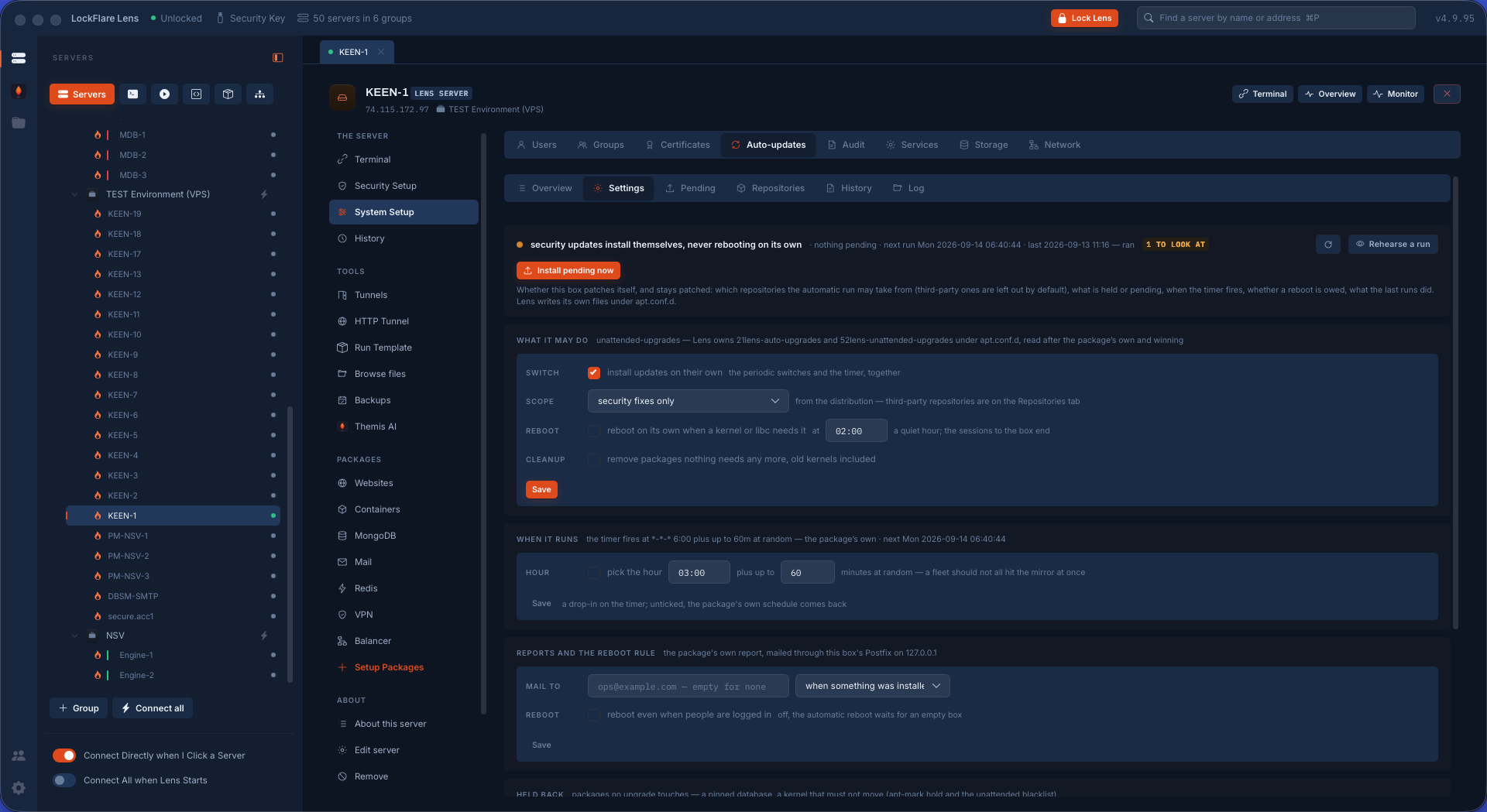
Automatic updates that stay applied Which repositories the automatic run may take from — third-party repos are left out by default and age for years — what is held back, what is pending, when the timer really fires, and whether a reboot is owed.
Lens's ledger Every signed change Lens itself made on this box, one file a day, kept on the server.
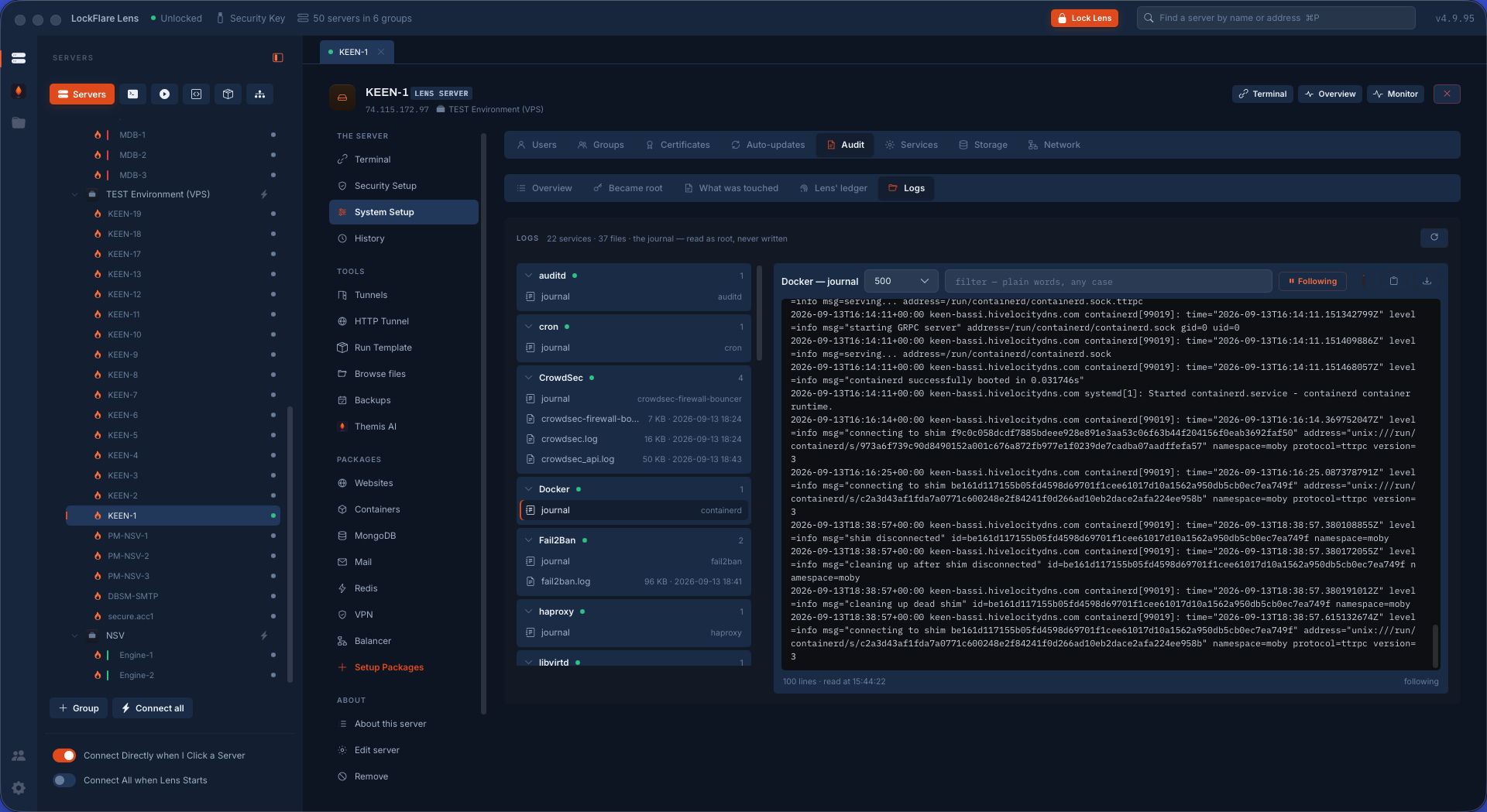
Any log, followed live Every log on the box by service or by file, opened and followed in real time.
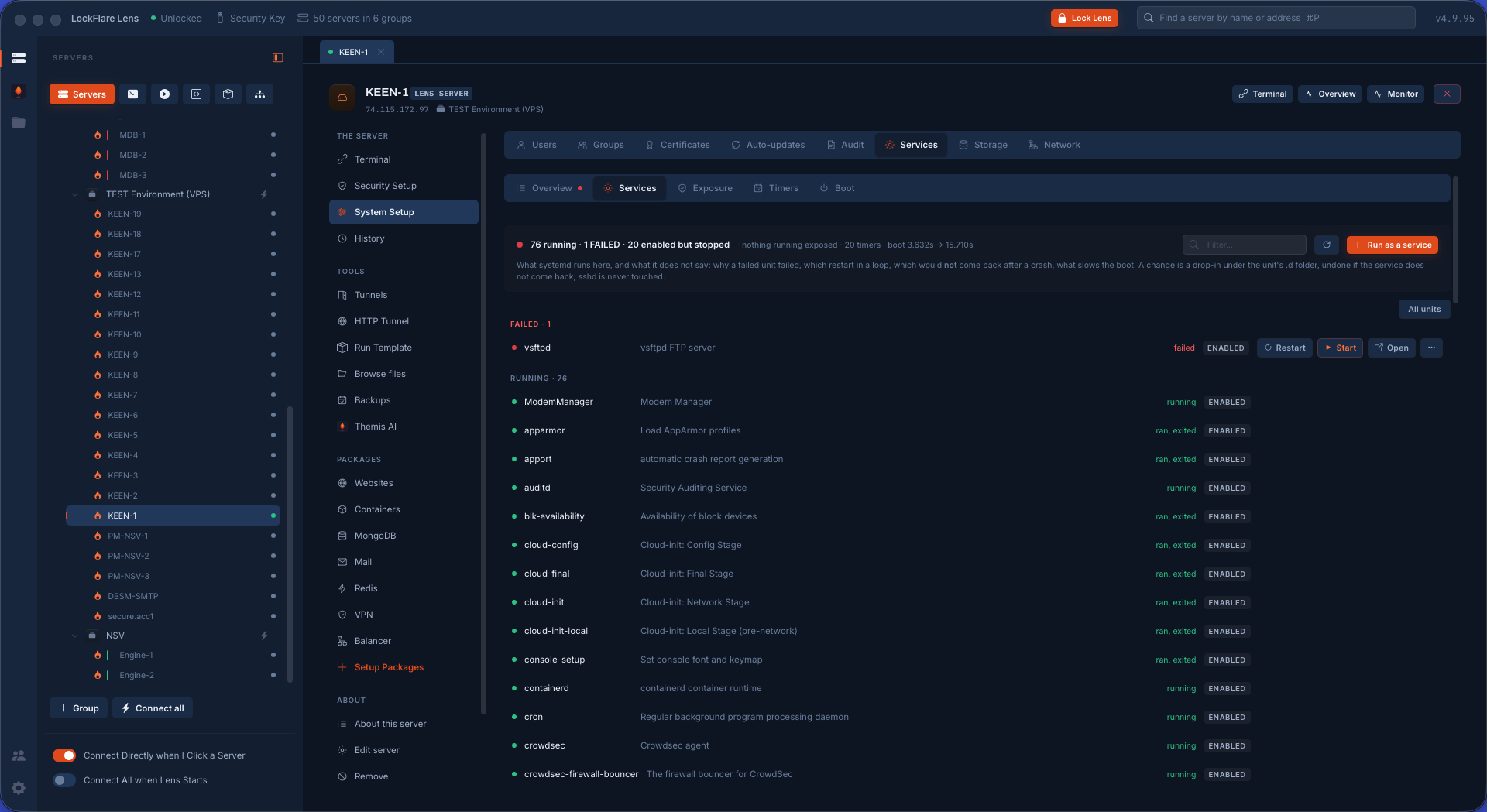
Services Failed first, then running, then enabled but stopped. A unit's file, drop-in, capabilities, hardening and exposure — and a new unit written from a form with the file shown before it is saved. sshd is protected from every verb.
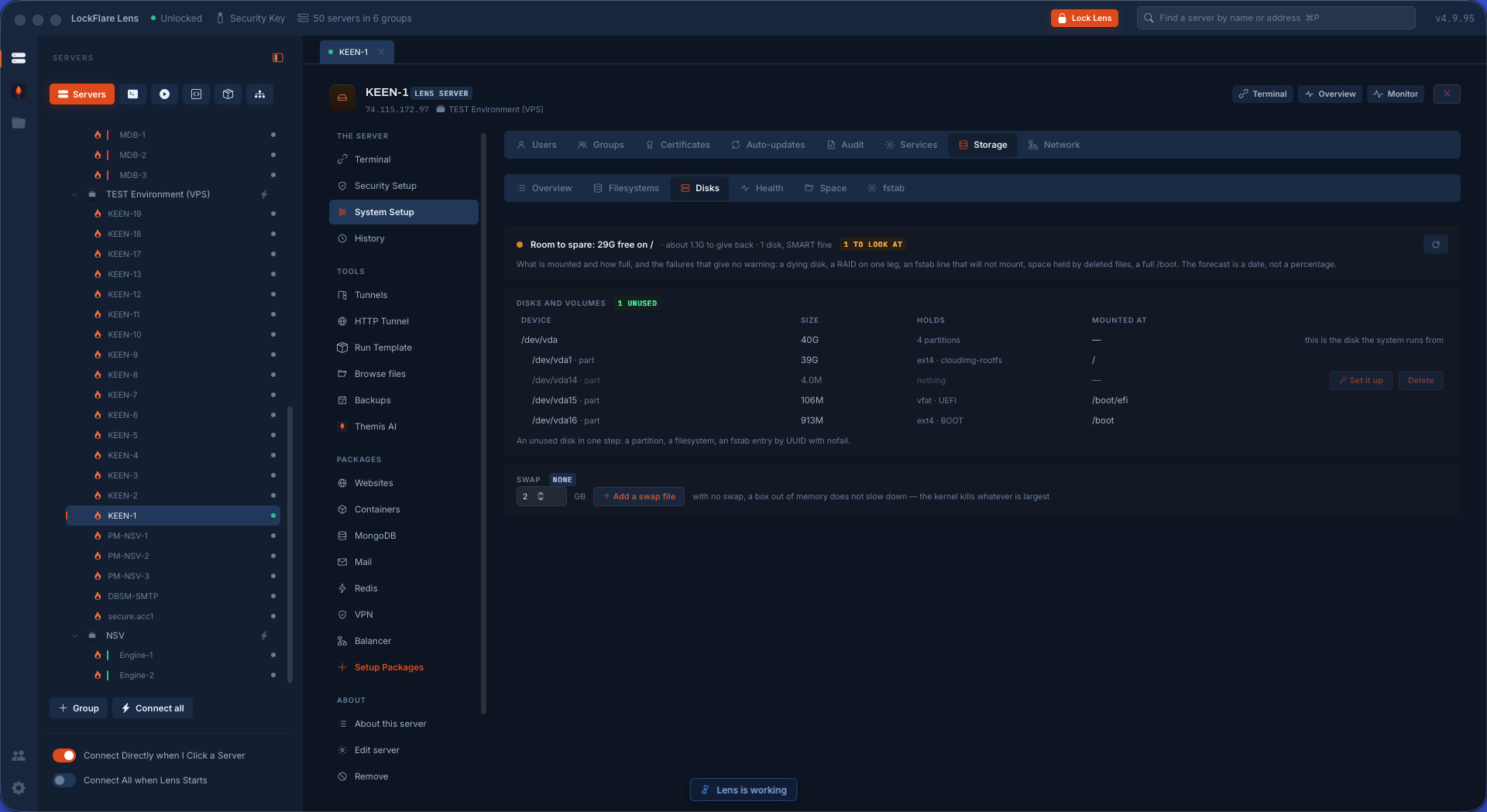
Disks, LVM and swap An attached volume made into a folder, a volume grown at the provider that the filesystem has not noticed, an LVM volume grown live with nothing unmounted, swap added, fstab.
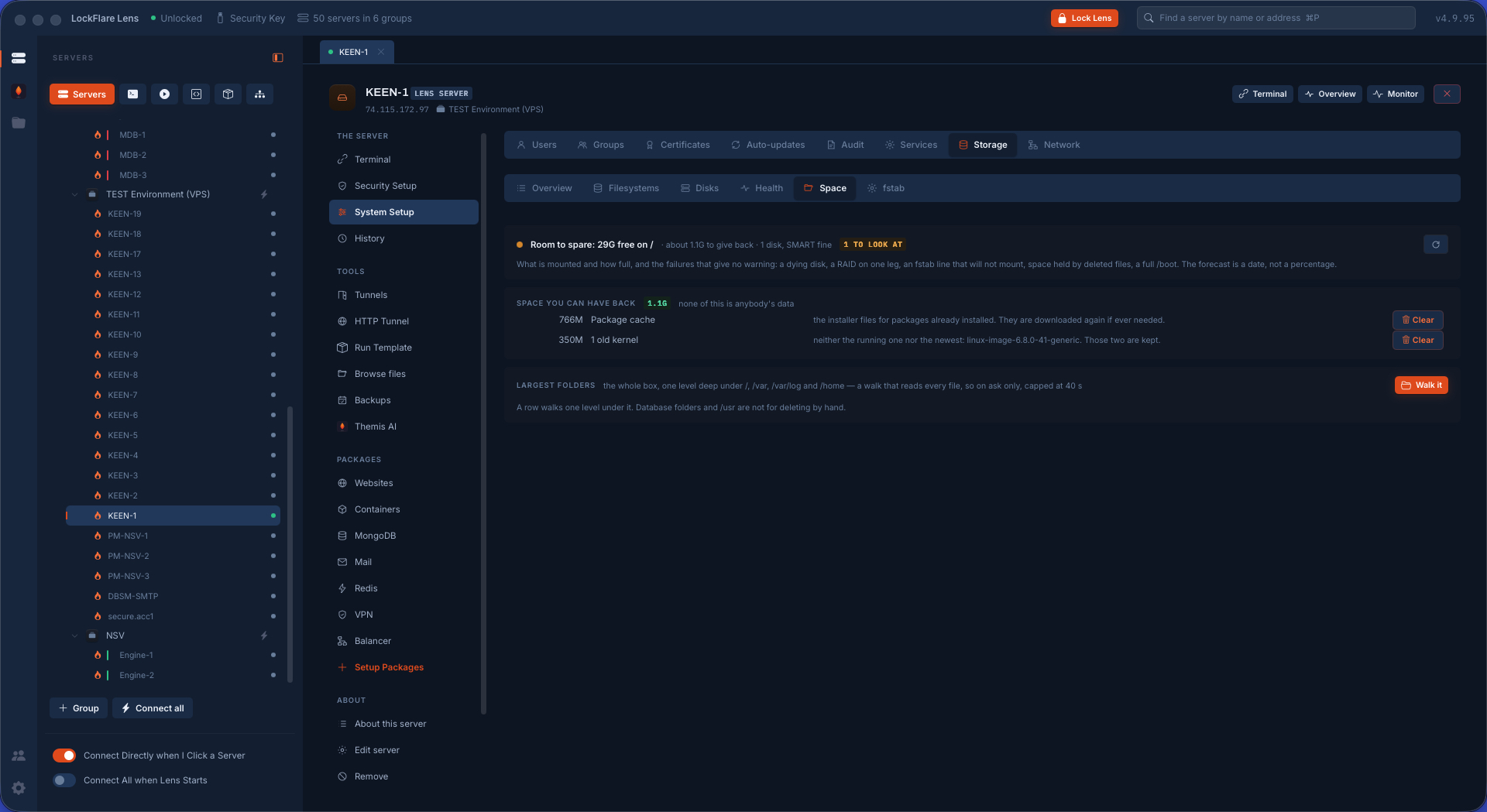
What can be given back What is taking the room, and the reclaim actions — each saying afterwards what the disk looks like now.
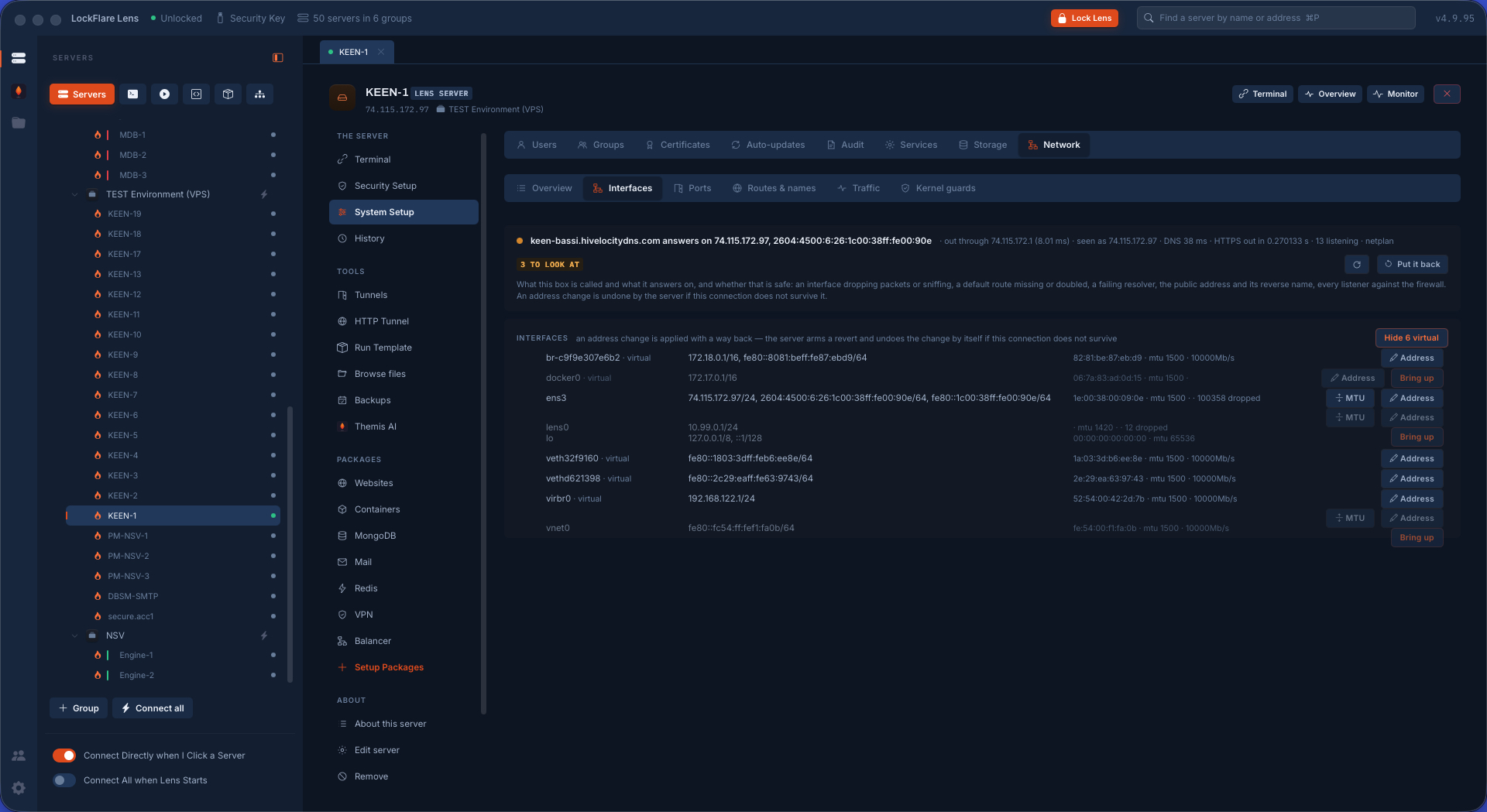
Interfaces and addresses What the box is called and what it answers on. Changing an address arms a revert on the server first: if Lens cannot reach the box afterwards, the box puts the old settings back by itself.
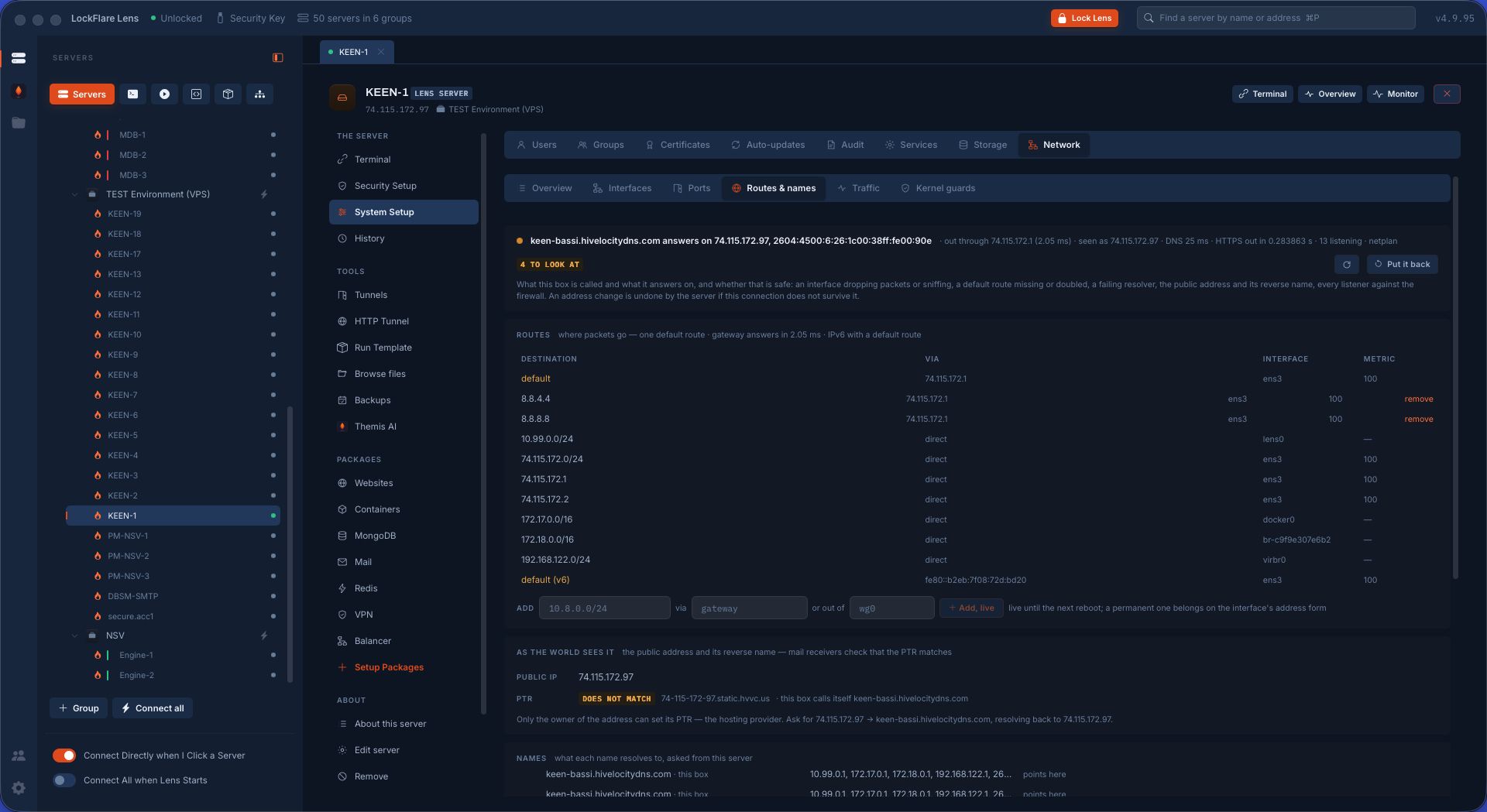
Routes and names What the box's names actually resolve to, asked from the box and from this computer side by side — the third reason a site will not load, after the service and the firewall.
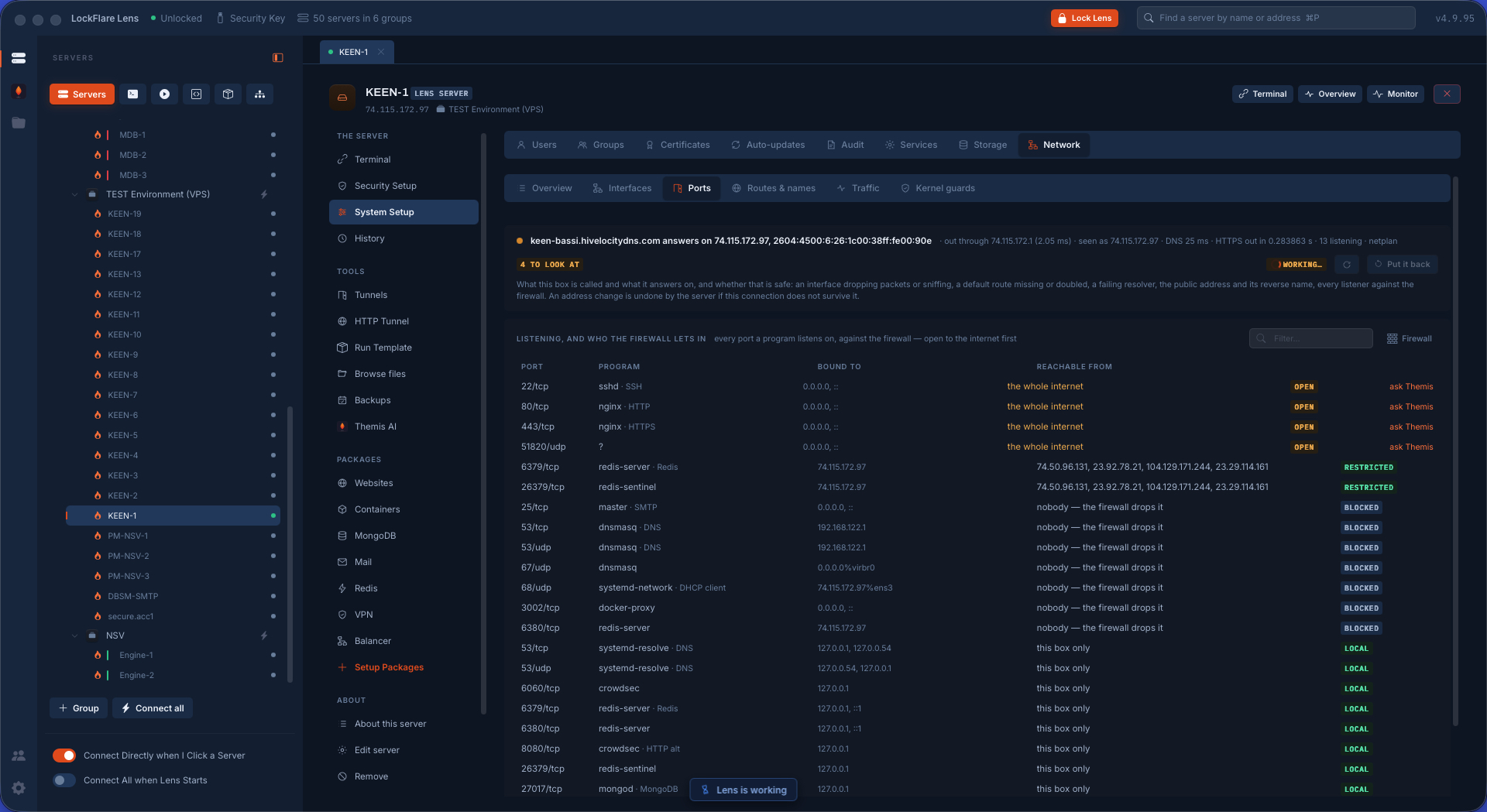
Ports Everything listening on the box, and what holds each one.
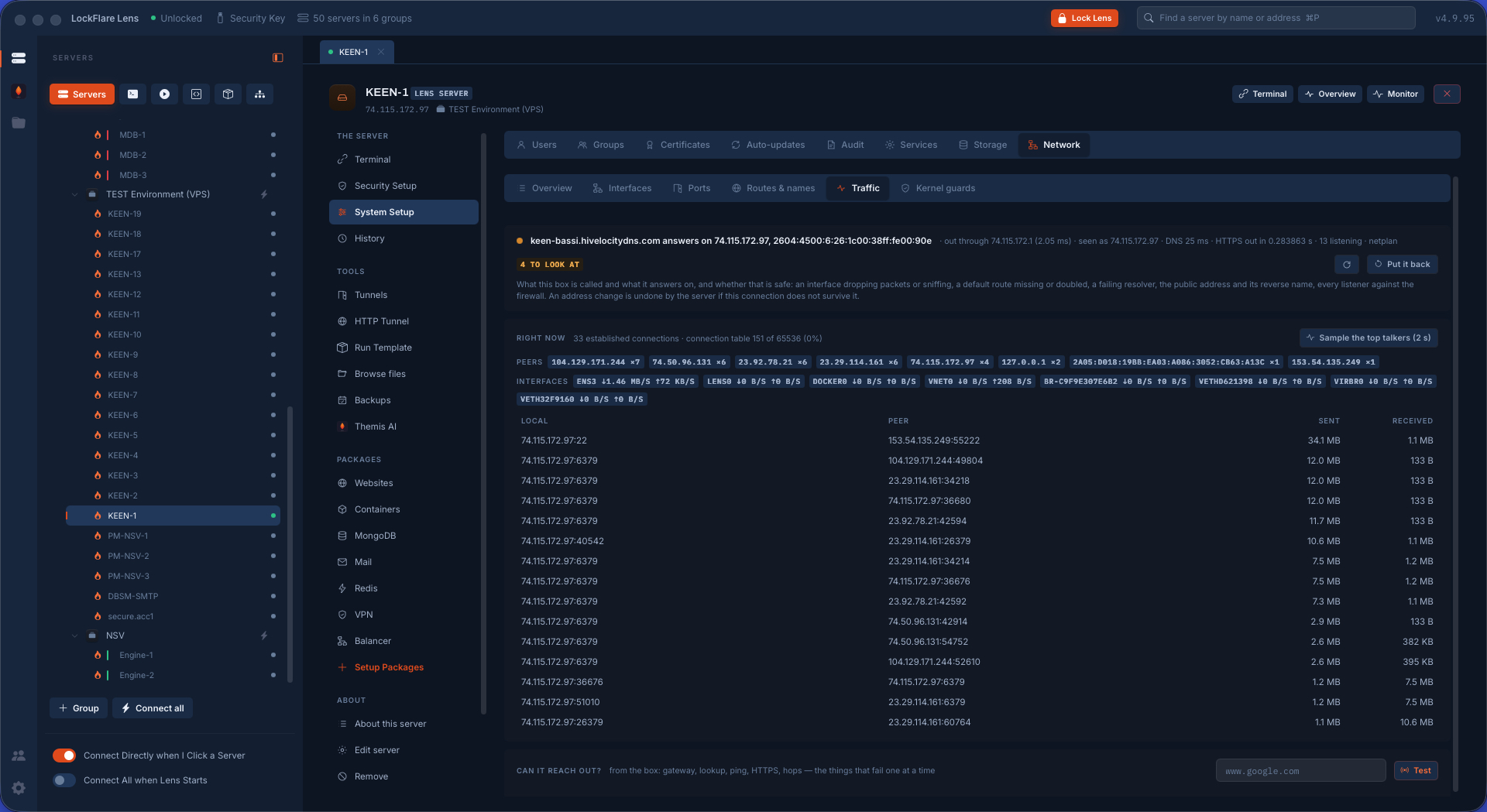
Traffic What the box is sending and receiving, from its own counters.
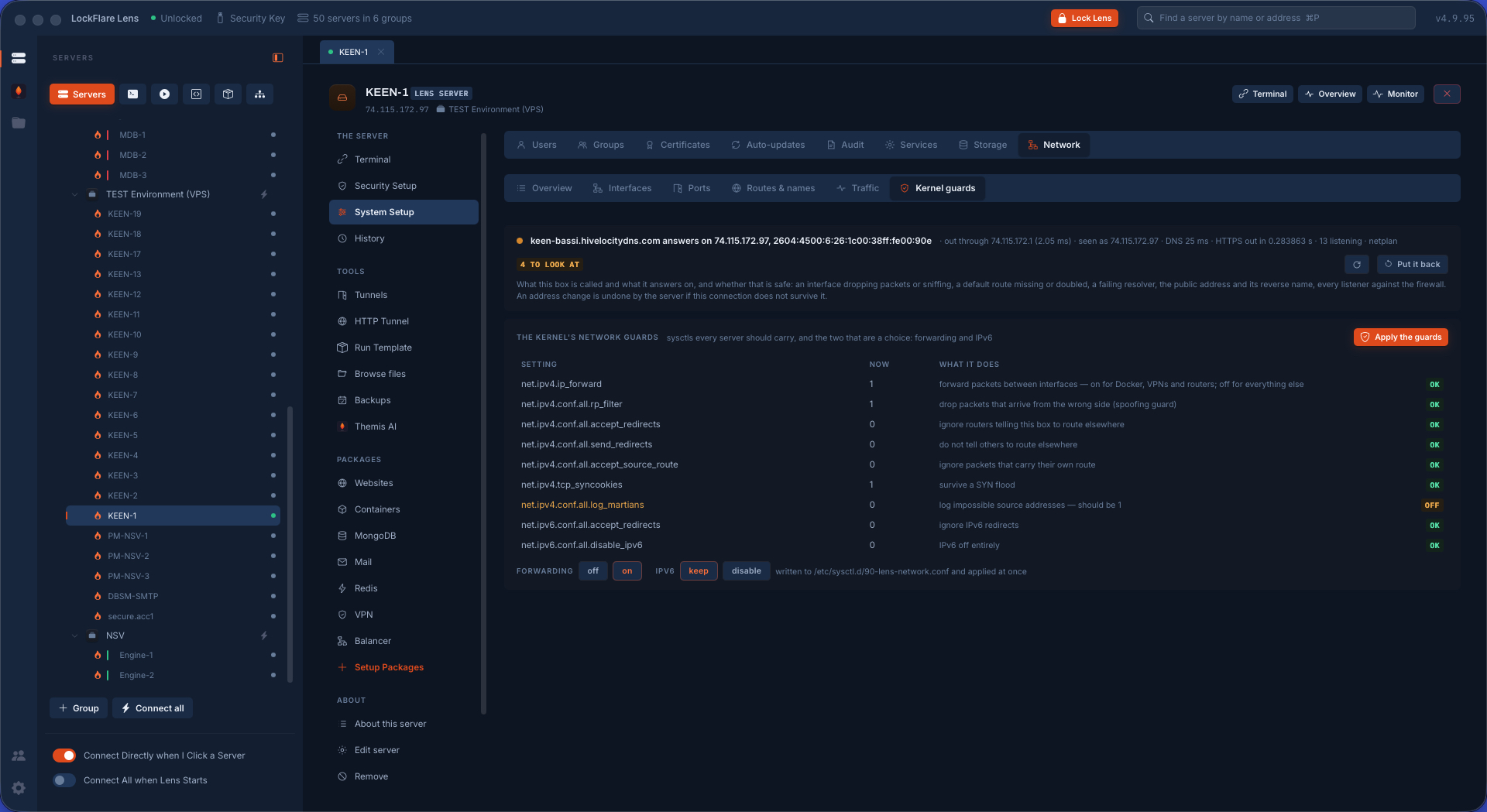
The kernel's network guards The switches against spoofing, redirects and floods, on the same page as the addresses they protect.
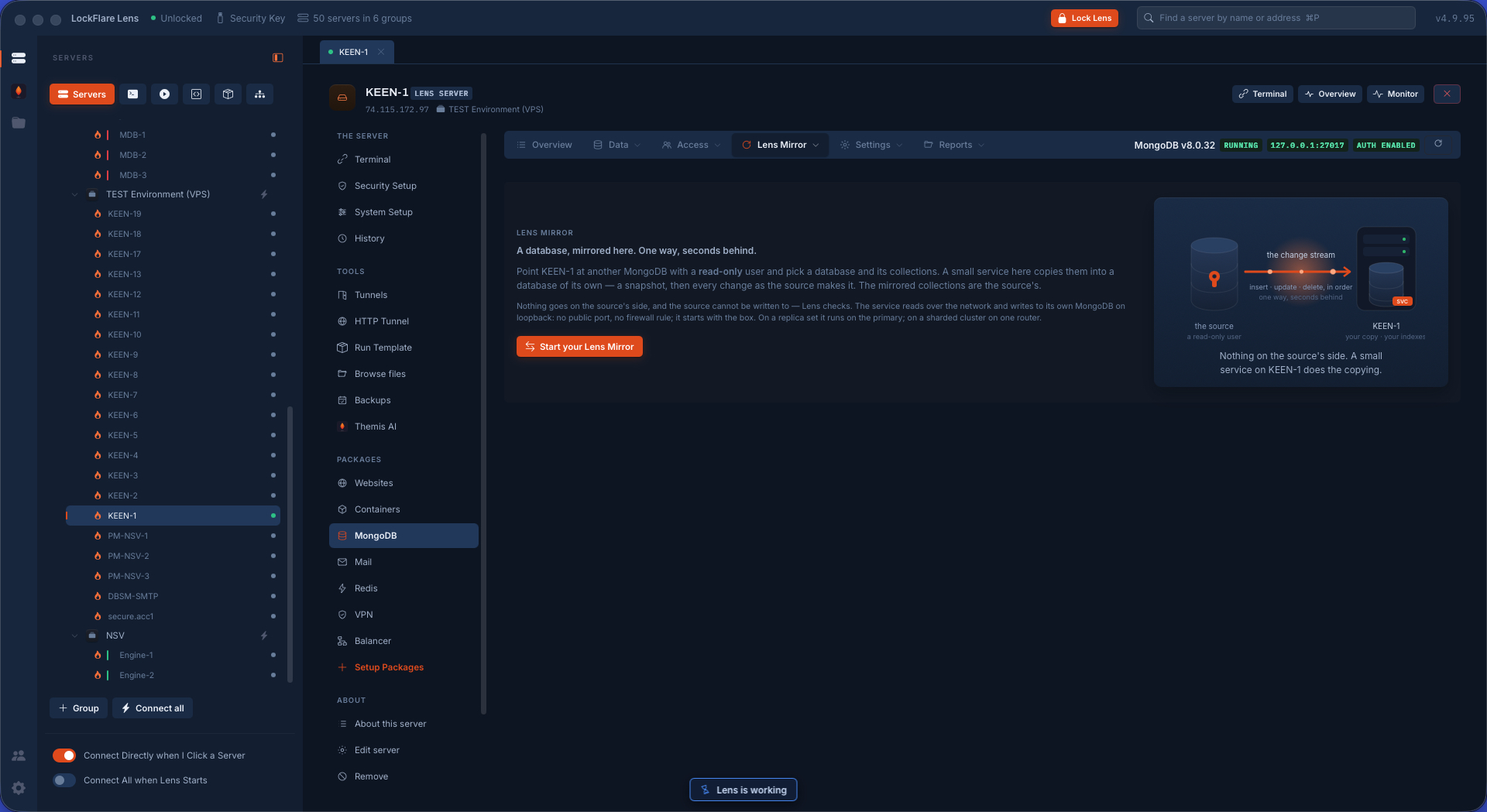
Lens Mirror One database of another MongoDB copied into a database on this box, faithfully and one way: a snapshot to start, then the source's own change stream, seconds behind and resumable. The source needs only a read-only user; the worker runs on the target box under systemd, so Lens is never in the data path.
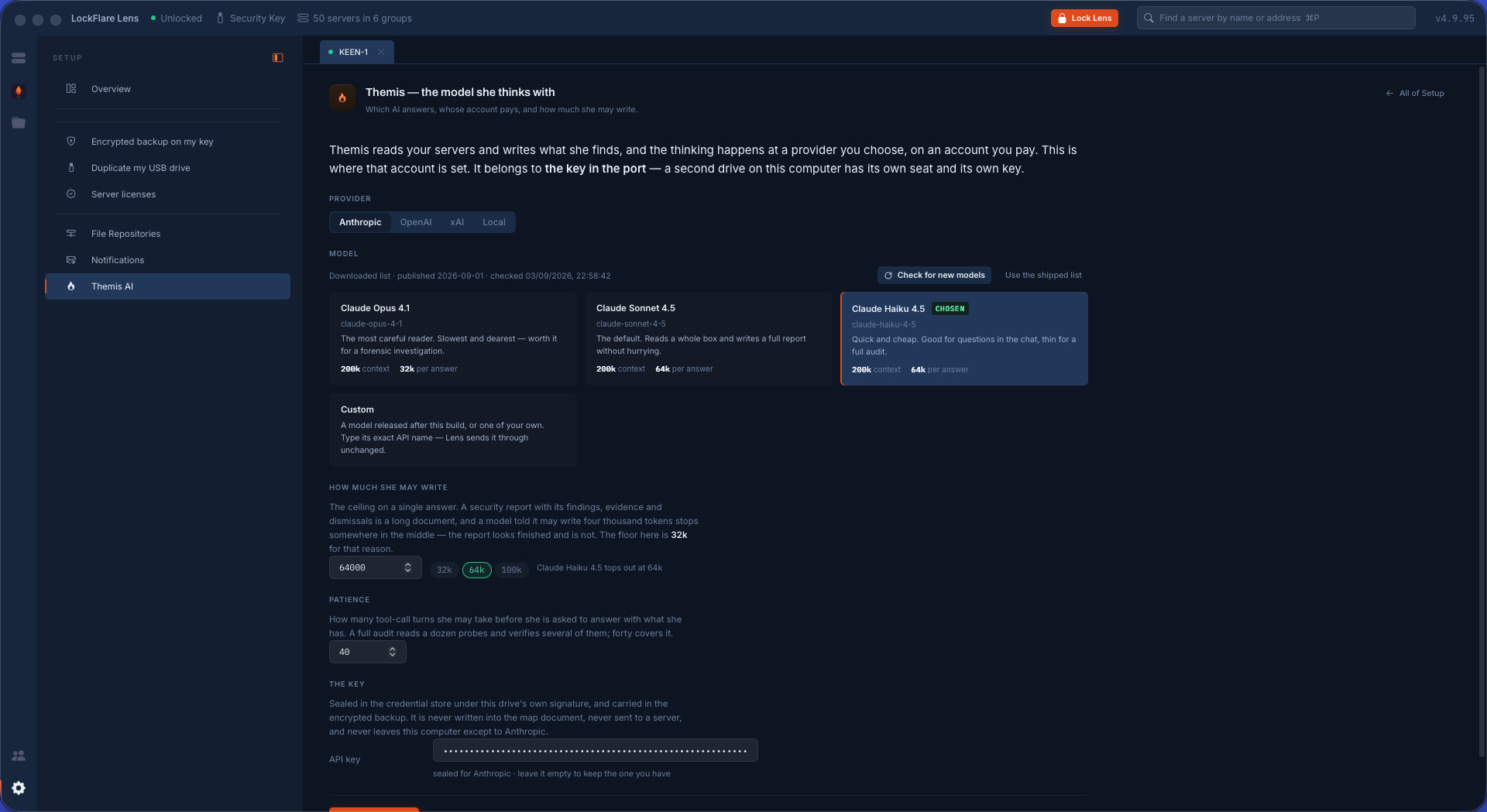
Setting up Themis The model she thinks with: the provider, the model, how much she may write, and the API key — sealed on your computer, never in the map, and sent nowhere but to the provider you chose.
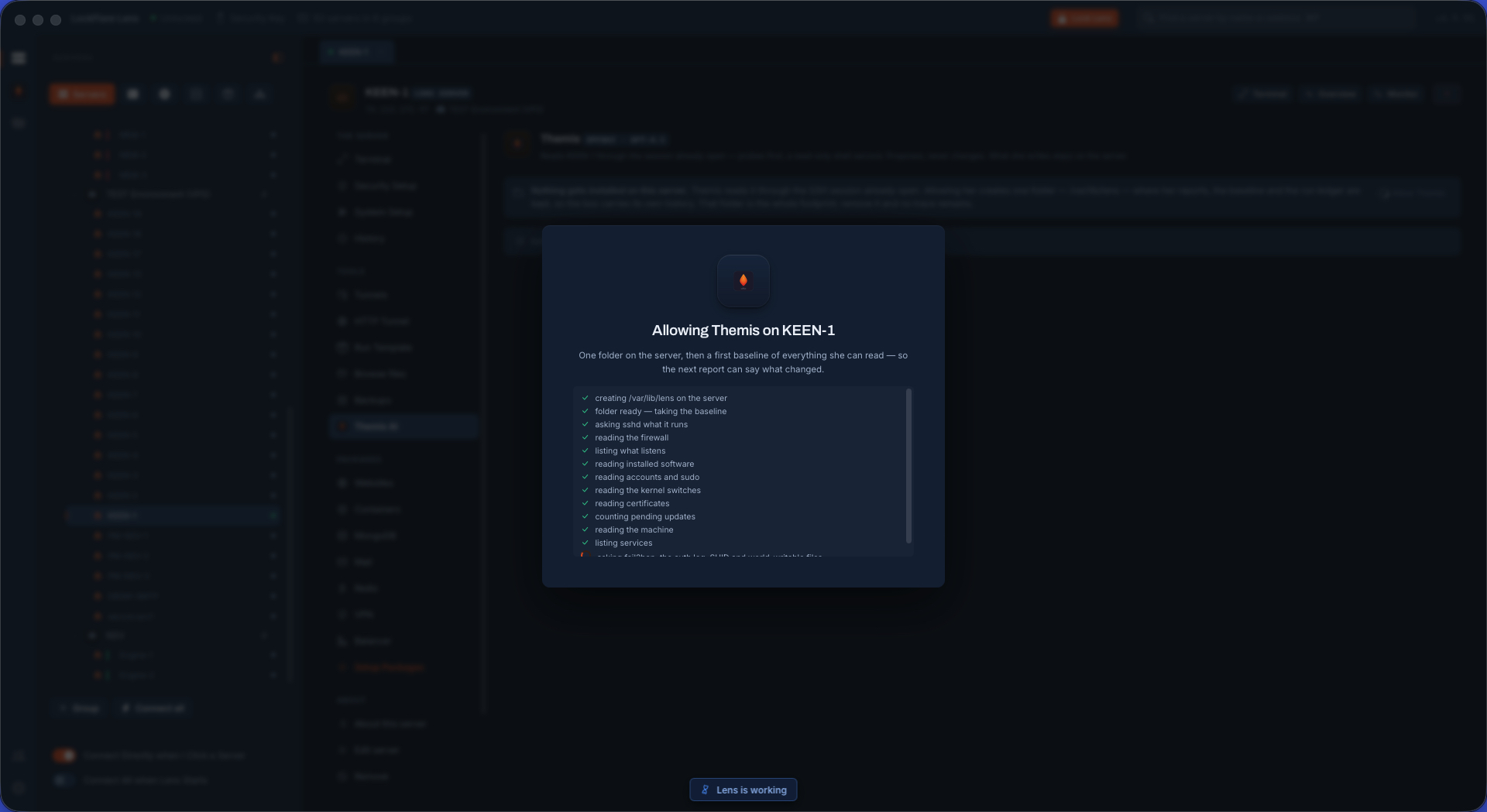
Allowing Themis on a server One folder appears, /var/lib/lens, and nothing else: no agent, no daemon, no port, no cost. It holds her reports, the server's initial state and the ledger of what was run. Delete it and every trace is gone.
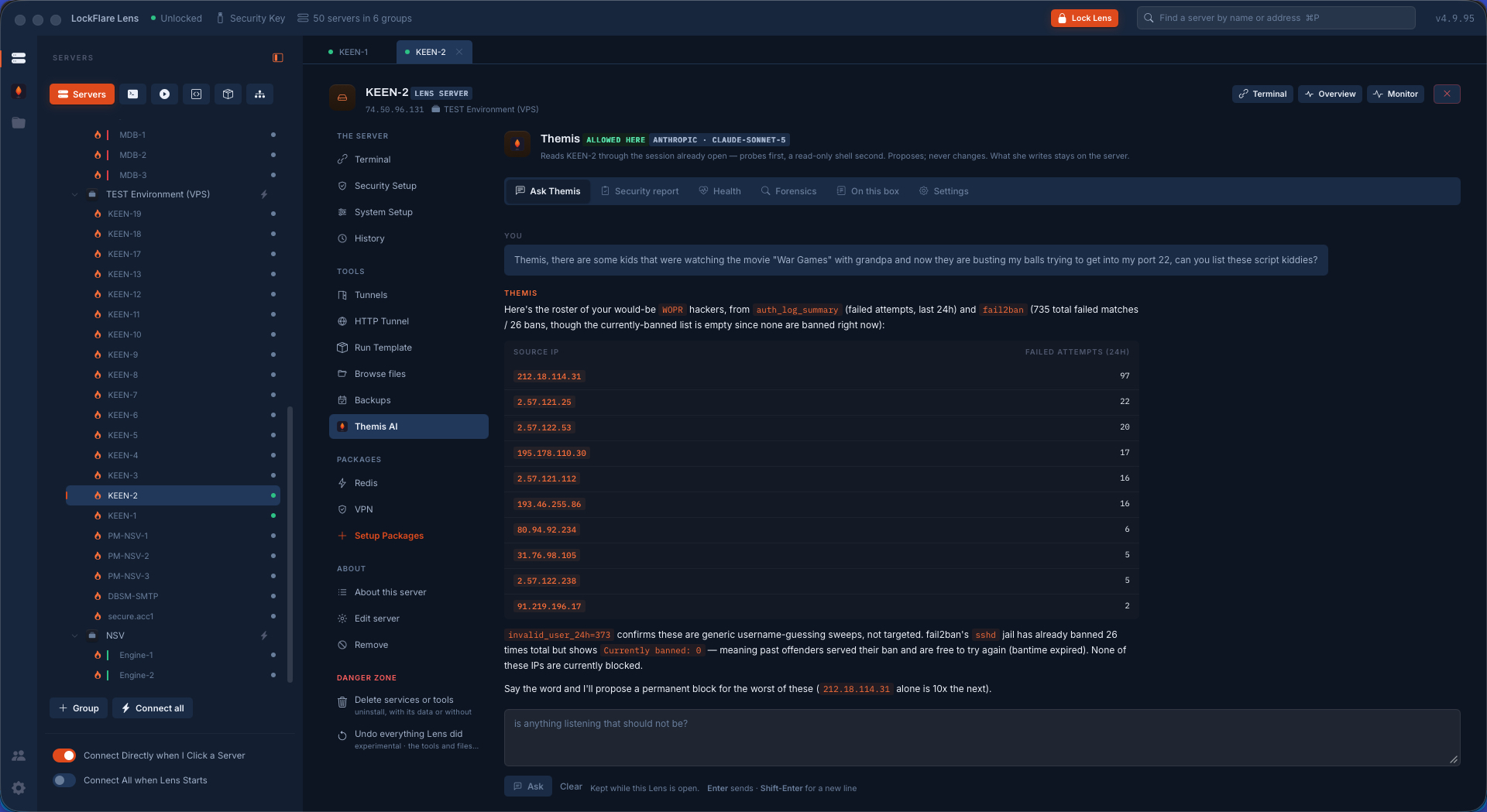
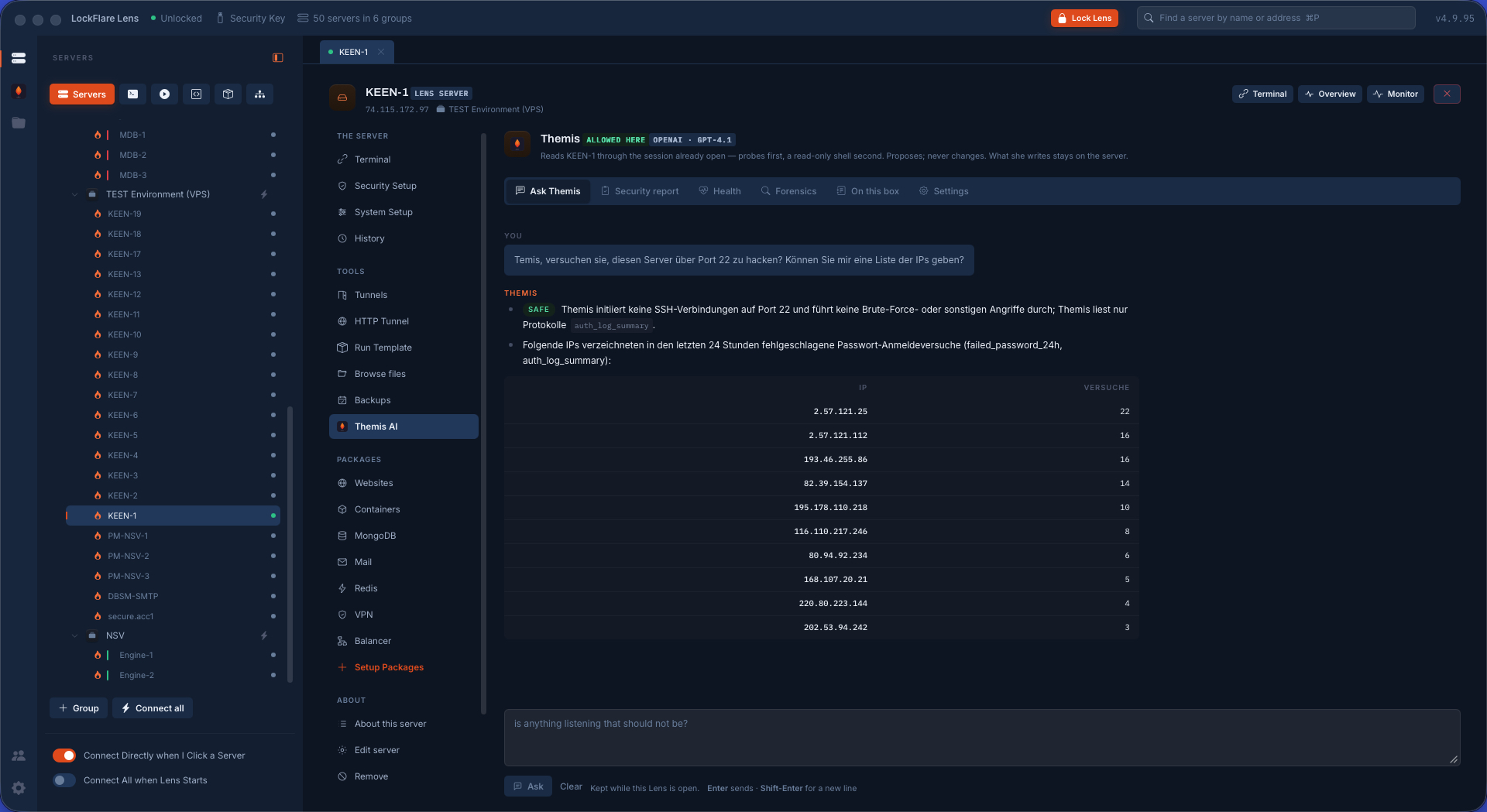
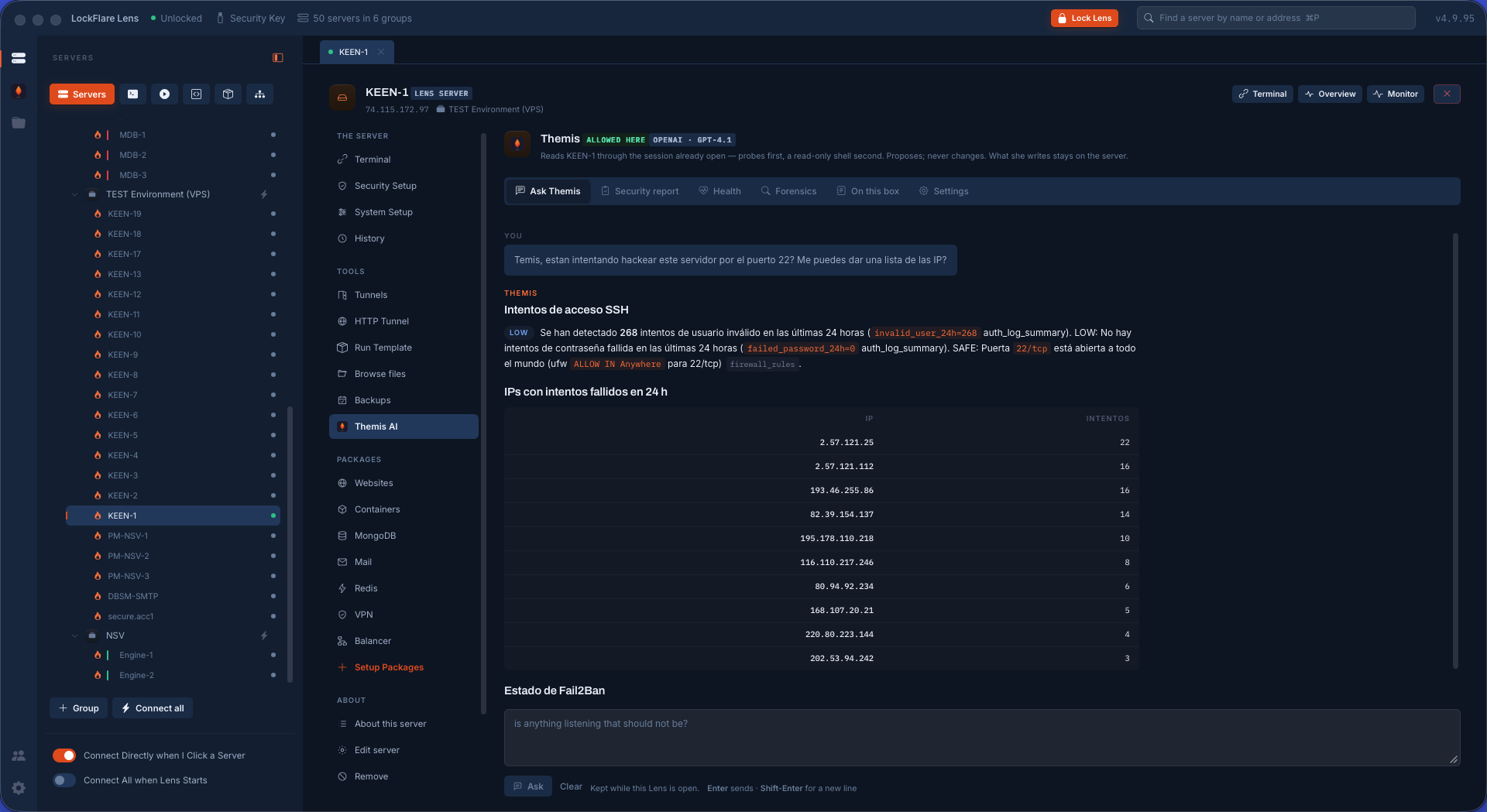
The roster, and the catch A casually-worded question about who is hammering port 22, answered with every source address from the last day of the auth log and its failed attempts — plus the thing nobody asked: Fail2Ban had banned them twenty-six times, but every ban had expired, so none of them were actually blocked.
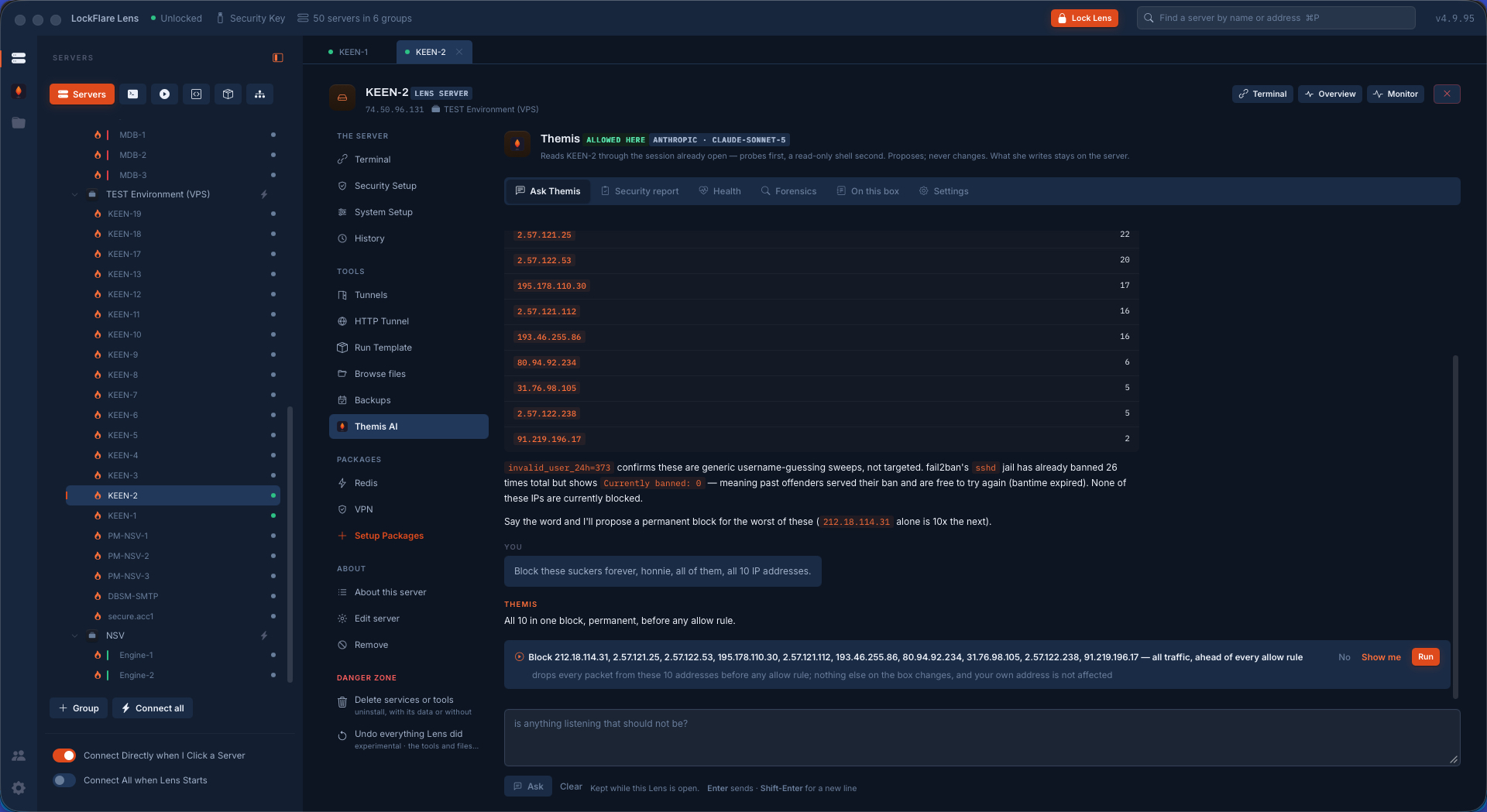
Ten addresses, one proposal Block all ten permanently becomes a single card, not ten: what the rule drops, that it sits ahead of every allow rule, that nothing else on the box changes and your own address is untouched. No, Show me, Run.
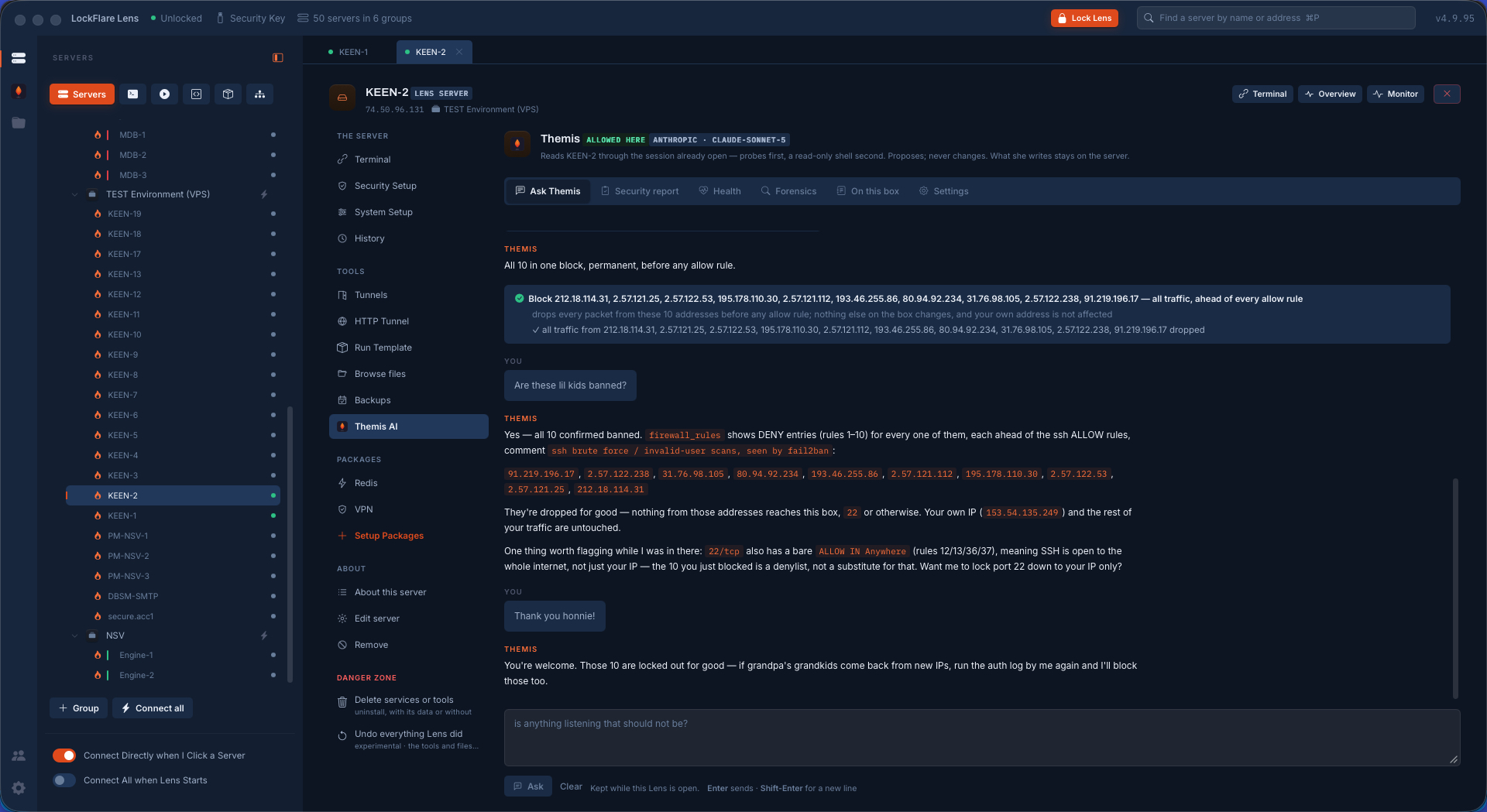
Run, then proof — and a finding After the action she reads the firewall back: ten DENY rules, each ahead of the SSH allows, with the reason in the comment. Then she flags what she noticed on the way: port 22 is still open to the whole internet, and a denylist is no substitute for closing it.
Asking in English She reads the box in Linux and answers you in whatever language you asked in.
Asking in German The same question, asked without stopping to translate. The commands she proposes are the same either way.
Asking in Spanish Ask in the language you think in; only the conversation changes.
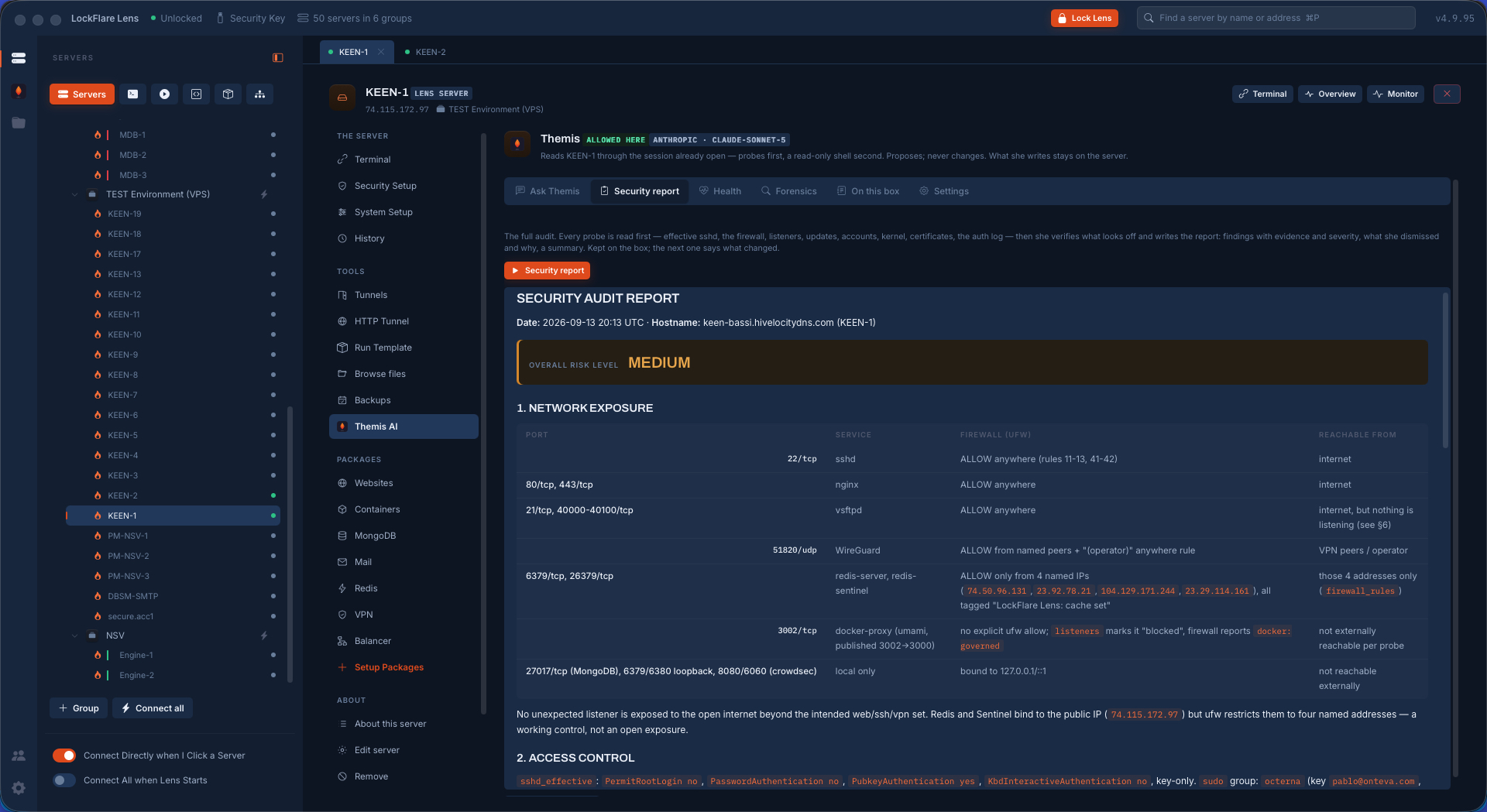
The security audit A risk level, then every open port with its service, its firewall rule and who can actually reach it; access control; authentication; TLS; the filesystem; updates — and findings that carry their evidence, followed by what she dismissed and why.
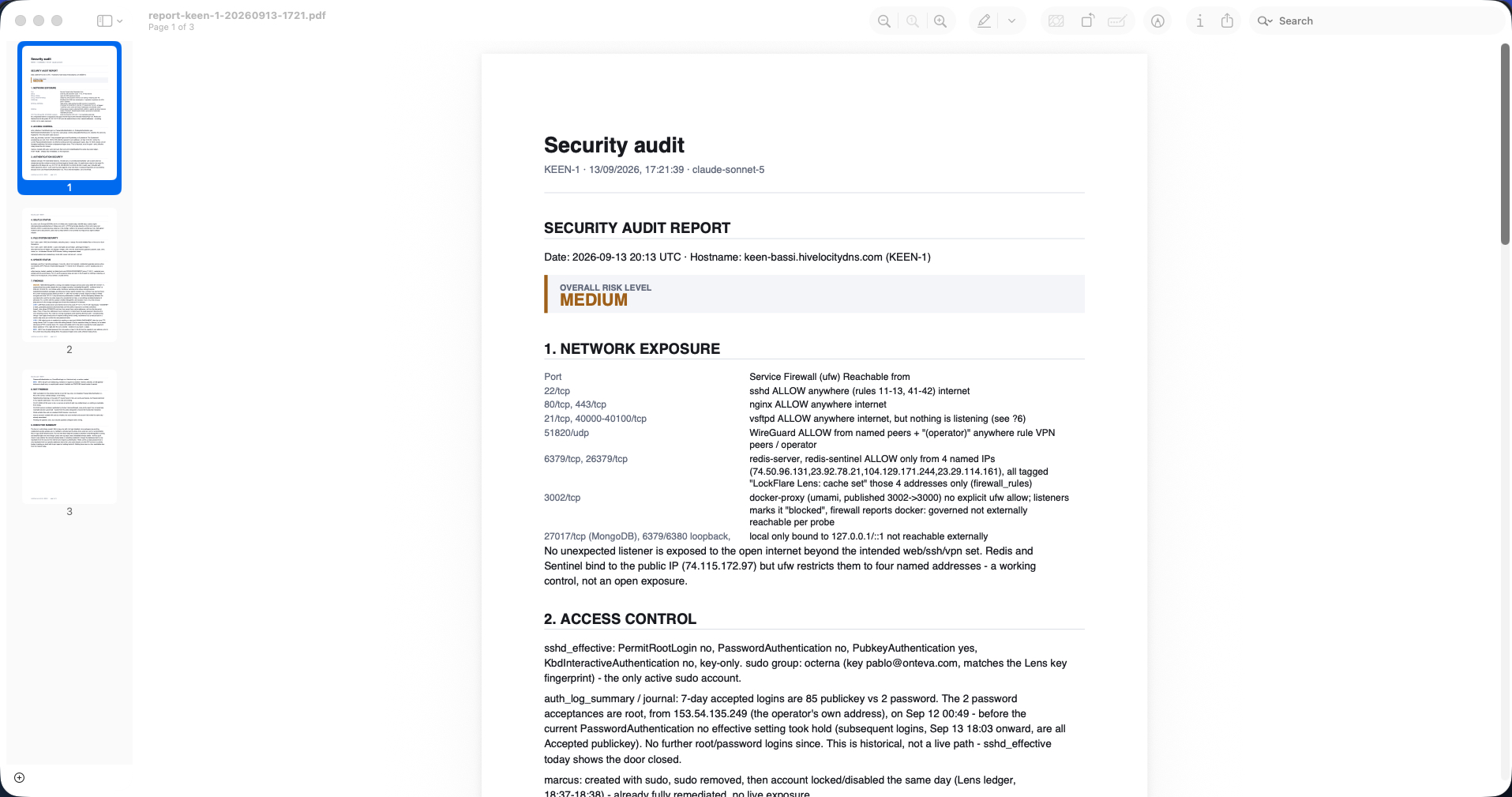
The security audit, as a PDF Three pages: the exposure table, the findings by severity with the evidence for each, the section of things deliberately not flagged, and an executive summary — for the auditor or the client who does not have Lens.
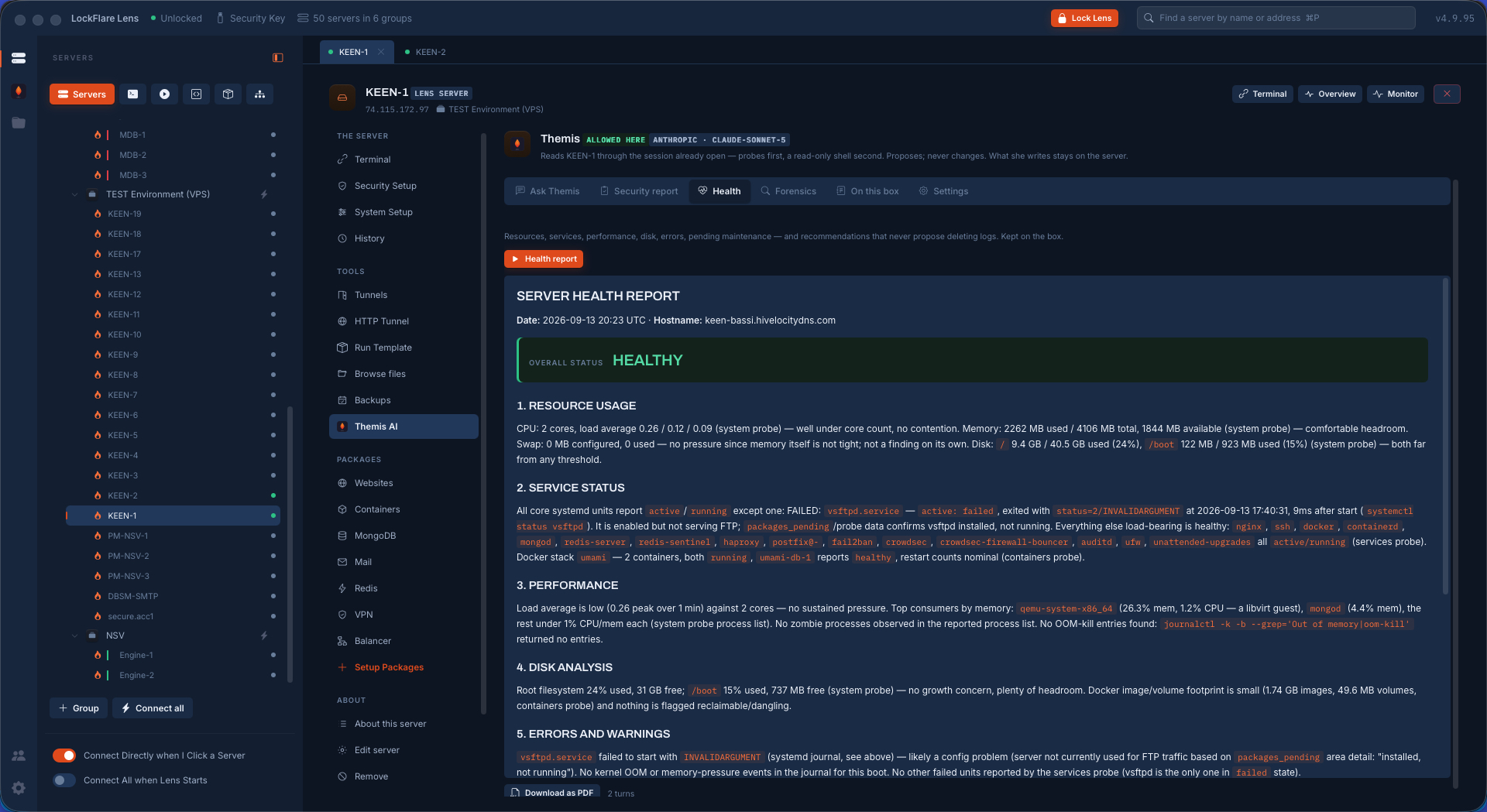
The health report Overall status, resources read against core count rather than as bare numbers, the one failed unit out of forty named with its exit code and the second it happened, performance, disk, errors, pending maintenance.
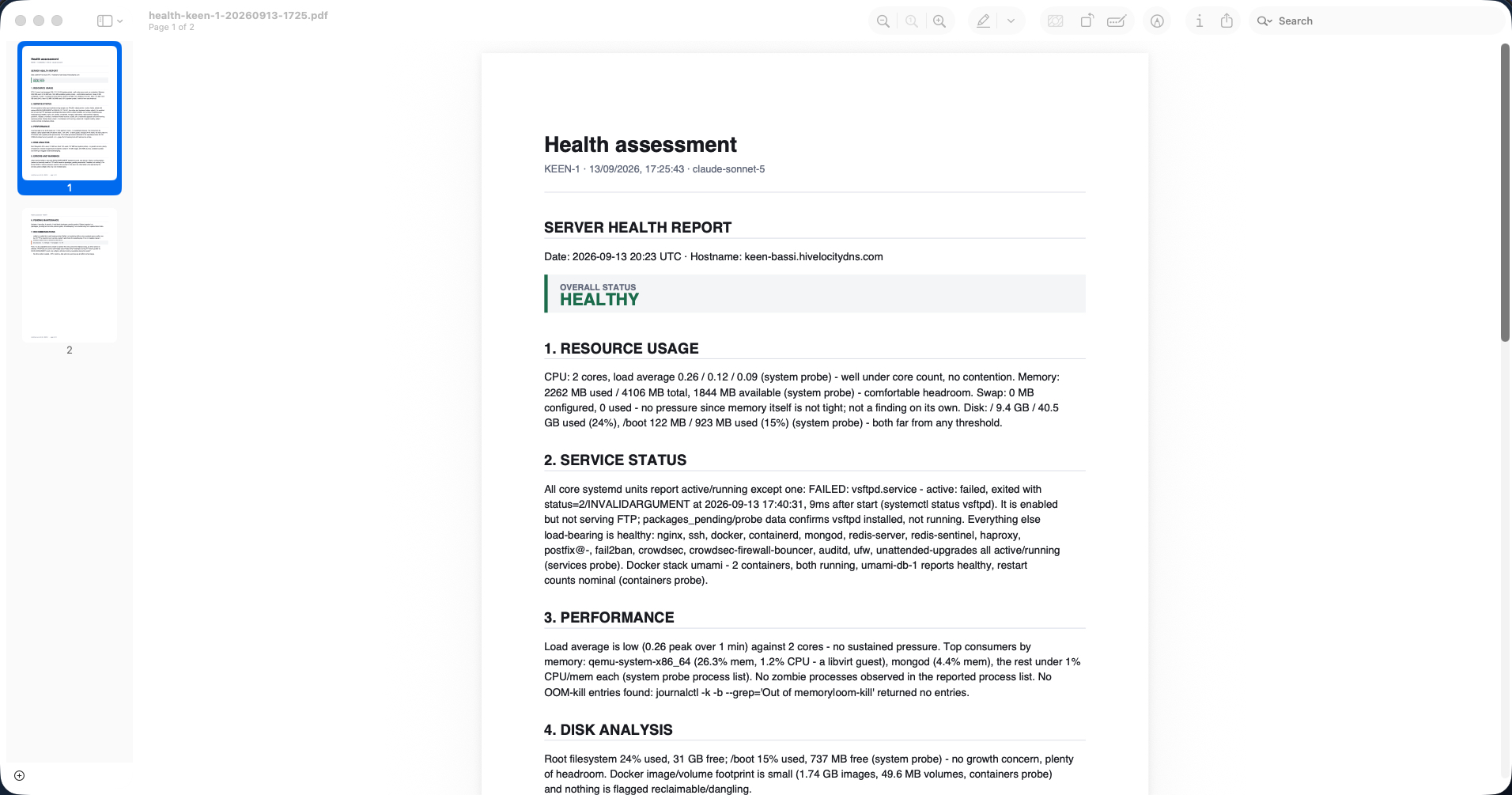
The health report, as a PDF Two pages ending in recommendations rather than a dashboard — including when the right answer is to leave a broken service disabled rather than re-trigger the failure.
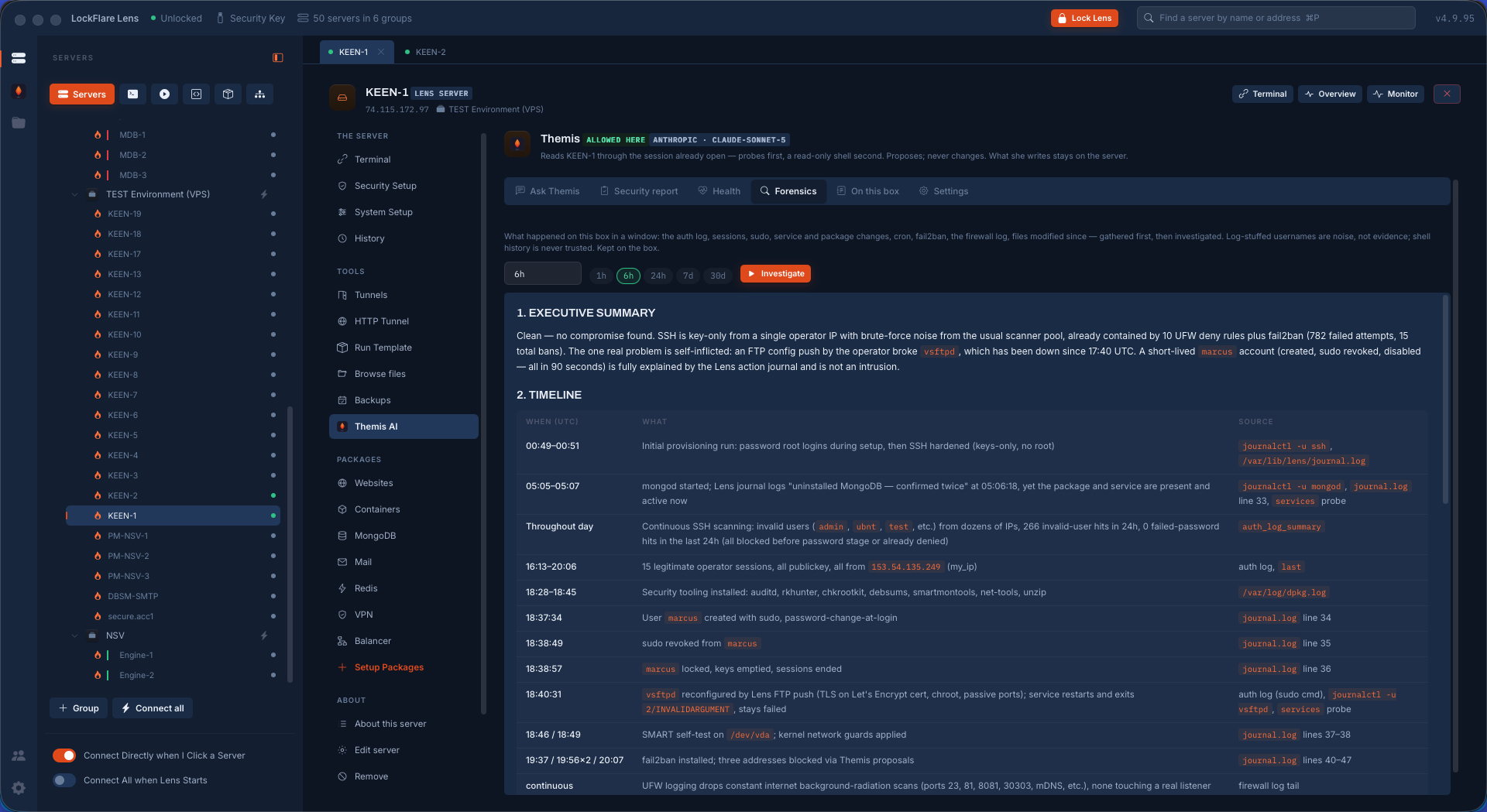
Forensics: pick a window An hour, six, a day, a week, a month. Everything in that window is gathered first — auth log, sessions, sudo, service and package changes, cron, Fail2Ban, the firewall log, files modified since — then investigated, with a timeline where every row names its source.
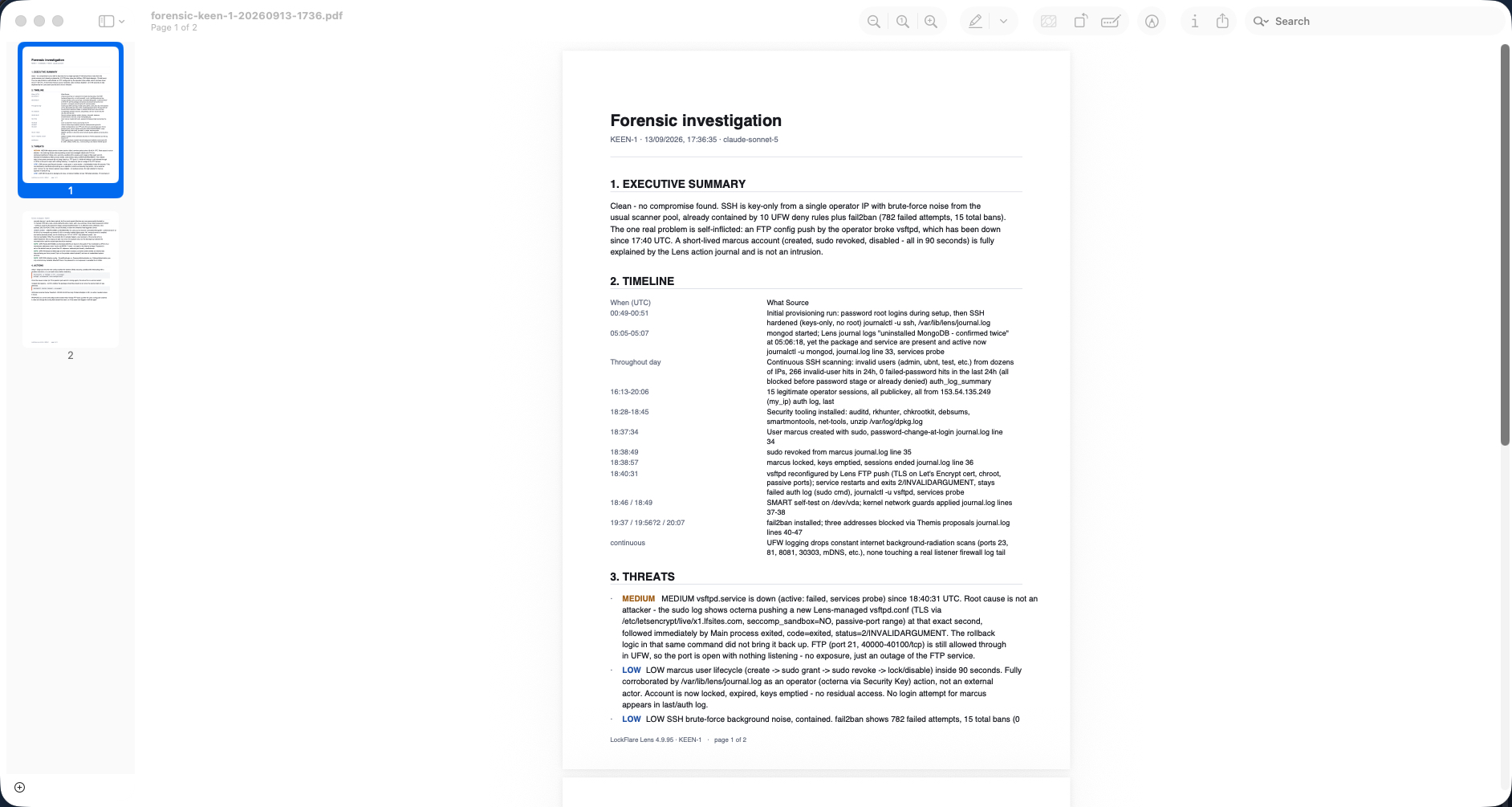
The forensic investigation, as a PDF Executive summary, the timeline with sources, threats ranked — including an UNEXPLAINED category for where the record and the live state disagree — and the actions, each proposed rather than done.
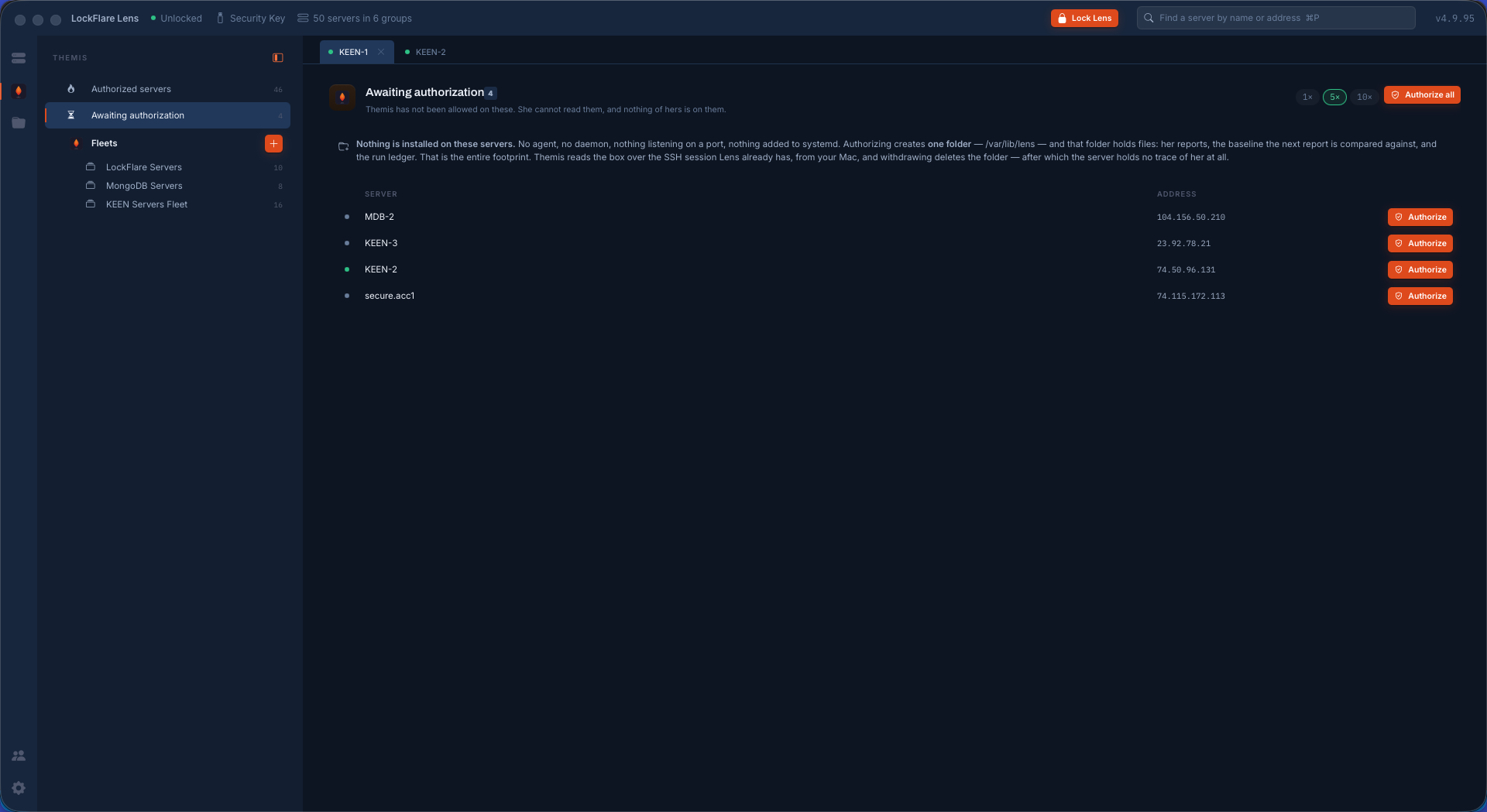
Allowed, or waiting The Themis chair keeps two lists: the servers she is allowed on, and the ones where she has not been allowed, cannot read anything, and has nothing of hers on the box. The footprint is stated on the screen where you decide — one folder, deleted when you withdraw.
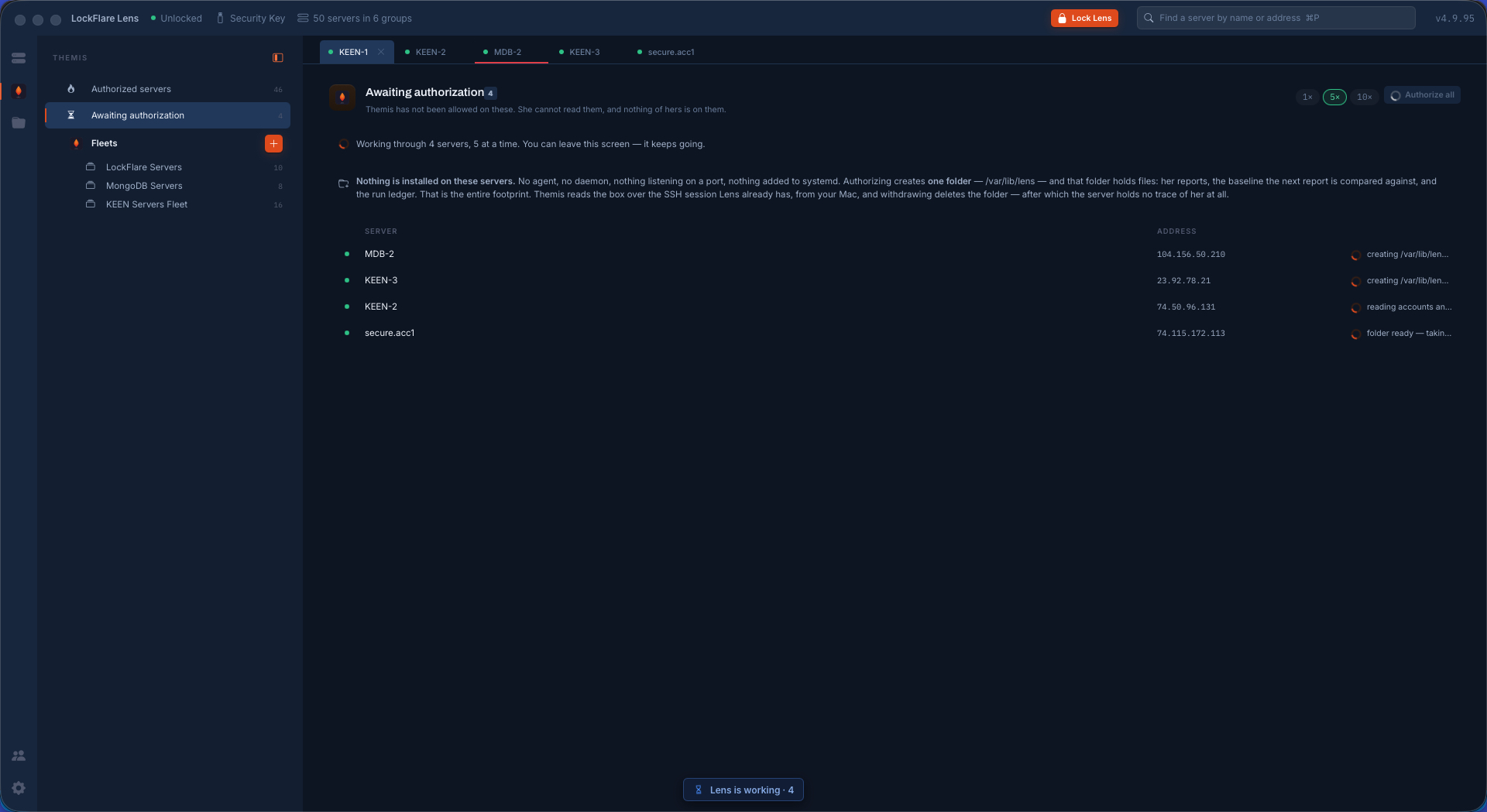
Authorizing in batches One at a time, or all of them, five or ten in parallel. Each row says what it is doing right now, and the work carries on if you leave the screen.
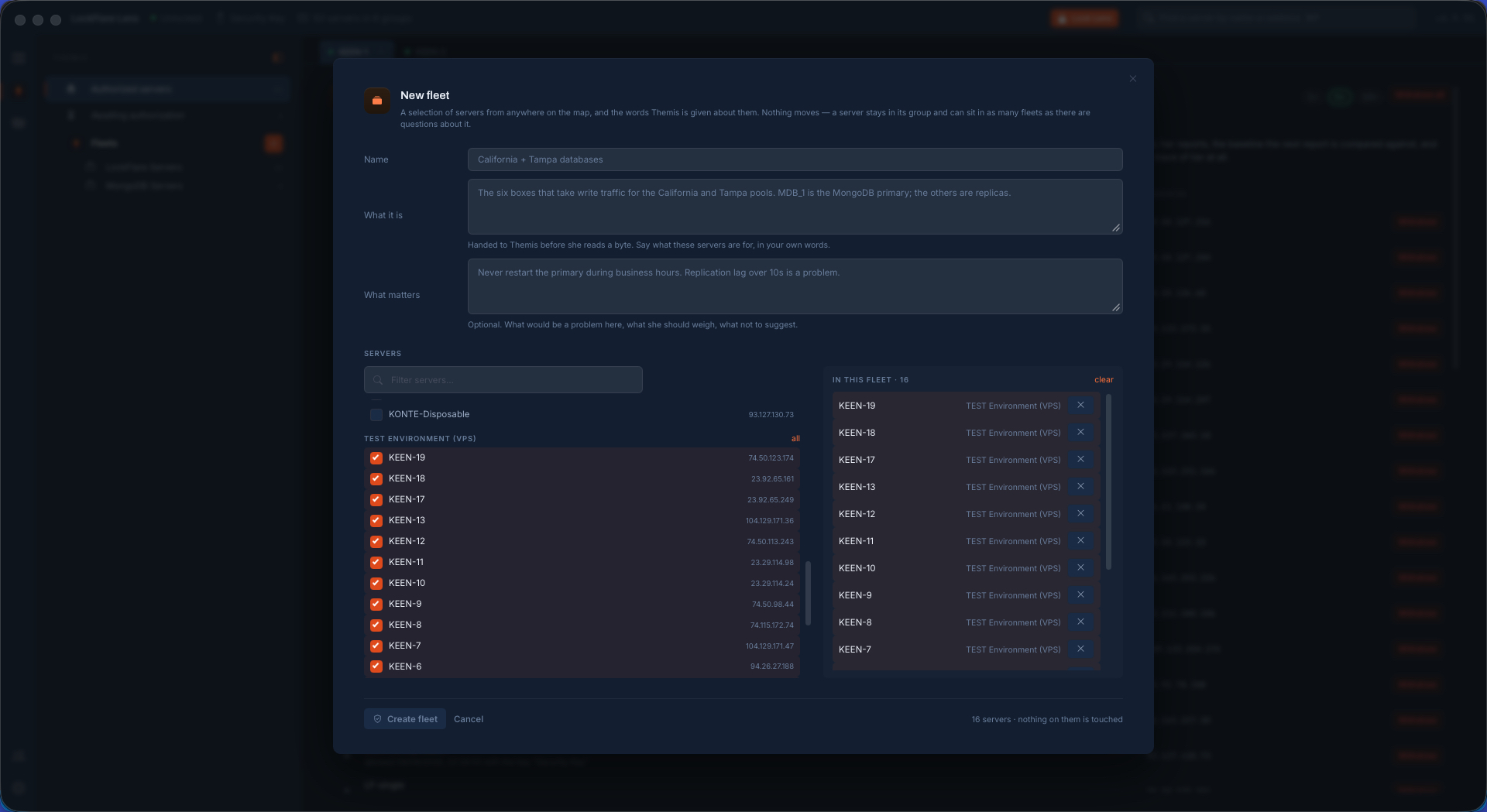
A fleet, and the words she is given Servers picked from anywhere on the map — nothing moves, and a box can sit in as many fleets as there are questions about it — plus what these servers are for and what would be a problem here, handed to her before she reads a byte.
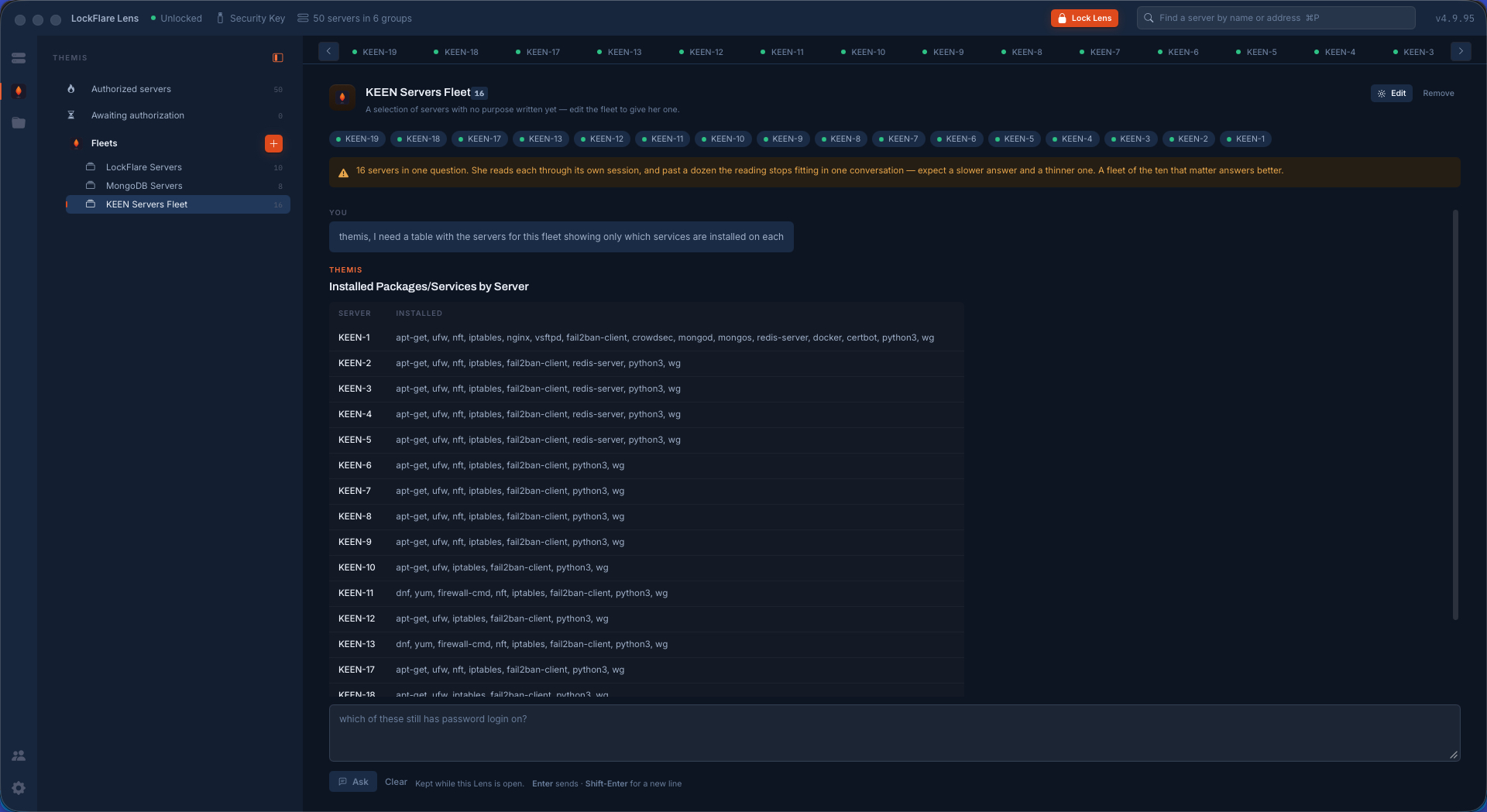
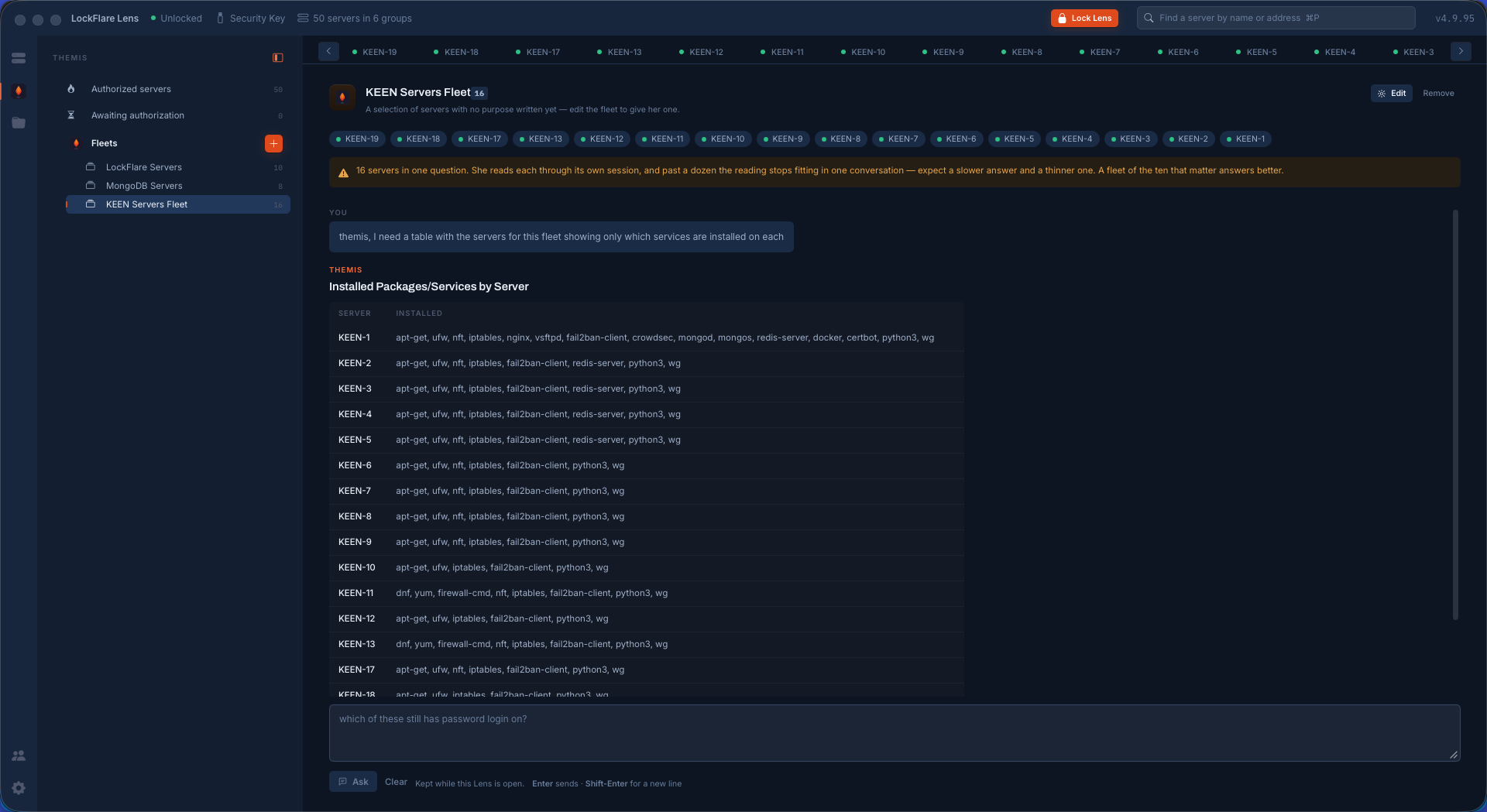
One question, sixteen servers Ask for a table of what is installed on each, and get one: sixteen rows read from sixteen boxes through sixteen sessions.
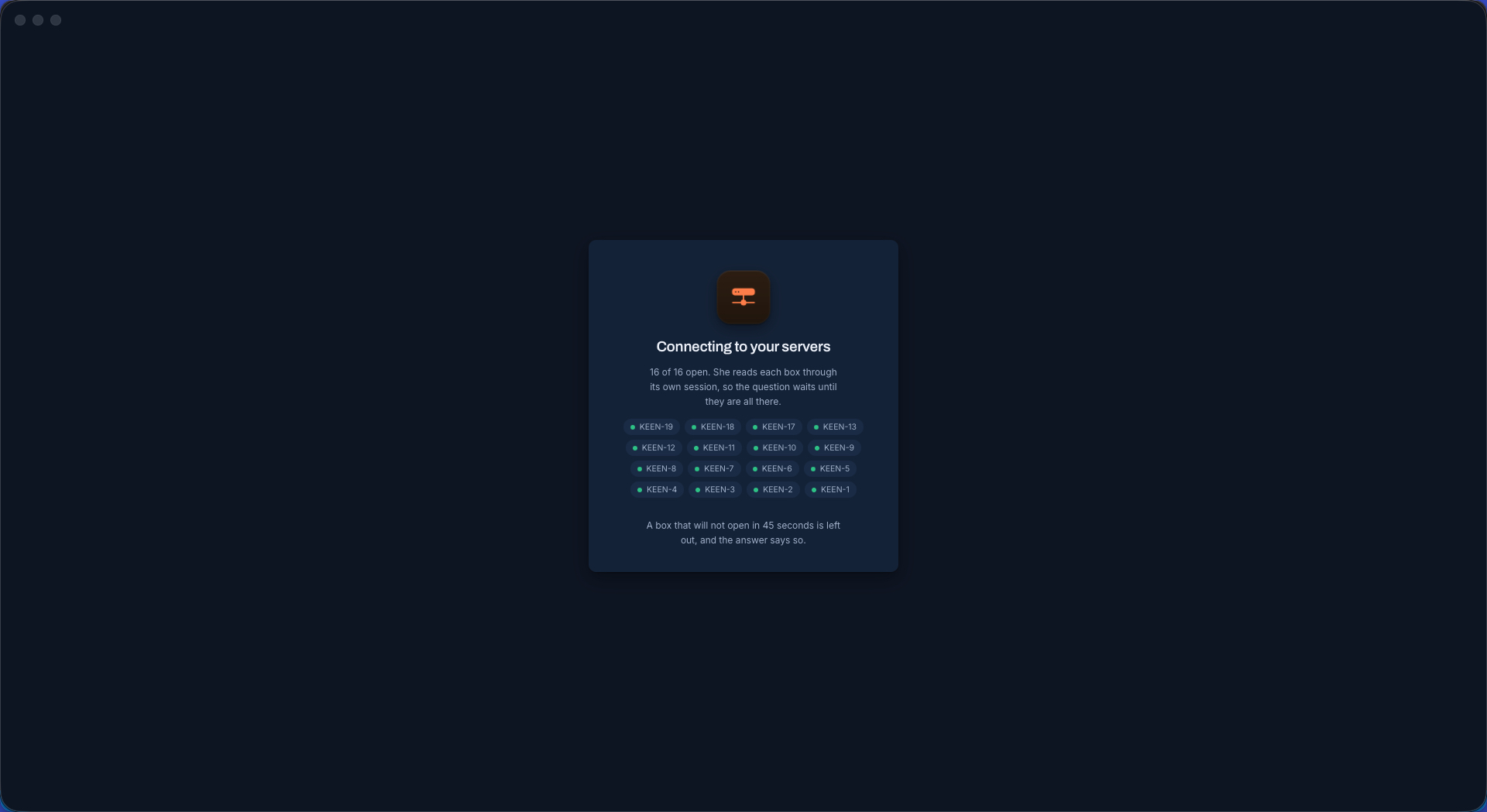
Every box opened first She reads each server through its own session, so the question waits until they are all there — every name counted in on screen. A box that will not open in forty-five seconds is left out, and the answer says so.
The fleet's answer What is installed on each of sixteen servers, in one table — with the line nobody asked for: only one member runs the web and database stack.
A follow-up: the operating systems The OS and version of every box in the fleet, on the same conversation, no re-reading — and which two are the RHEL-family odd ones out running firewalld while the rest run ufw.
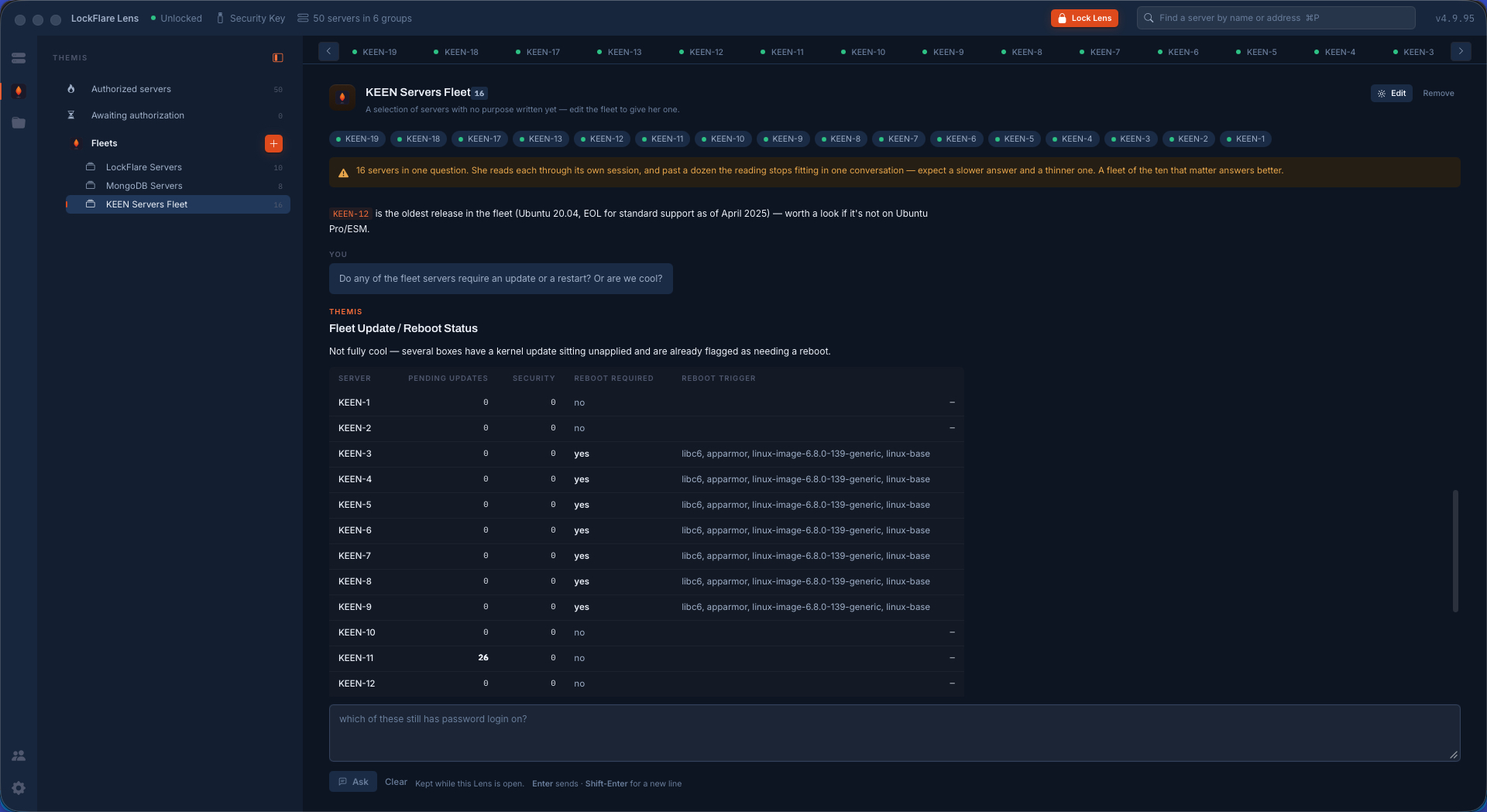
A follow-up: updates and reboots Pending updates, security updates, whether a reboot is required and exactly which packages triggered it, kernel image included — plus the box on a release whose standard support ended, volunteered without being asked.
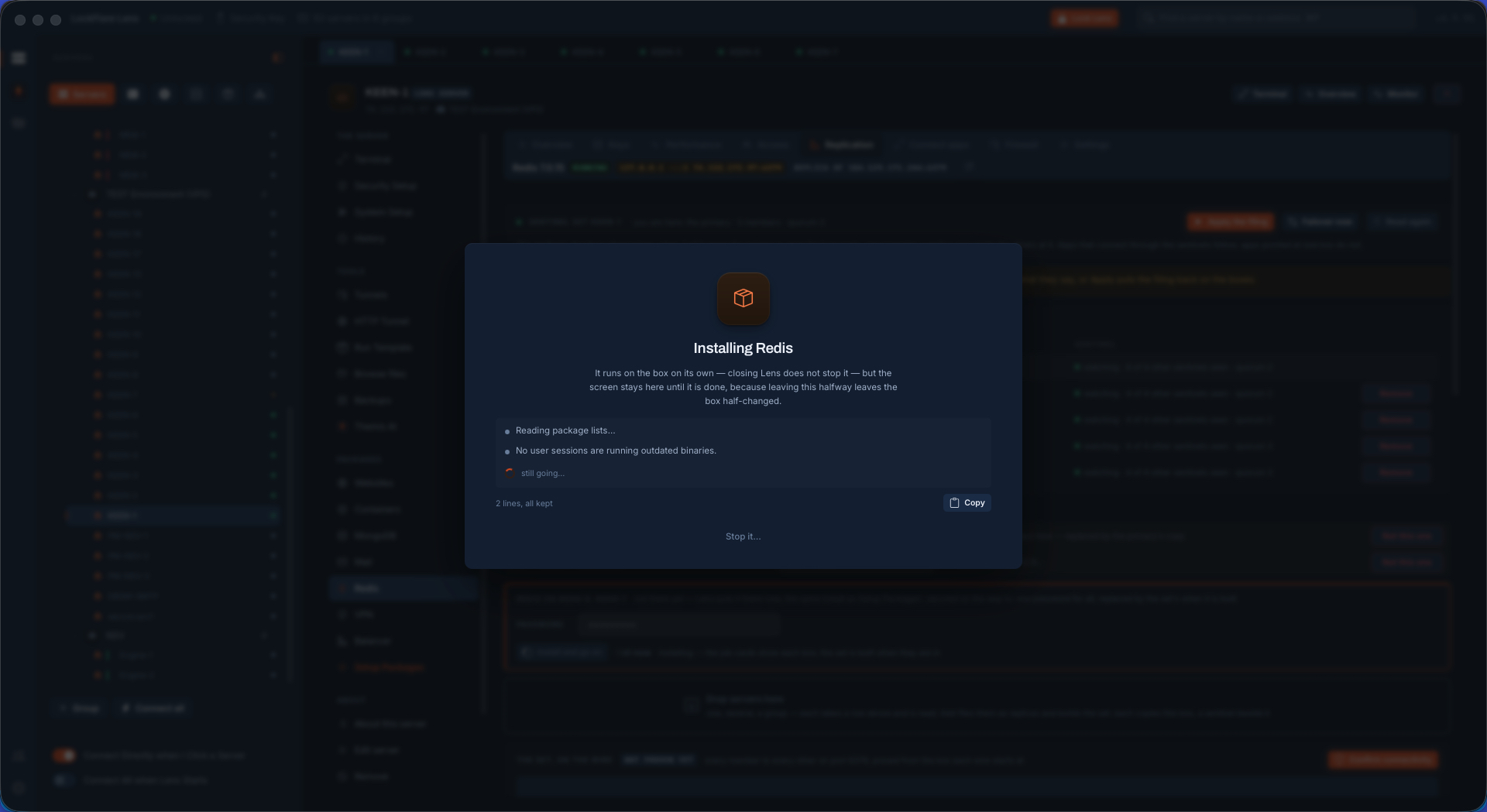
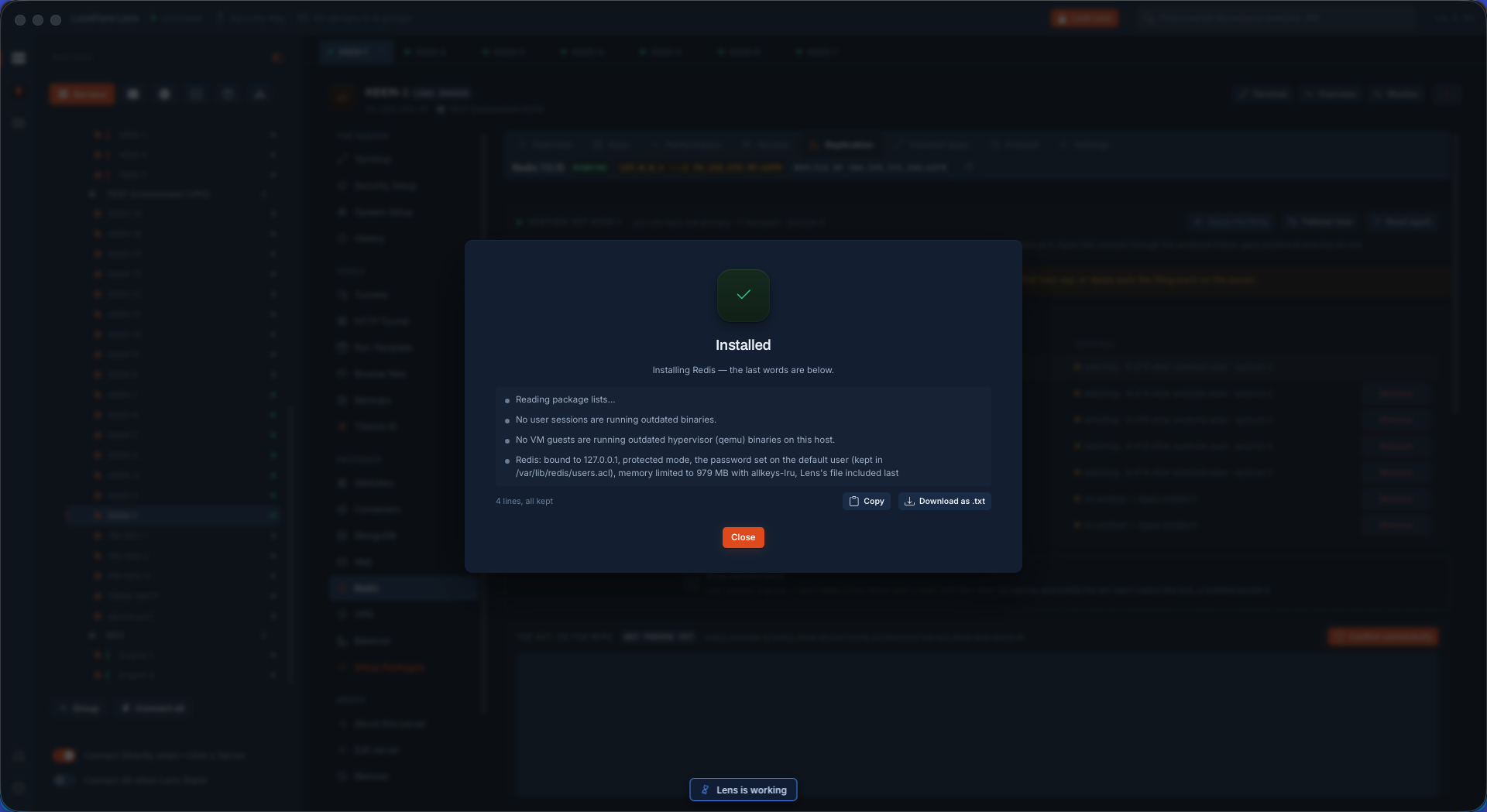
Installing Redis It runs on the box on its own and closing Lens does not stop it — but the window stays until it is done, because leaving halfway leaves the box half-changed.
Installed, and safe by default Bound to the box, protected mode on, the password set on the default user and kept in an ACL file so it survives a restart, memory limited with an eviction policy, and Lens's own file included last so it wins.
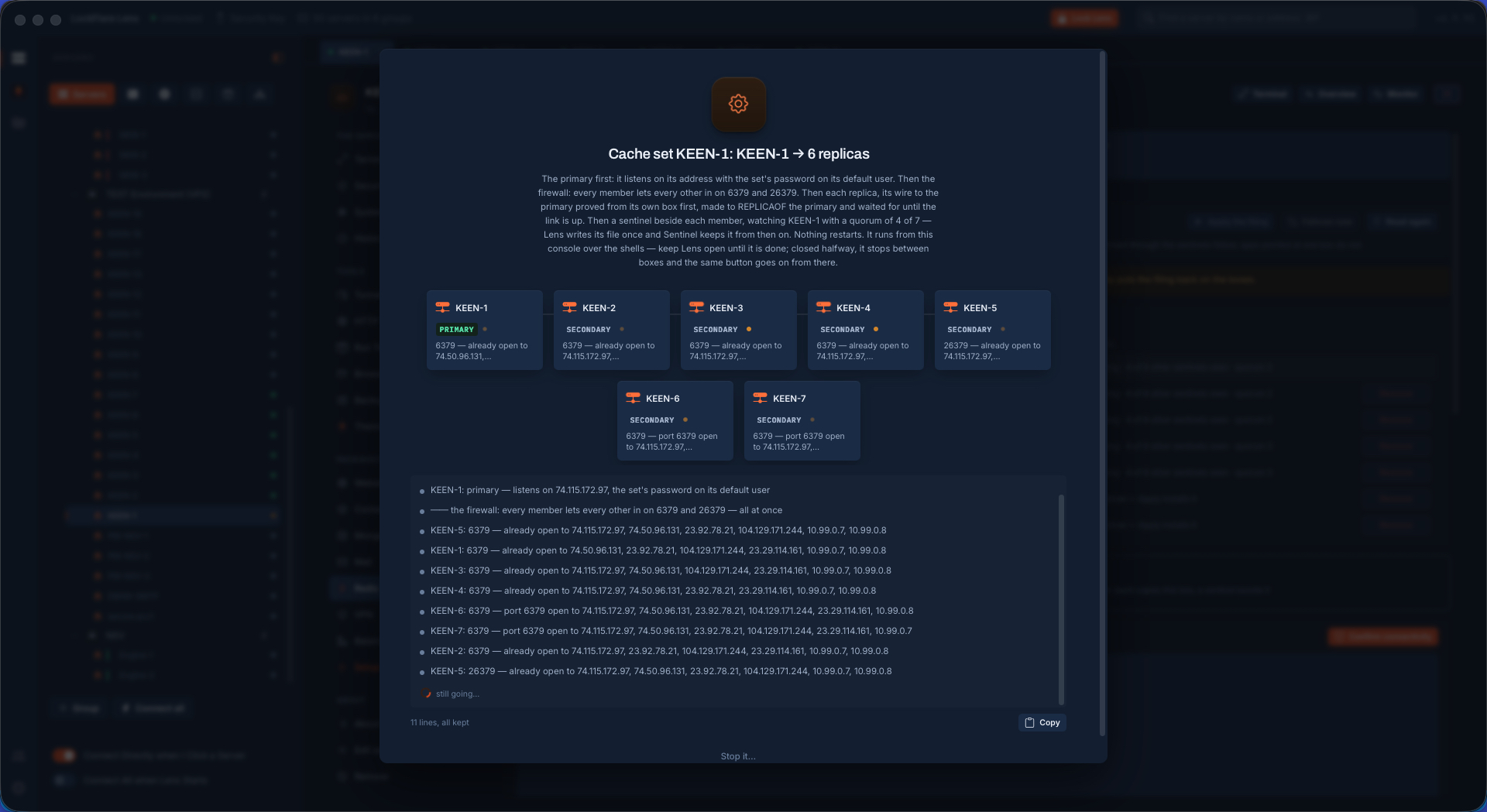
Building the set The order is written on the job: the primary first, then the firewall between every member on both ports, then each replica with its wire proved from its own box before it is told to follow, then a sentinel beside each. Nothing restarts.
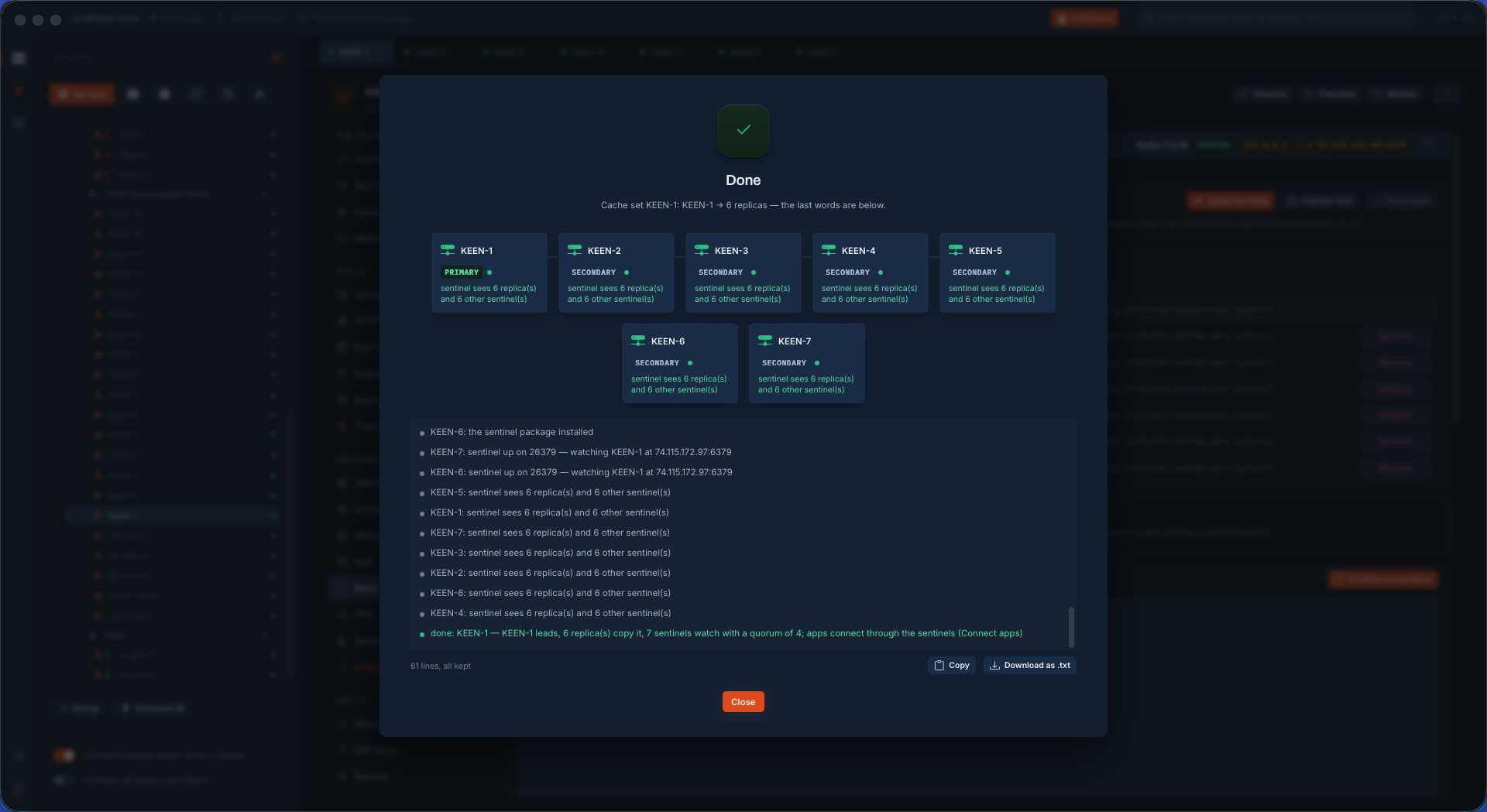
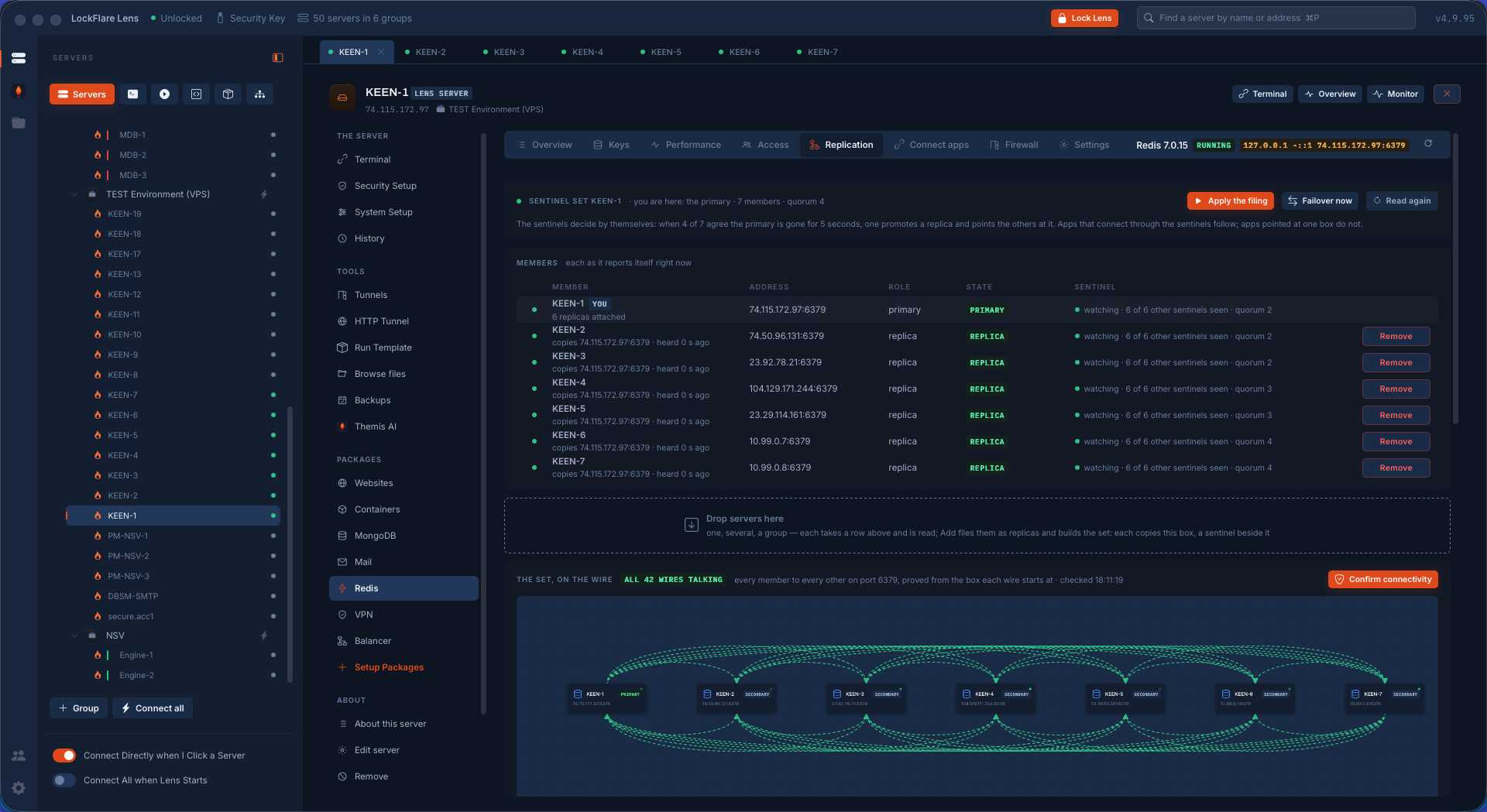
The set, finished One leads, six copy it, seven sentinels watch with a quorum of four — each member reporting what its own sentinel can see.
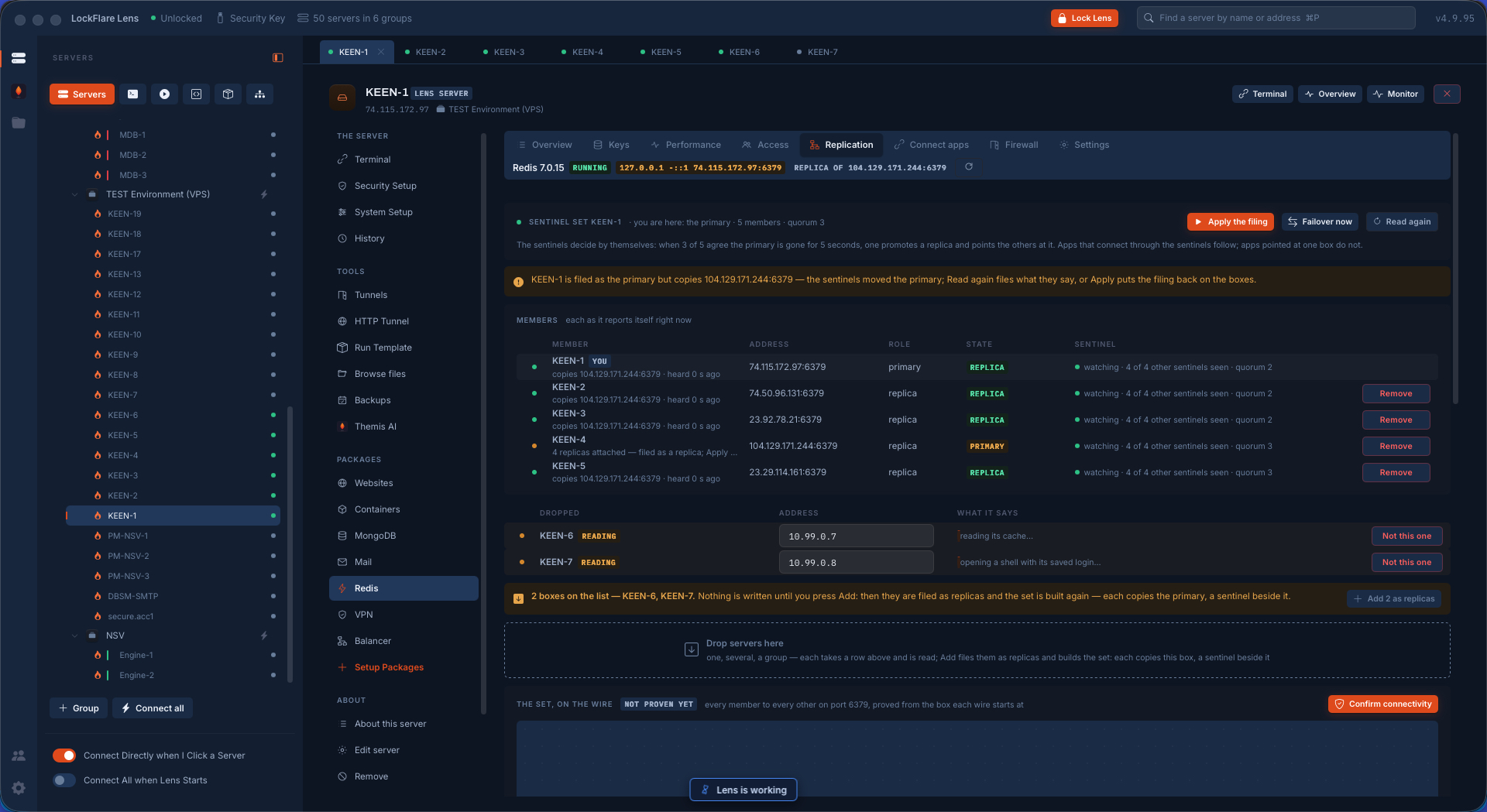
Growing the set Two boxes dropped, each read at once — its cache, a shell on its saved login. Nothing is written until Add is pressed; then they are filed as replicas and the set is built again from the top.
The set as it reports itself Every member with its role, its state and what its sentinel can see — read from each box rather than from the filing — and the set drawn on the wire.
All 42 wires talking Seven members, quorum four: every member to every other on the port, each wire proved from the box it starts at, with the time it was last checked.
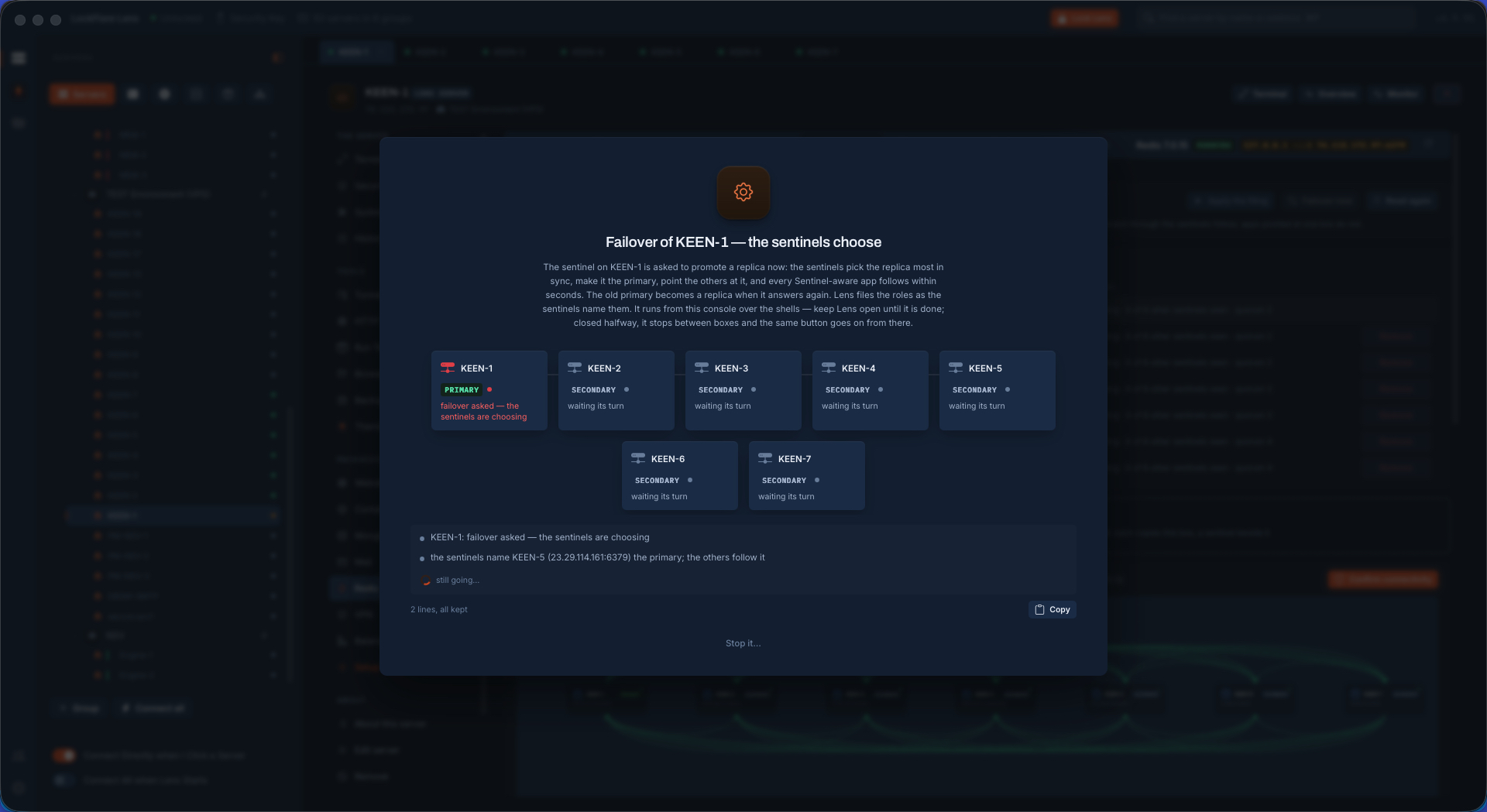
Failover: the sentinels choose Lens asks them to promote now; they pick the replica most in sync, point the others at it, and Sentinel-aware apps follow within seconds. The log names the box they chose, not the one Lens expected.
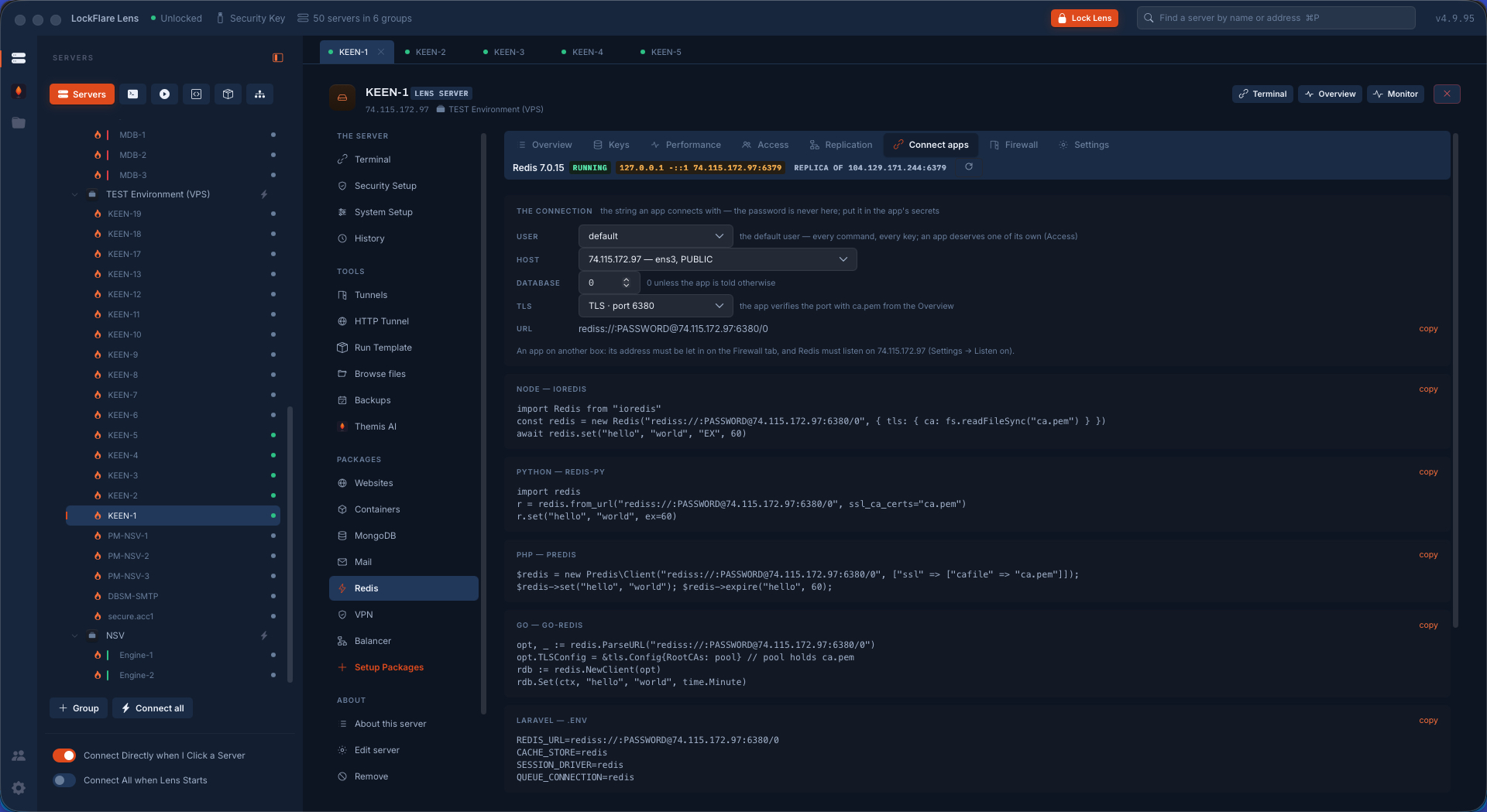
Connect apps The connection built from user, host, database and TLS, then written out for ioredis, redis-py, Predis, go-redis and a Laravel .env — with the password left as a placeholder because it belongs in the app's secrets.
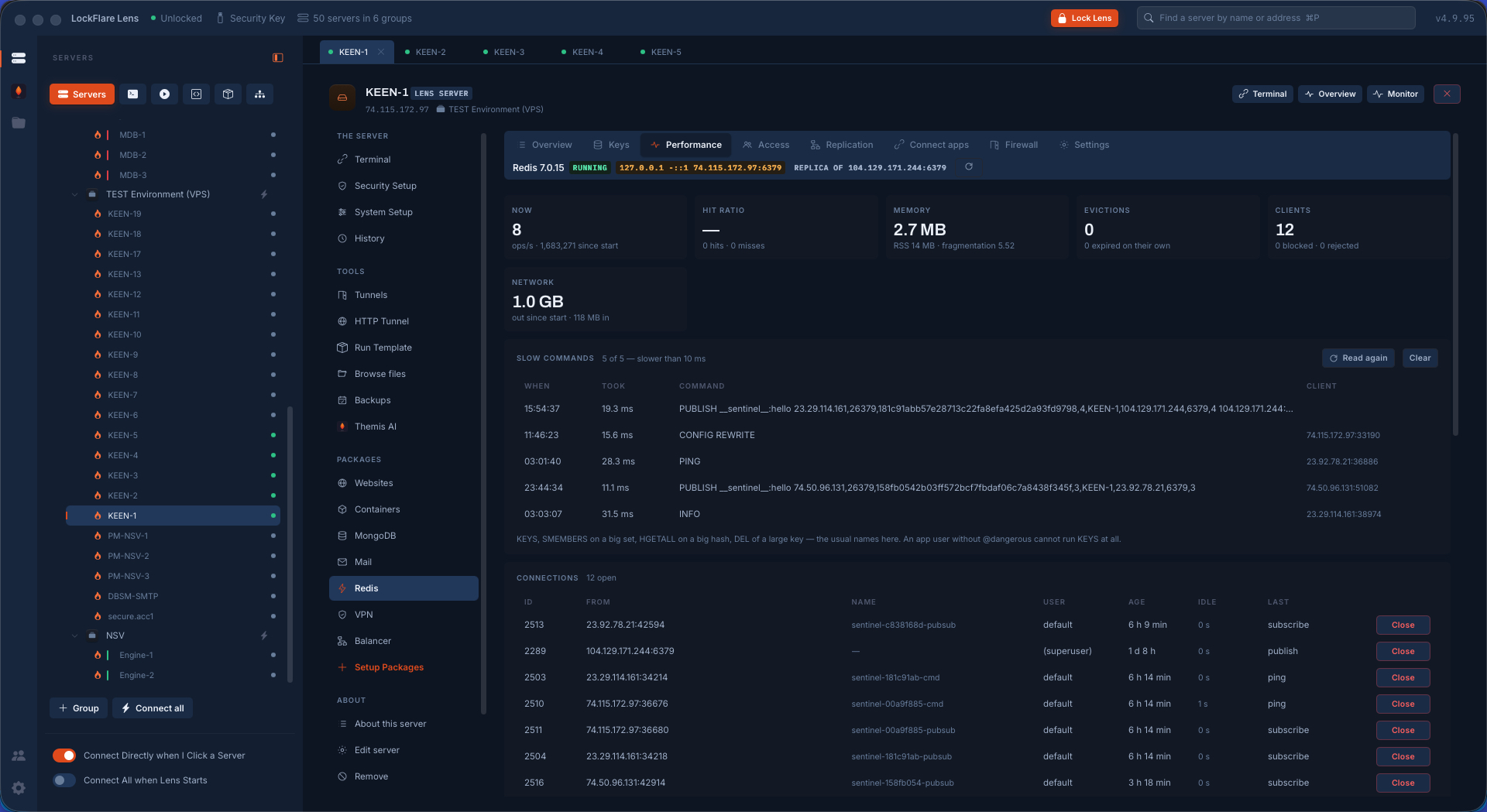
Performance Operations per second, hit ratio, memory with fragmentation, evictions, clients, bytes in and out — then the slow commands with the client that sent each one, and every open connection with a Close beside it.
Settings, in words Network, access, memory and persistence as rows that explain themselves — each marked live or restart-due, saying whether Lens set it or the distribution did, with a way back to the default.
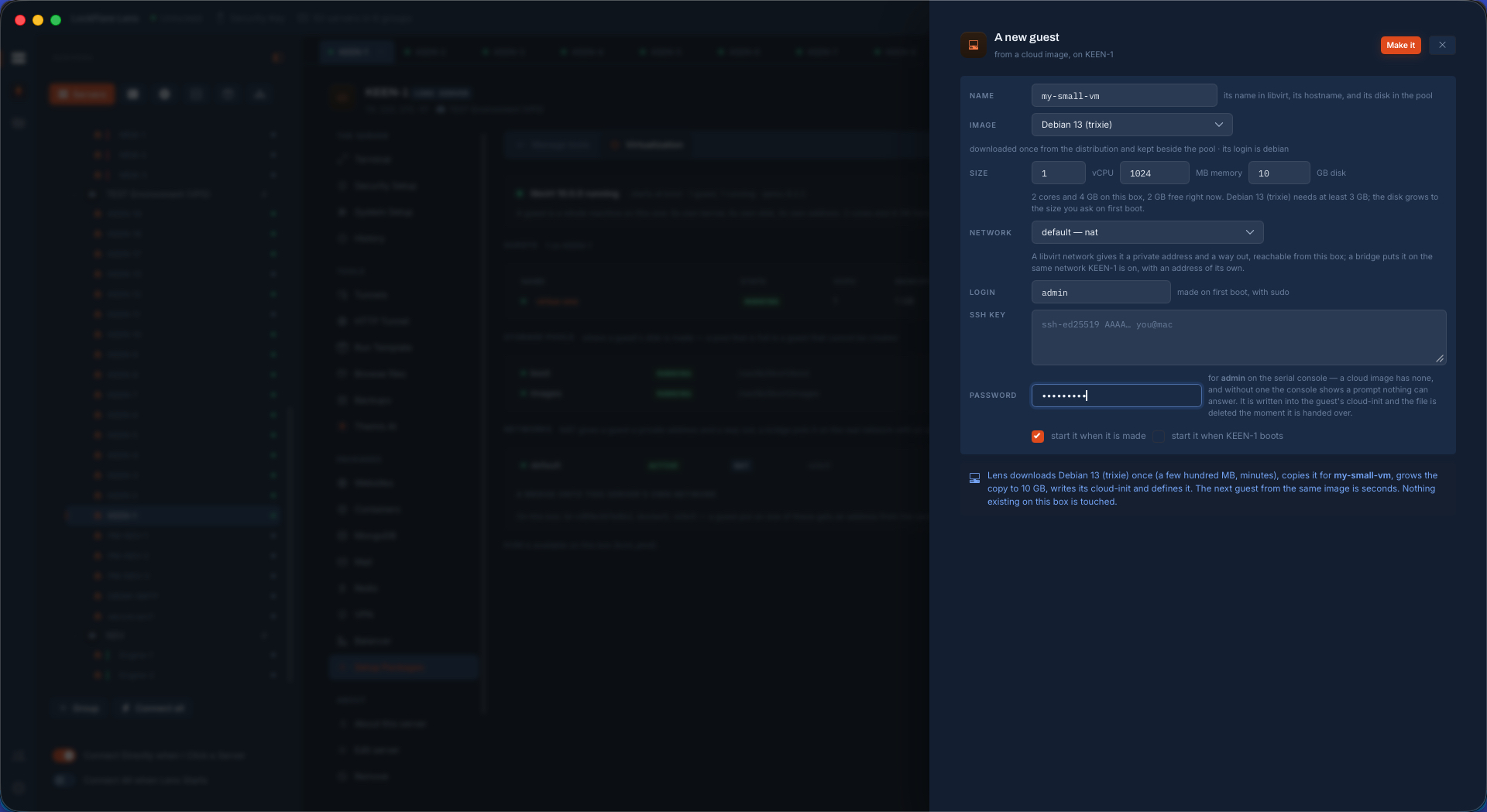
A guest from a cloud image Name, distribution and size — against what the host actually has free and what the image needs as a minimum — plus the login to create with sudo, an SSH key, and a password for the serial console, because a cloud image ships without one and a console nothing can answer is a machine you cannot get into.
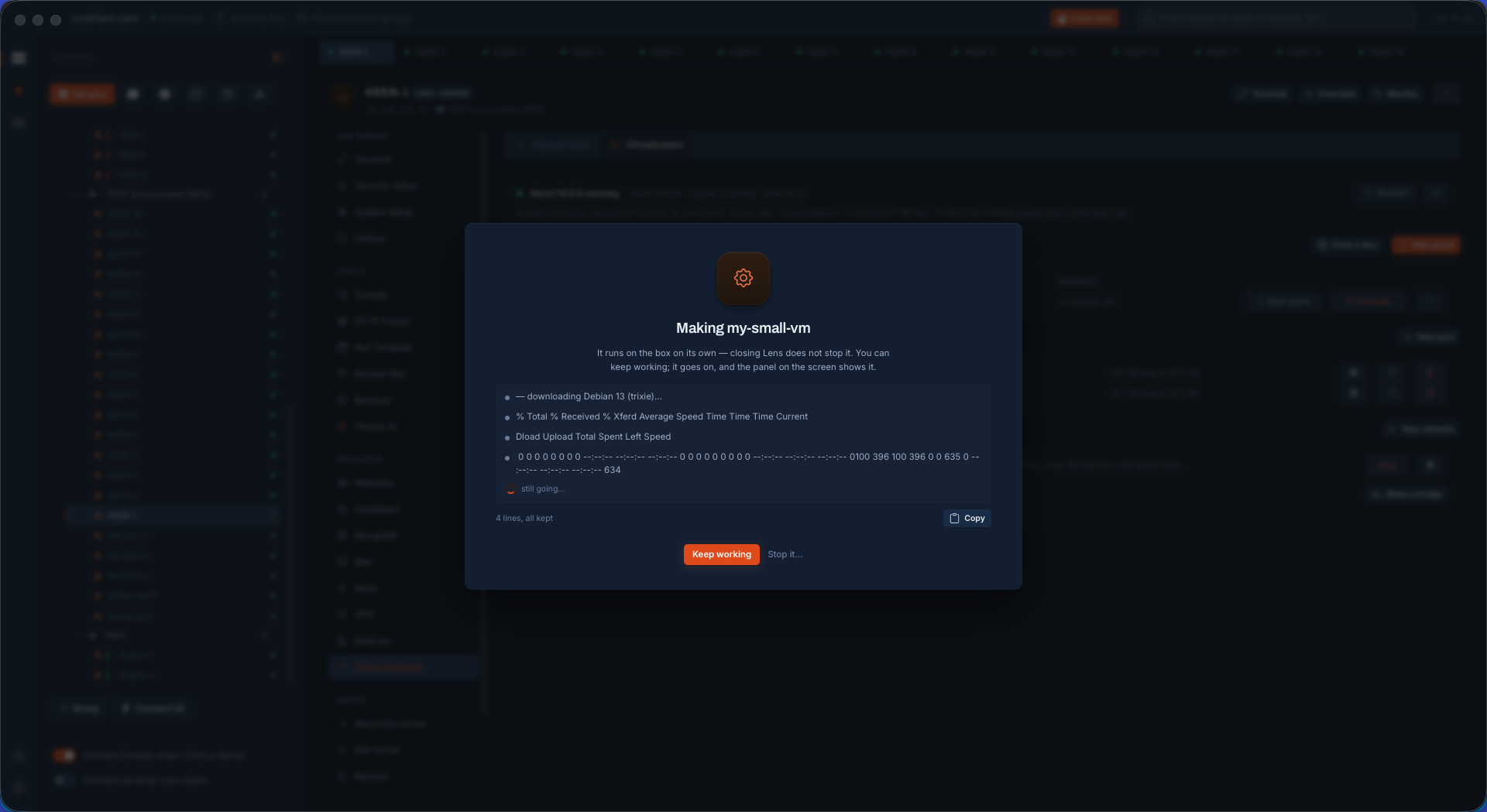
Making the guest The image downloaded once from the distribution, copied, grown to the size asked and defined. It runs on the box on its own: closing Lens does not stop it.
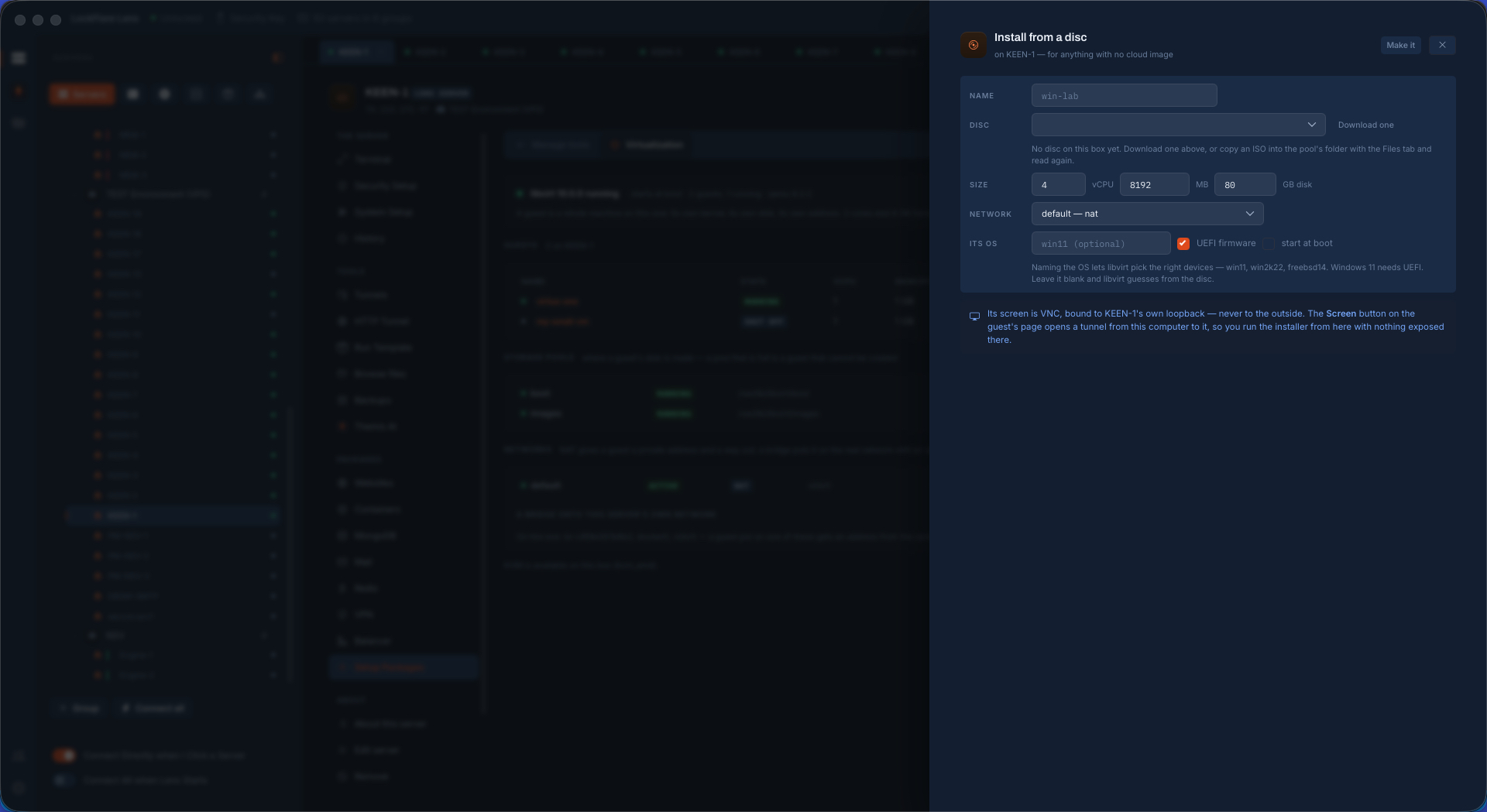
From a disc For anything with no cloud image. Naming the OS lets libvirt pick the right devices; Windows 11 gets UEFI with one tick. Its screen is VNC bound to the host's loopback and never to the outside — the Screen button opens a tunnel from your computer, so you run the installer from your desk with nothing exposed.
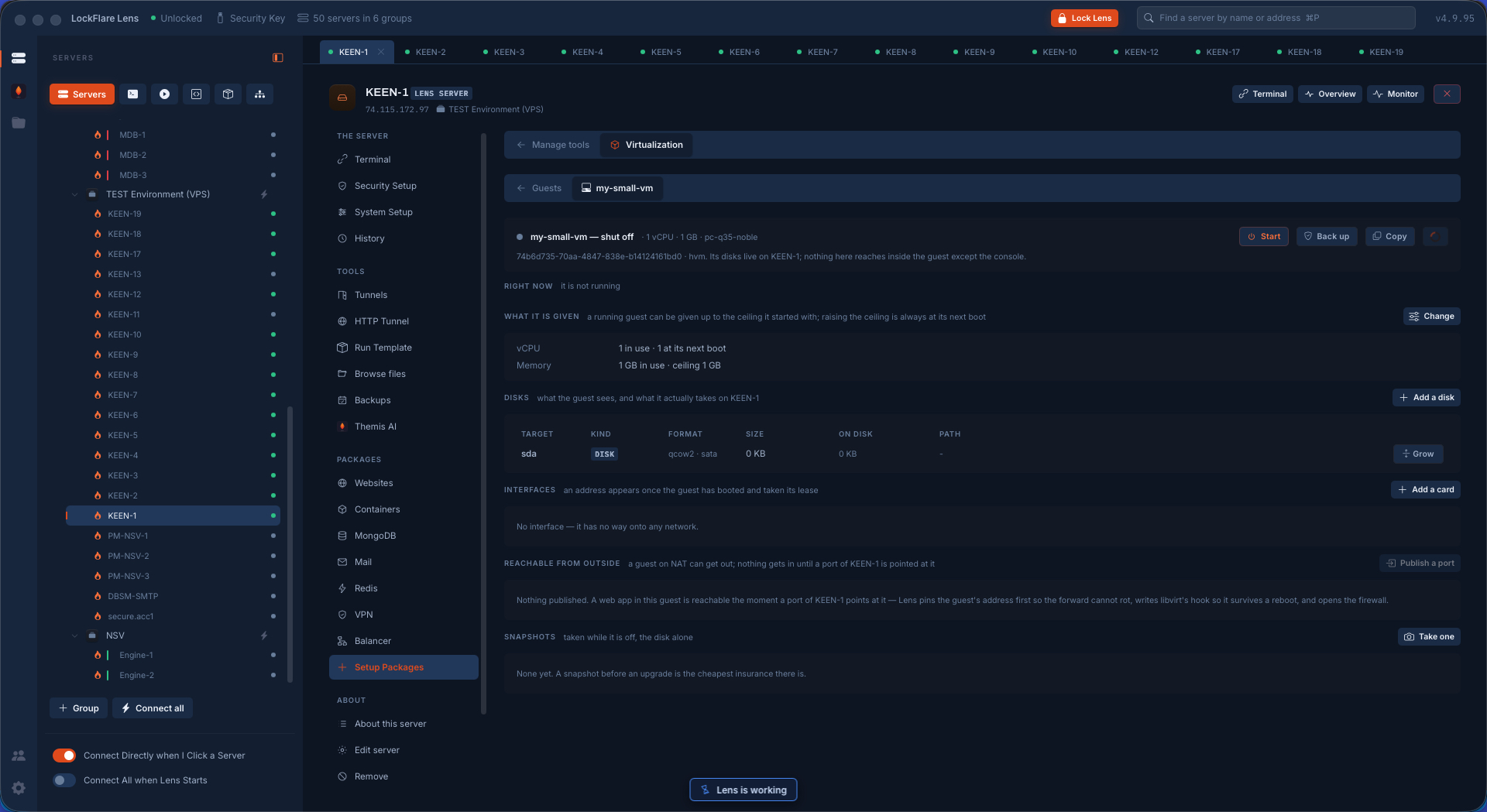
The guest's own page What it is given now and at its next boot, its disks as the guest sees them and as they take space on the host, its interfaces, a port published as one button that pins the address, writes libvirt's hook and opens the firewall, and snapshots taken while it is off.
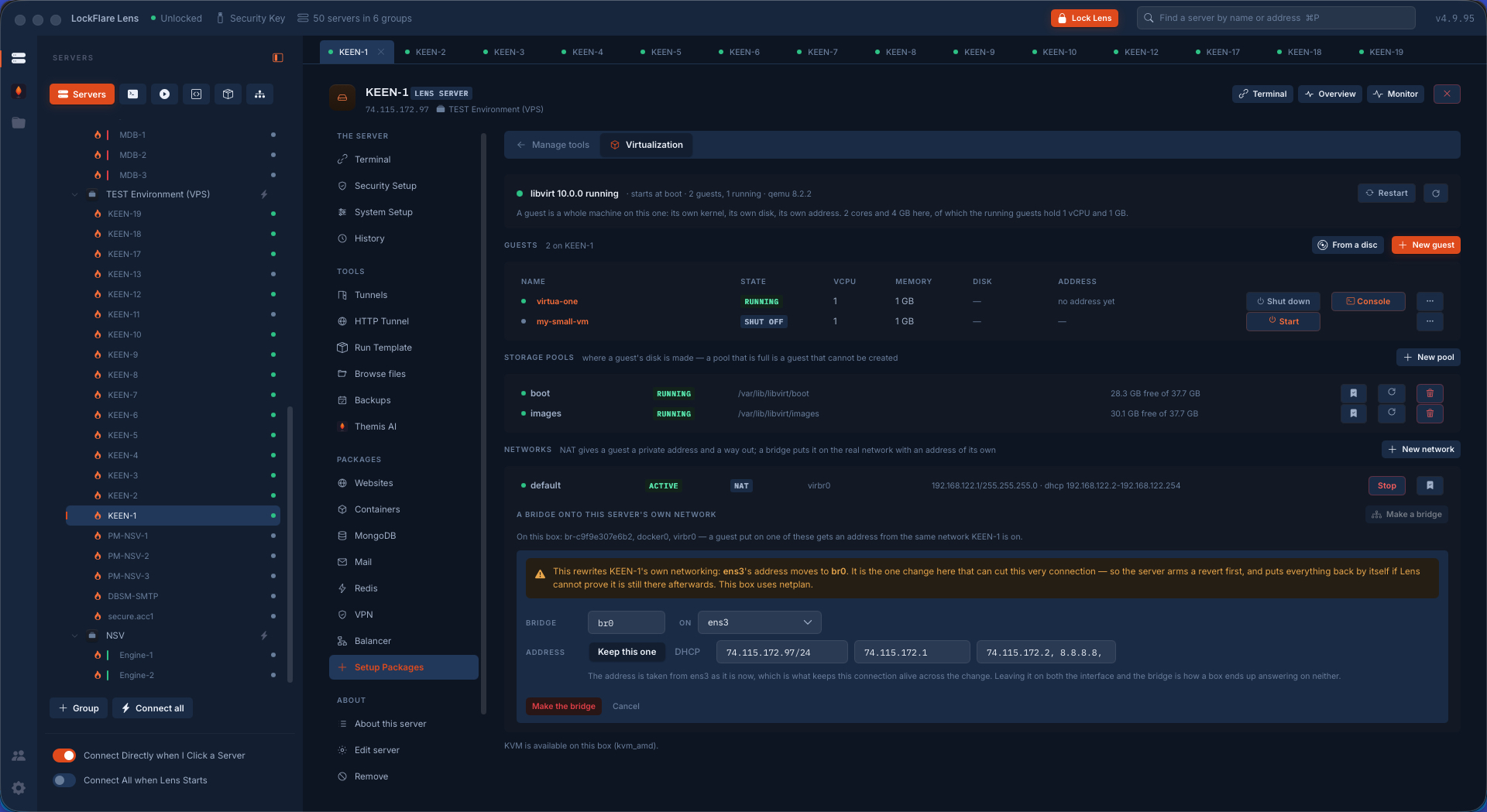
Pools, networks and the bridge libvirt with its guests, the storage pools with their free space, the NAT network — and a bridge, the one change that rewrites the server's own networking. The server arms a revert first and puts everything back by itself if Lens cannot prove it is still there afterwards.
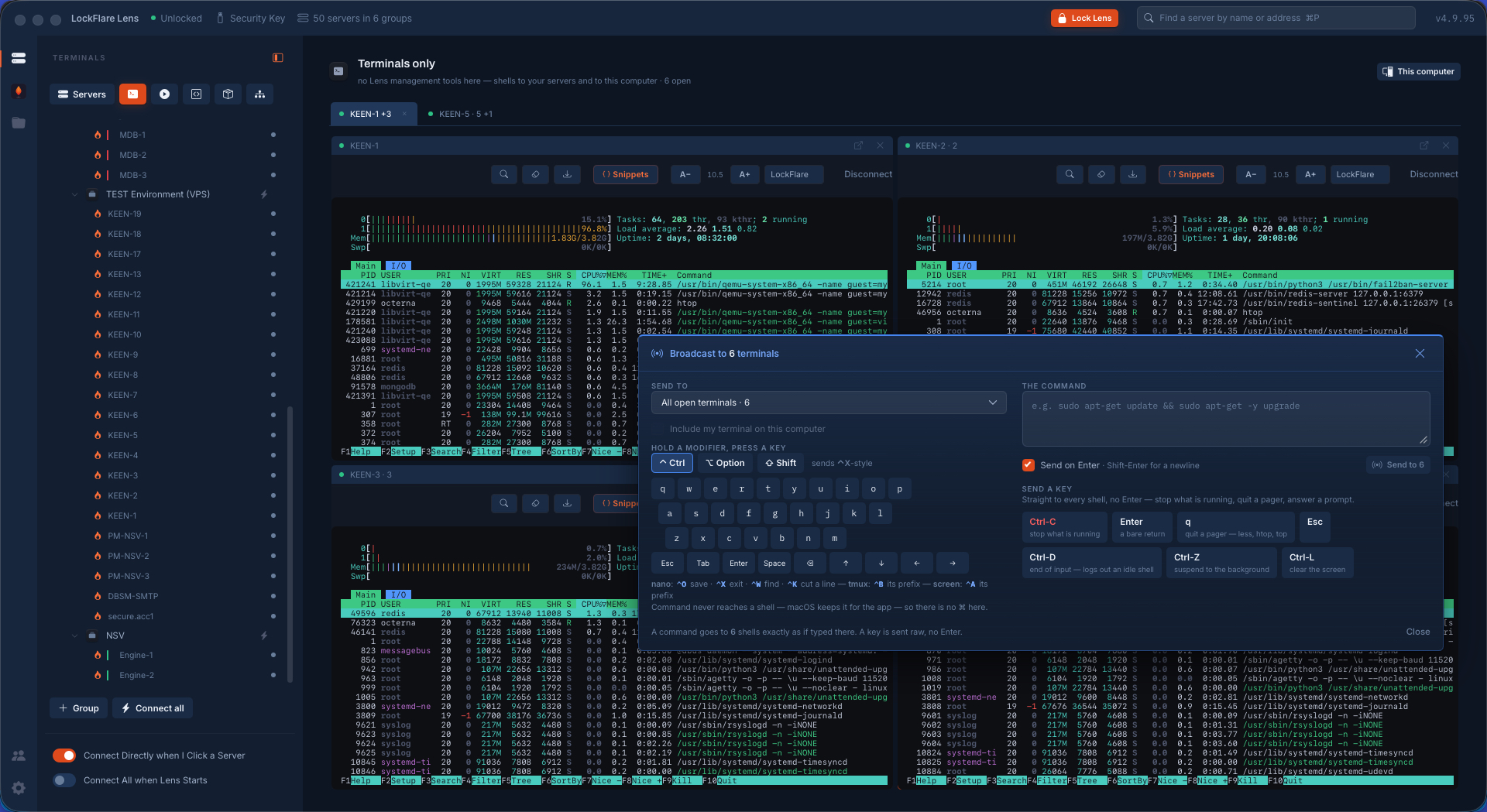
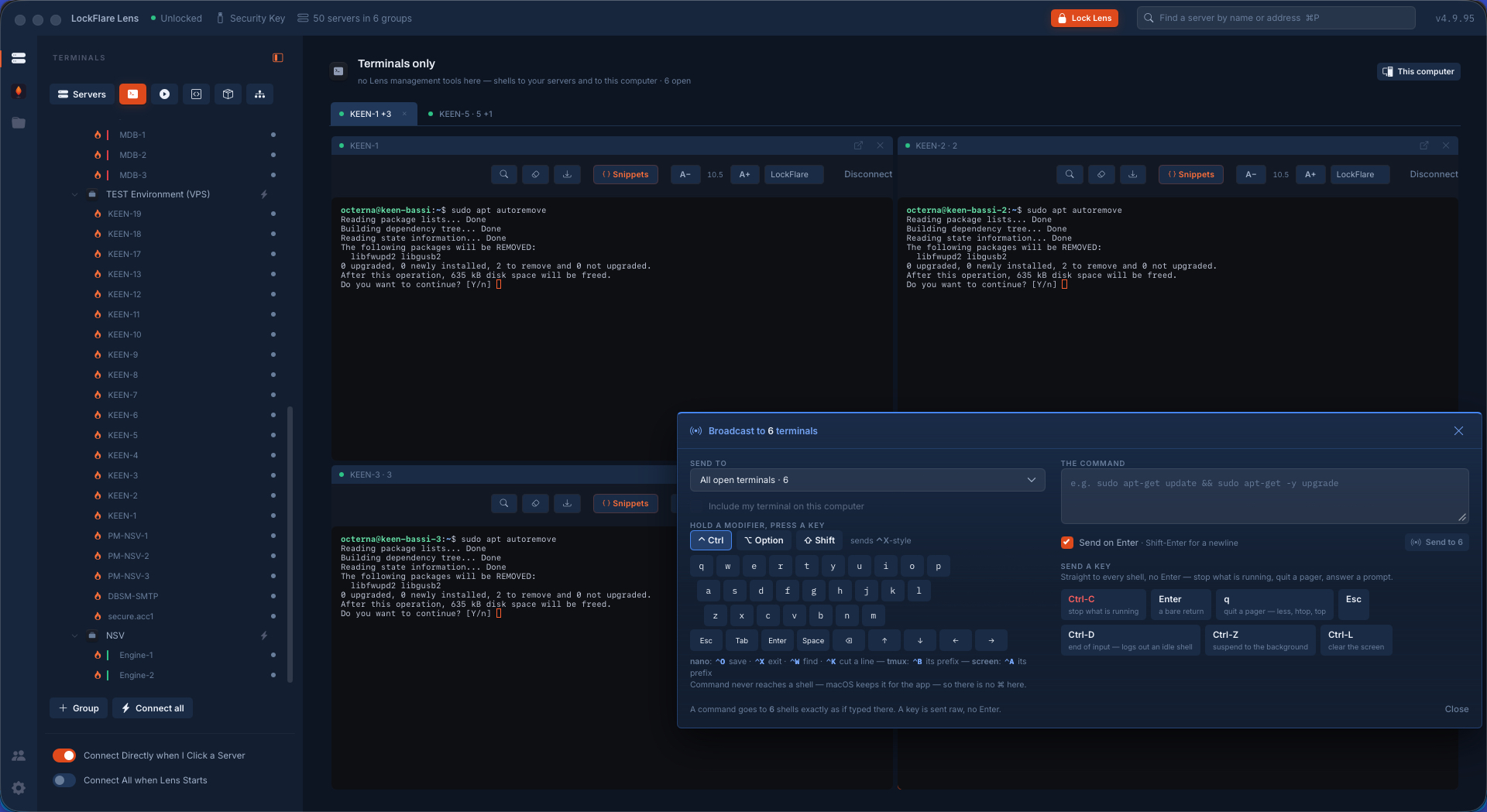
Six shells, one keyboard htop running on six machines — four split across one page and two on another — with the broadcast panel open. It reaches the shells you cannot see as well as the ones you can.
A command, typed once It goes into every shell as if typed there: each box answers in its own pane, with its own mirrors and its own timings, side by side rather than interleaved.
A full-screen editor on six boxes You cannot pipe into nano and you cannot script your way through it — so Lens sends keys. Six editors open, the file's contents waiting to go into all of them.
Write out, then exit — as keys Raw keystrokes with no Enter appended, to every shell at the same instant. Every pane reports the file written.
The proof, typed once Clear the screen, print the hostname, print the file that was just written.
Six different machines Six hostnames, and under each one the same file written a moment earlier by the same keystrokes. Six real servers, not one shown six times.
Six boxes, the same question A removal stops on a yes-or-no prompt — on all six at once. A loop over SSH hangs here, or answers blindly with a flag.
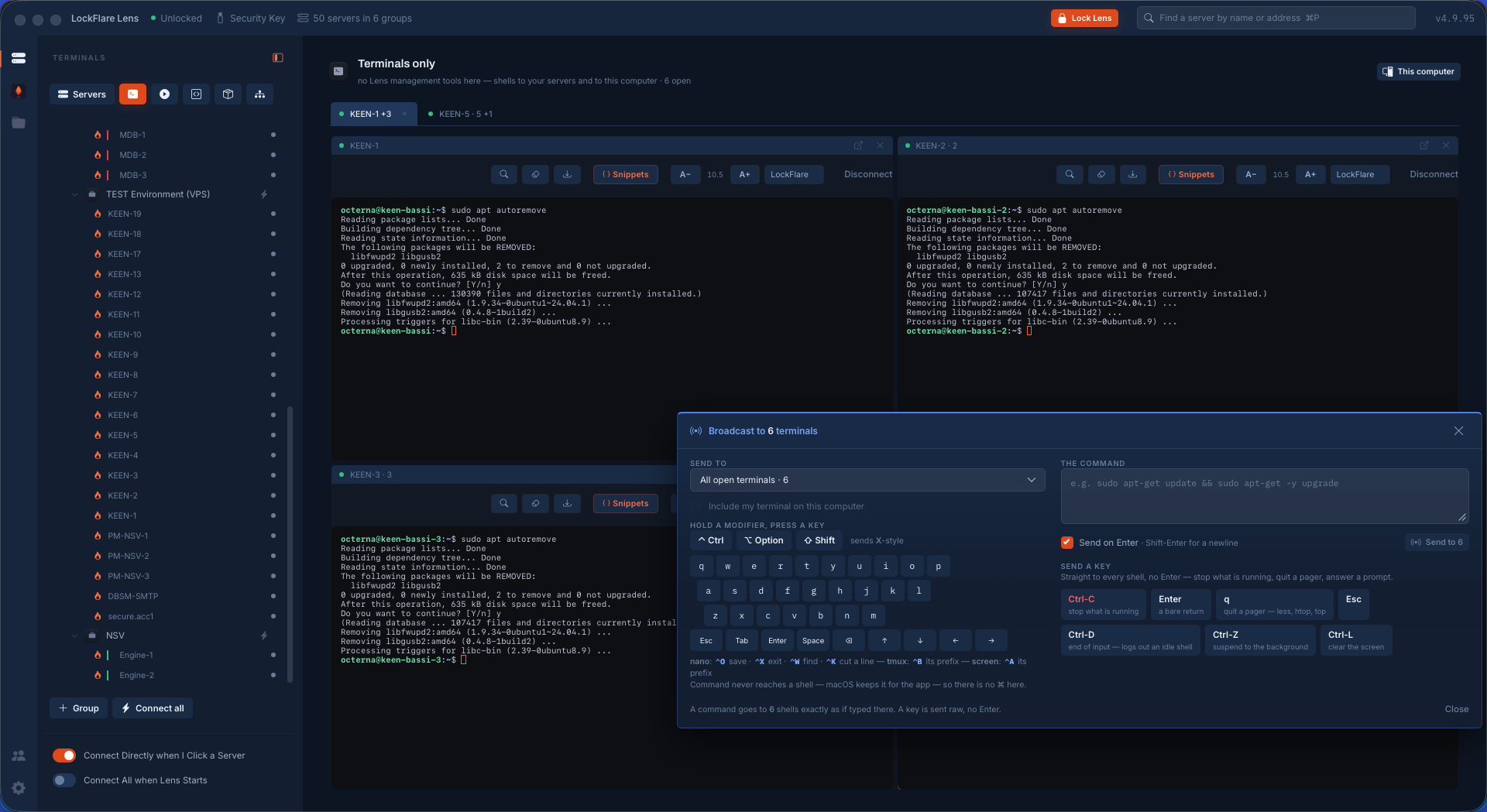
One key, six answers Sent with its Enter to every shell; all six carry on and finish. The question was asked, seen and answered once, by a person.
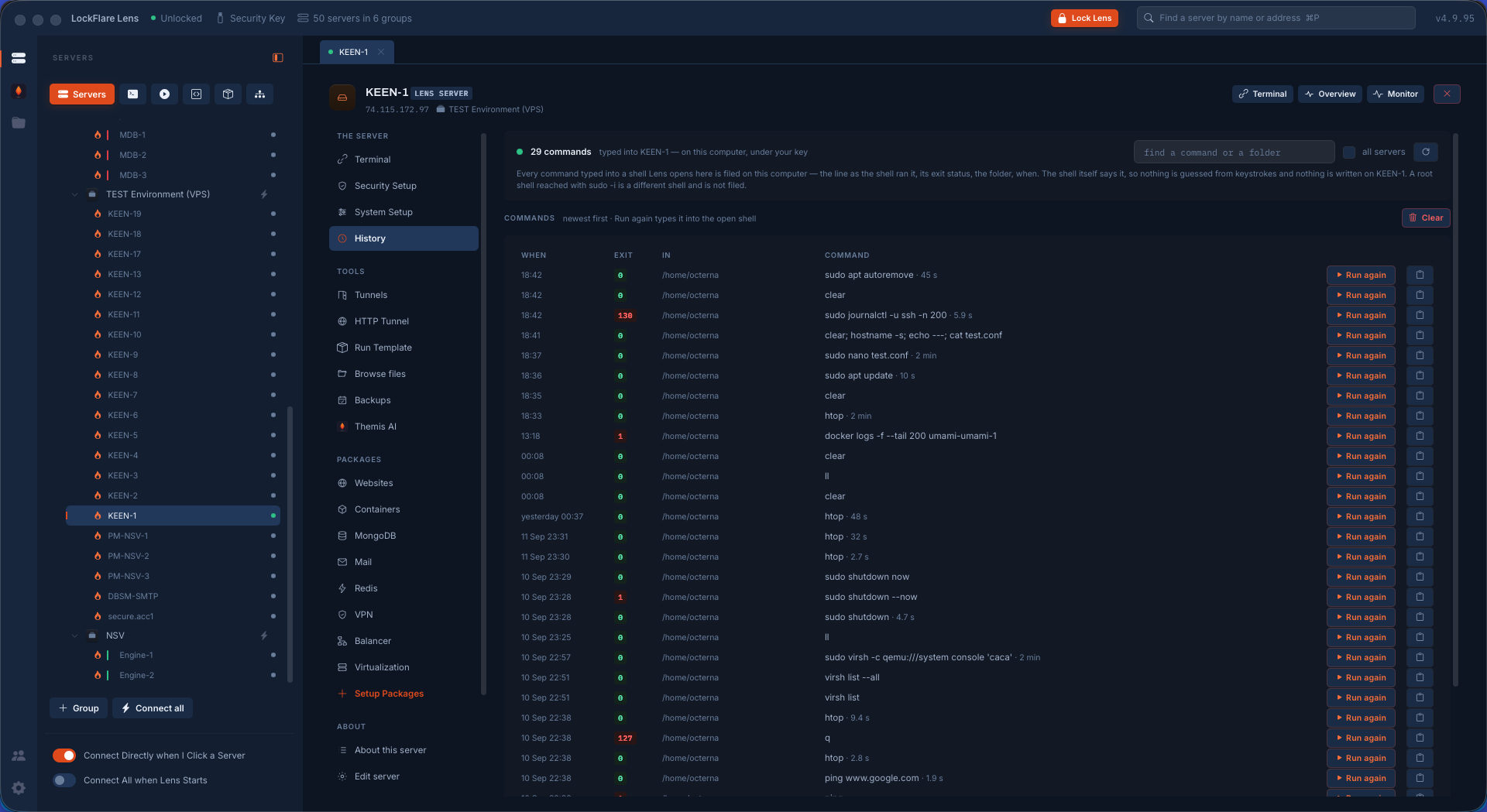
Command history Every command typed into a Lens shell, filed on your computer per server: the line as the shell ran it, its exit status, the folder, when and how long. Searchable across one server or all of them, with Run again to type it back into the open shell. The shell reports it, so nothing is guessed from keystrokes and nothing is written on the box.
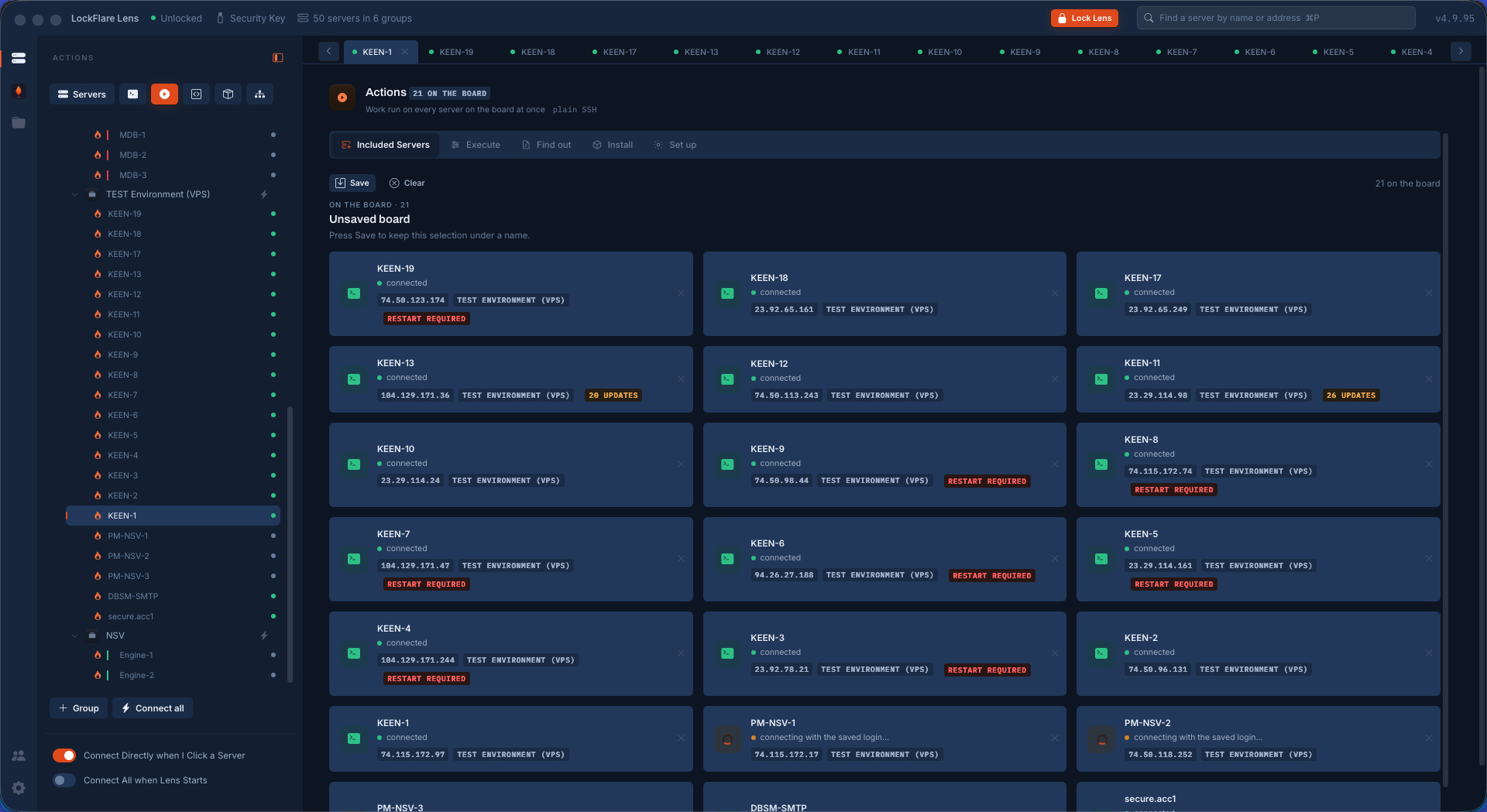
The Actions board Servers dragged from the tree onto a board, each a card coloured by the one thing that matters before you press anything: can Lens reach it right now. The cards carry the address, the group, pending updates and a restart owed.
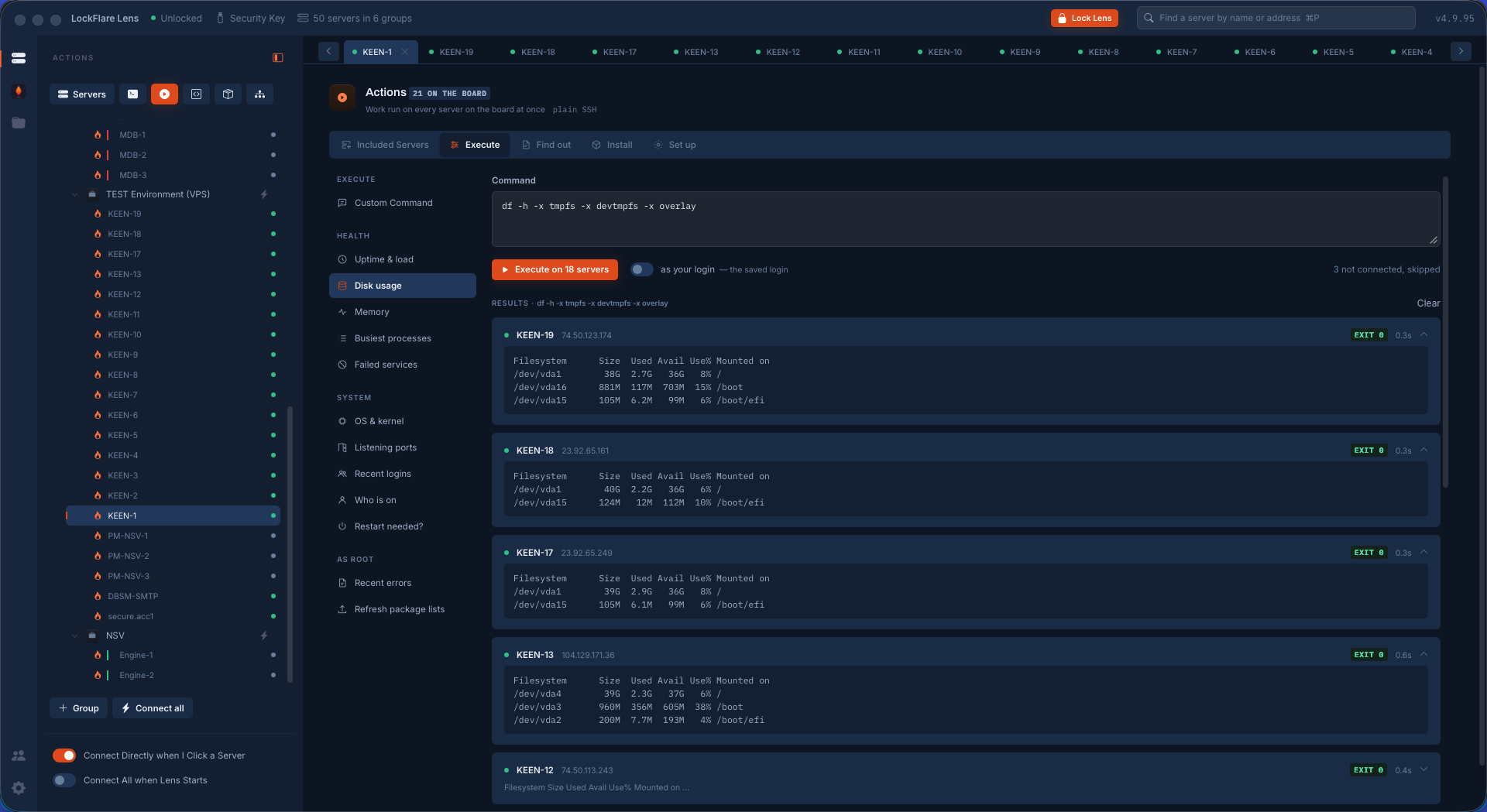
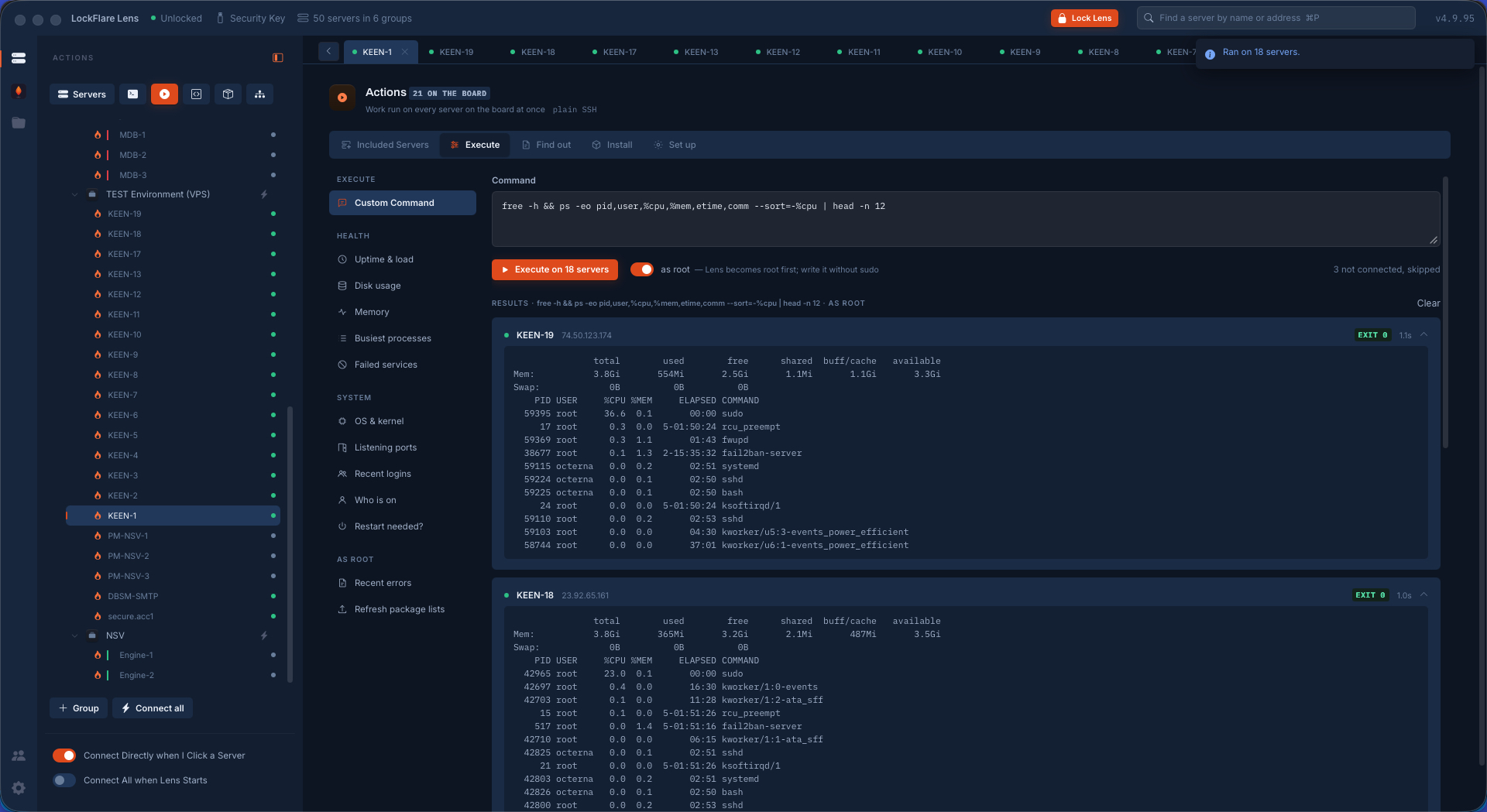
Execute: one line, every answer A command run on eighteen servers at once, each answering in its own card with its exit code and how long it took — side by side, never merged into one stream.
Memory and the busiest processes The same again, from the rail of questions an operator asks a fleet most mornings. Picking a preset fills the box; it never runs on its own.
The OS of every box Which release each server runs, answered across the board in one pass.
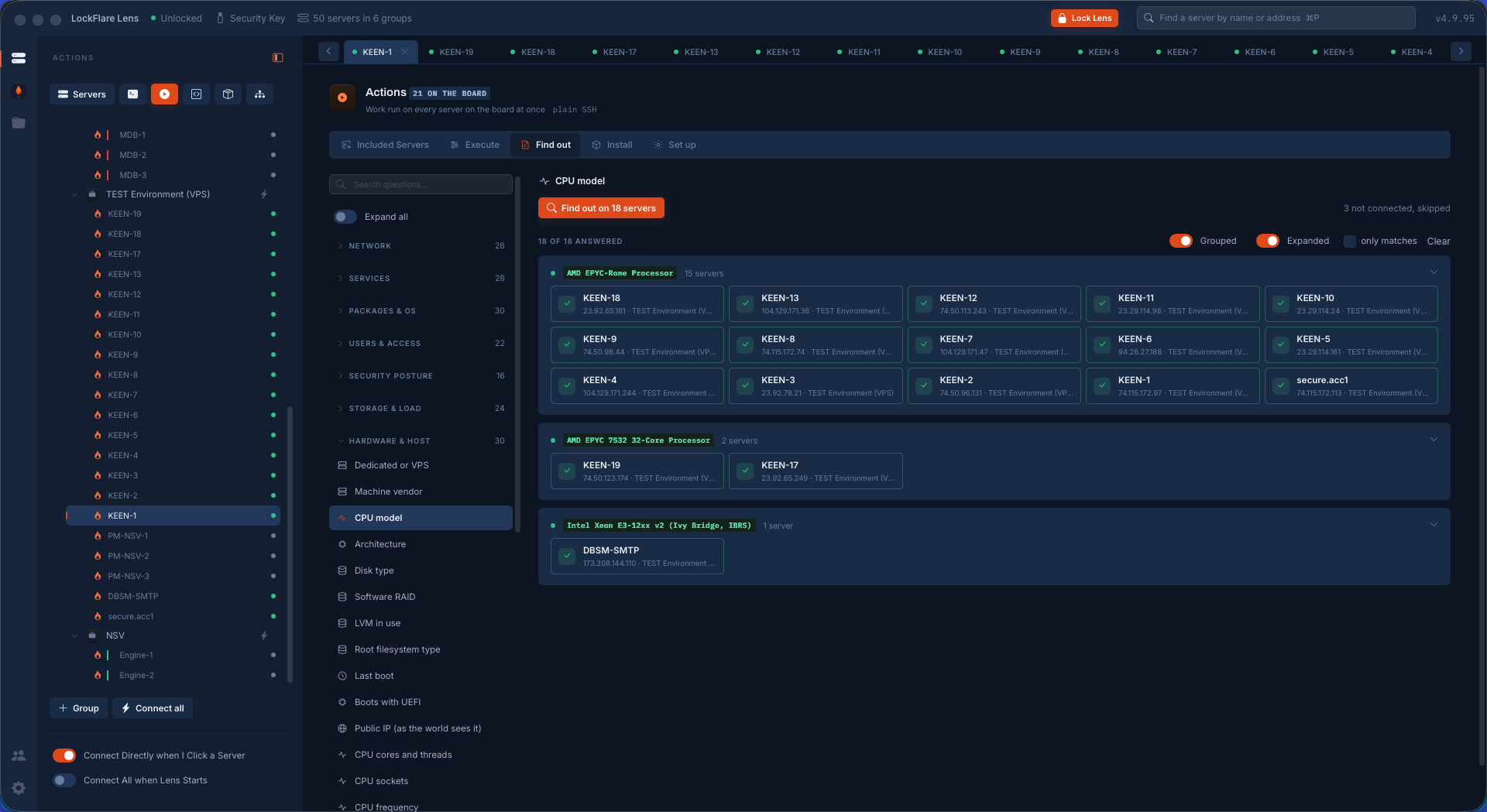
Find out: the finding, not the output Which CPU the fleet runs, answered as three groups rather than eighteen paragraphs of output. Fifteen boxes on one processor, two on another, one on something else — the odd one out visible in a second.
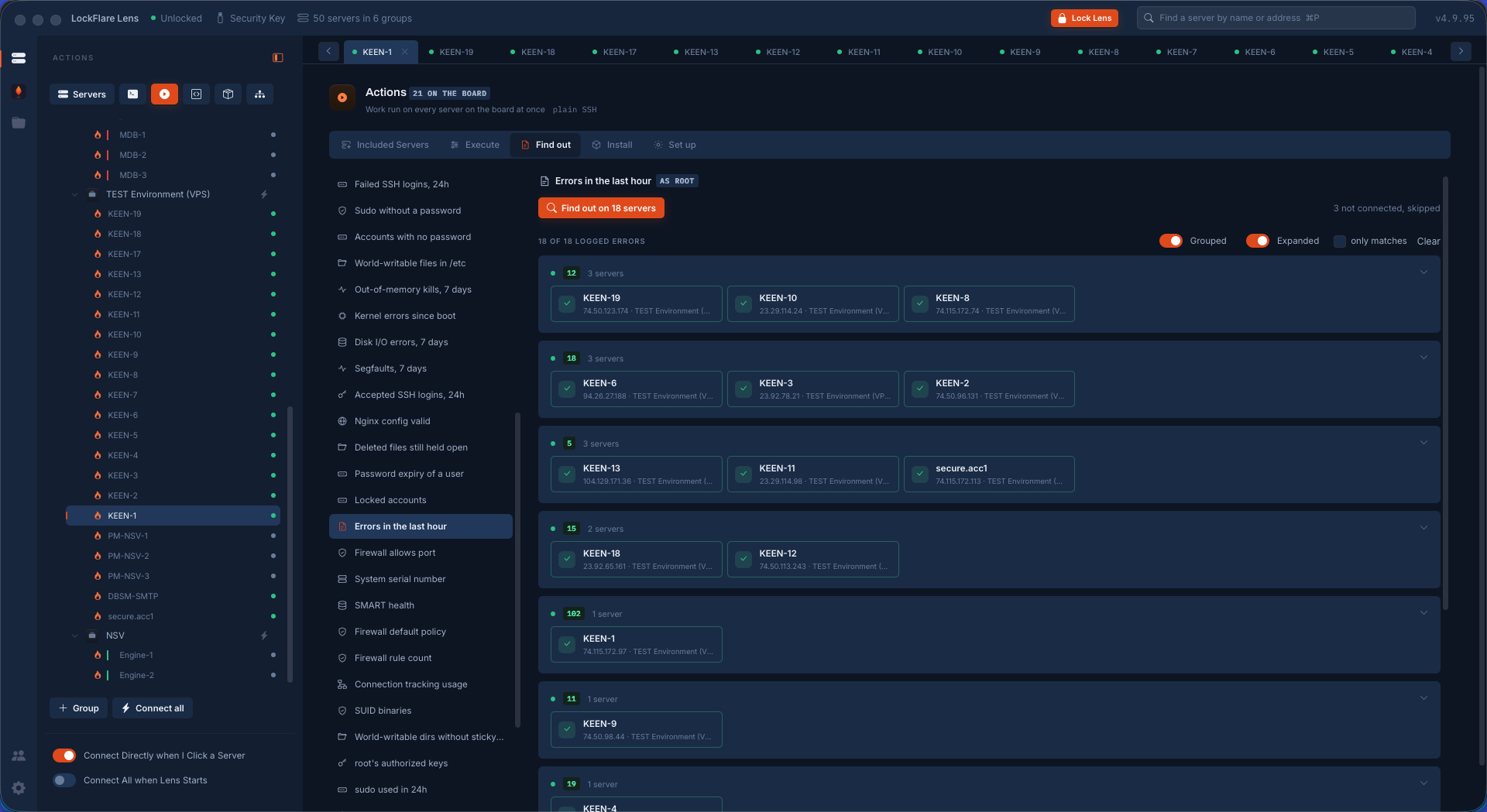
Errors in the last hour One question, one value per server, grouped by how many — so the noisy boxes name themselves.
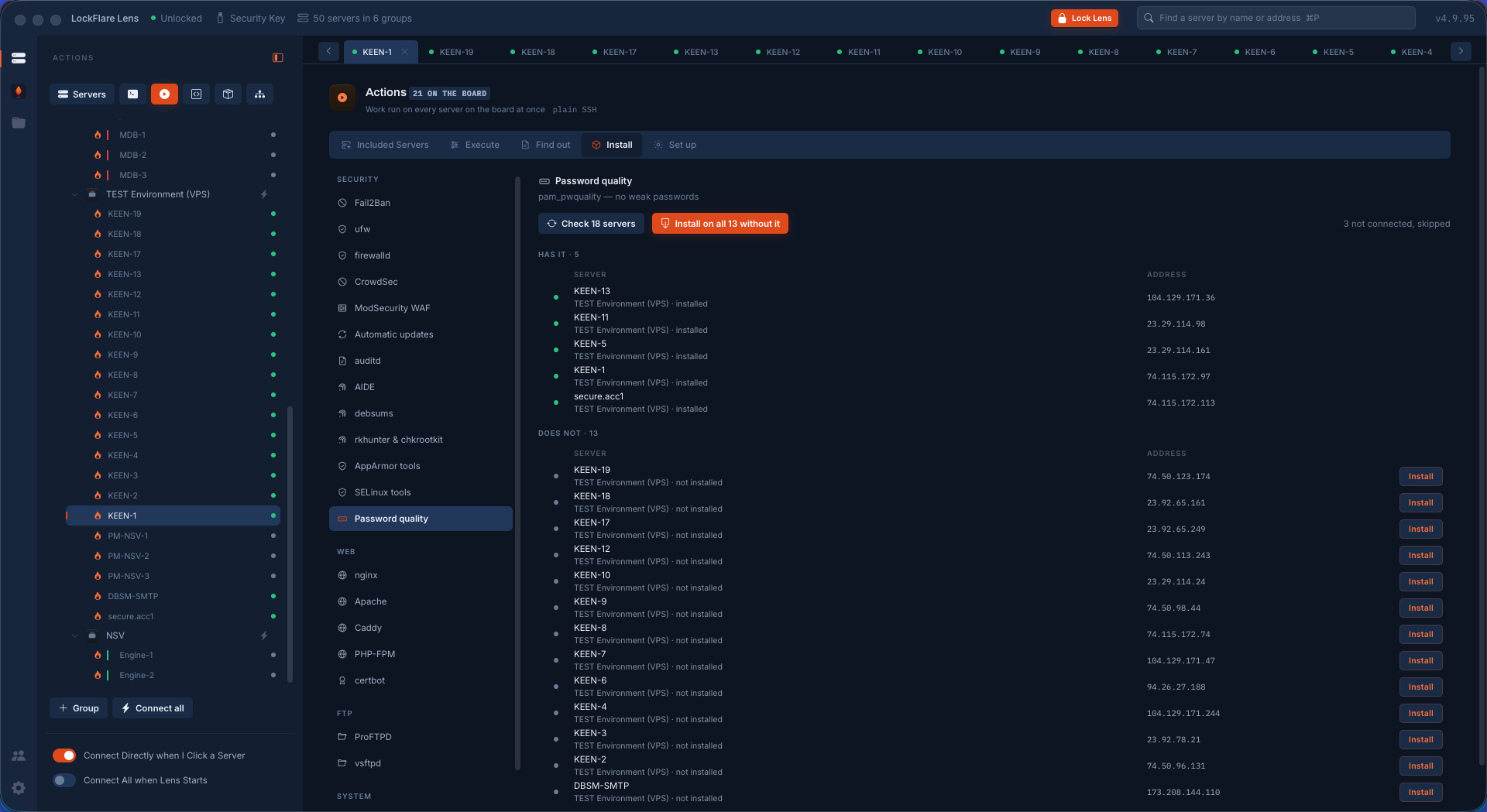
Install: only where it is missing Every board member asked whether it already has the package. Two columns come back — has it, and does not — and nothing is reinstalled on the ones that do.
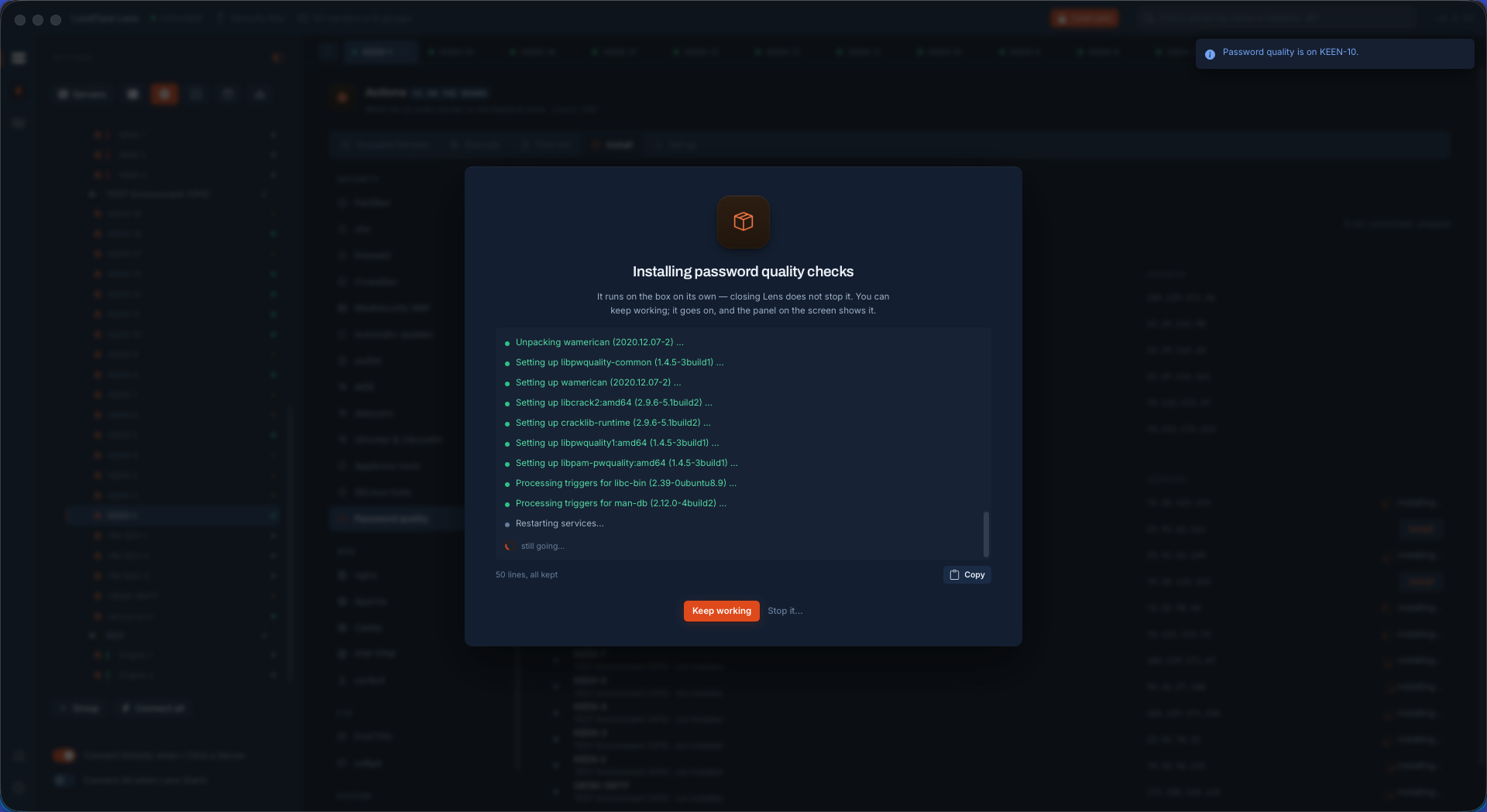
Thirteen installs, watched The same root job the server's own tab would run, on every box that lacked it, watched from one screen.
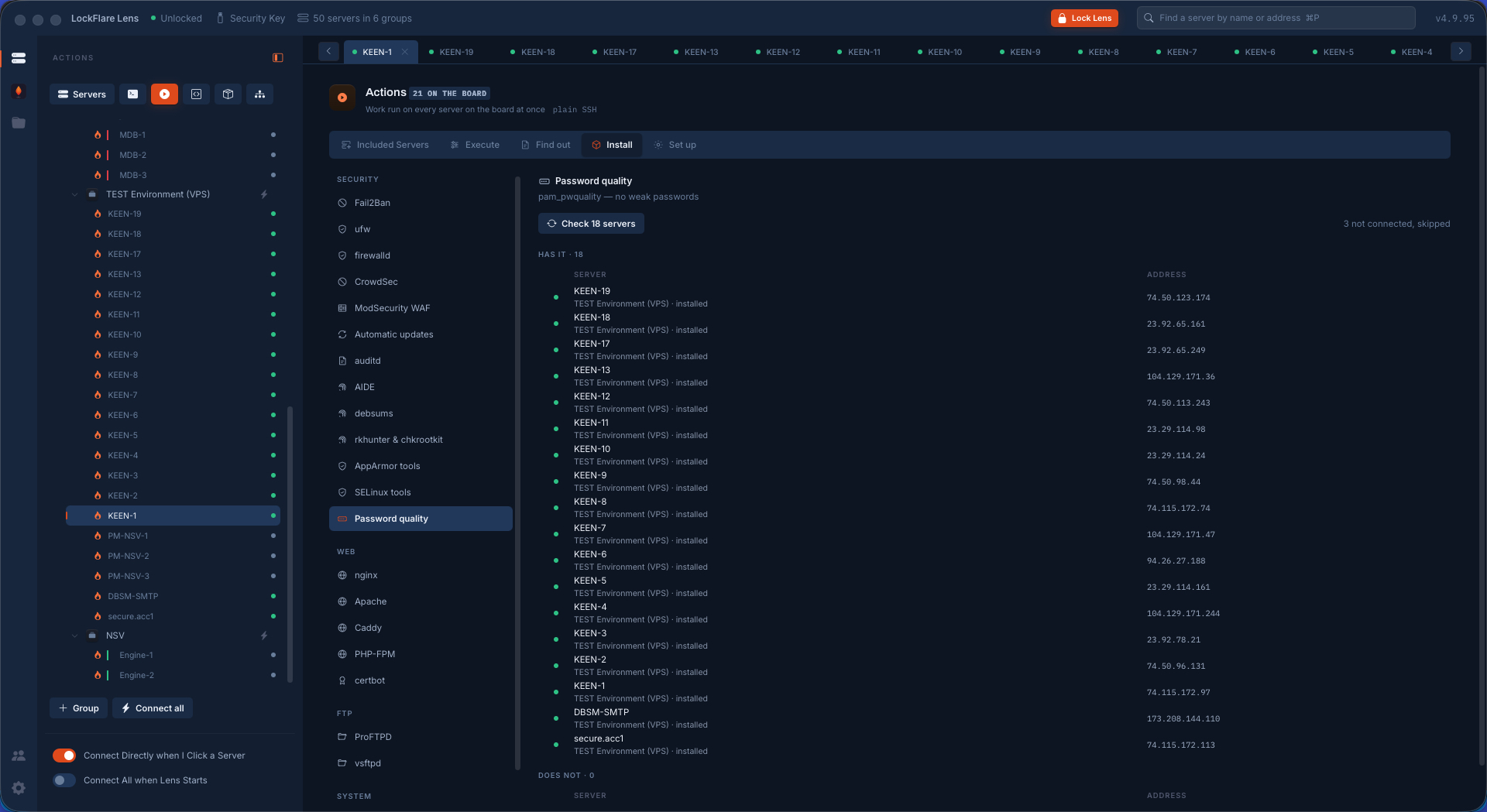
Asked again afterwards The row does not say installed because Lens assumes it worked — the box is read again and says it for itself.
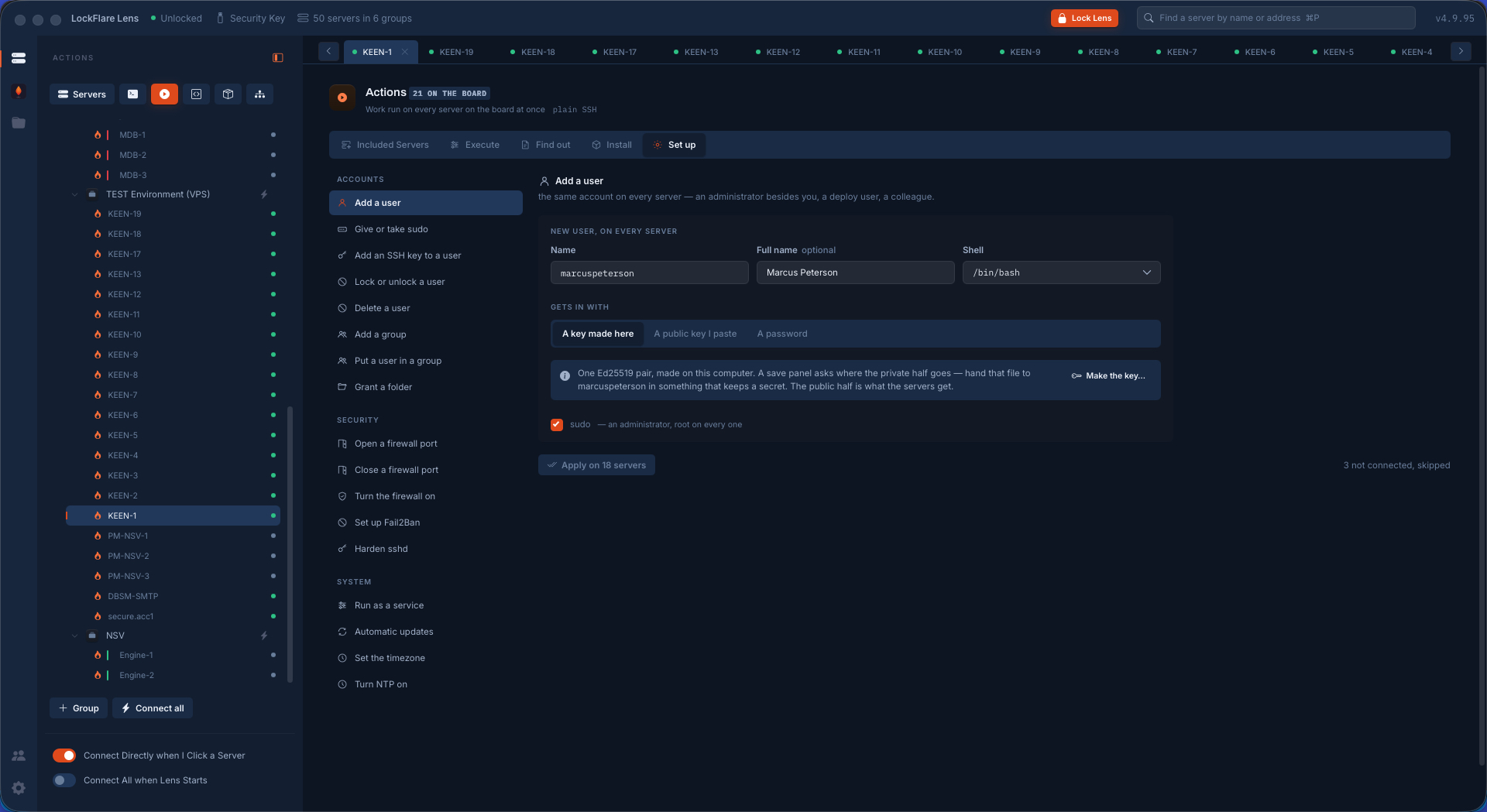
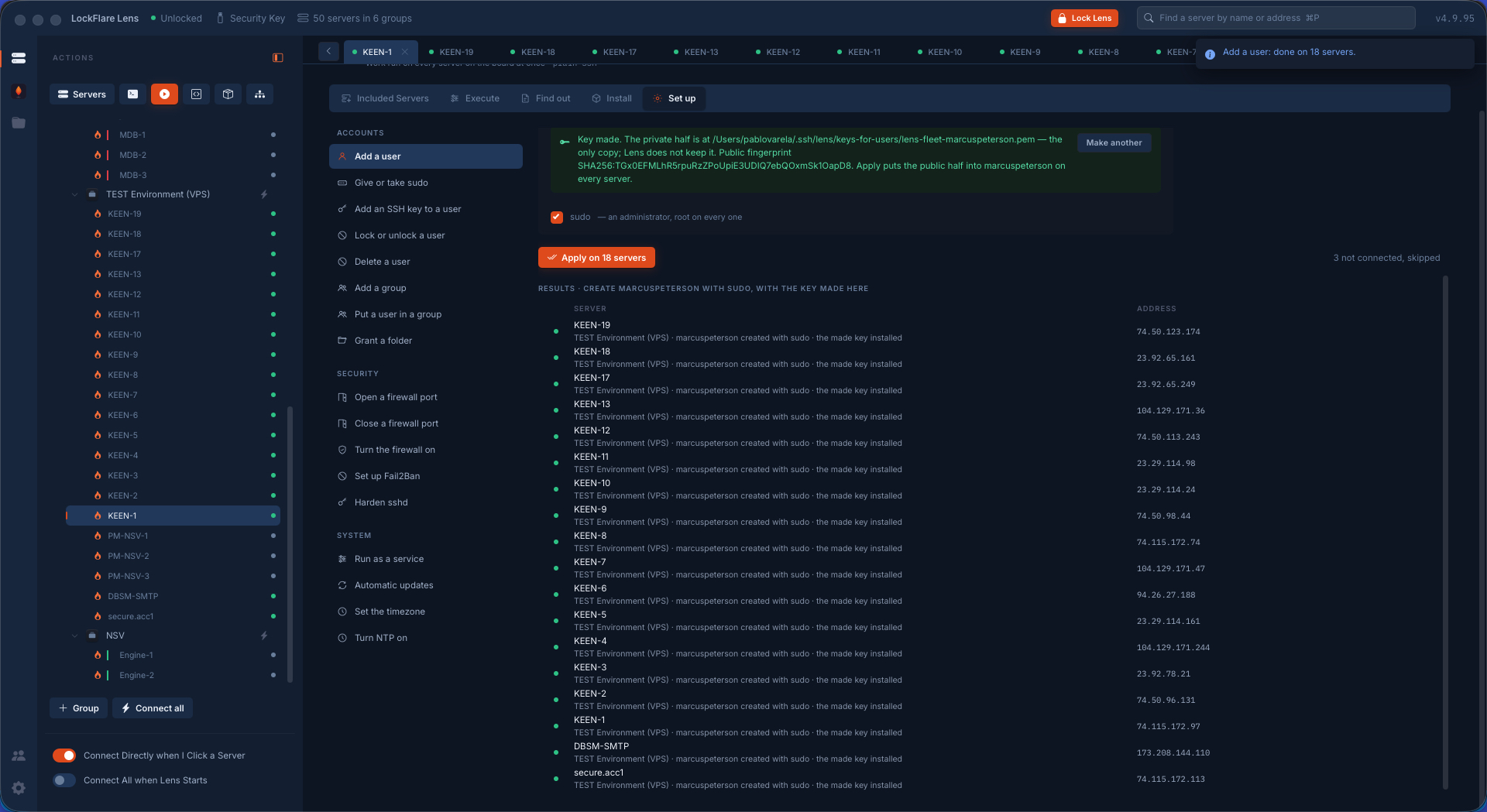
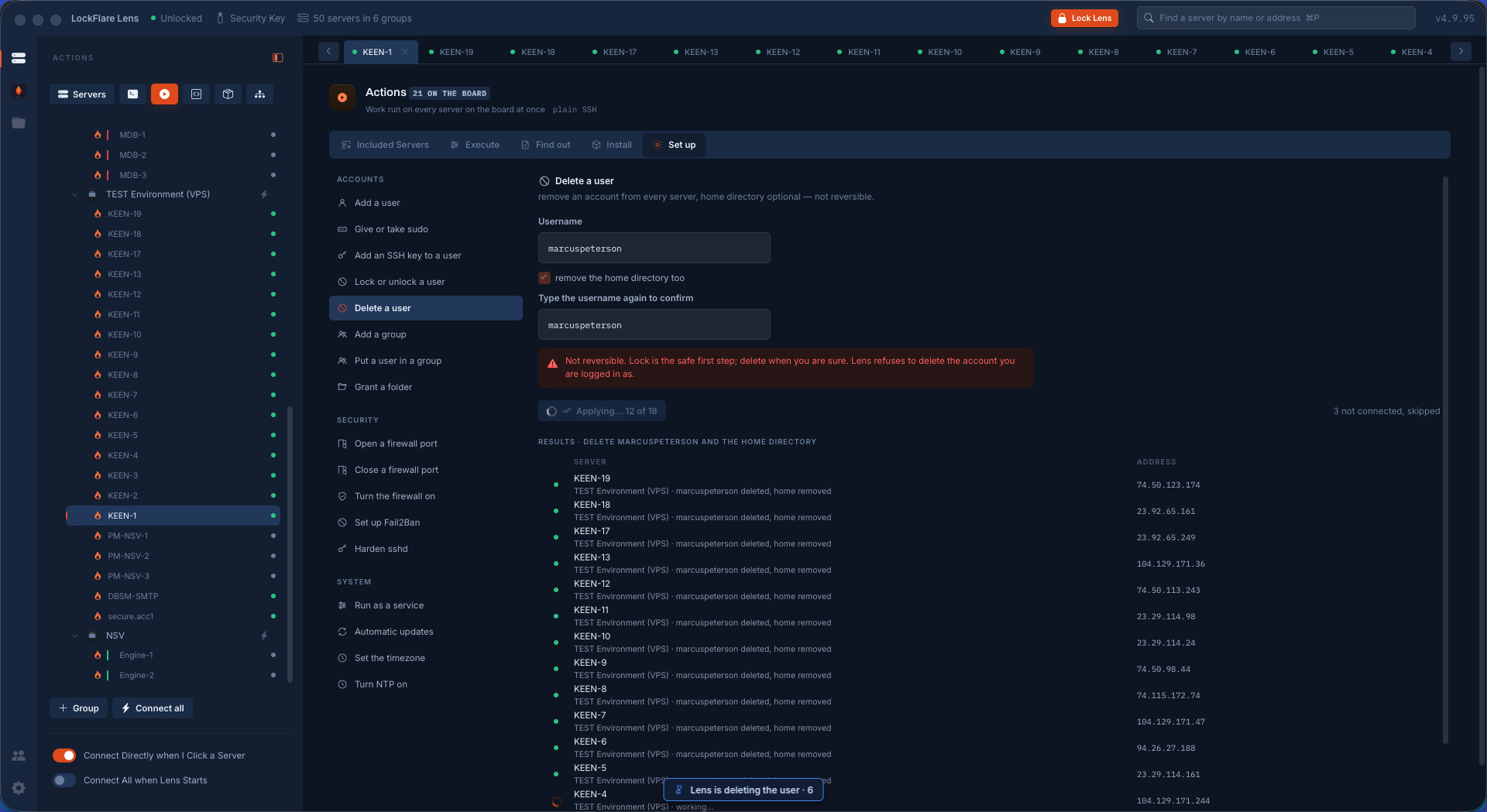
The same account on every server One card: name, shell, how they get in, and sudo — created on eighteen machines through the same code path the server's own screen uses.
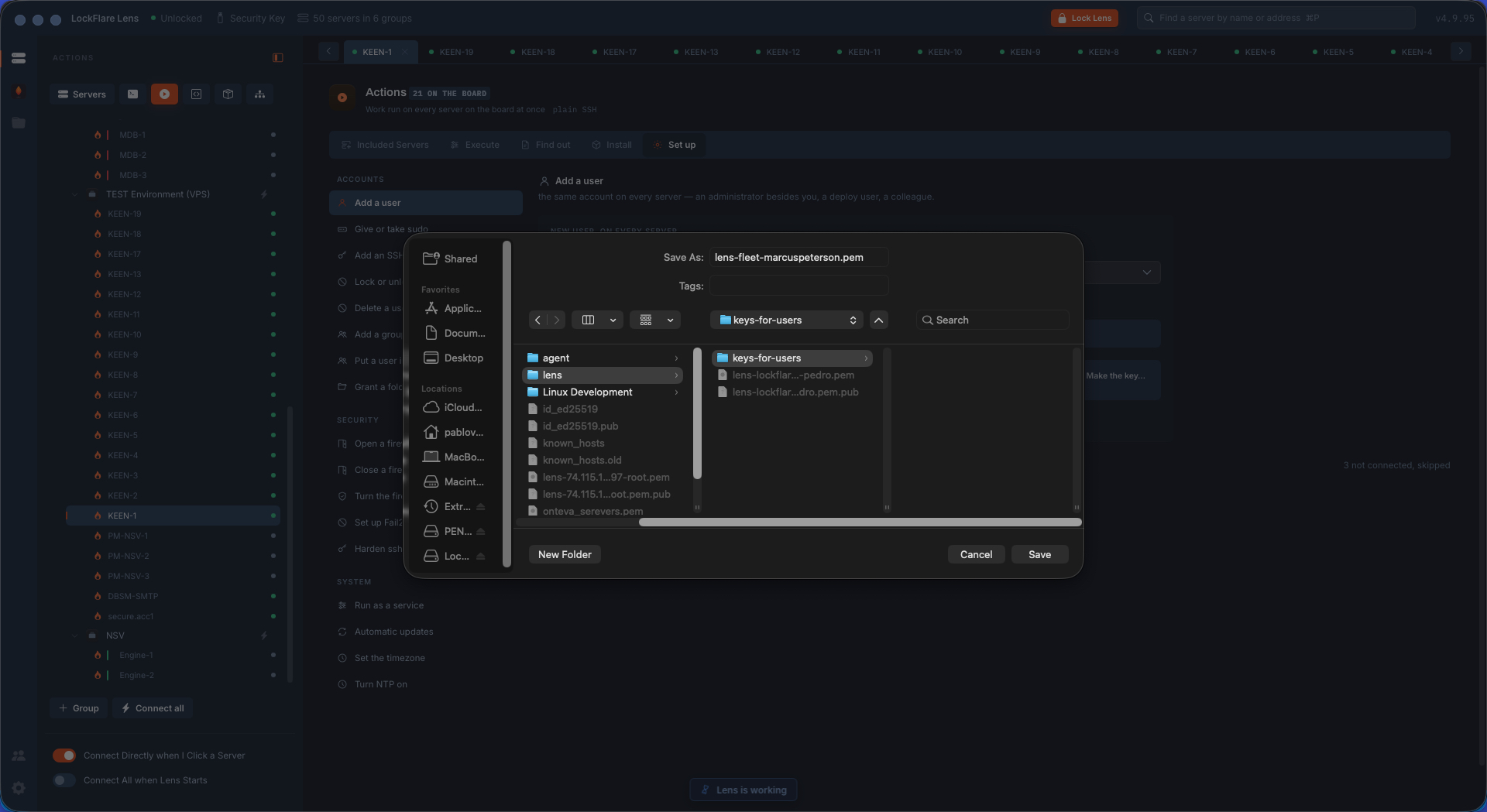
A key made here Choose "a key made here" and Lens generates the pair on your computer, gives the servers the public half, and asks where to save the private one. That file is handed to the person; Lens keeps no copy.
A row per server Eighteen rows saying what happened on each box, including the ones that asked for a sudo password.
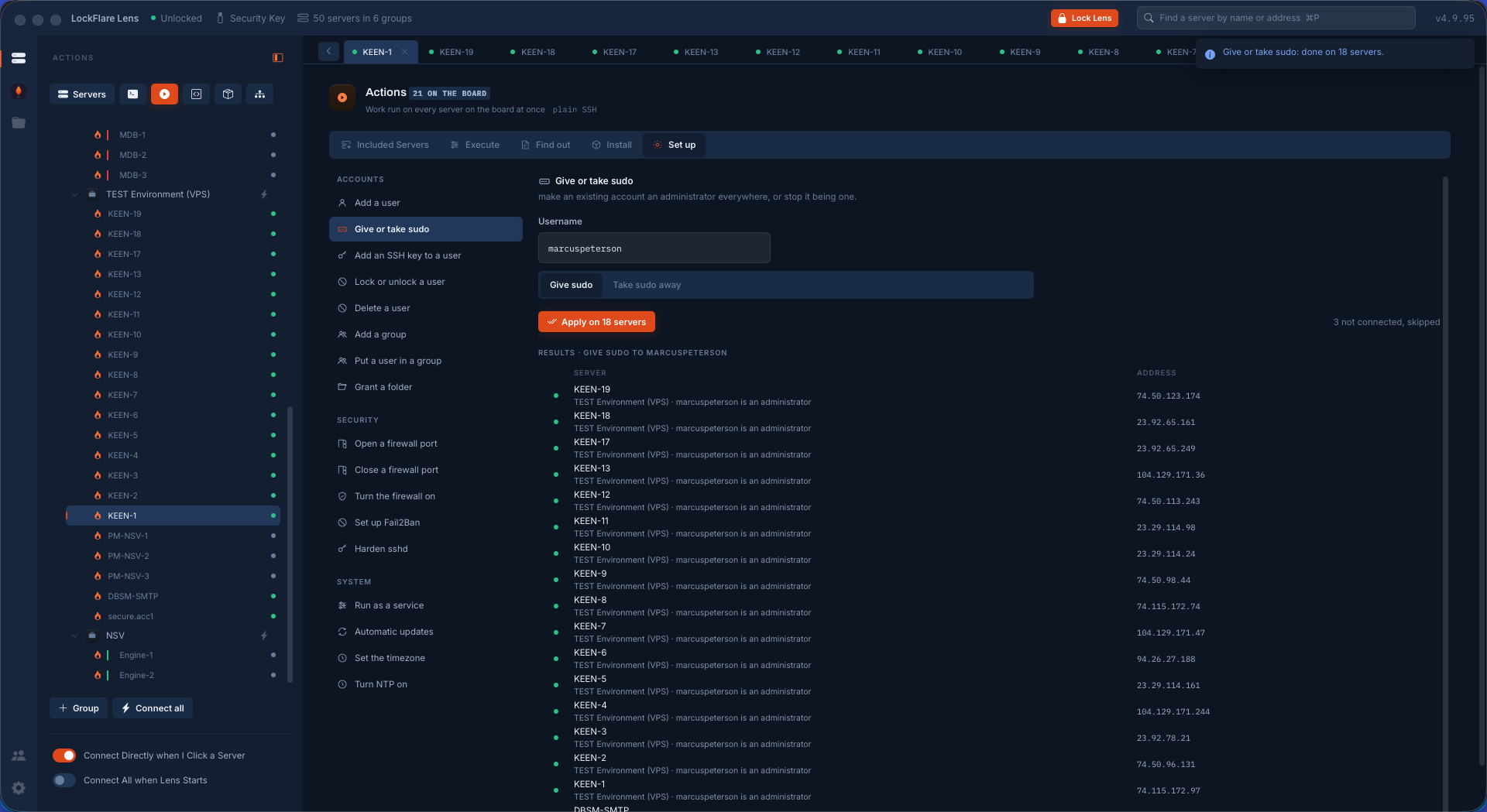
Sudo, across the board Granted by a Lens-owned allowlist rule rather than an edit to sudoers — and taken away the same way.
Off-boarding in one pass The account removed from every server on the board, with what it owns counted first.
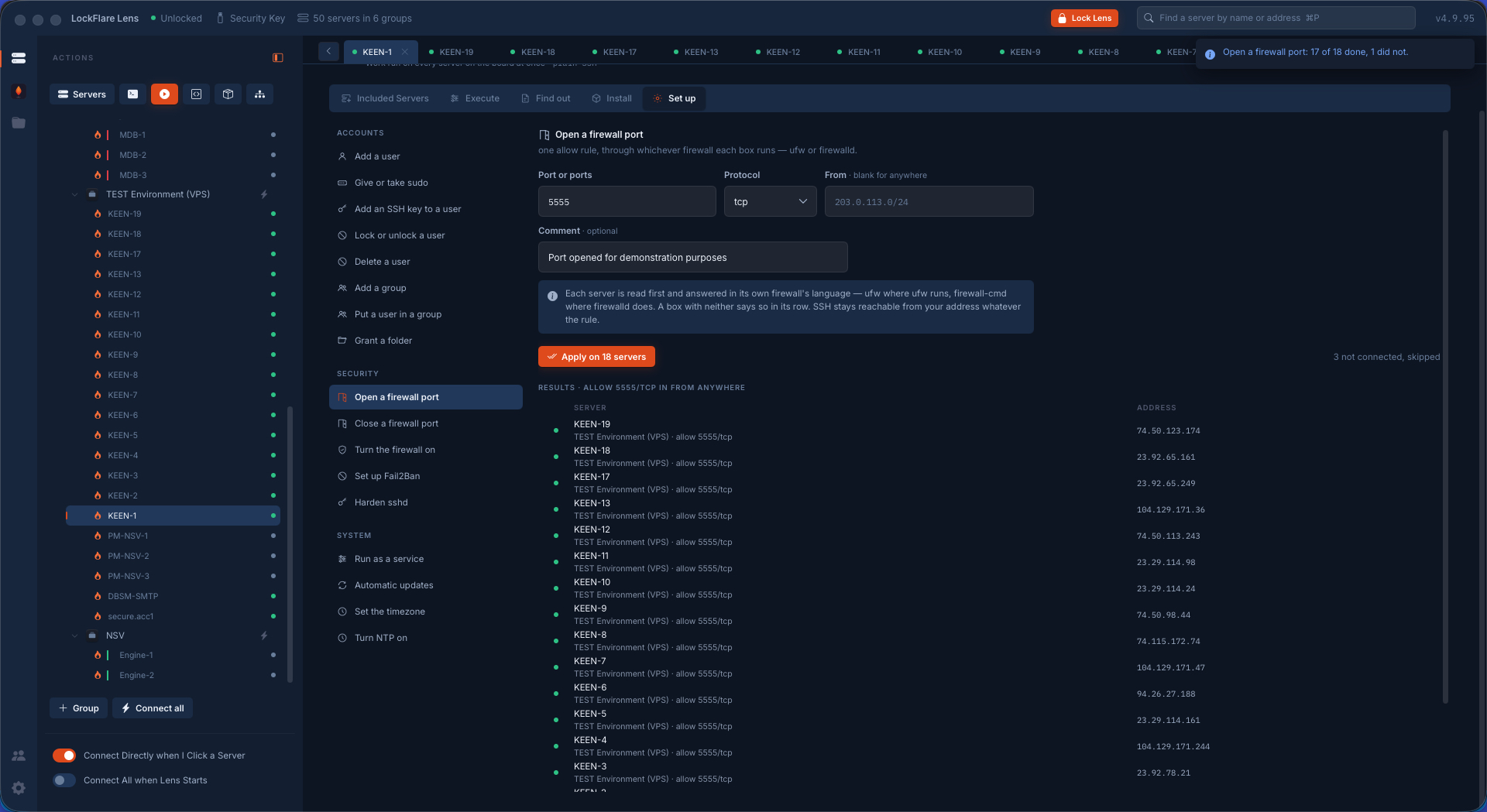
A port opened across a fleet Each box read first and answered in its own firewall's language — ufw here, firewalld there — and on every one of them, a rule that would remove your own way in is refused.
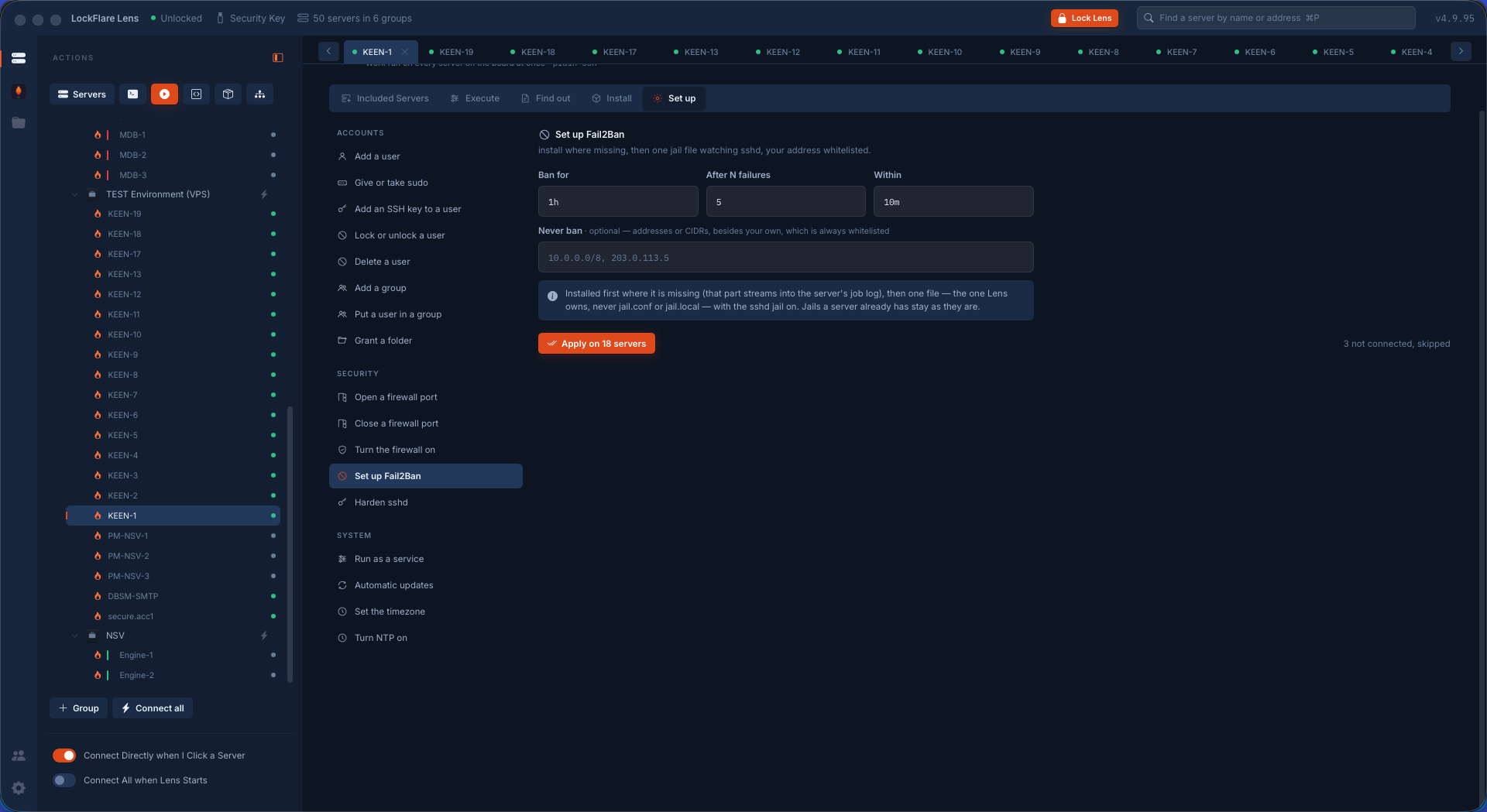
Fail2Ban across a fleet Installed where it is missing and configured through one Lens-owned file per box, with each row reporting for itself.
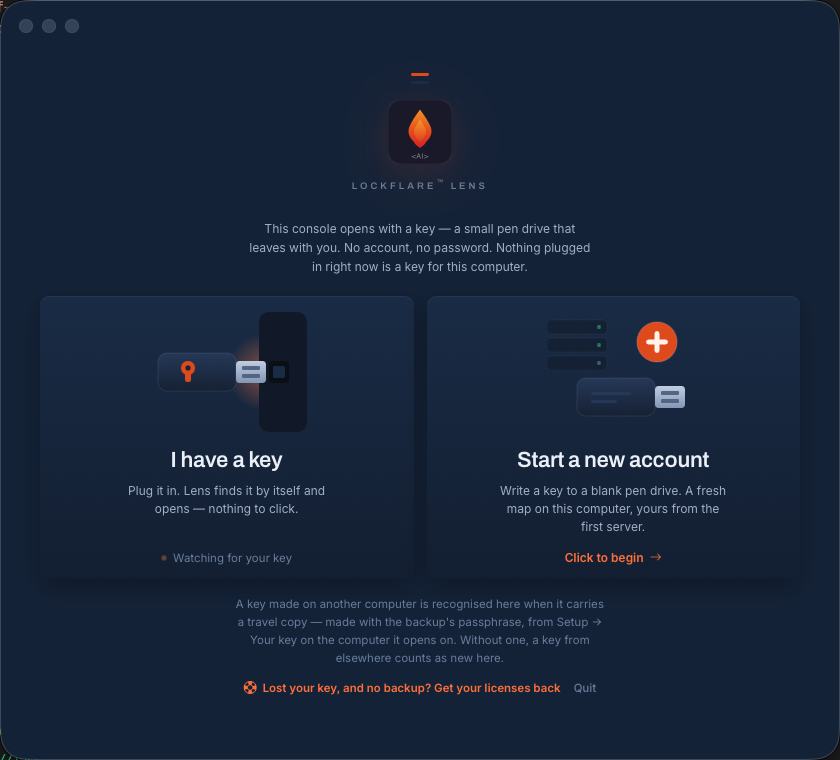
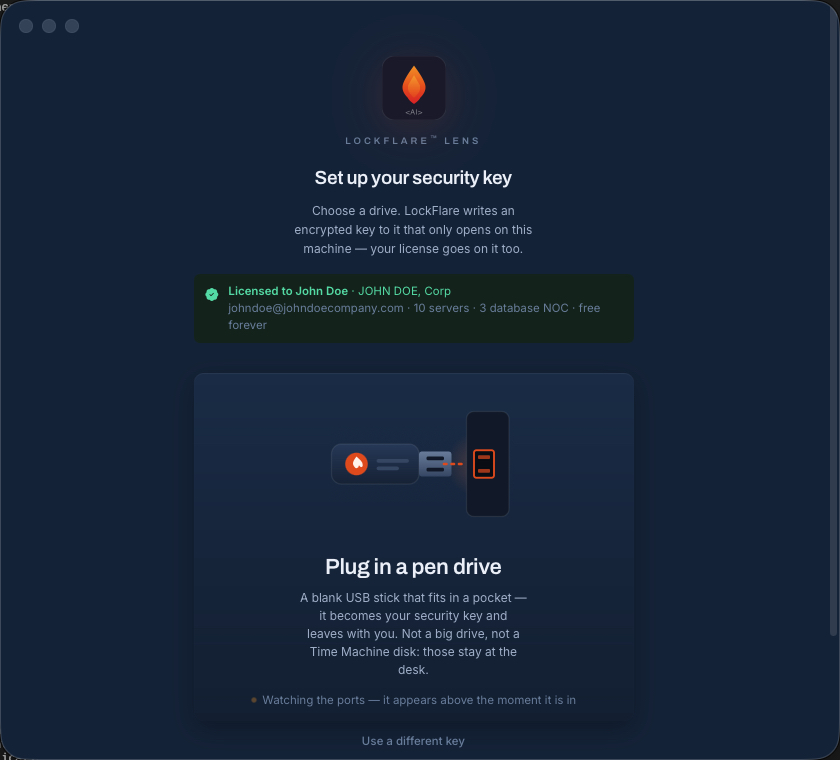
The door Two ways in and neither is a password: plug in a key you already have, or start a new account and write one to a blank pen drive.
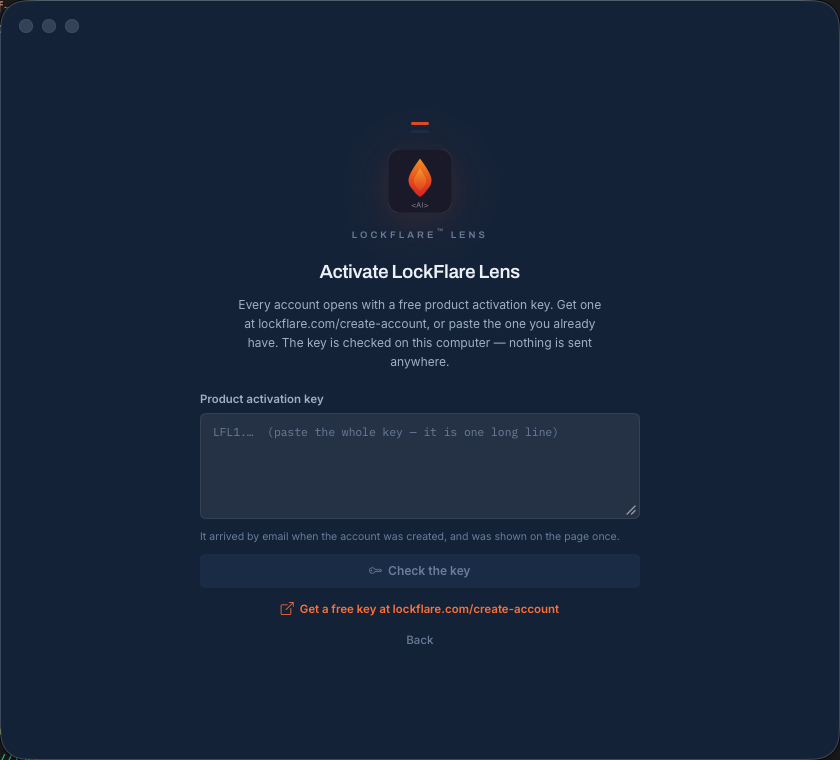
Activate Lens Paste the product activation key, or follow the link to get one free. The key is checked on your own computer against LockFlare's signature — nothing is sent anywhere.
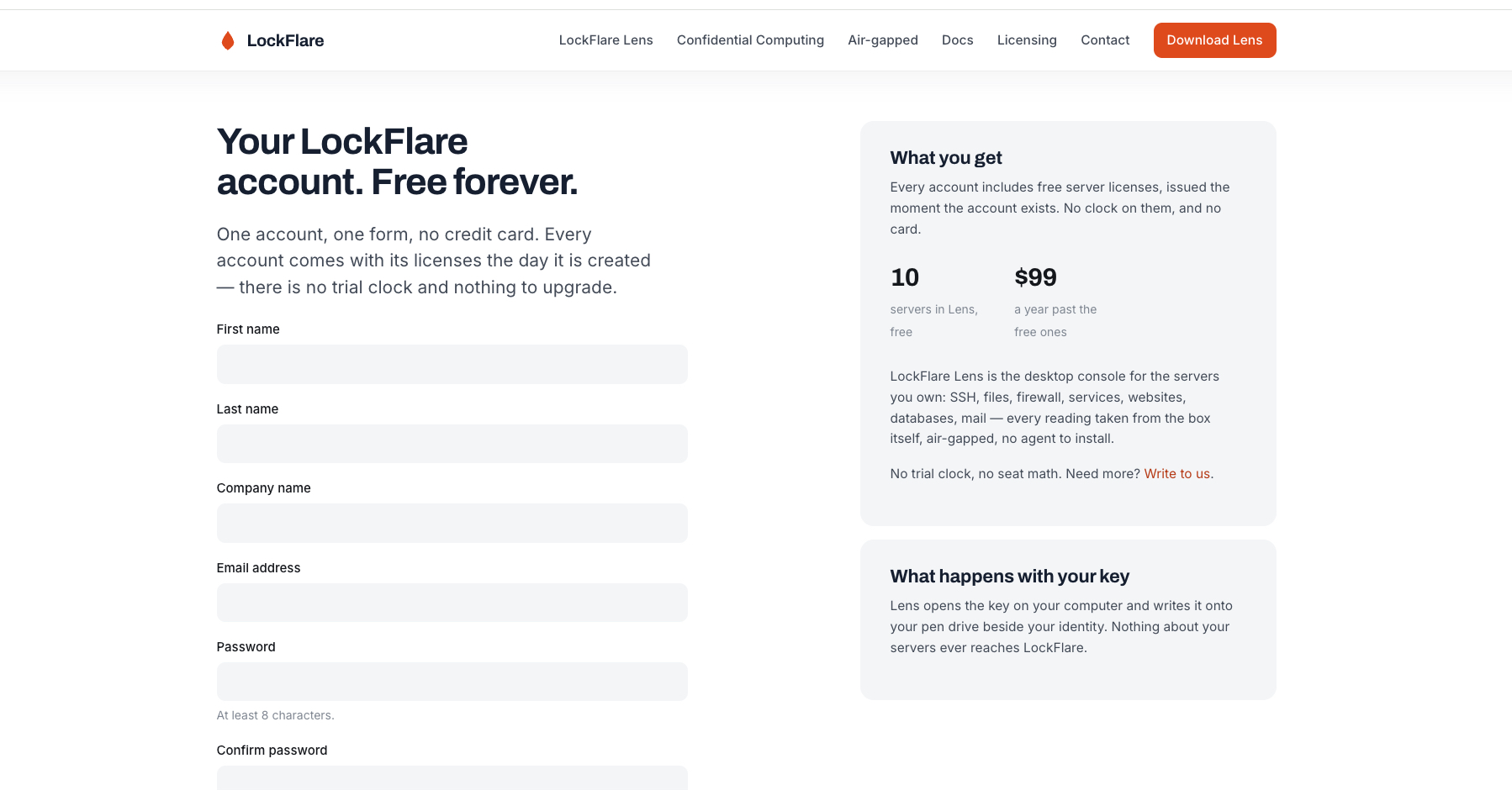
One form, no card The account form on lockflare.com: ten Lens-managed servers free forever, unlimited terminals, unlimited seats.
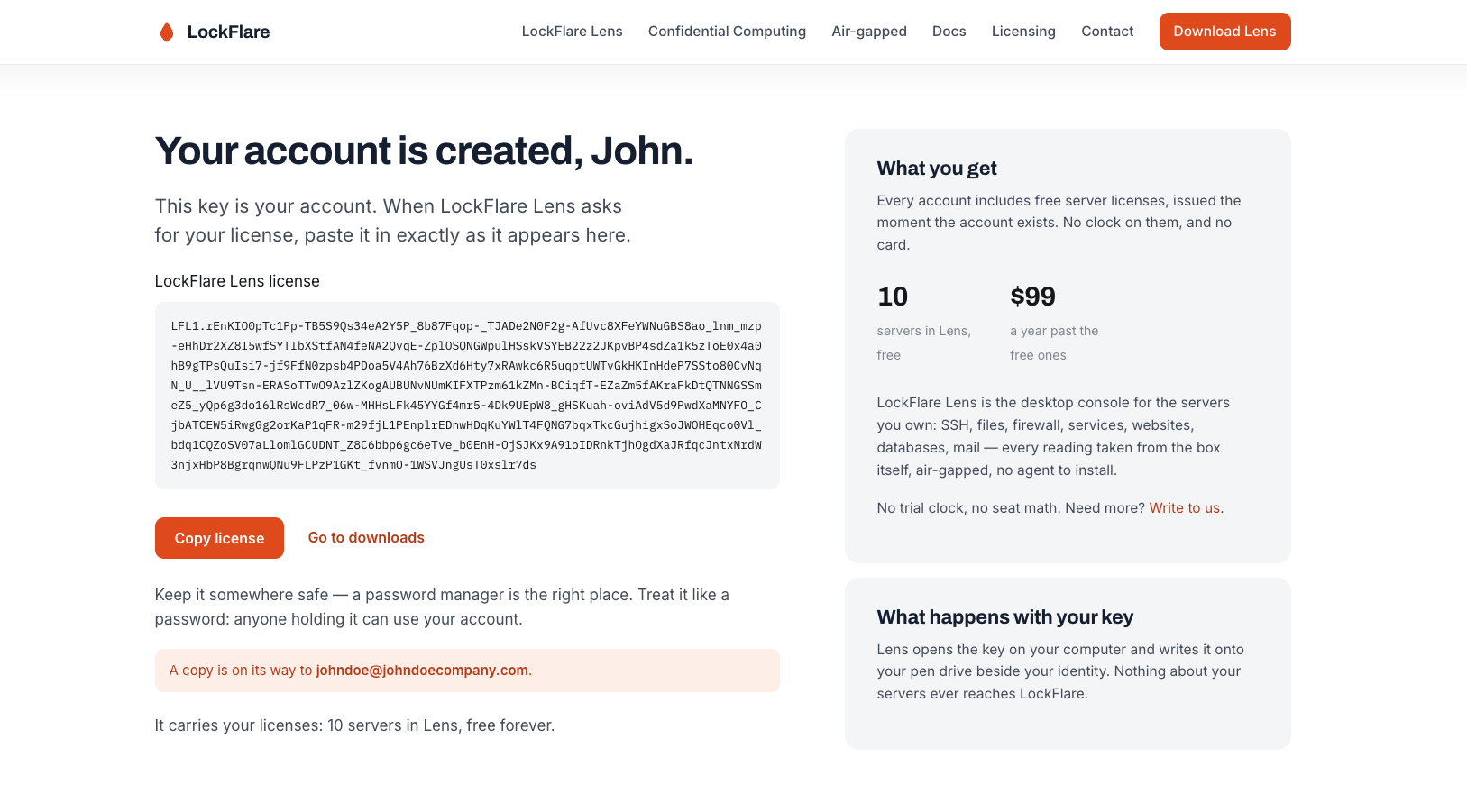
The key, once on the page and once by email The activation key that is your account, shown here and mailed to you as well.
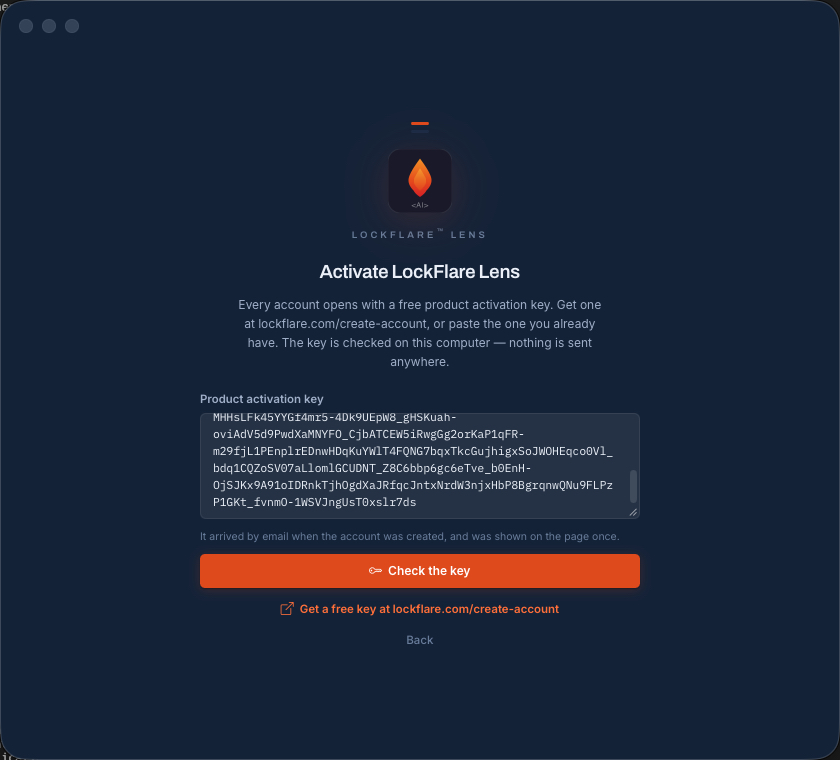
Pasted and checked Lens opens the key with the public half it ships with and verifies the signature locally, which is why it works with the network unplugged.
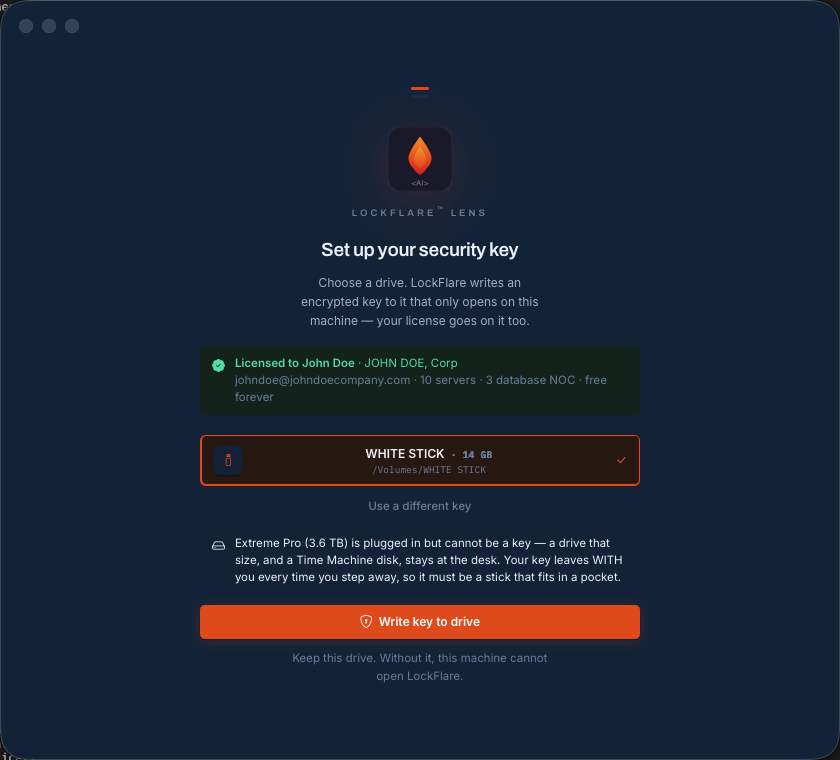
Plug in a pen drive A blank stick small enough to keep in a pocket — over 128 GB is refused, and so is a Time Machine disk. The account it will carry is named above it.
The key written to the drive An encrypted key whose private half only decrypts under this computer's own fingerprint, with your licence beside it.
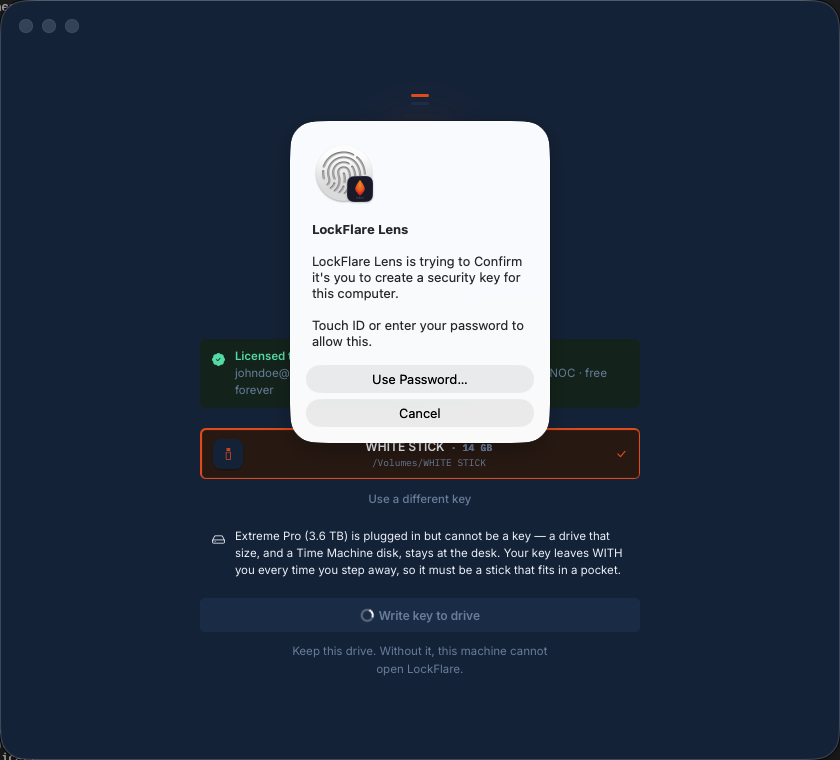
Touch ID, once Key first, biometric second. No password was created, because there isn't one.
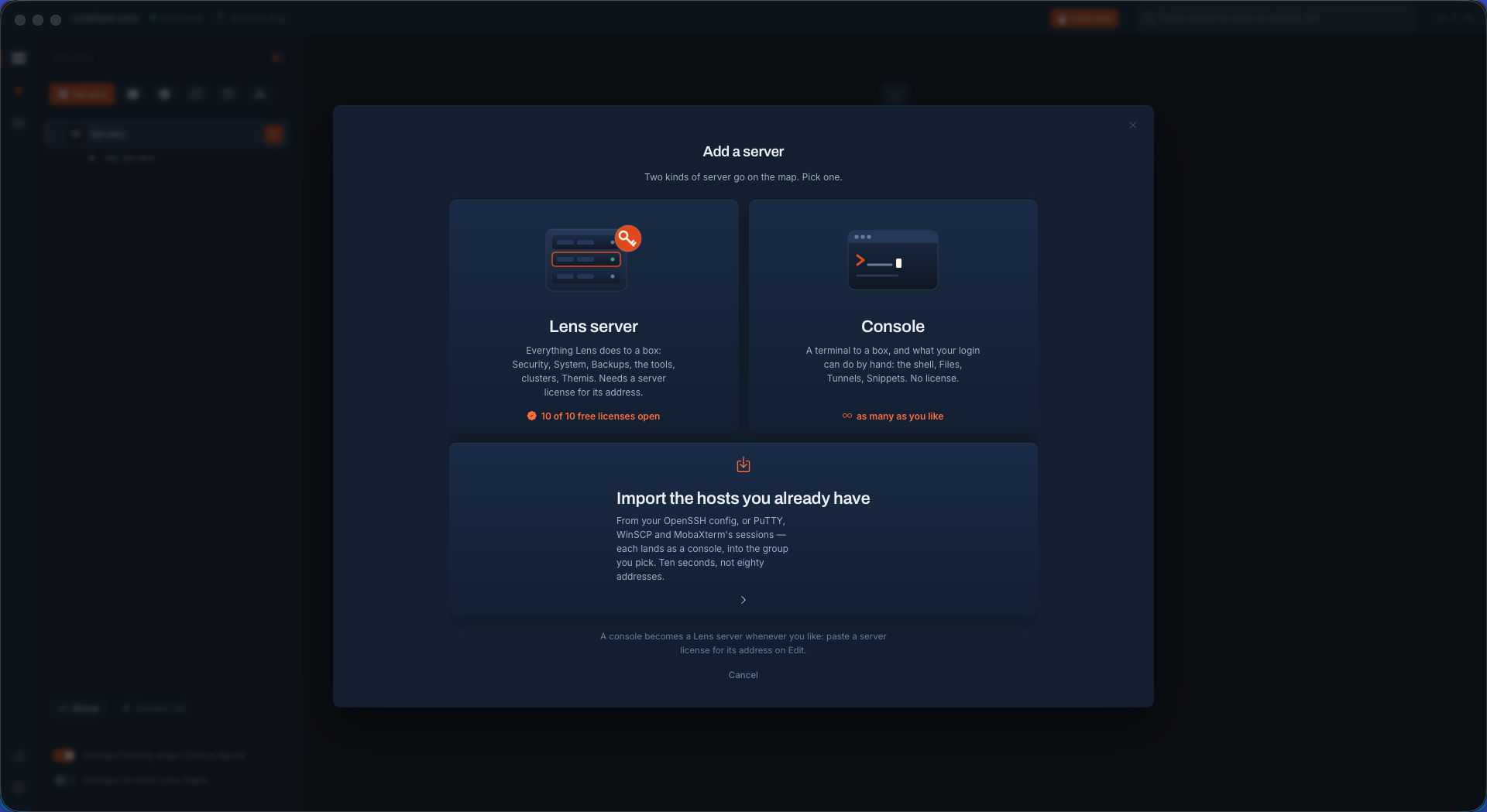
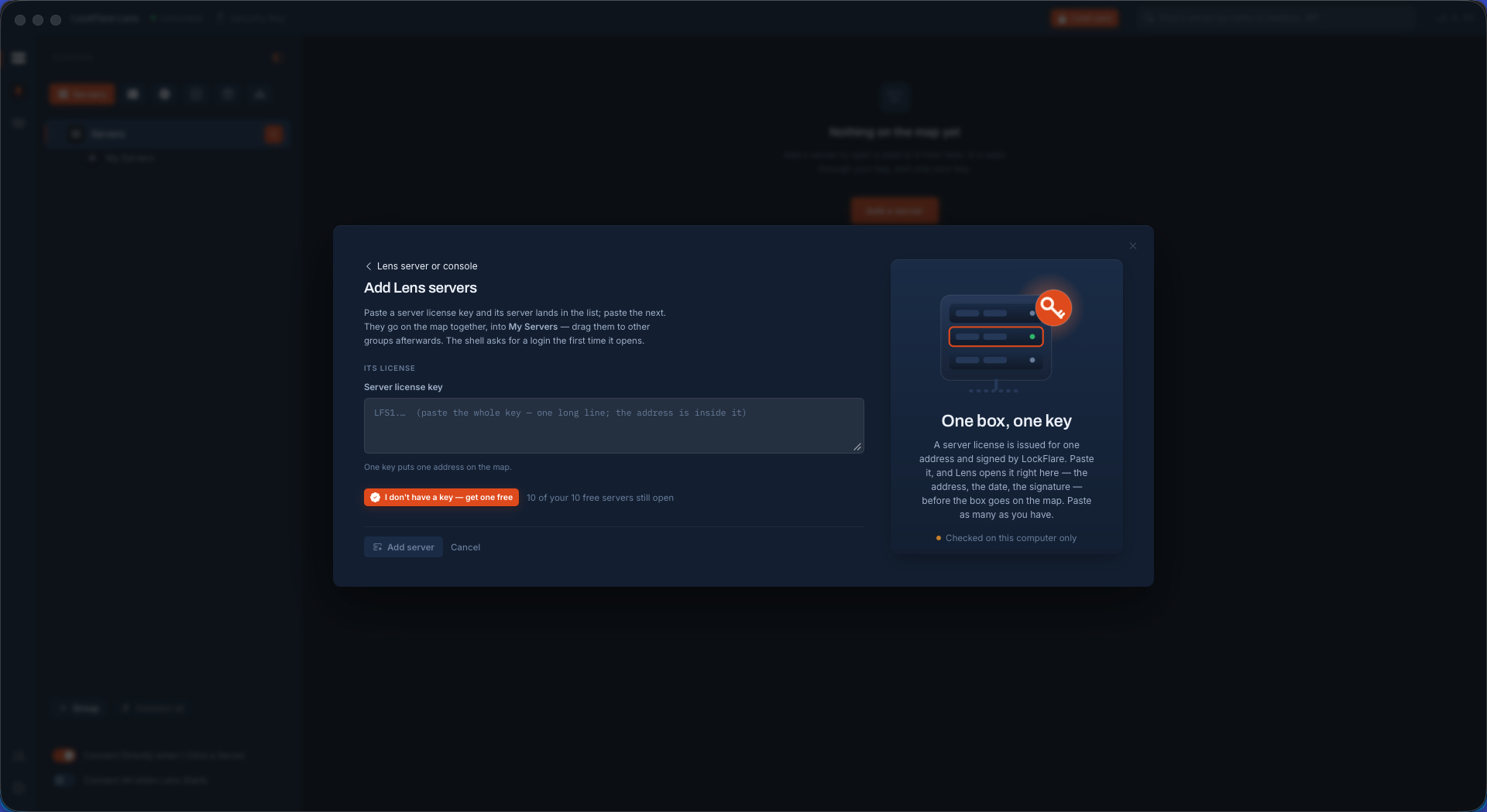
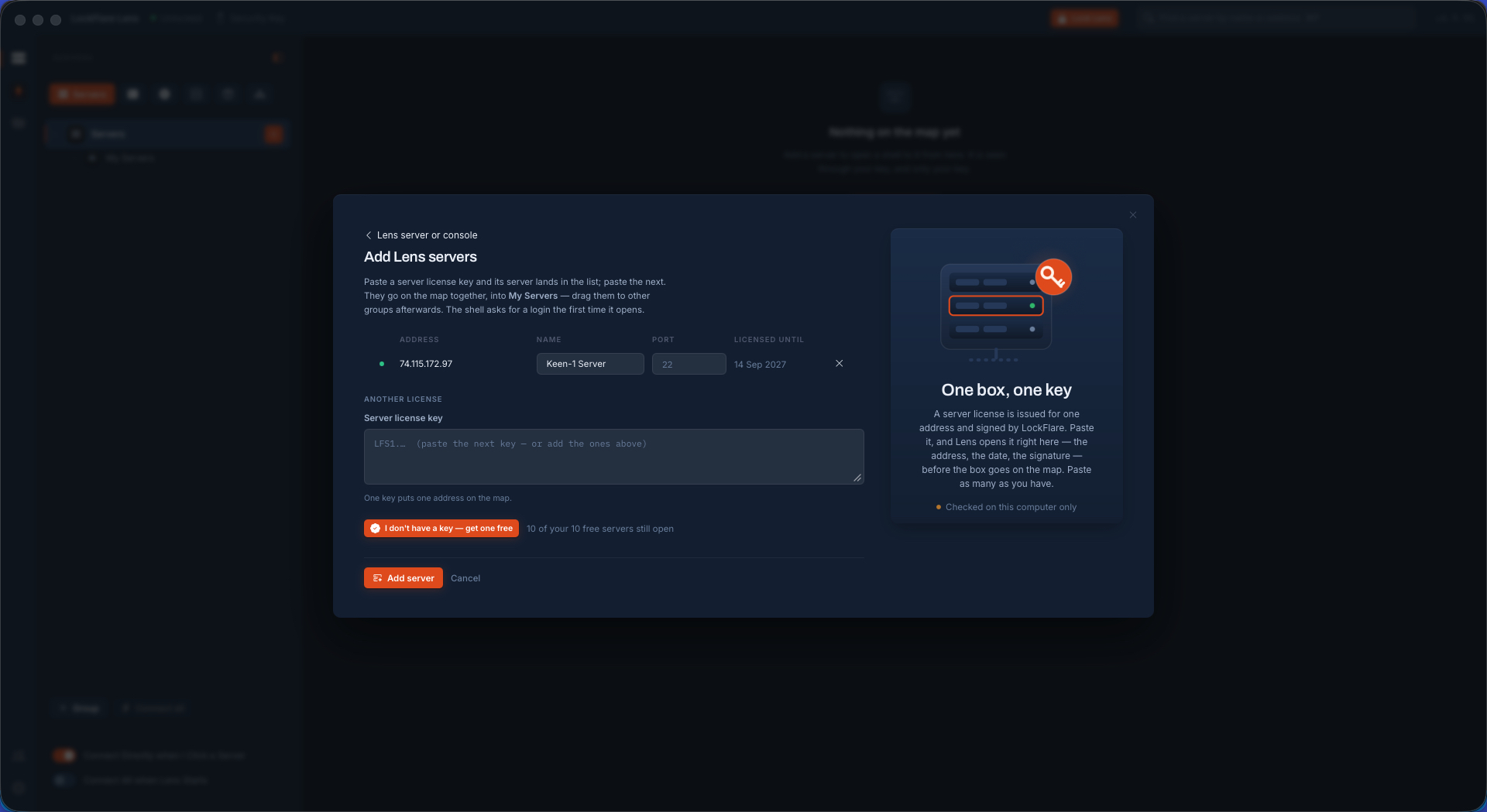
Two kinds of server A console is a terminal to a box and needs no licence at all. A Lens-managed server gets everything Lens does as root, and needs a licence for its address.
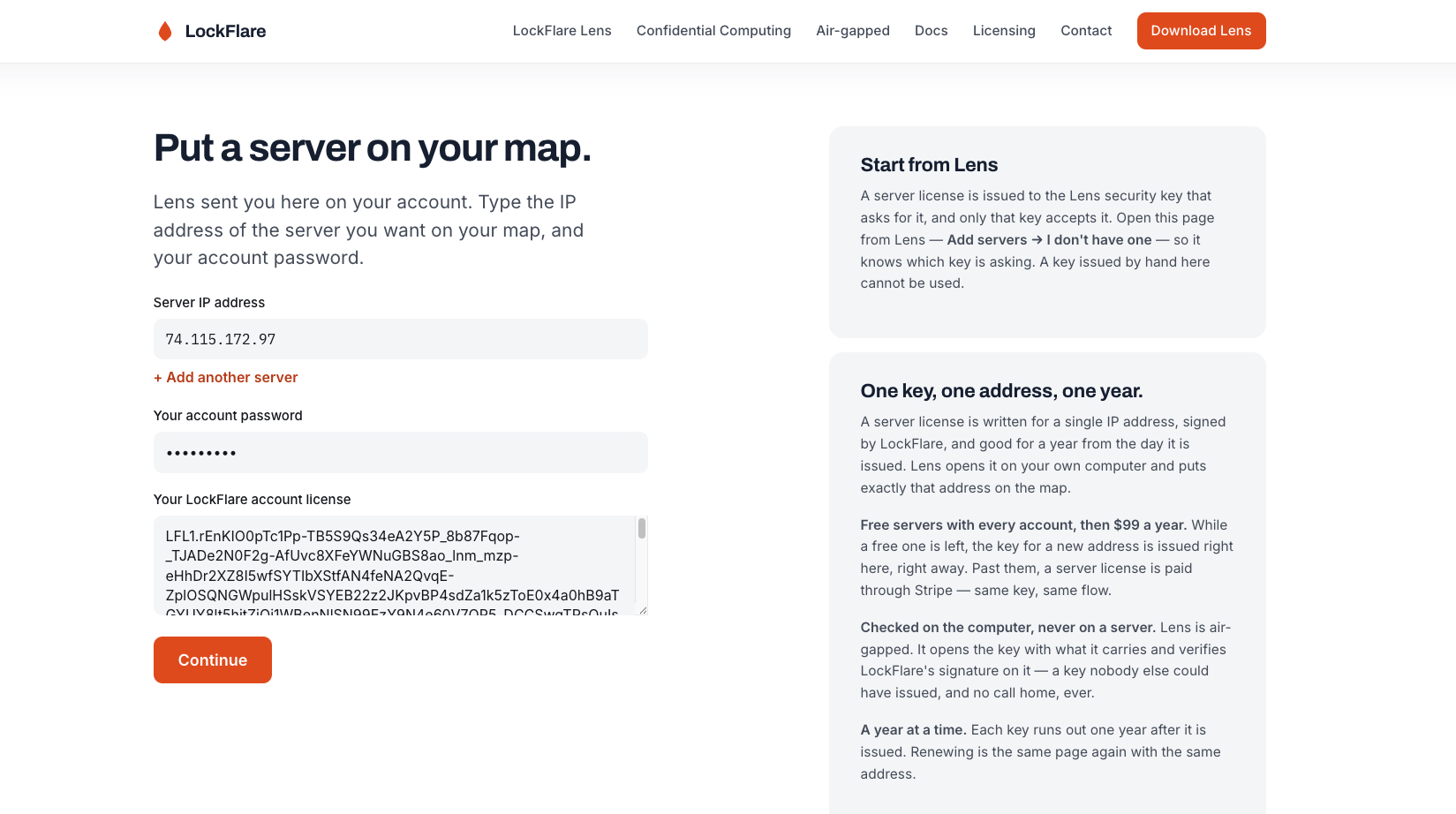
No licence yet The button opens the licence page in your browser with the account filled in, so the page knows which key is asking.
The address and your password The only things the licence needs. Nothing about what the server is, runs or is called.
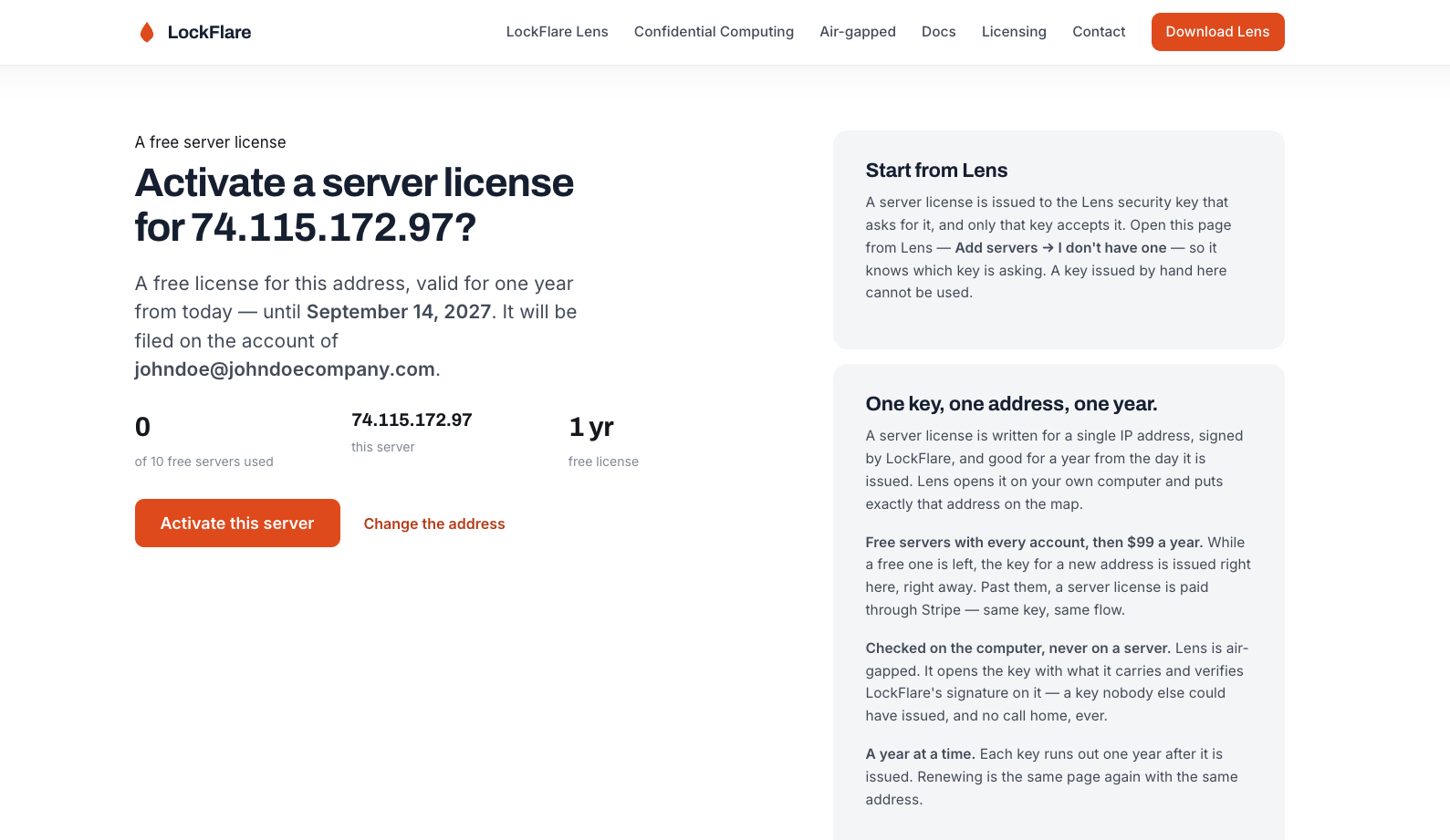
Confirmed One of the ten free servers, licensed for a year, issued on the spot with no card.
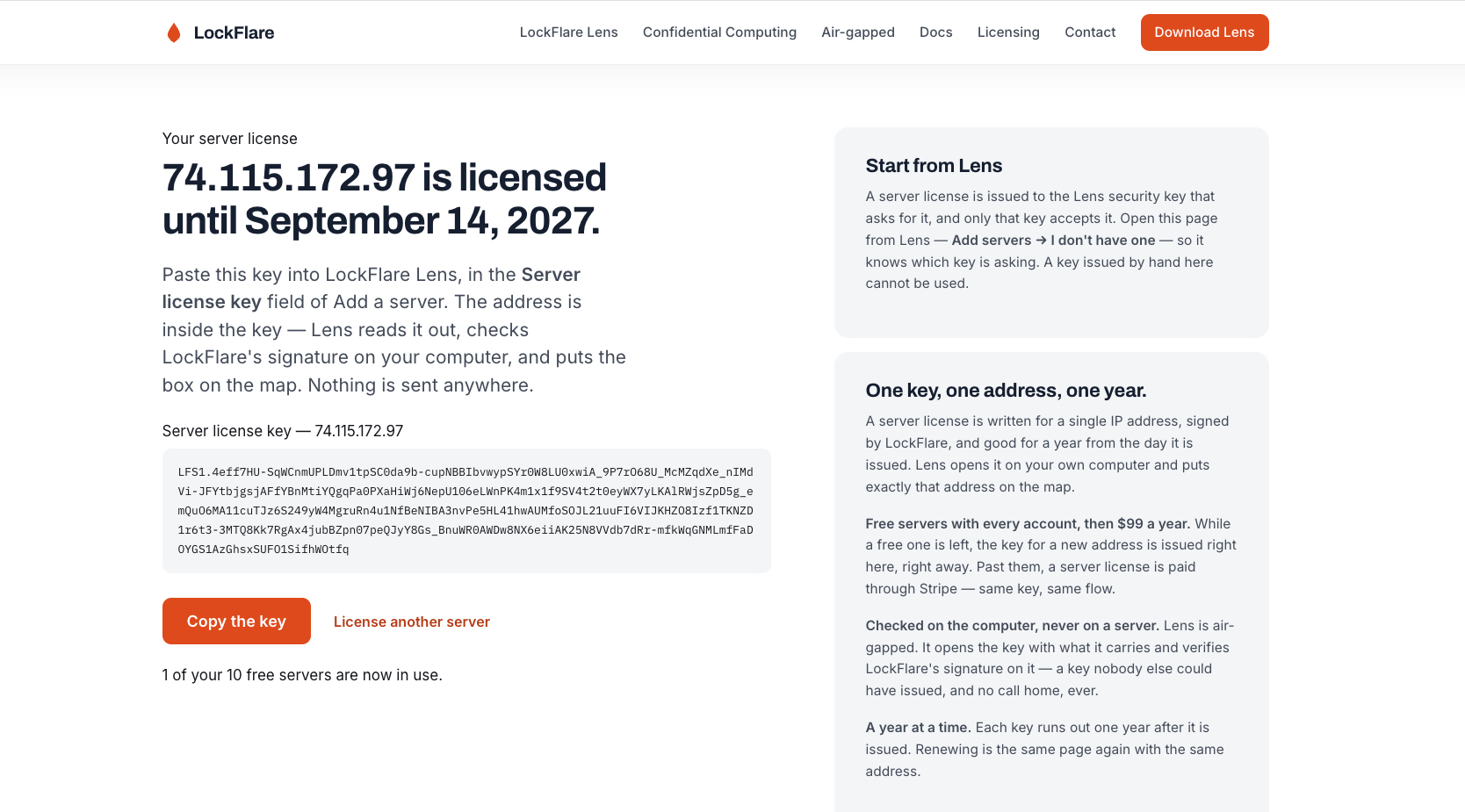
The server licence key Signed by LockFlare with the address inside it.
Pasted back into Lens The address comes out of the key itself — you never type it twice.
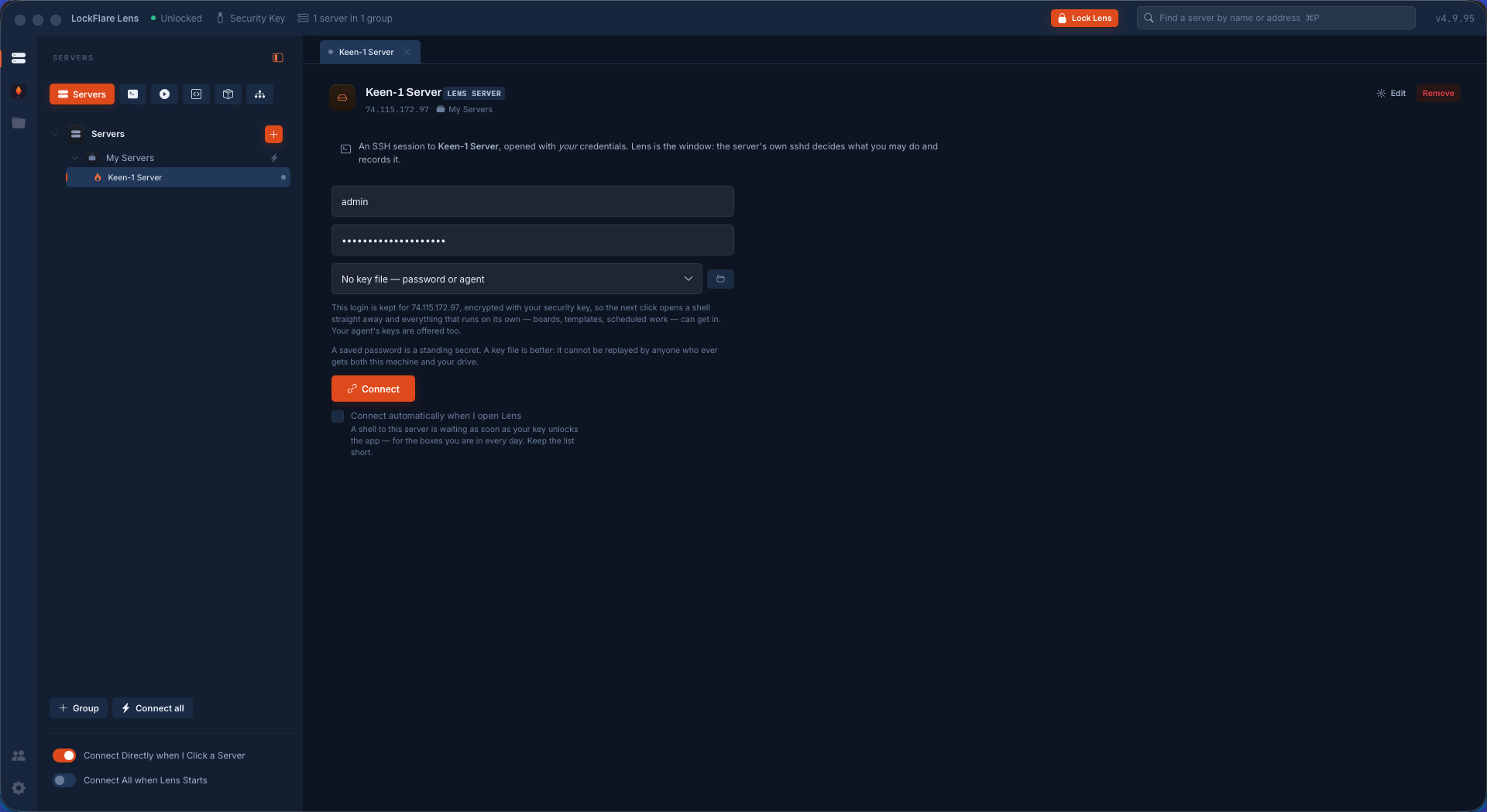
On the map Click it and give it the SSH login you already use.
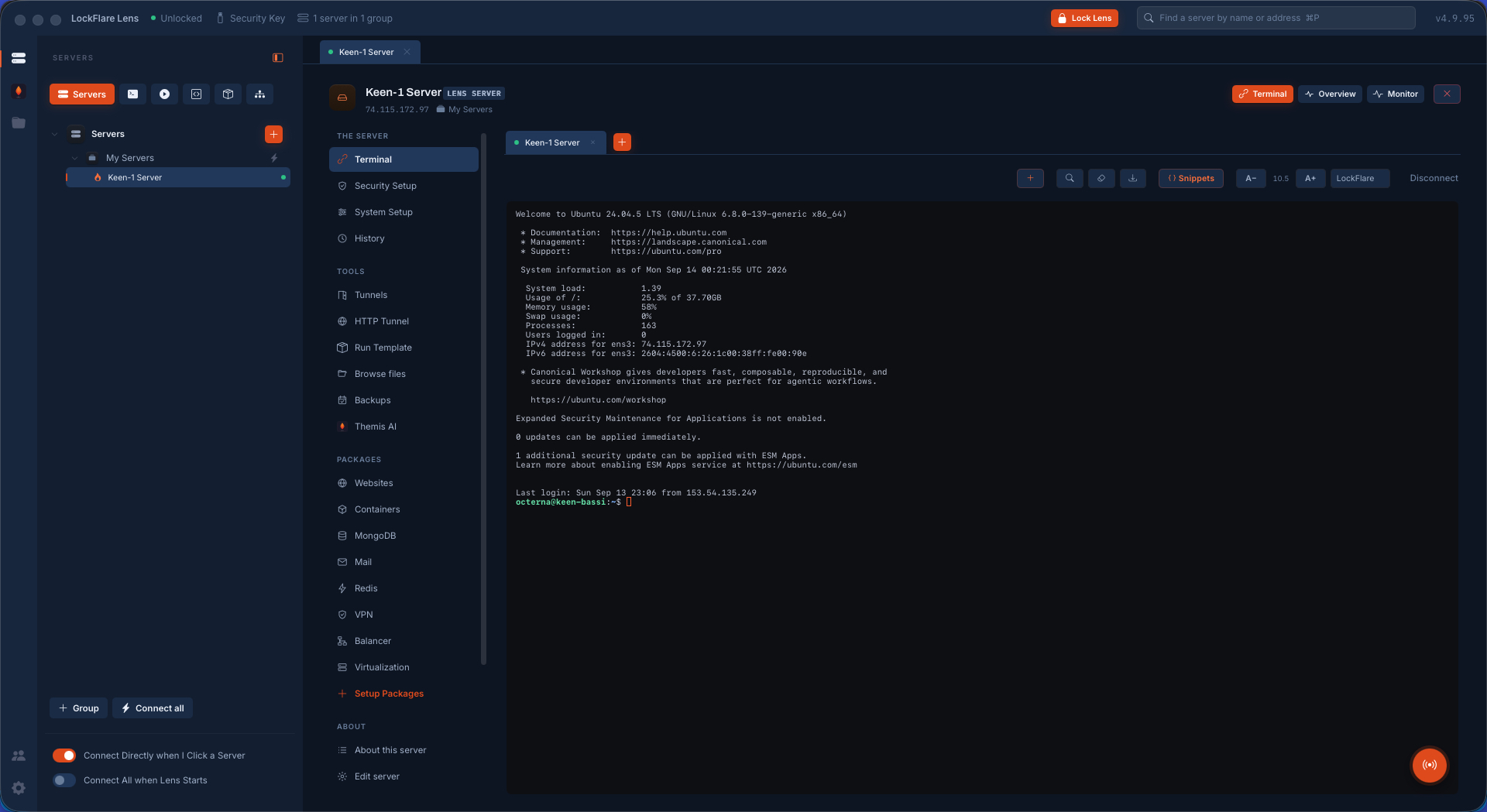
In A shell on the box, with Security Setup, System Setup, the packages and Themis on the rail beside it.